Make and Model of Washing Machine Used in This Video
Hotpoint NSWM743UWUK (769991581901)
Hotpoint NSWM743UWUK (869991581900)
Hotpoint NSWM743UWUKN (769991637831)
Part Used in This Video
Hotpoint Washing Machine Ntc Sensor
1. Remove rear panel
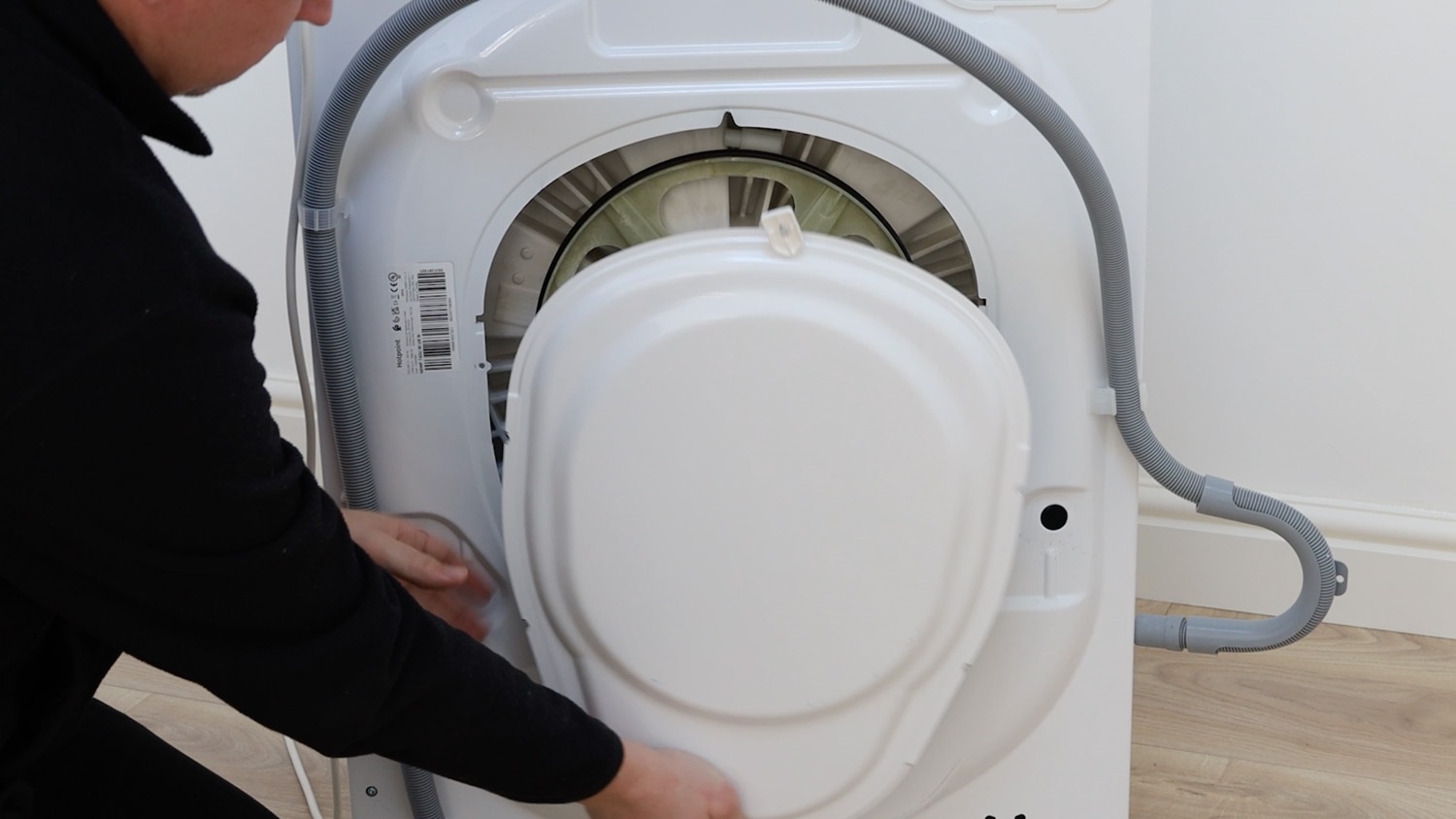
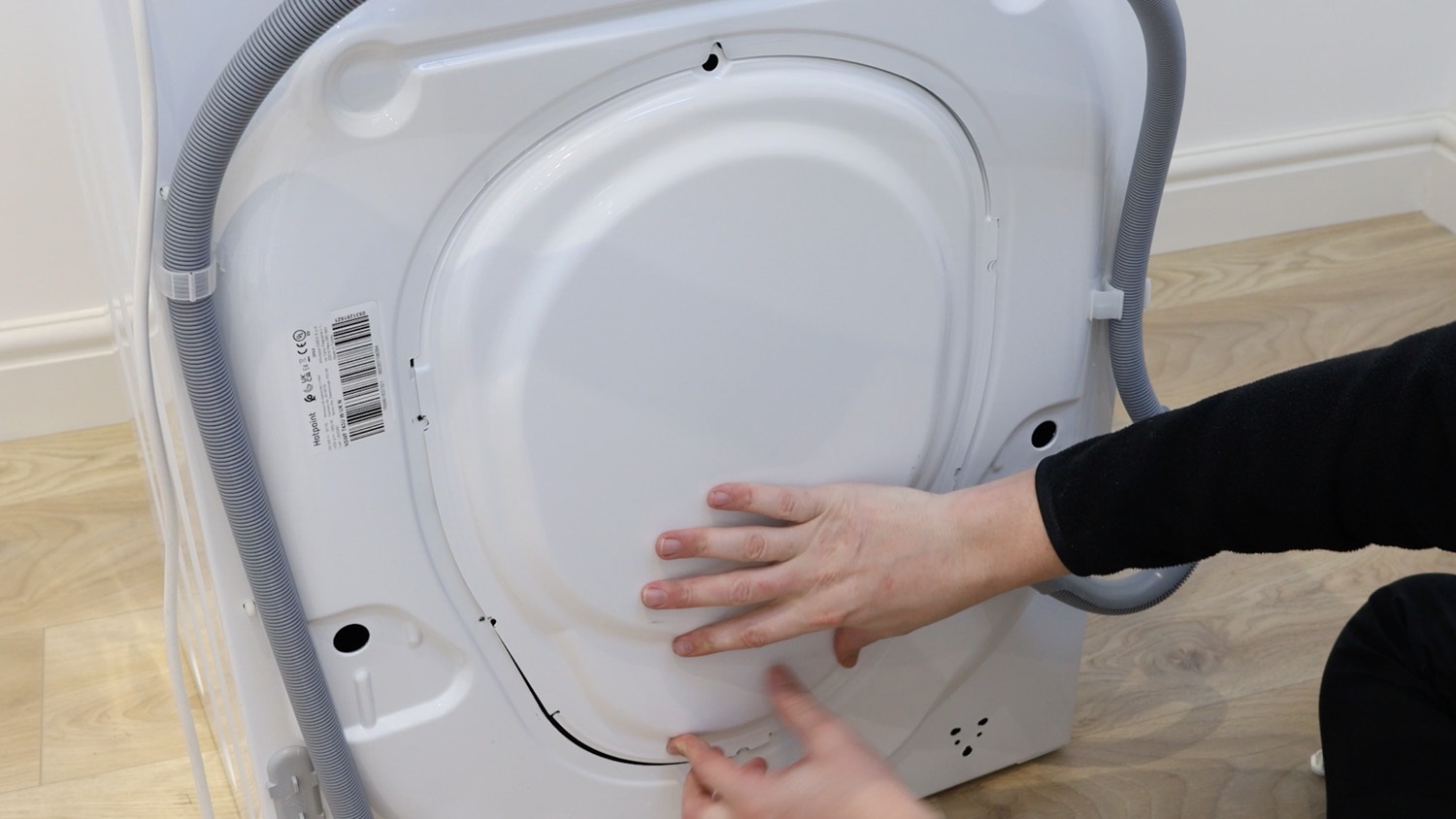
We need to gain access to the rear of the washing machine. Remove the screws holding the rear panel in place. On this Hotpoint model, there are six screws to remove.
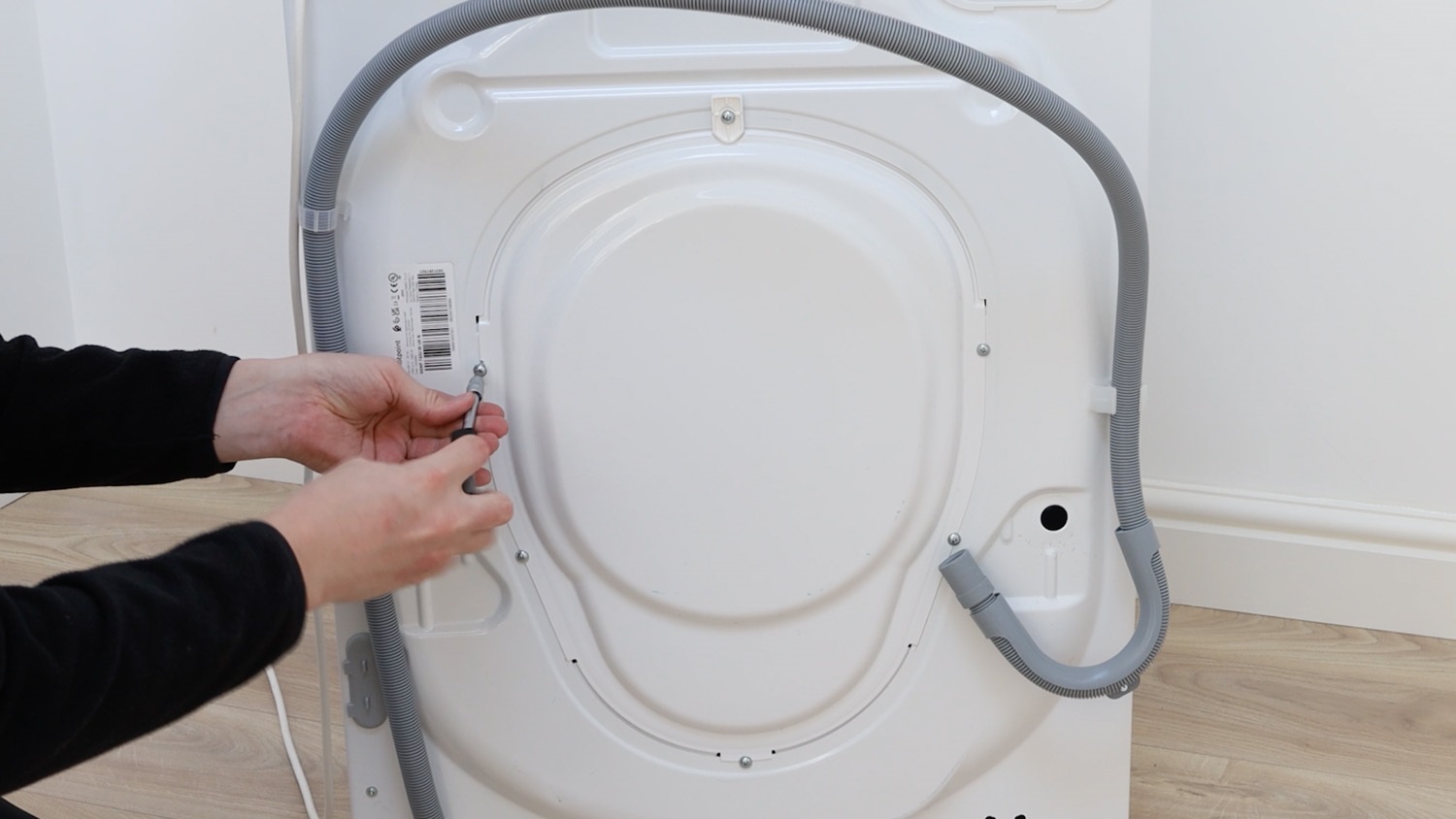
The rear panel can then be removed and placed to one side.
2. Remove heating element
On this Hotpoint model, the Ntc sensor is attached here to the element.
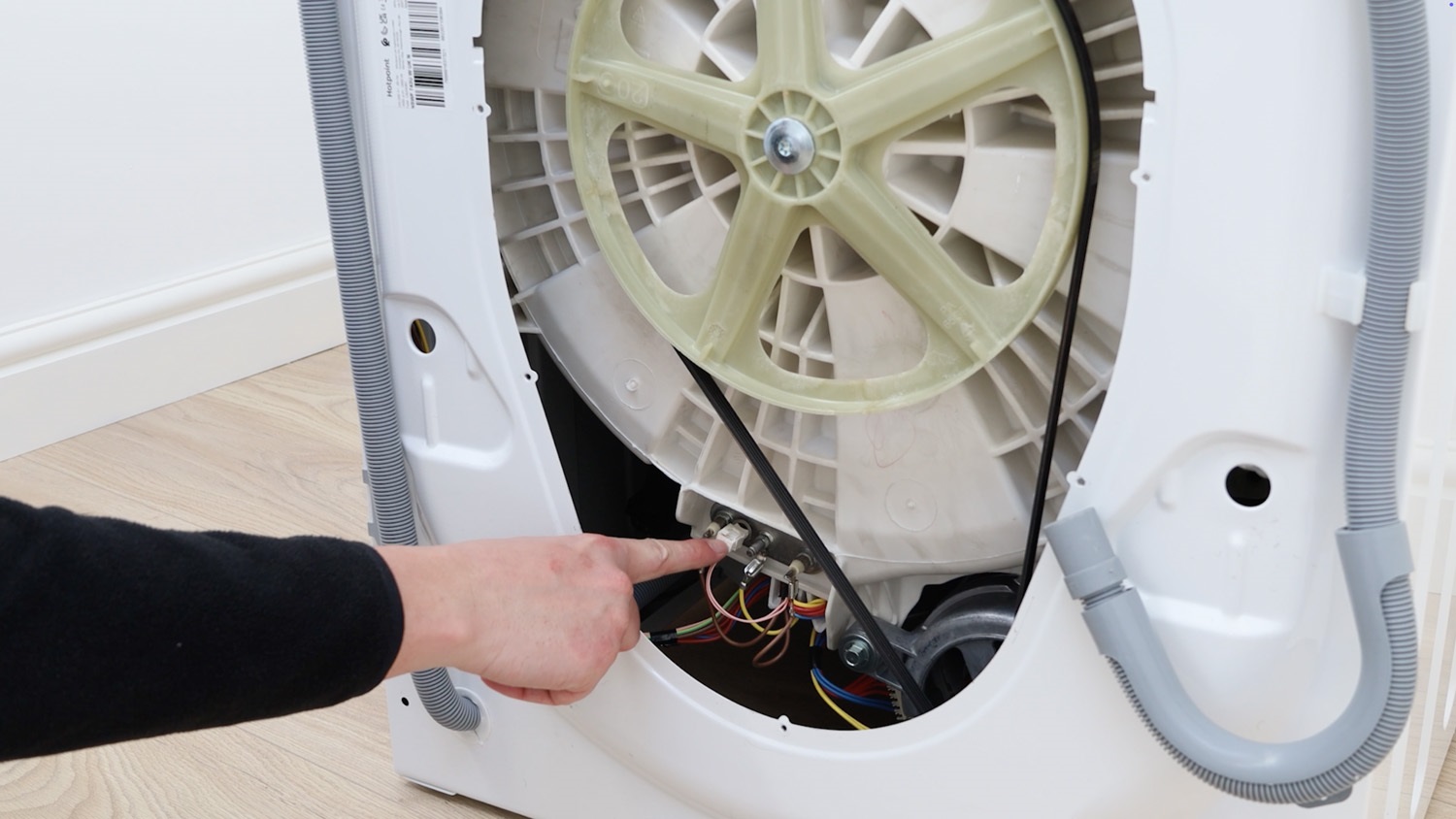
Firstly, unclip the electrical connector.
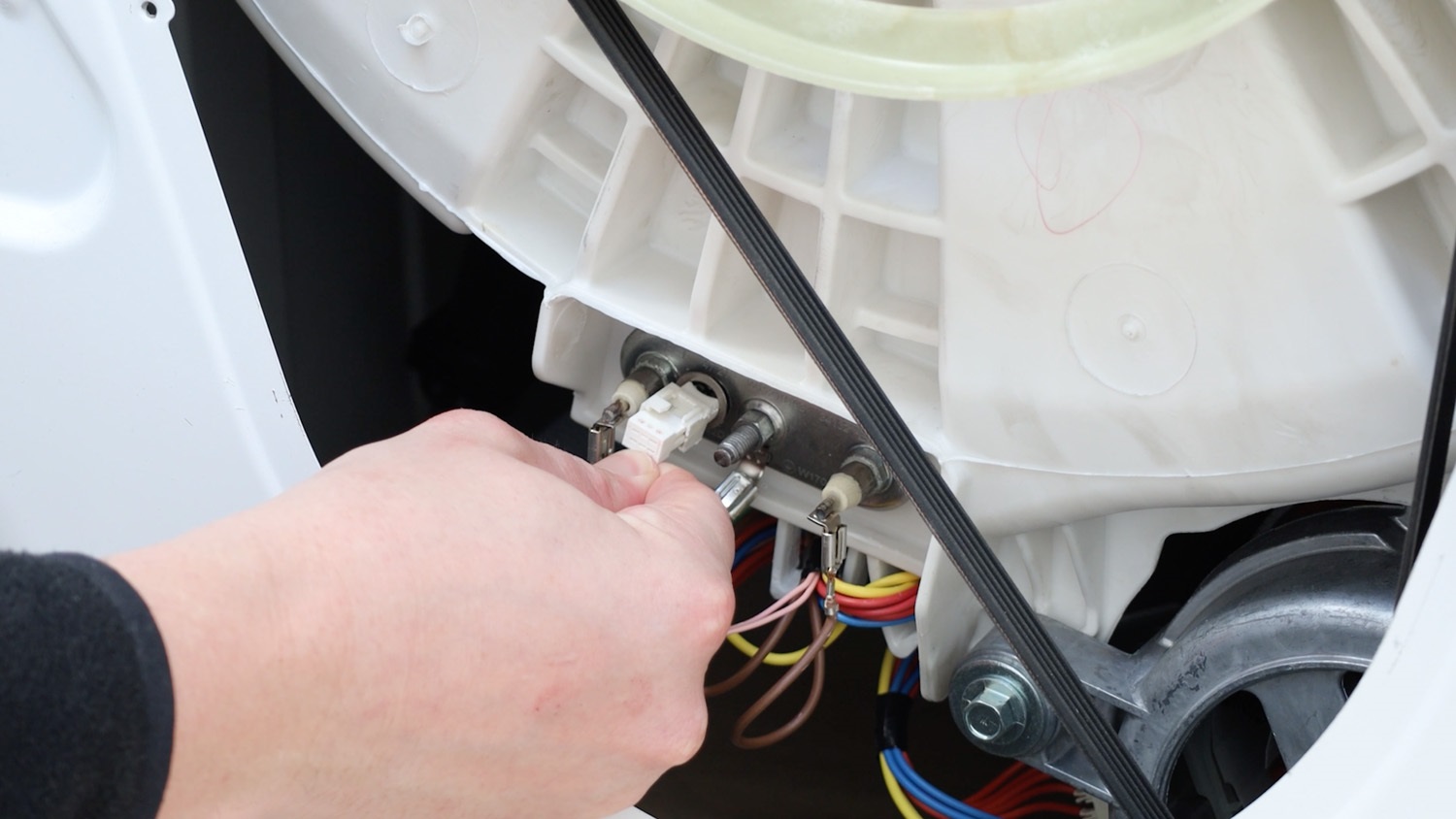
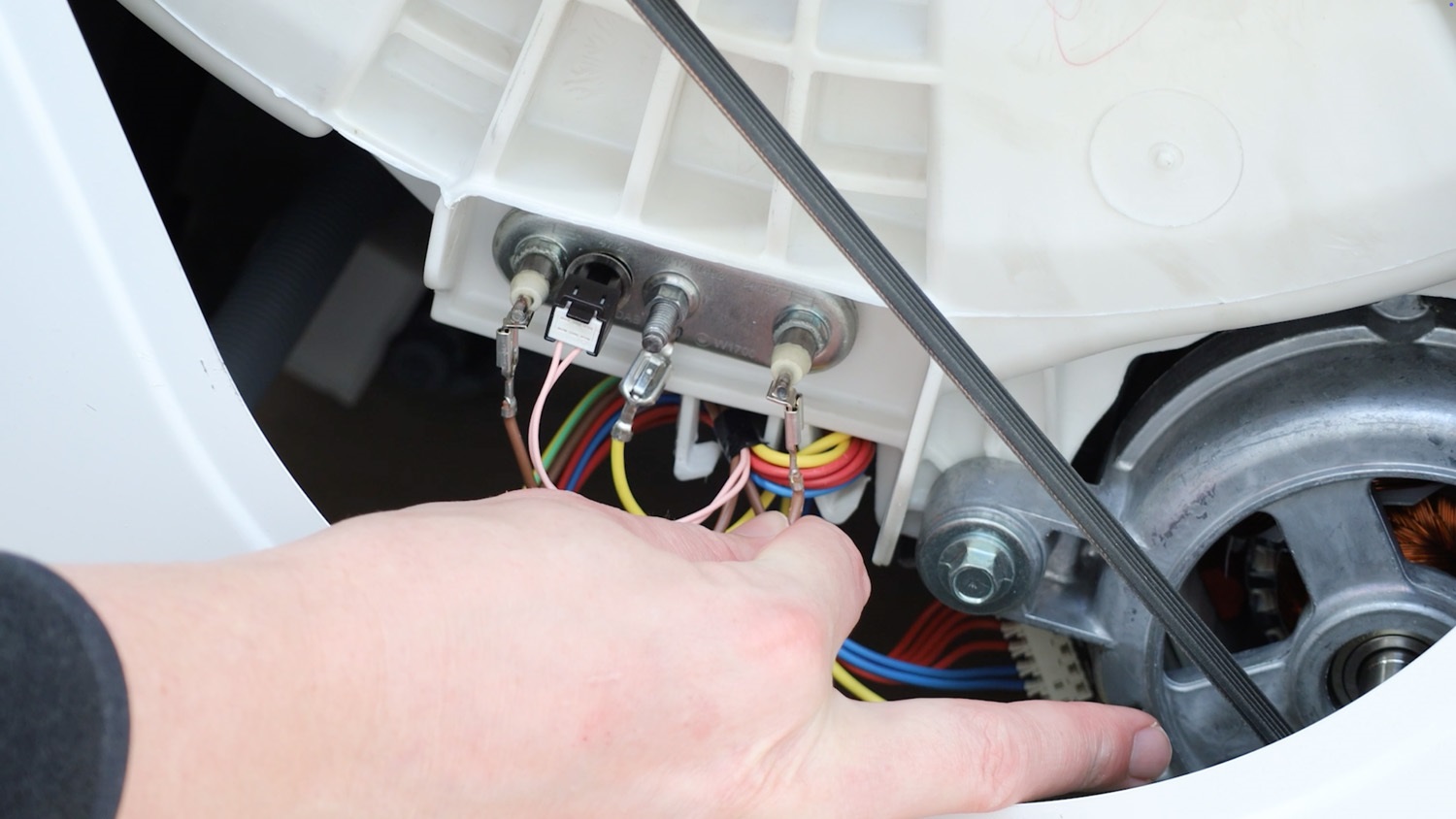
The element needs to be removed to easily slide the old Ntc sensor out. Start by unscrewing the 8mm nut, but not all the way.
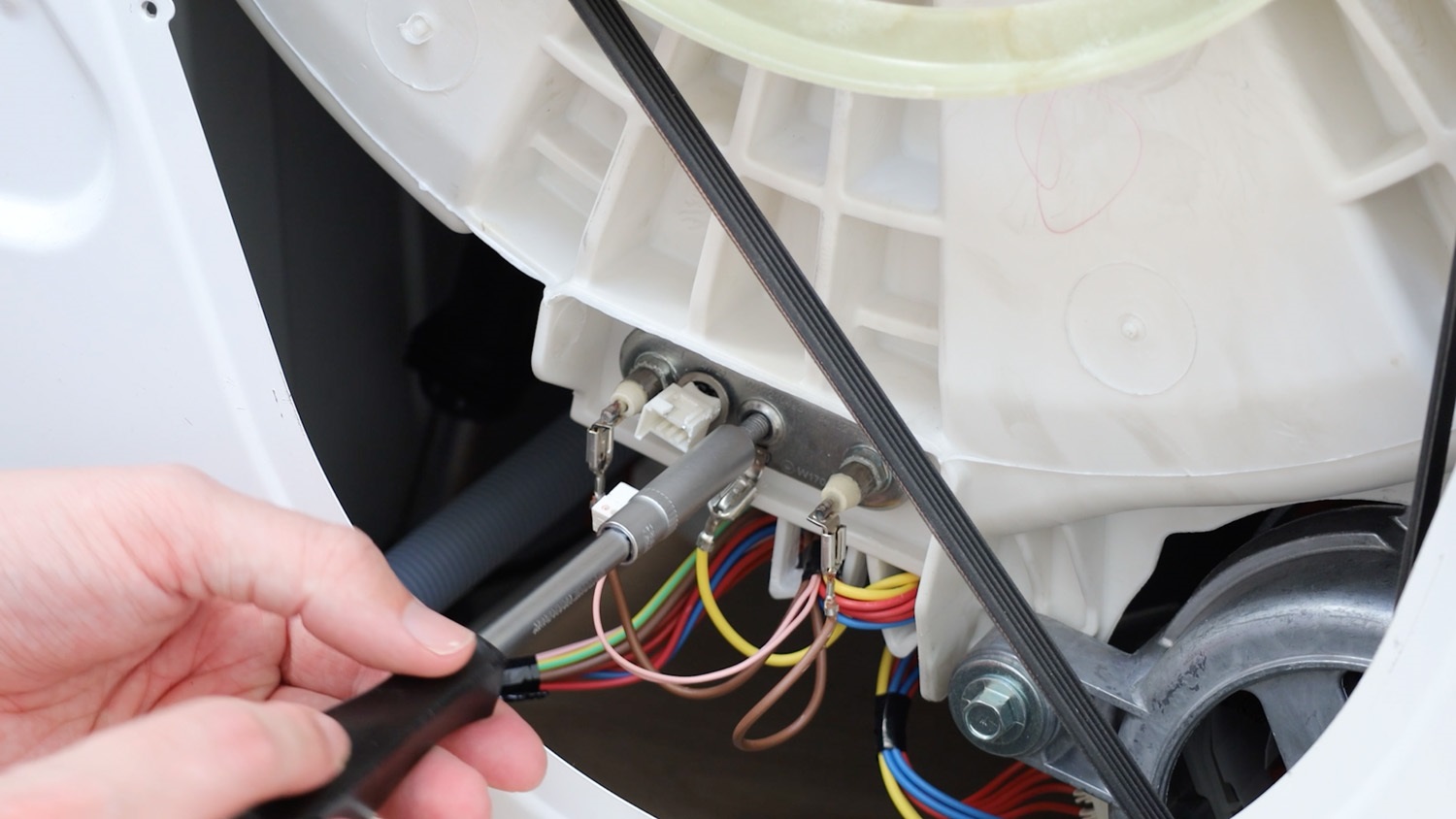
Take it to the end of the thread.
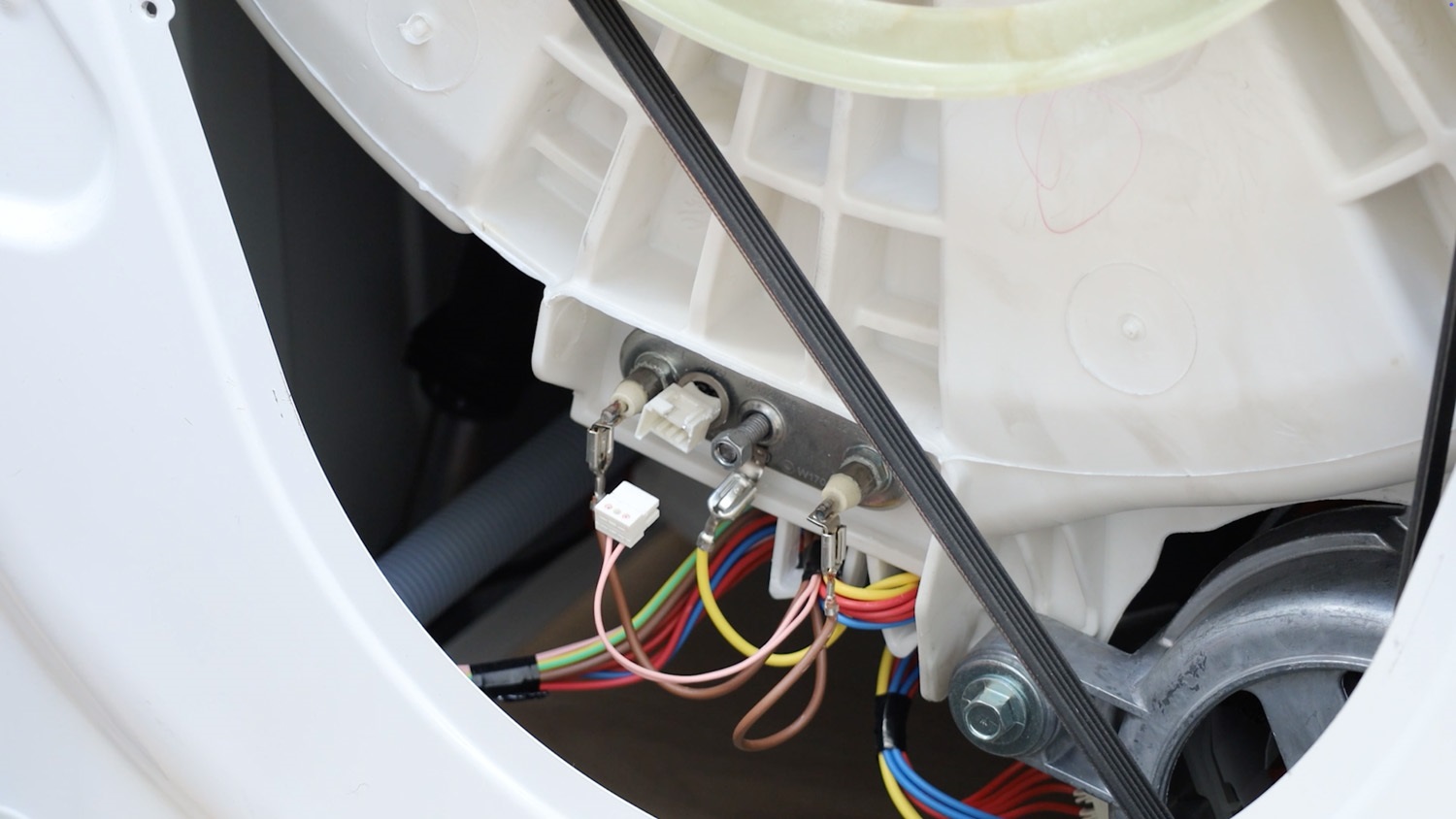
Then, give the bolt a sharp knock. This takes the pressure off the seal and allows us to easily remove the element.
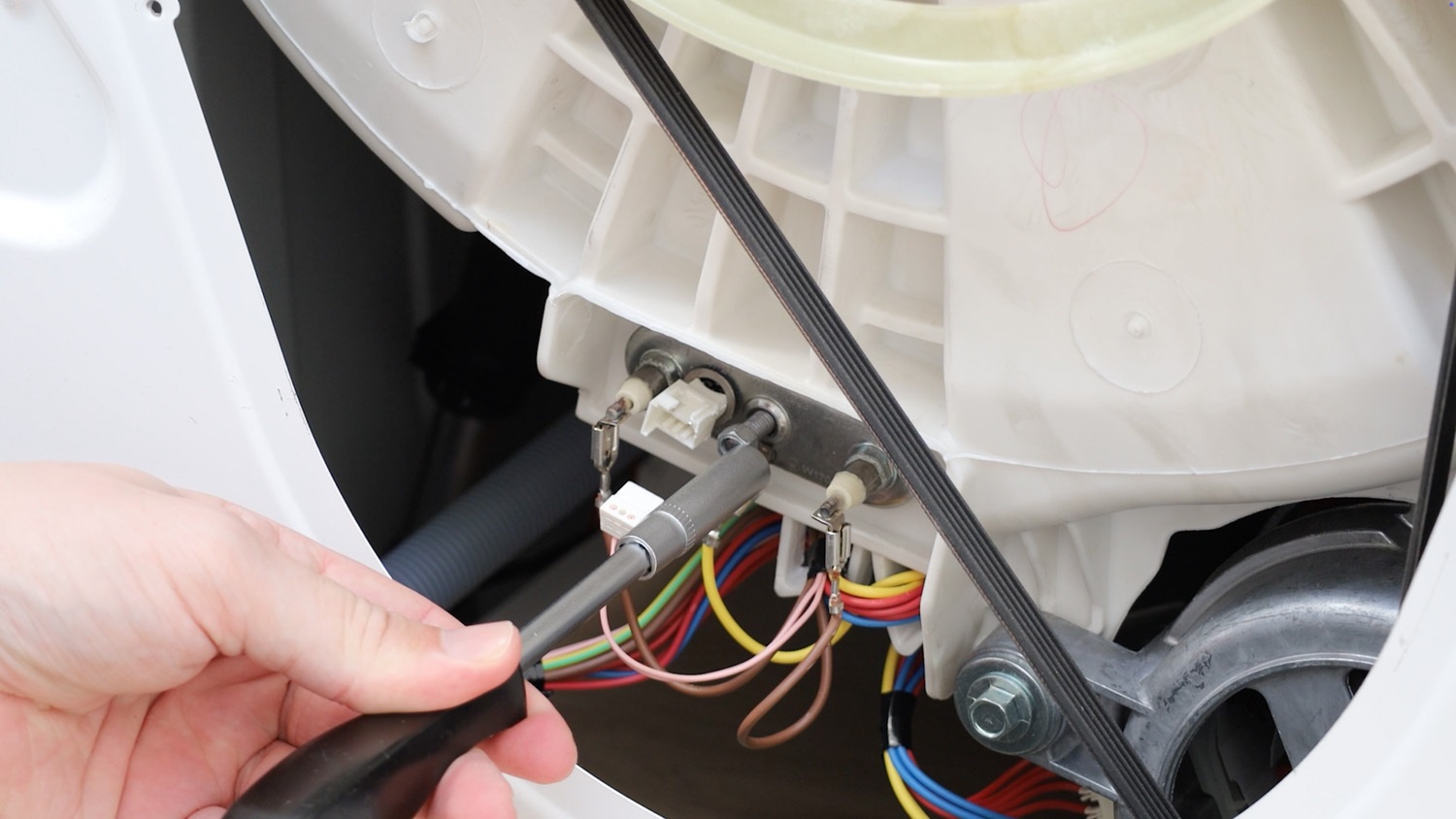
The bolt should then be pushed in like the below.
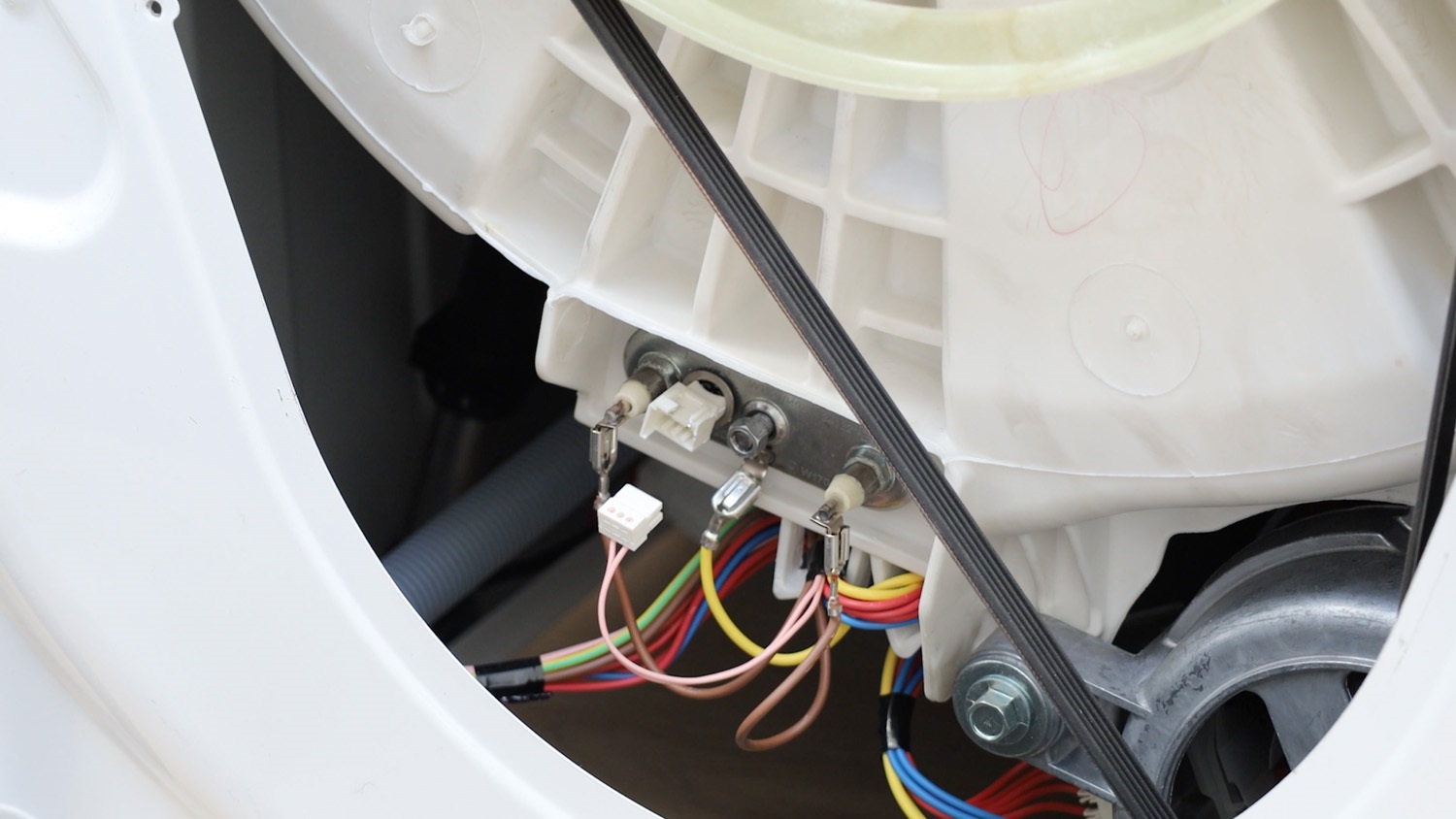
With the element loose, slide it halfway out of the washing machine drum. If it’s tight, use a flathead screwdriver to pry it out.
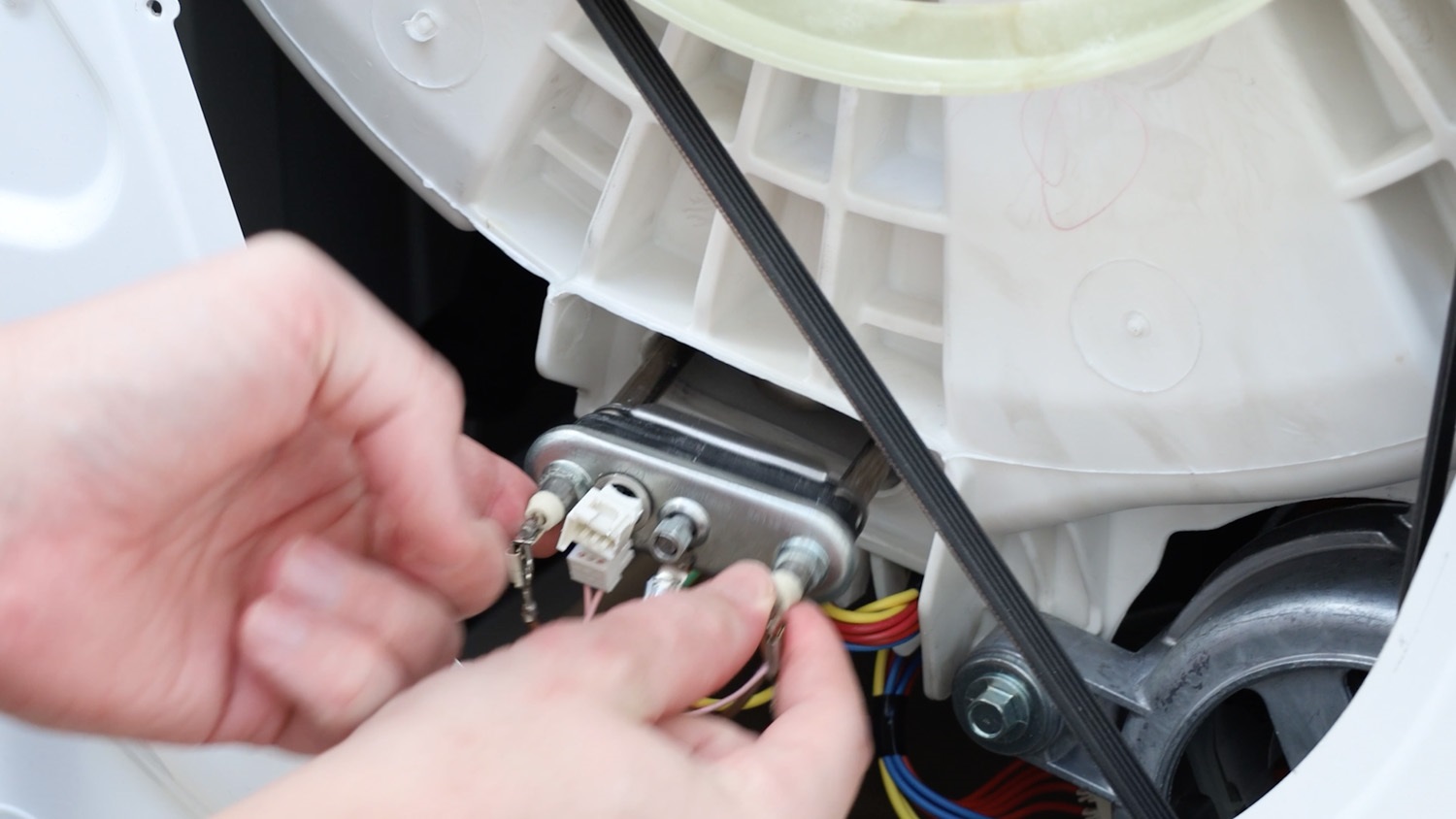
3. Remove old Ntc sensor
The old Ntc sensor can then be removed from the element.
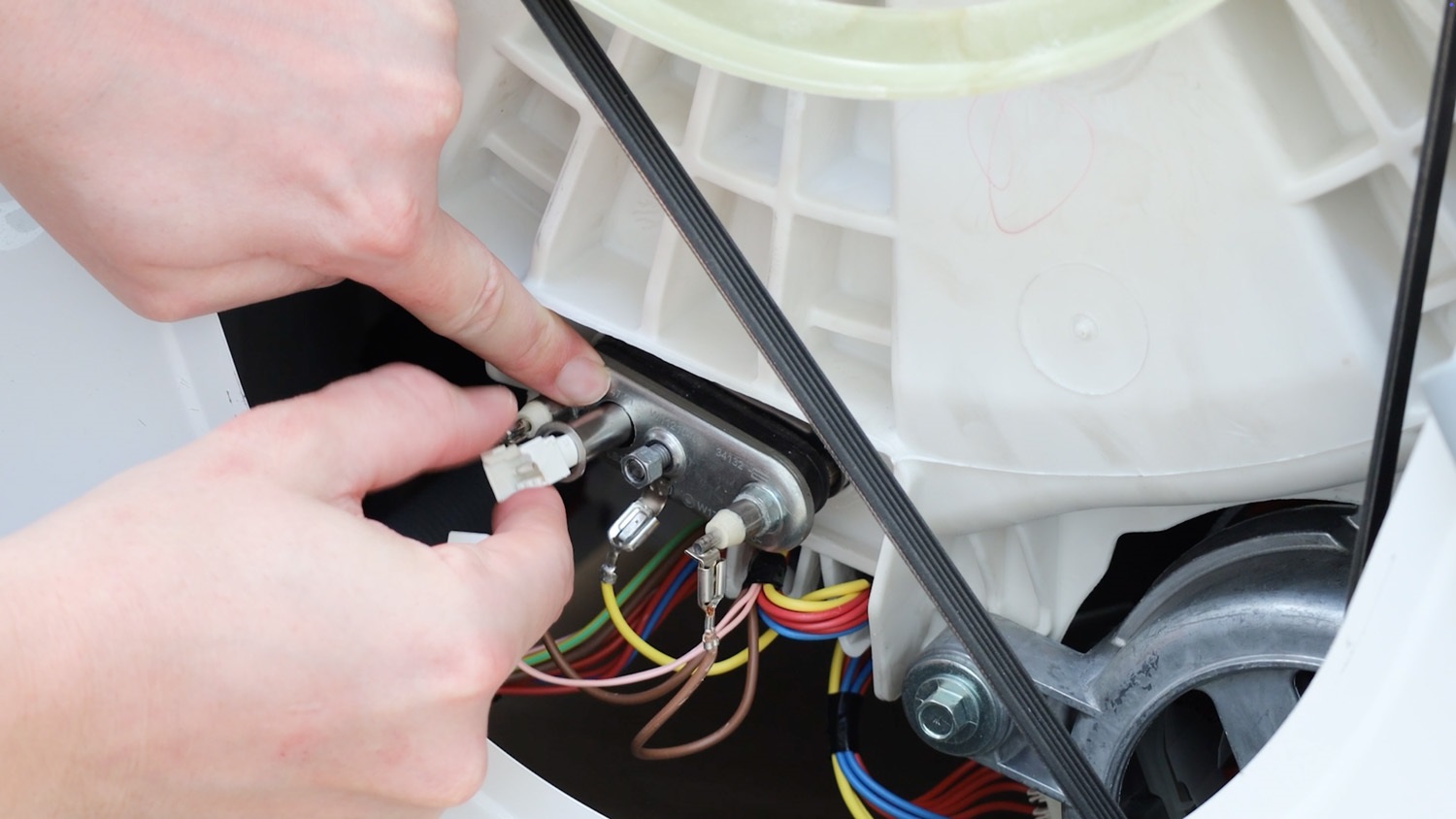
4. Install new Ntc sensor
With your new Ntc sensor, slide it into the element.
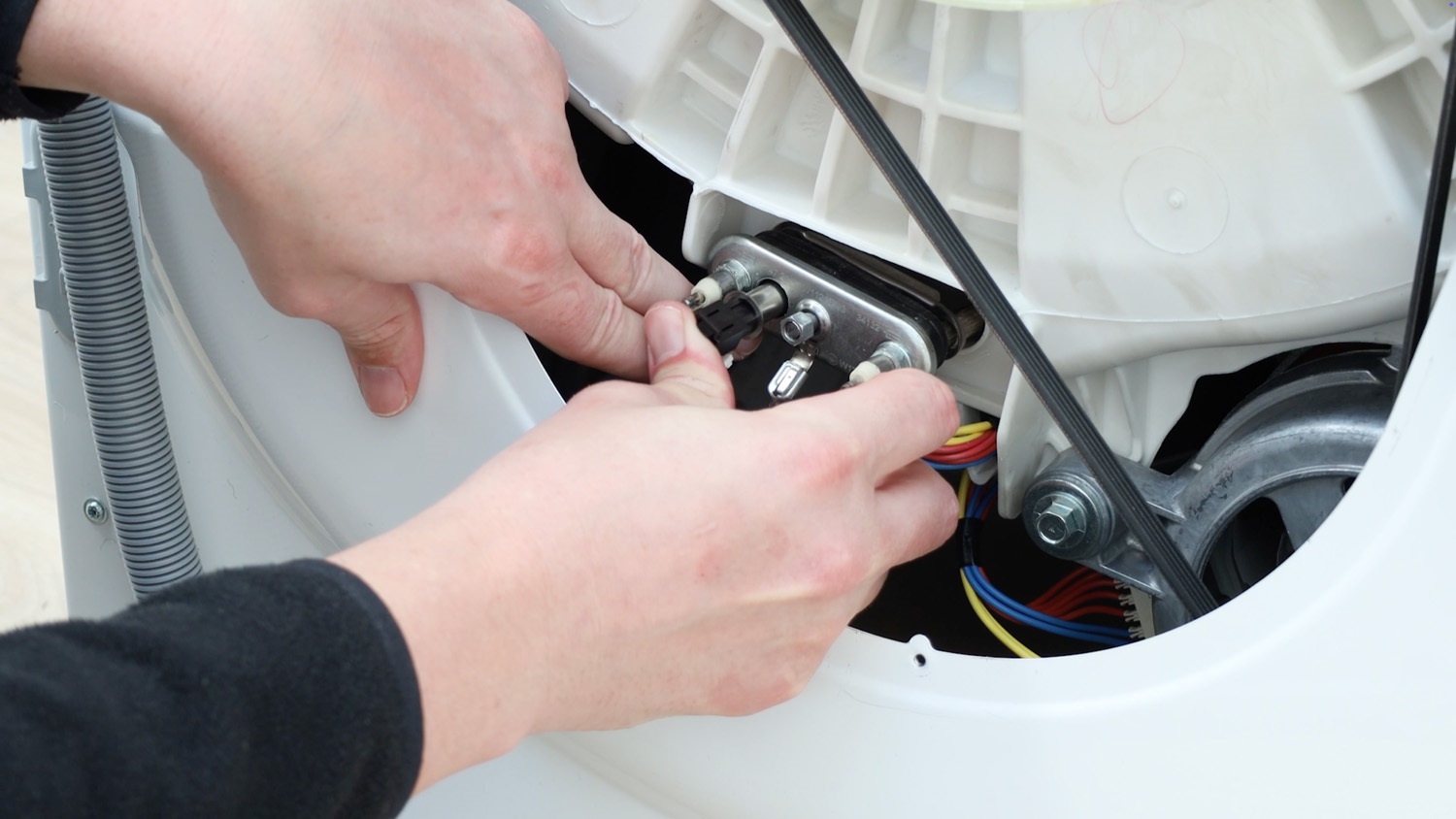
Connect the electrical connector to the new Ntc sensor.
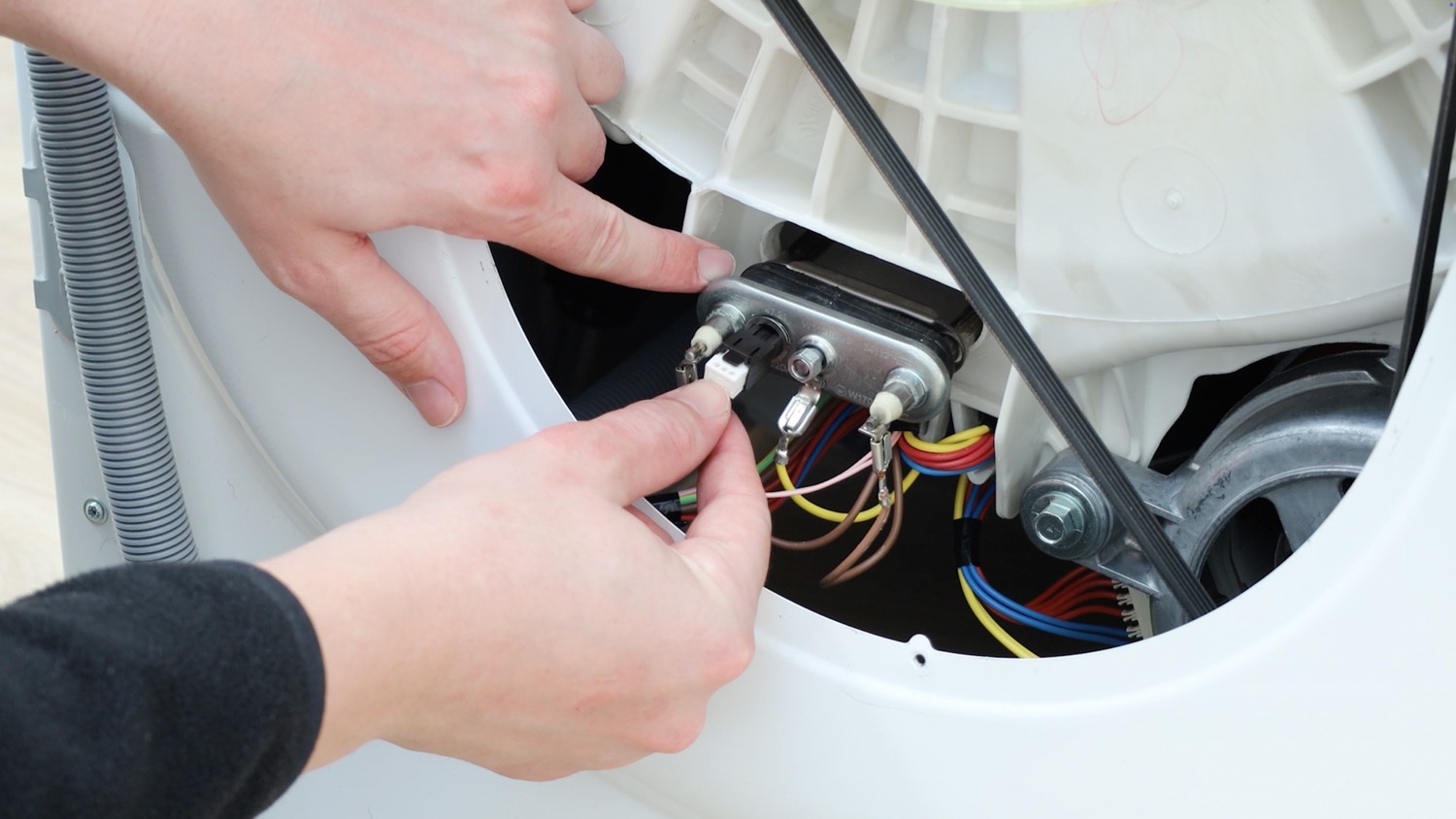
5. Re-insert heating element
Then, slide your element back into the washing machine drum.
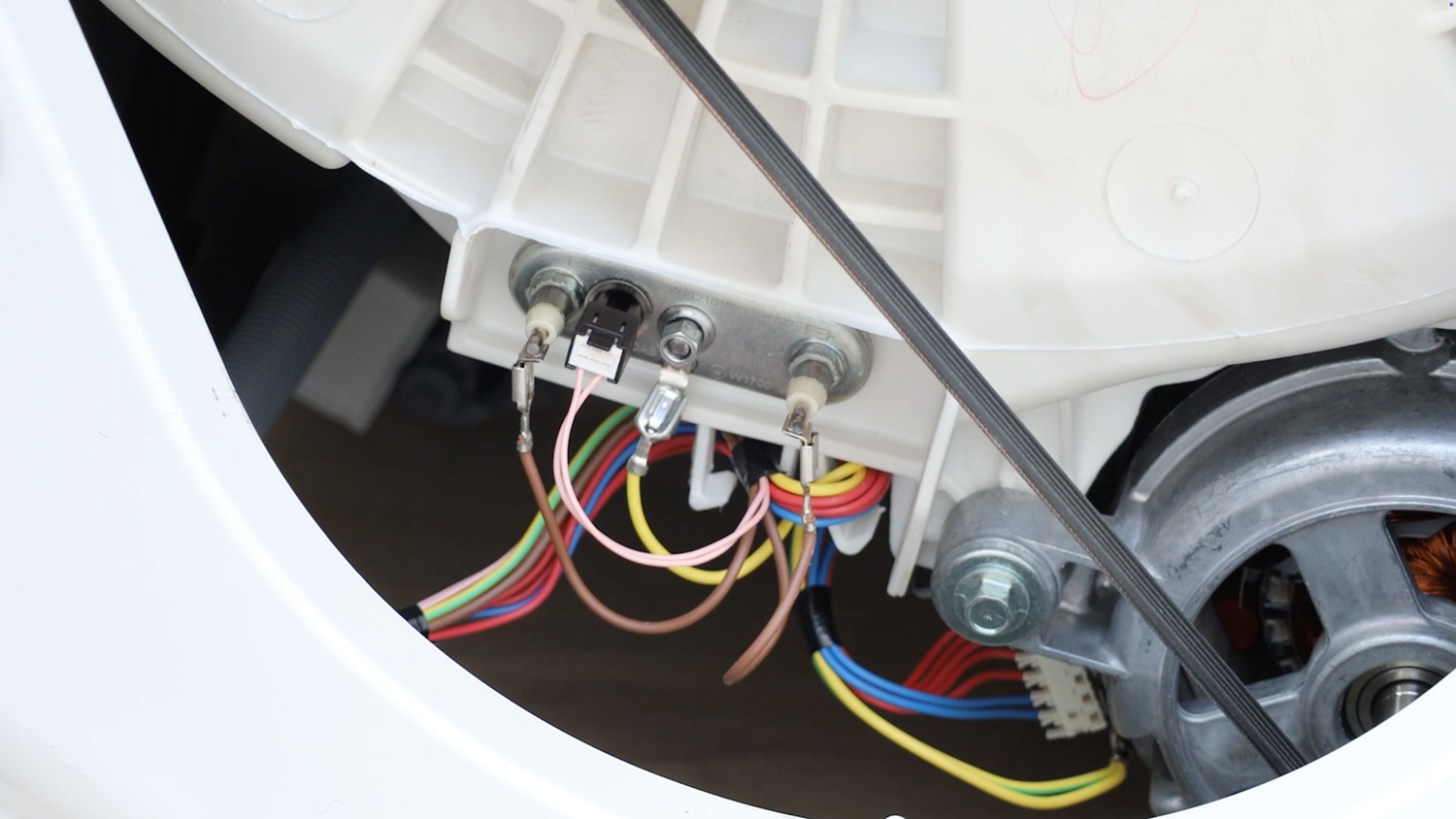
Tighten the 8mm bolt to ensure the element is sealed and water tight.
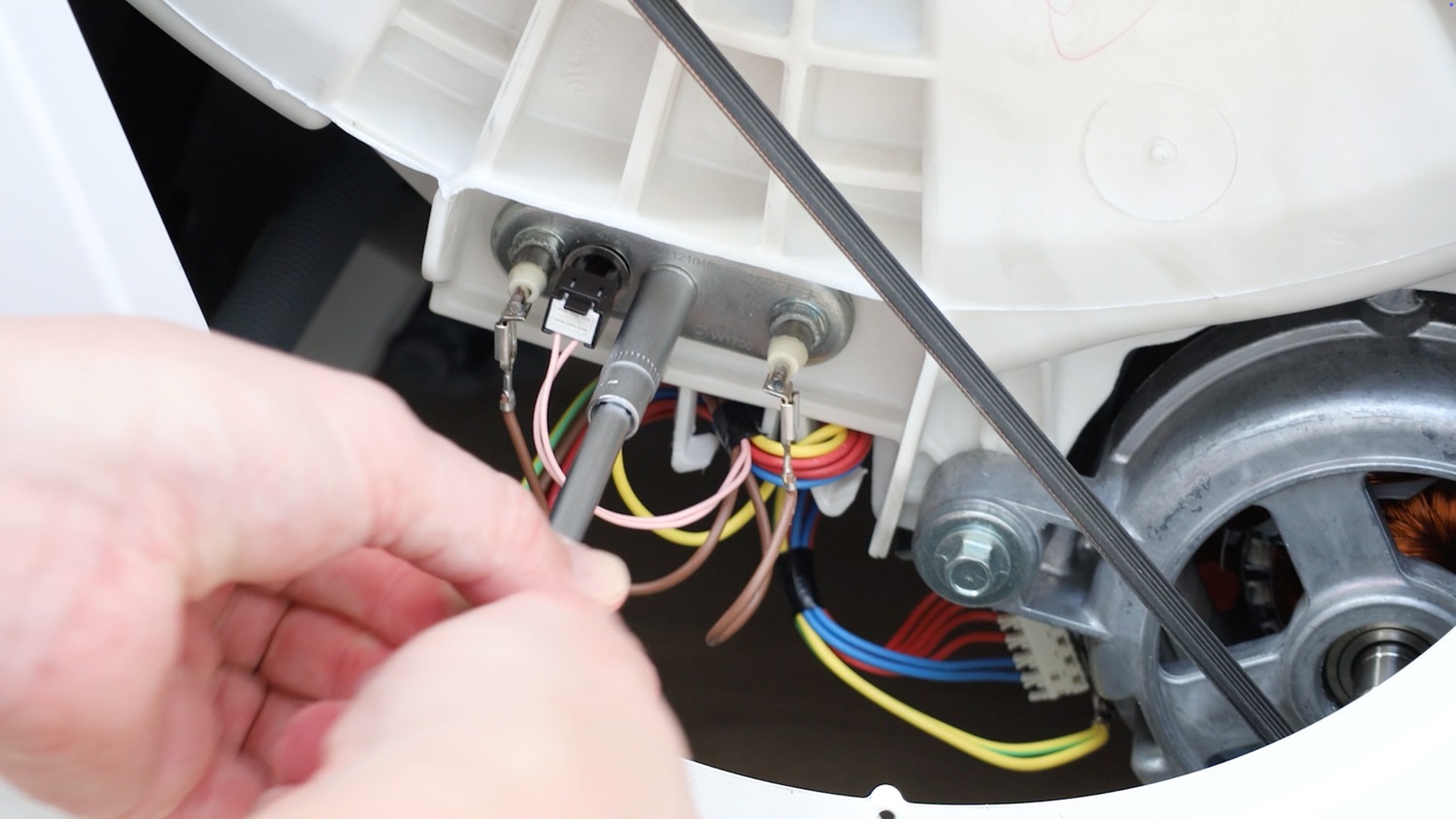
Make sure all of the other wires are firmly in place.
6. Re-attach rear panel
Place your rear panel back on the washing machine.
Re-screw all of the screws back in place.
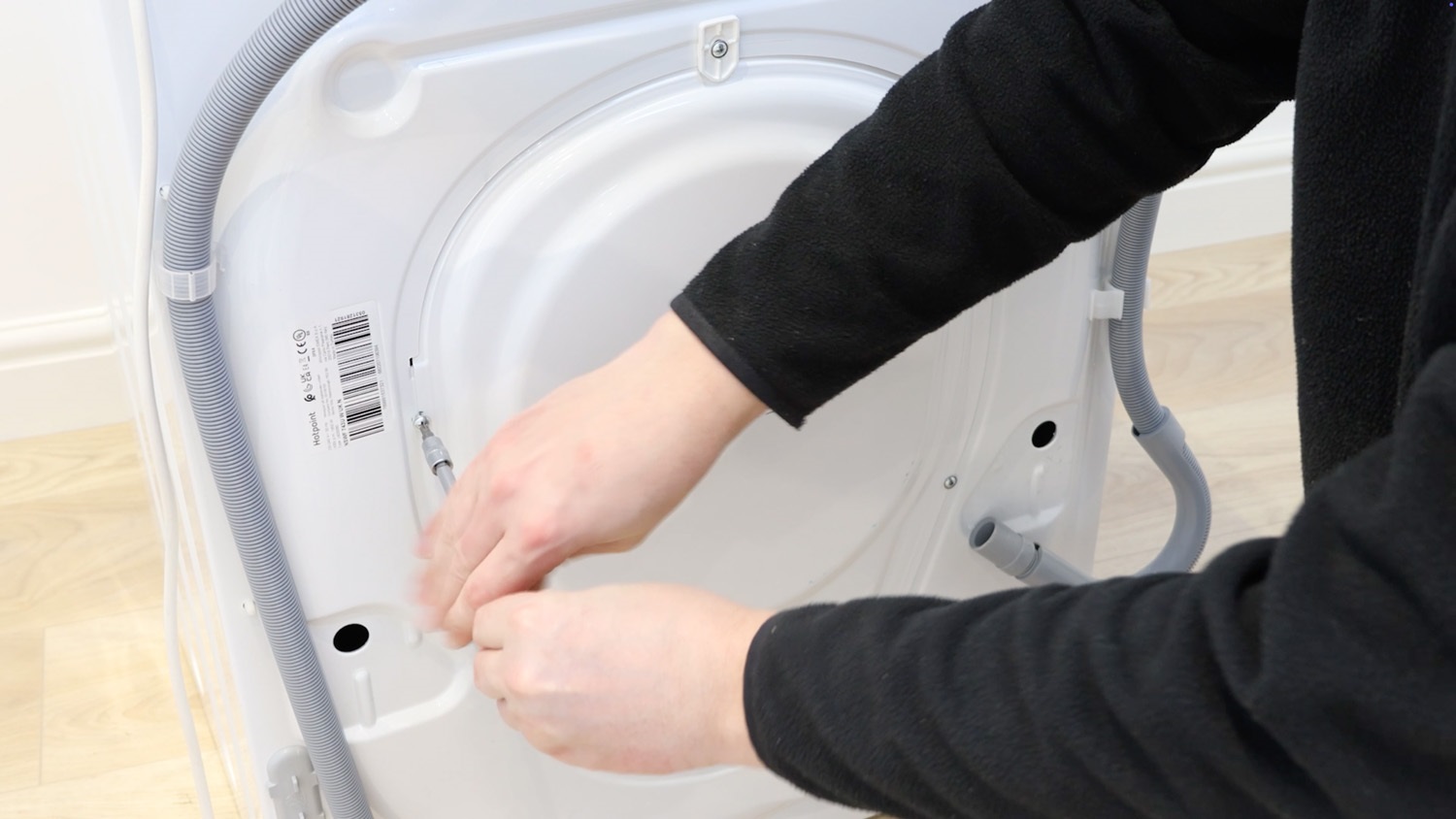
And that’s it, your new Ntc sensor is all set to go.