Make and Model of Washing Machine Used in This Video
Hotpoint NSWM743UWUK (769991581901)
Hotpoint NSWM743UWUK (869991581900)
Hotpoint NSWM743UWUKN (769991637831)
Part Used in This Video
Hotpoint Washing Machine Drum Pulley Bolt
1. Remove rear panel
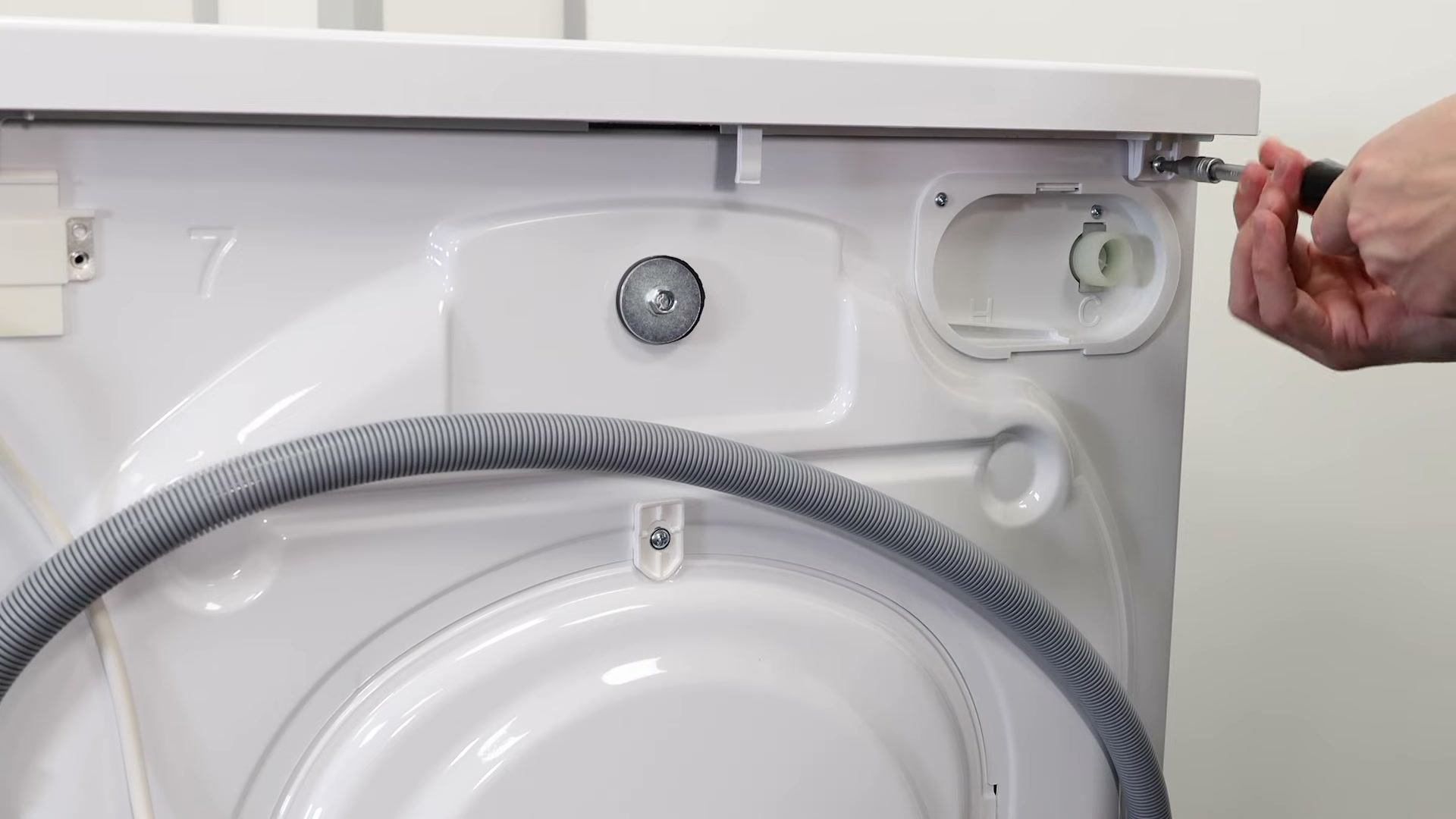
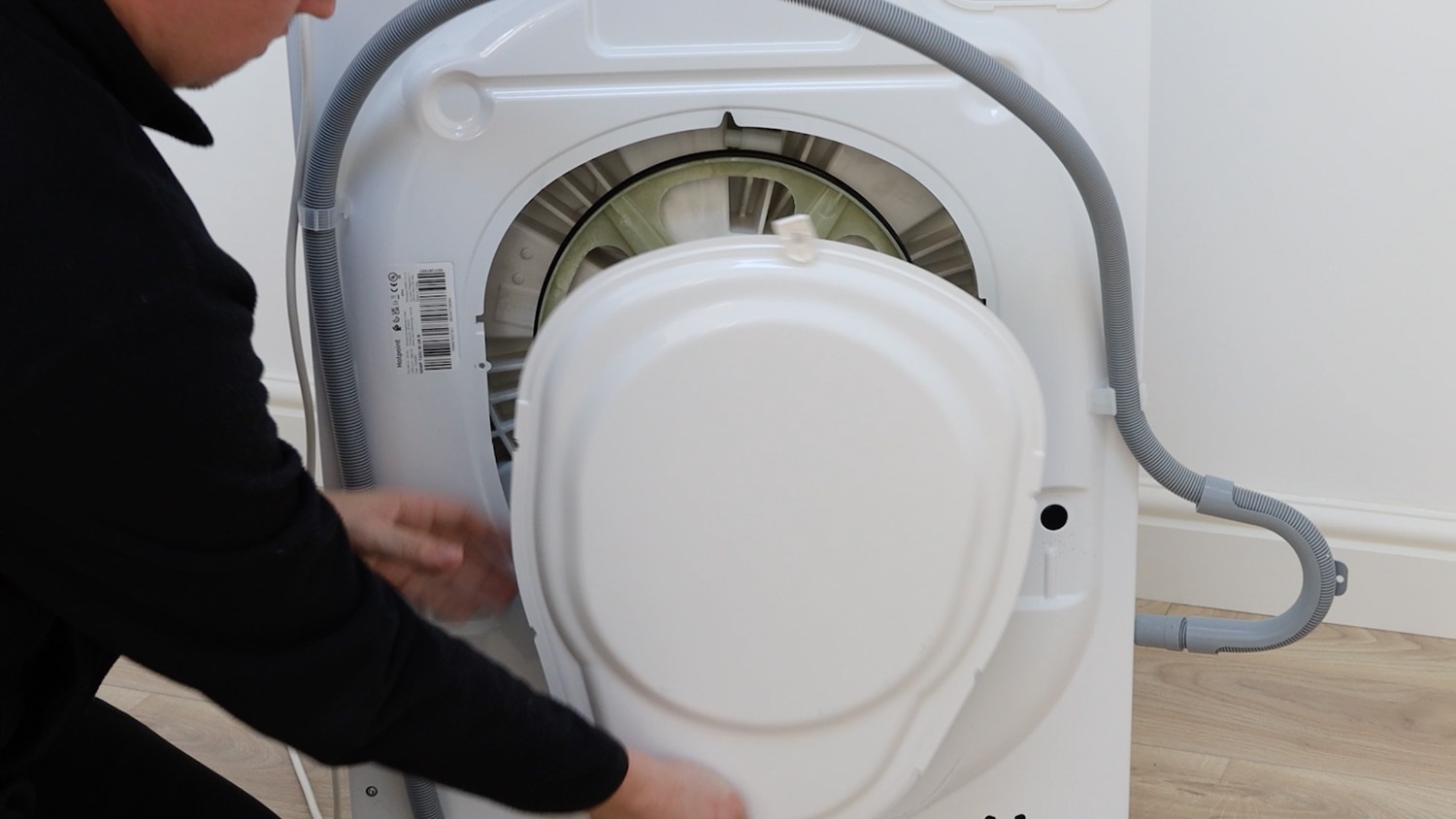
We need to gain access to the rear of the washing machine. Remove the screws holding the rear panel in place. On this Hotpoint model, there are six screws to remove.
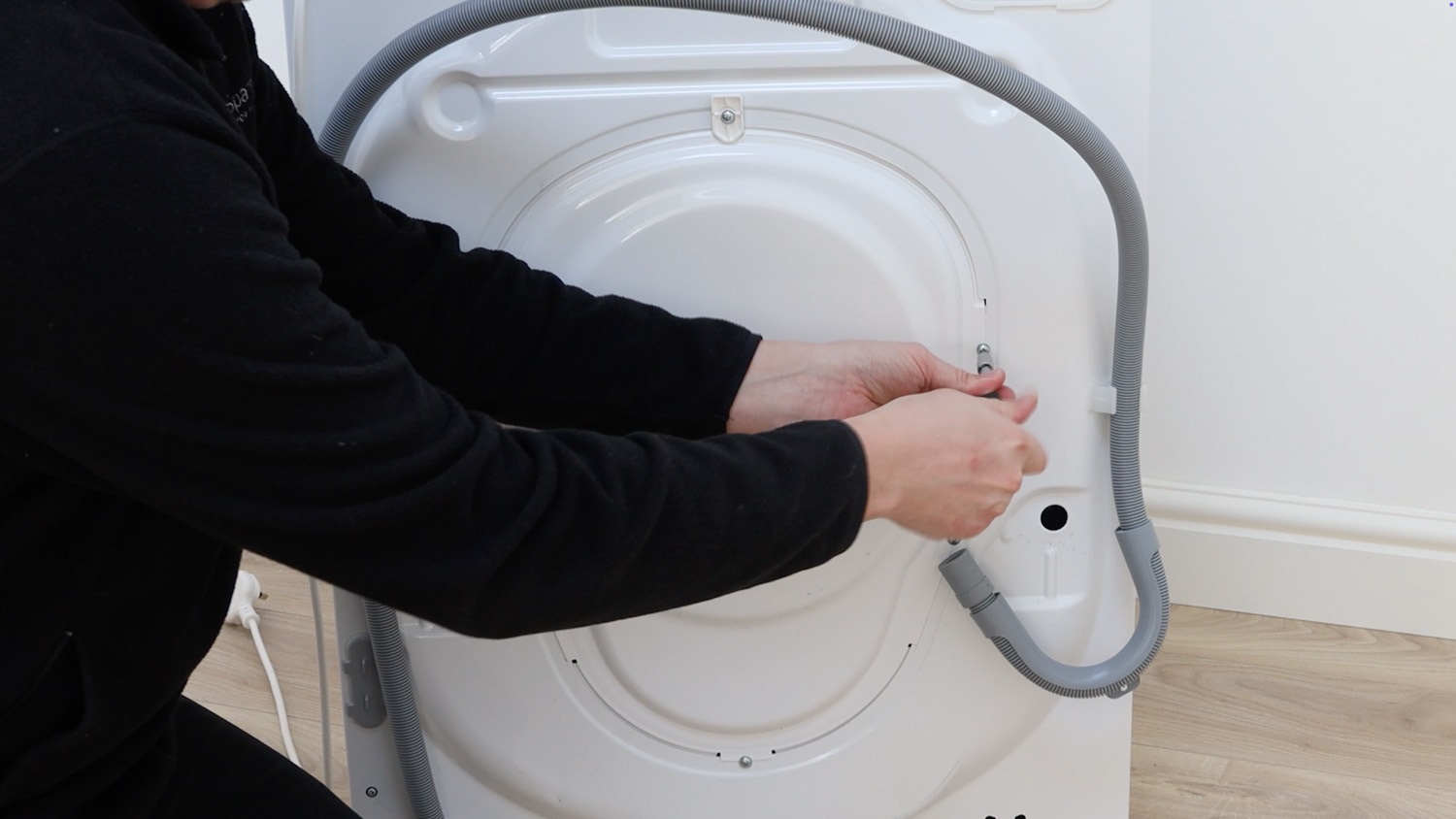
The rear panel can then be removed and placed to one side.
2. Remove old drum pulley bolt
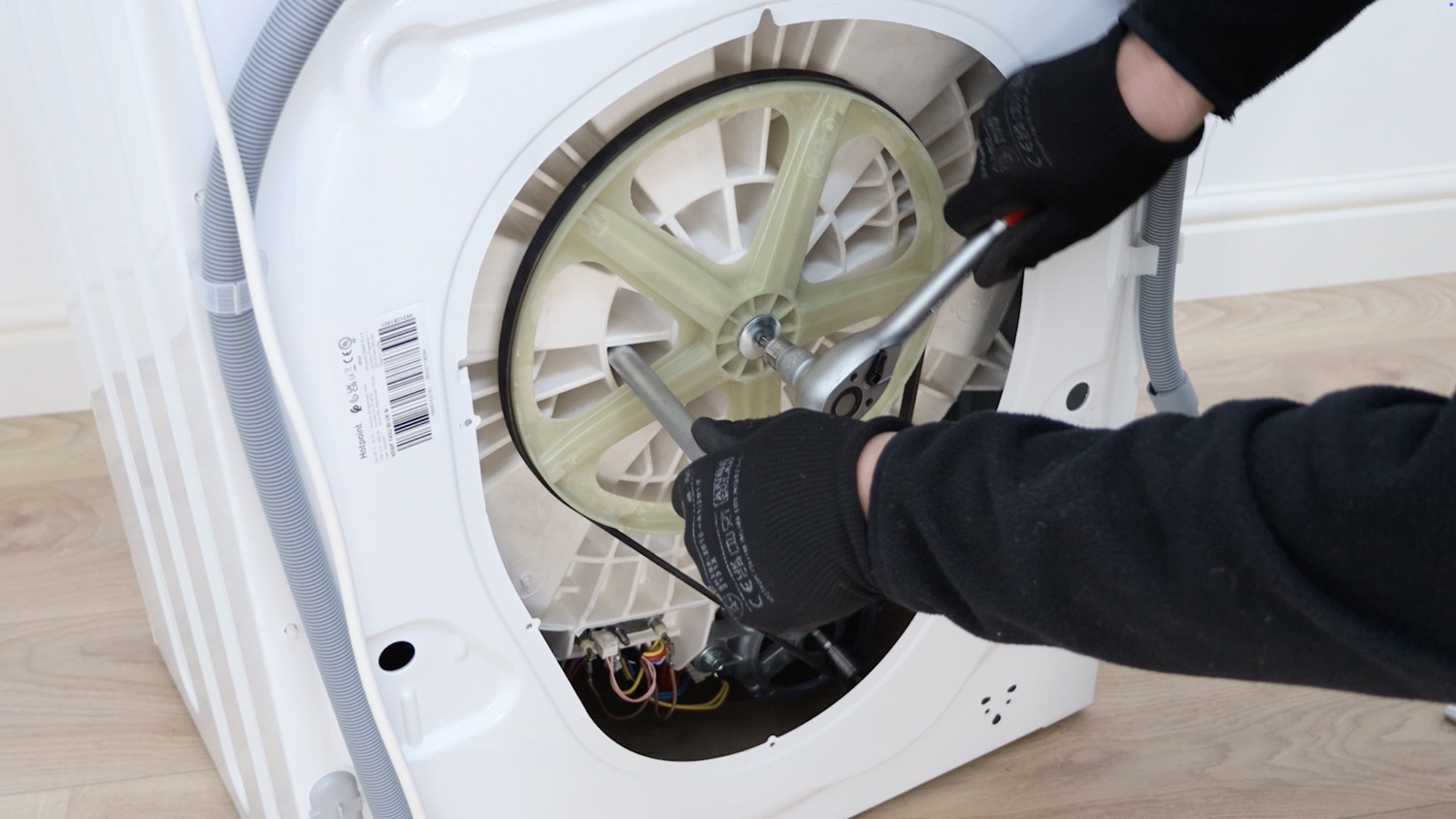
The drum pulley bolt can be extremely tight. Use something long and solid, like an extension bar or a block of wood to give some leverage. Place it in one of the holes on the washing machine drum to stop the drum pulley wheel spinning, and with your ratchet, loosen the bolt.
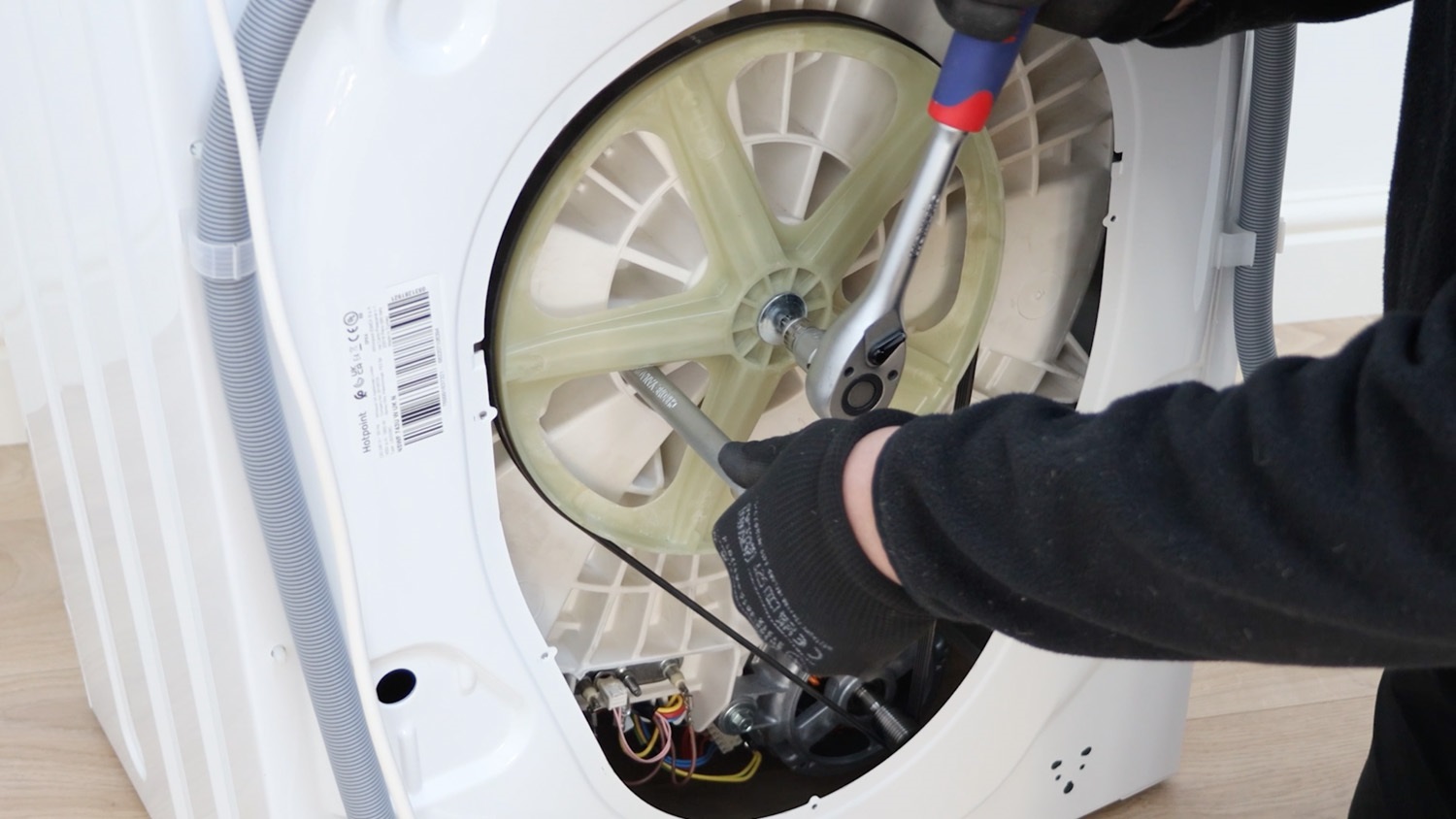
The bolt can then be removed from the drum pulley wheel.
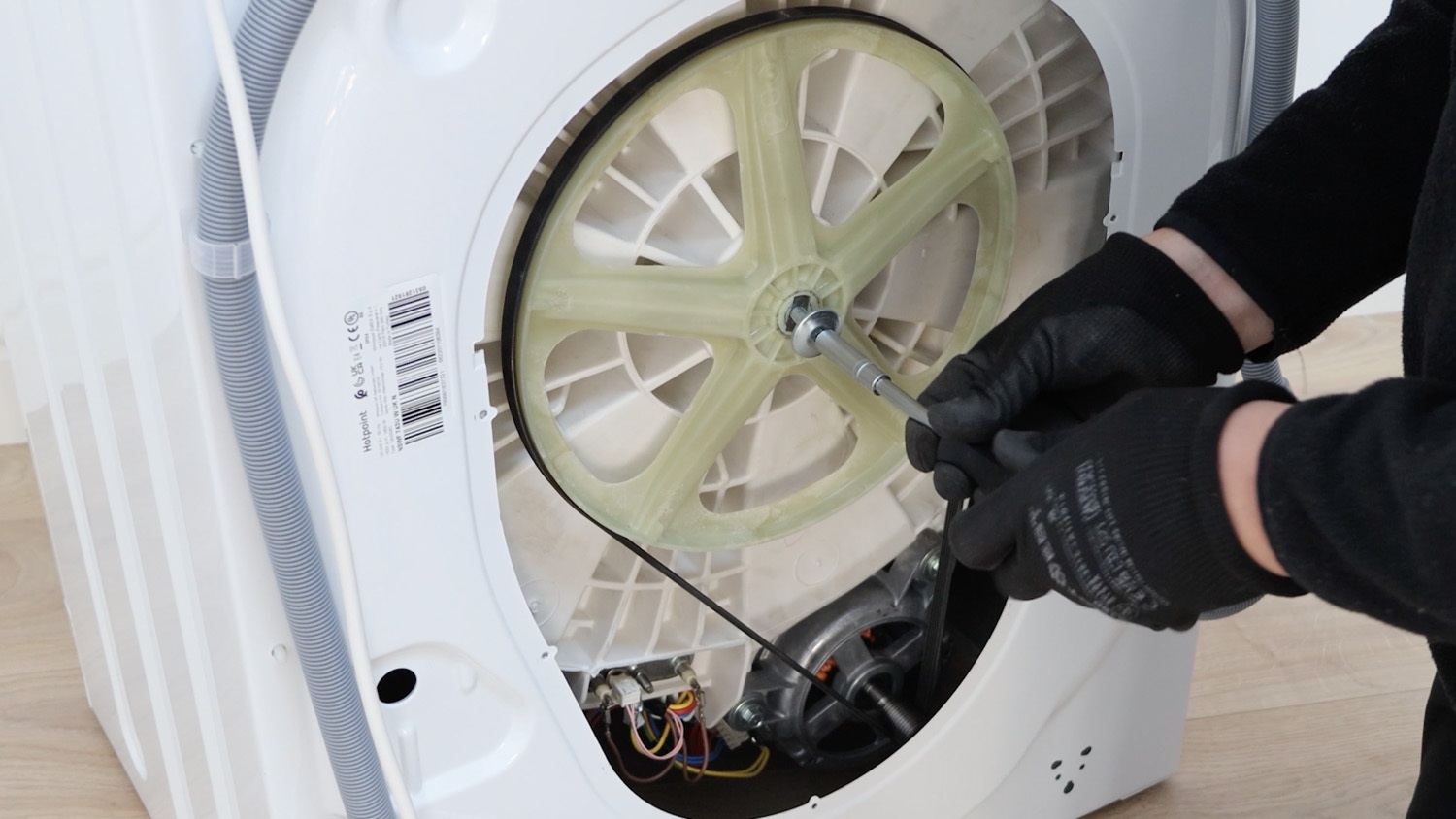
3. Install new drum pulley bolt
Unpack your new drum pulley bolt and attach it to the washing machine. Start to screw it in place by hand or with a screwdriver if your T40 bit attaches to it.
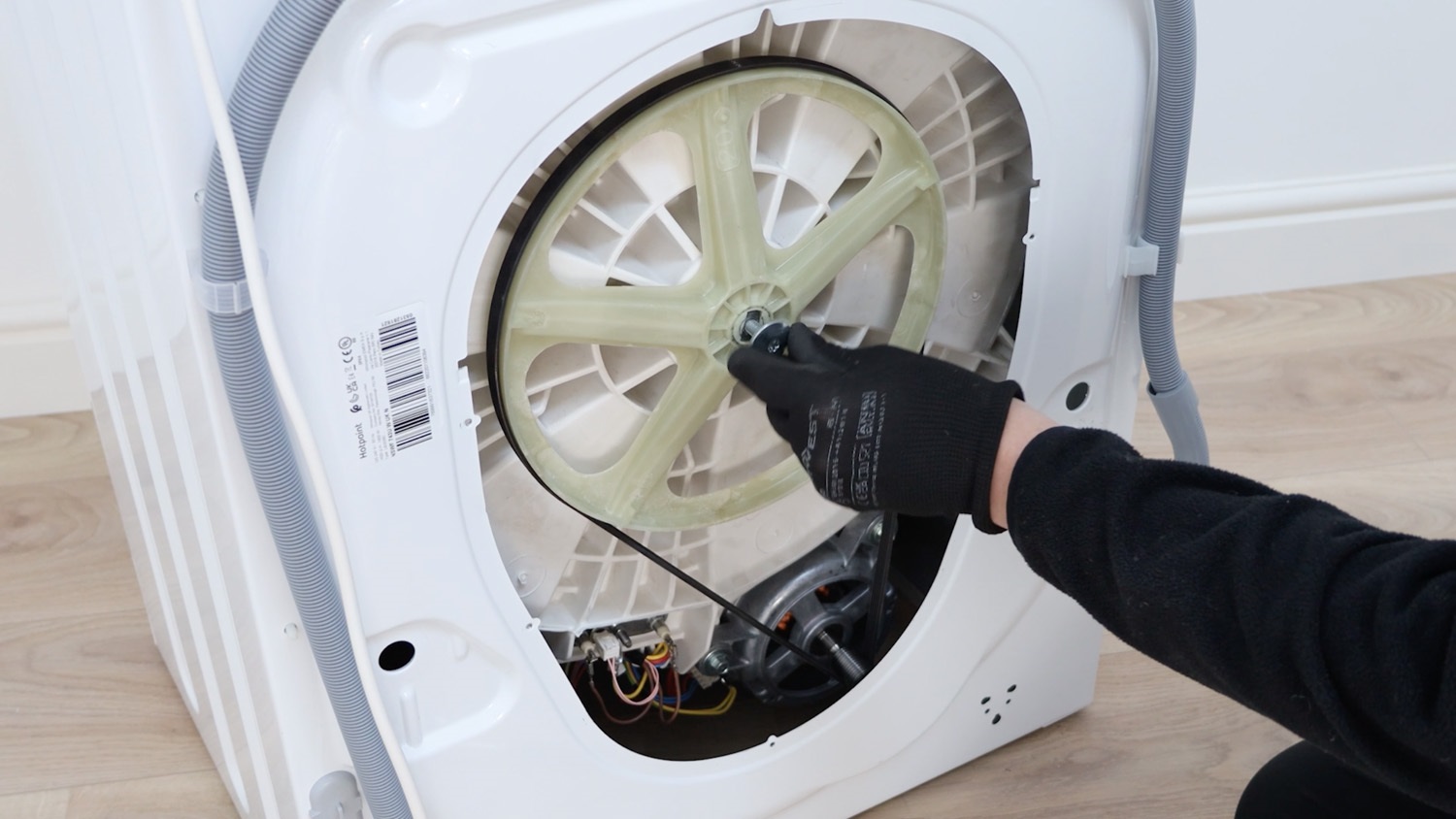
Then, insert the extension bar or whatever you have in its place inside one of the holes on your washing machine drum. Now with your ratchet and the T40 bit, tighten the new drum pulley bolt.
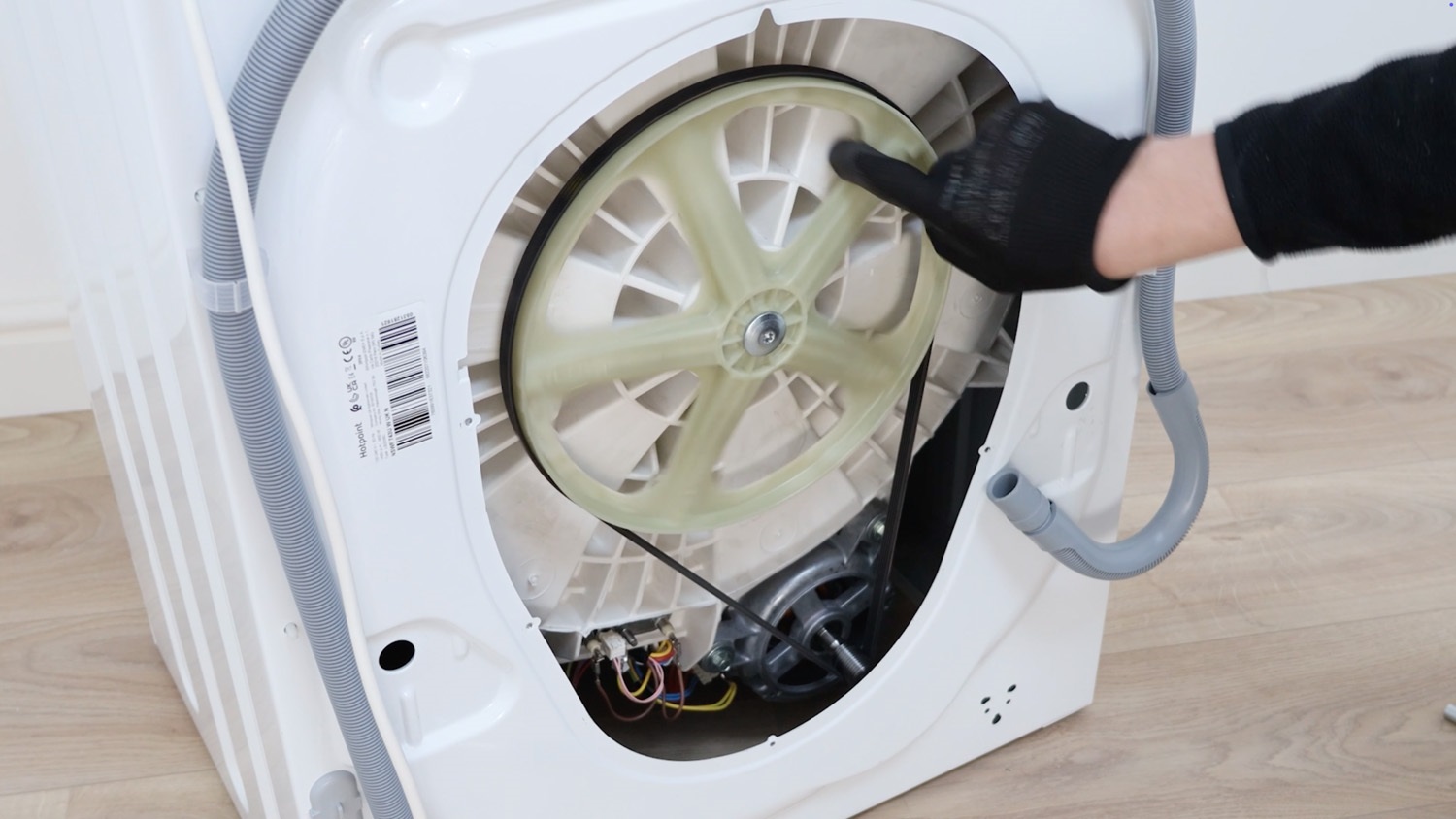
Give the pulley wheel a spin to make sure it’s spinning correctly after tightening the new bolt.
4. Re-attach rear panel
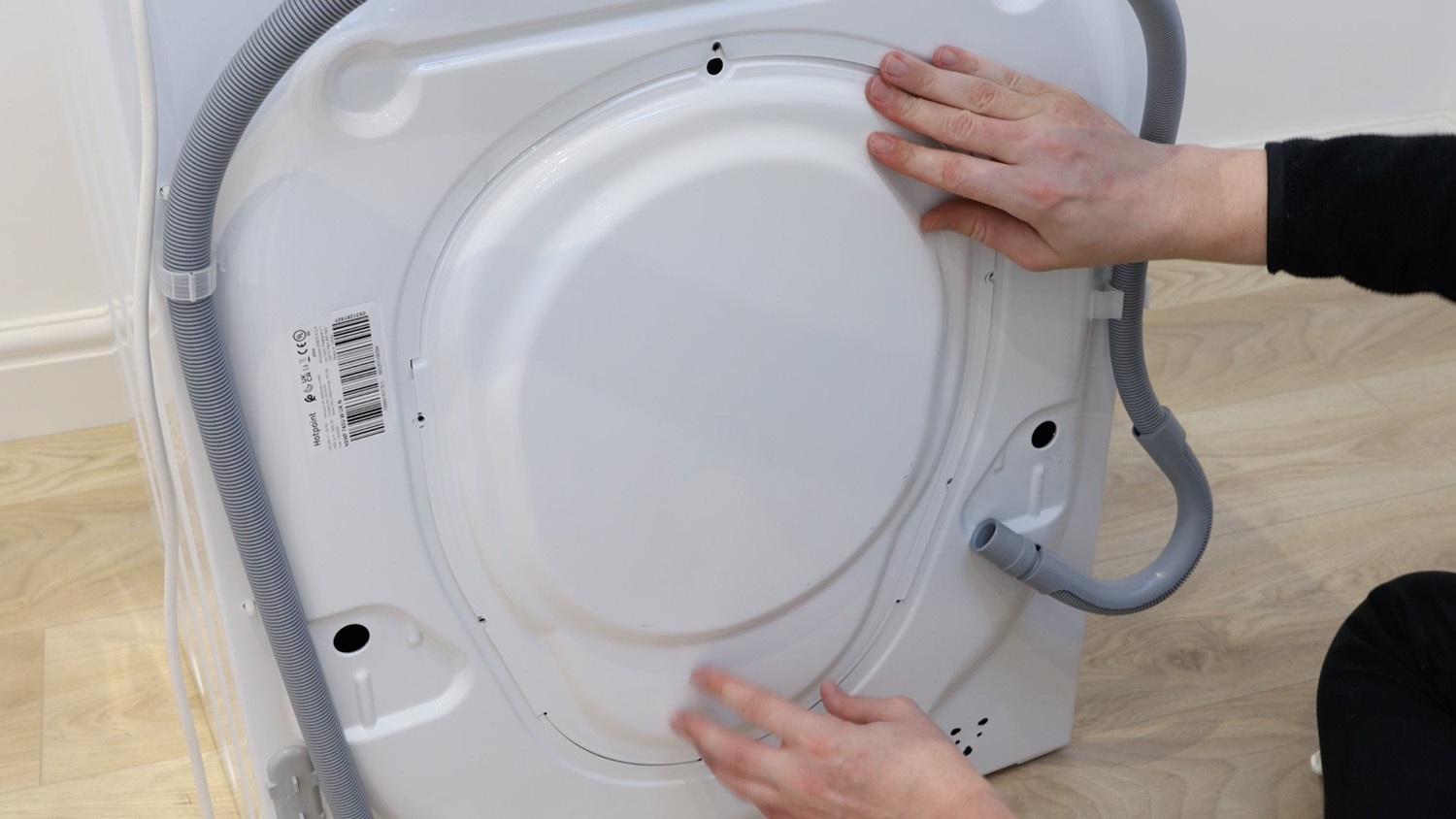
Place the rear panel back on the washing machine
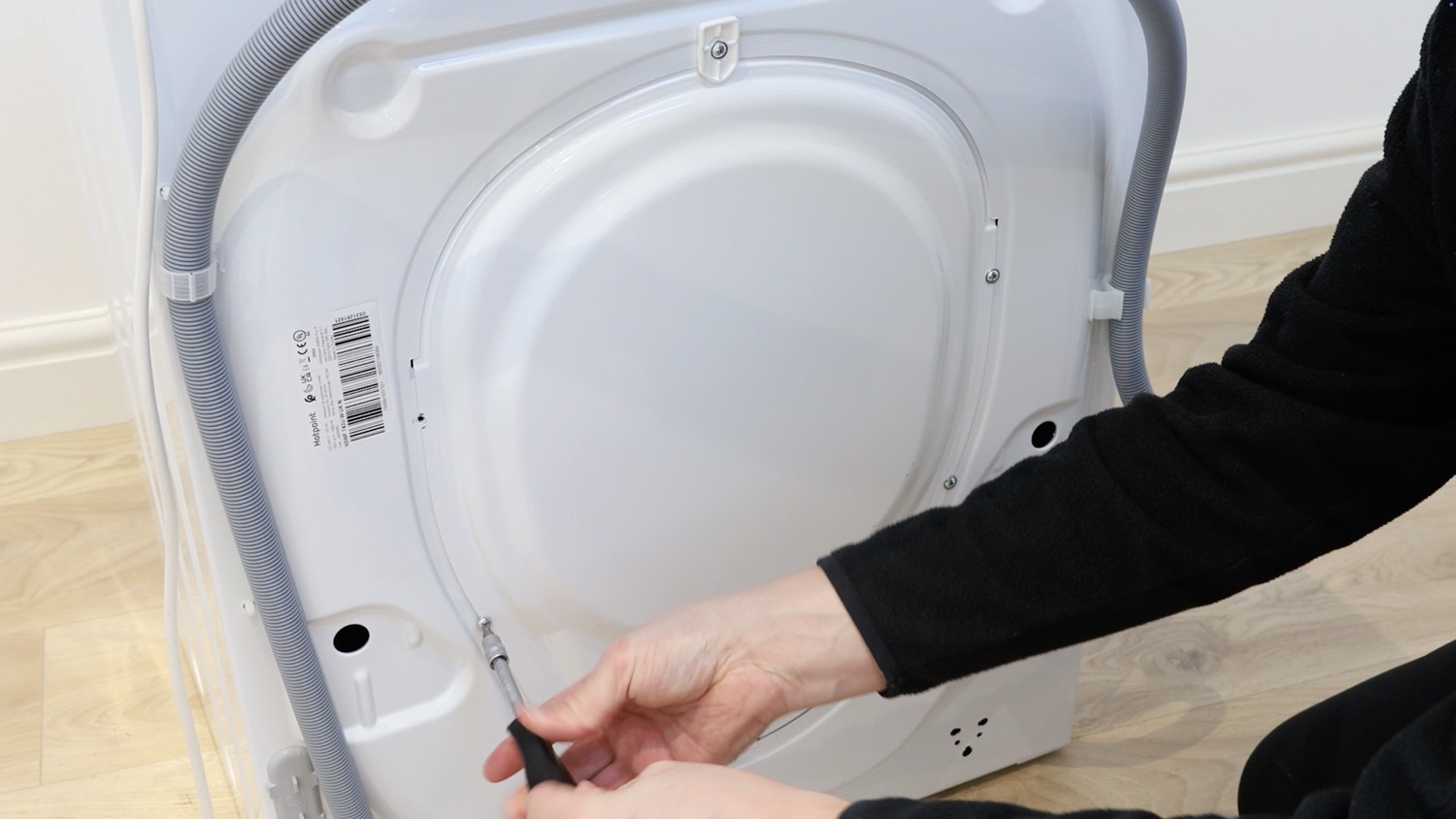
Re-screw all of the screws back in place.
And that’s it, your new washing machine drum pulley bolt is all set to go.