Make and Model of Washing Machine Used in This Video
Hotpoint NSWM743UWUK (769991581901)
Hotpoint NSWM743UWUK (869991581900)
Hotpoint NSWM743UWUKN (769991637831)
Part Used in This Video
Hotpoint Washing Machine Drain Pump Filter Kit
1. Remove plinth/kick plate
The plinth, or kick plate, is held by clips on the left, middle and right. Insert your flathead screwdriver into the slits to gently pry the plinth away.
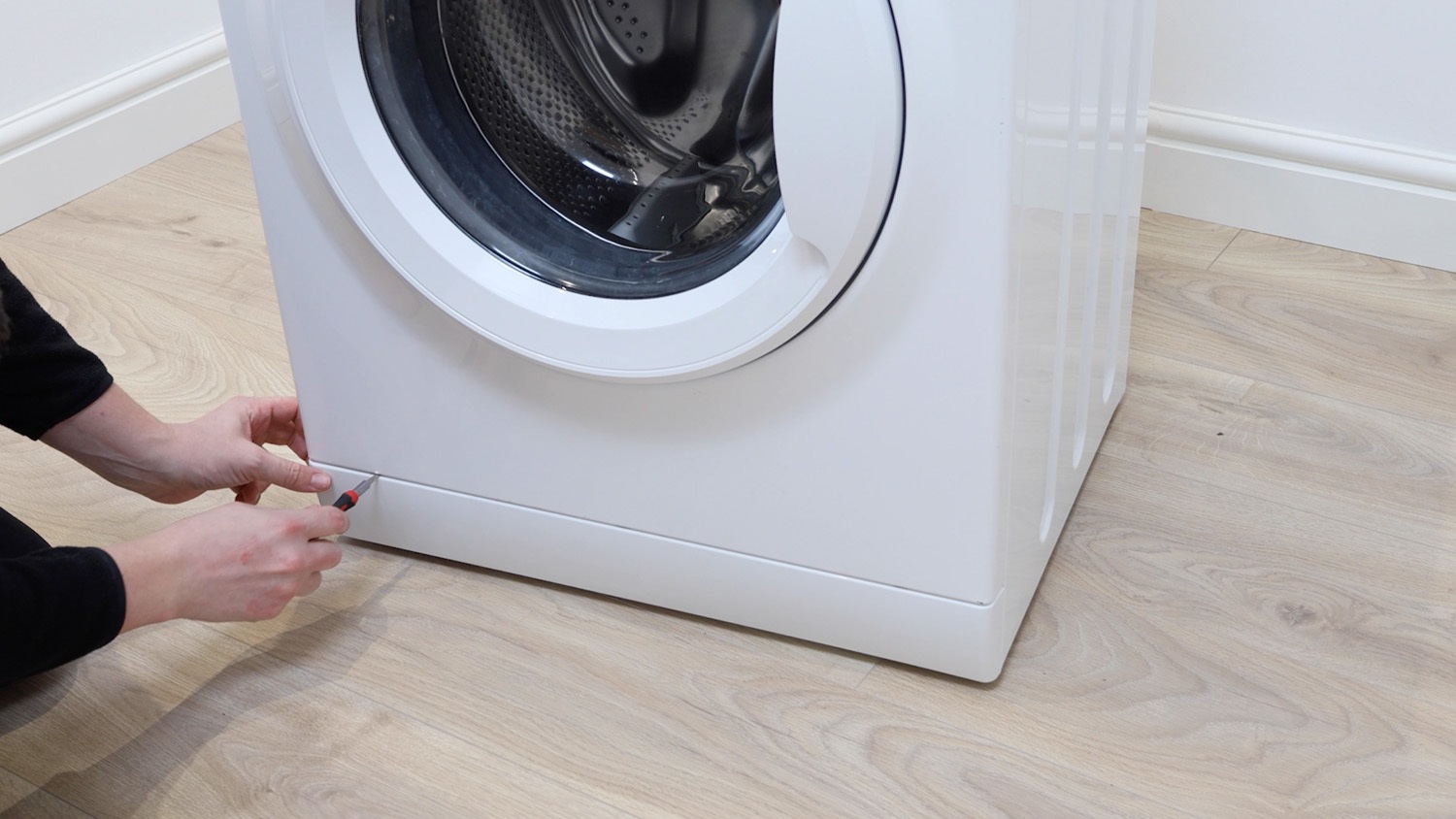
Remove the plinth and place to one side.
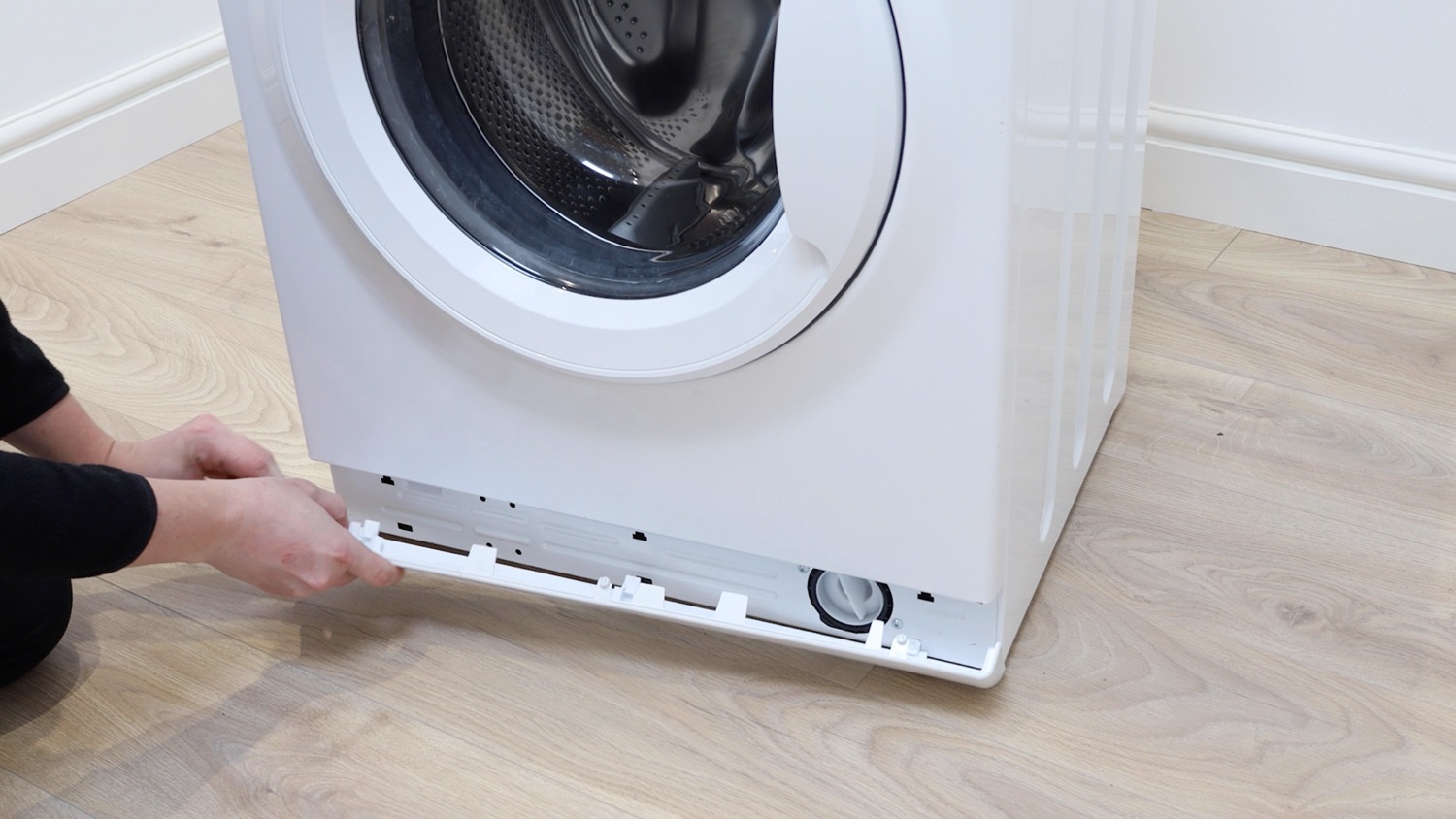
Lay a towel or a baking tray underneath the machine to catch any water that may come out when removing the old drain pump filter.
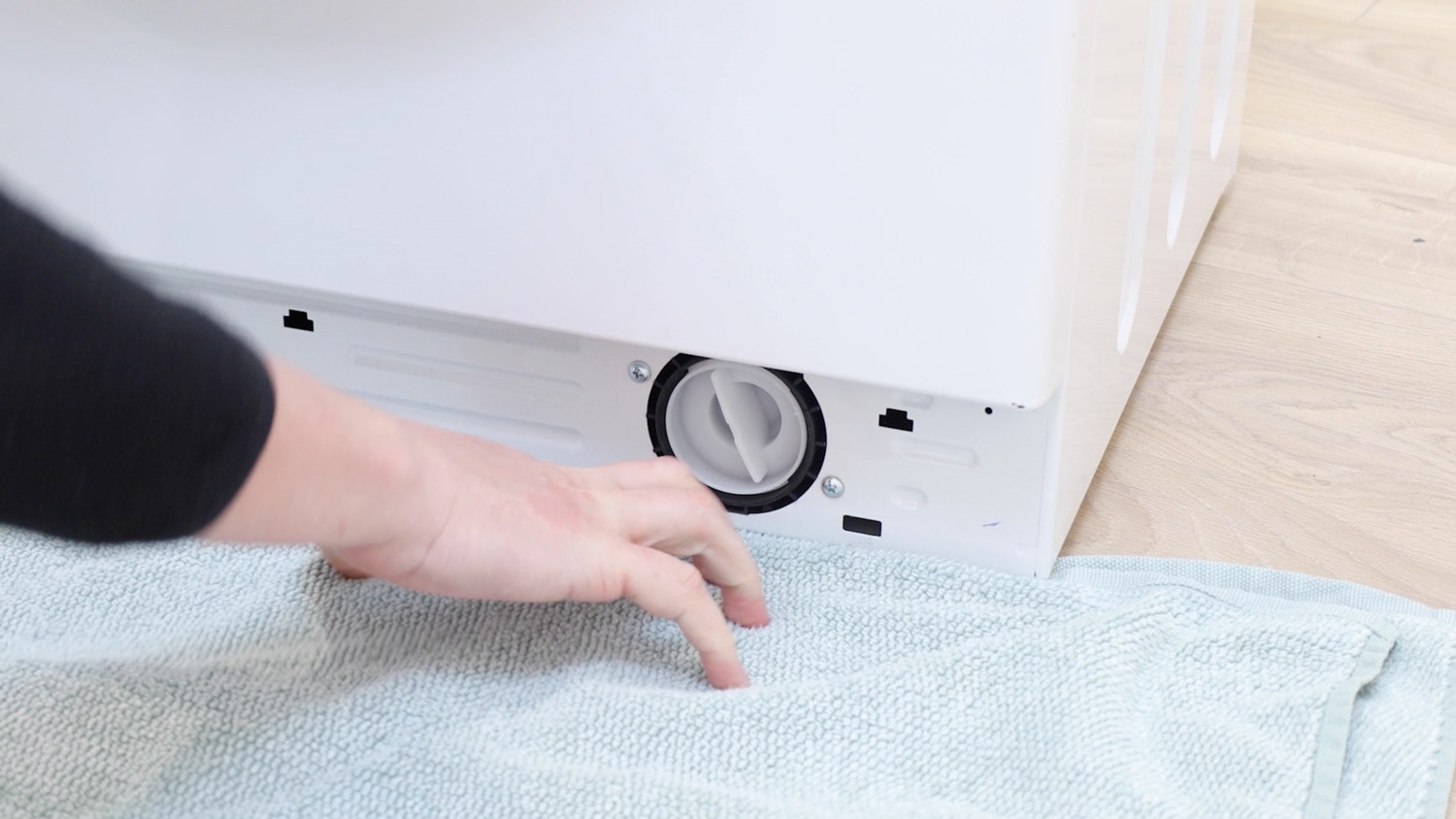
2. Remove old drain pump filter
Twist your old drain pump filter anti-clockwise to remove it.
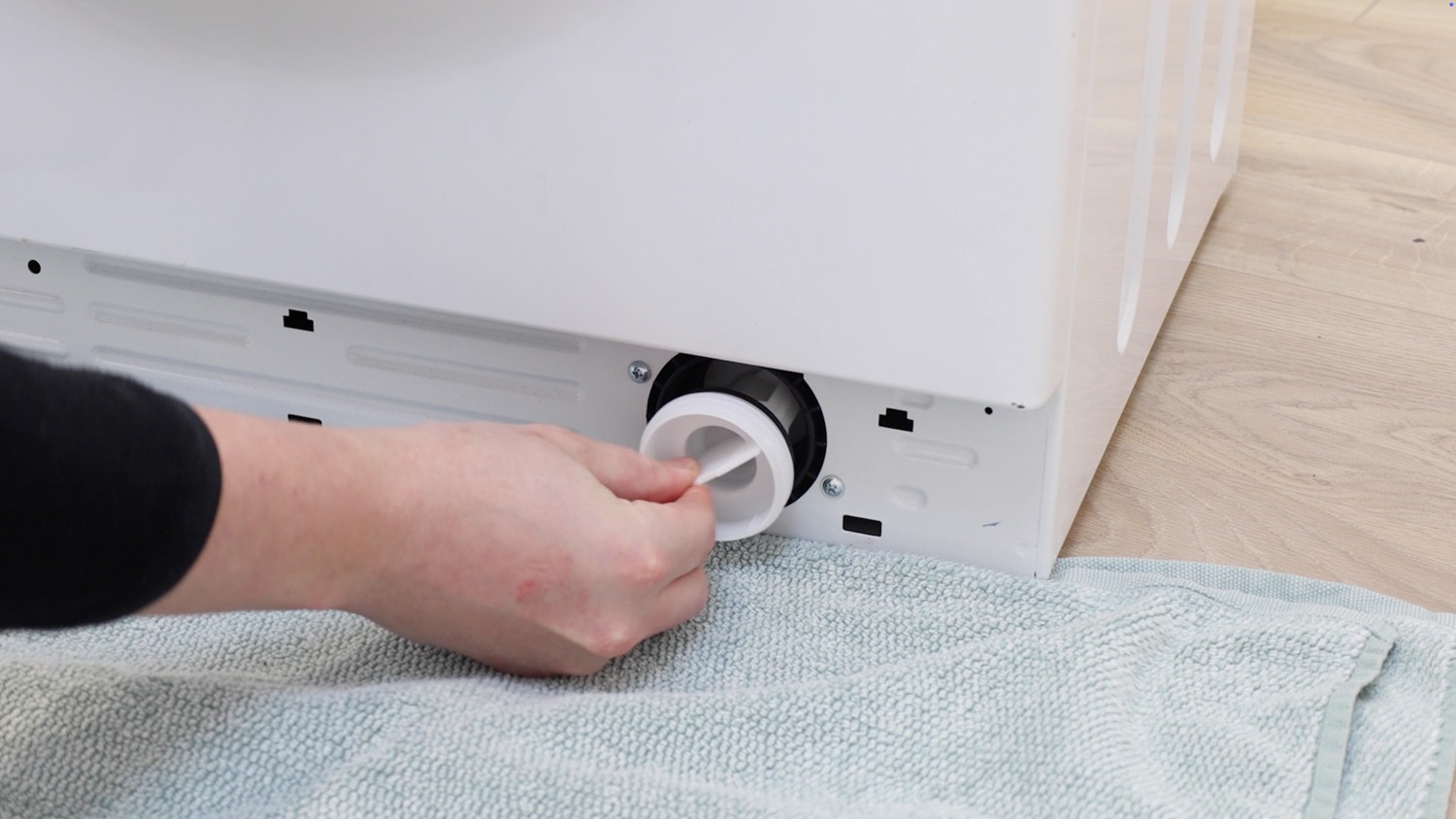
3. Clean inside old drain pump
With a cloth or a small cleaning brush, give the inside of the drain pump a good clean.
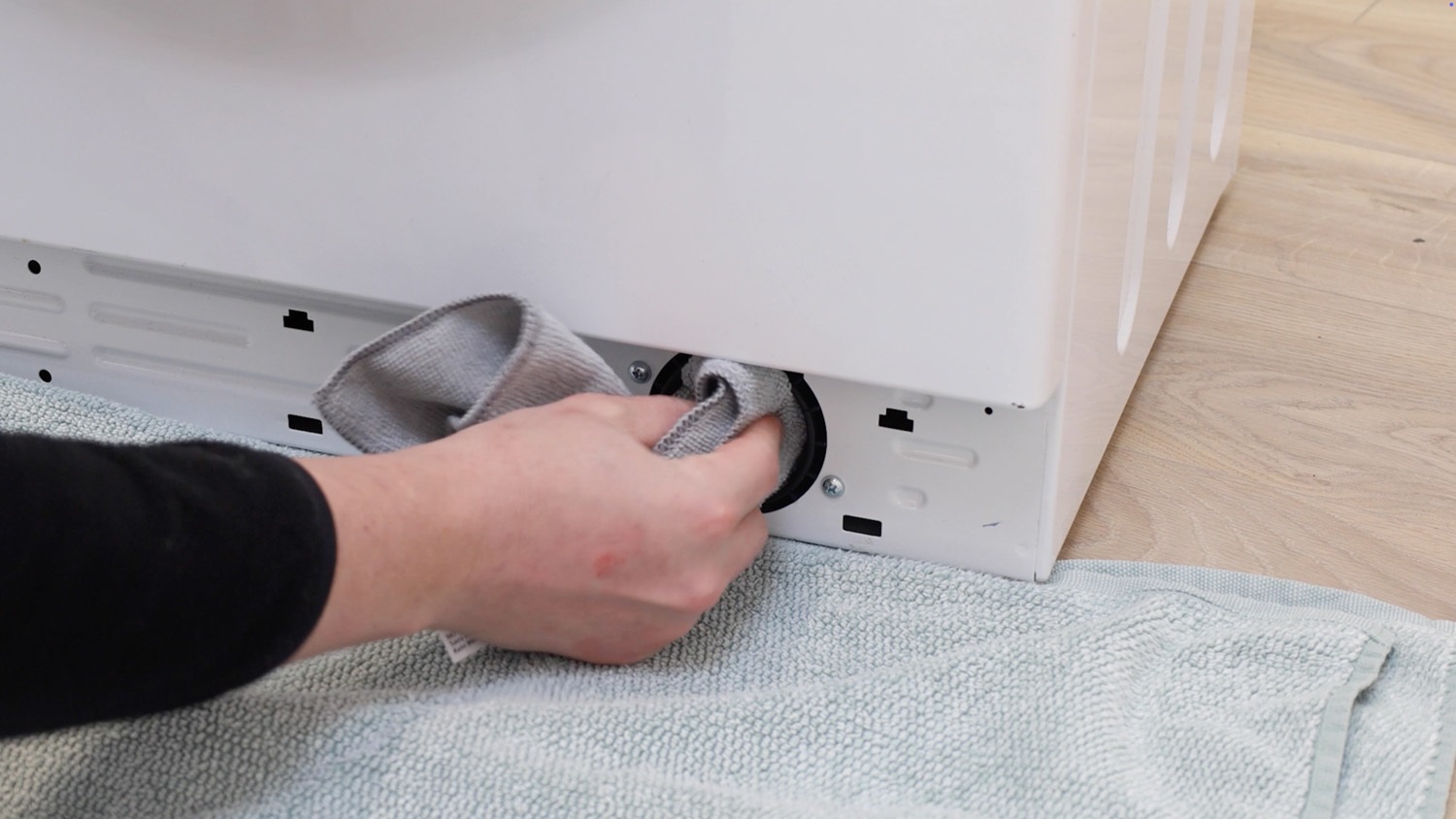
4. Install new drain pump filter
To install your new drain pump filter kit, simply slide it into place and rotate it clockwise until you can no longer twist it any further.
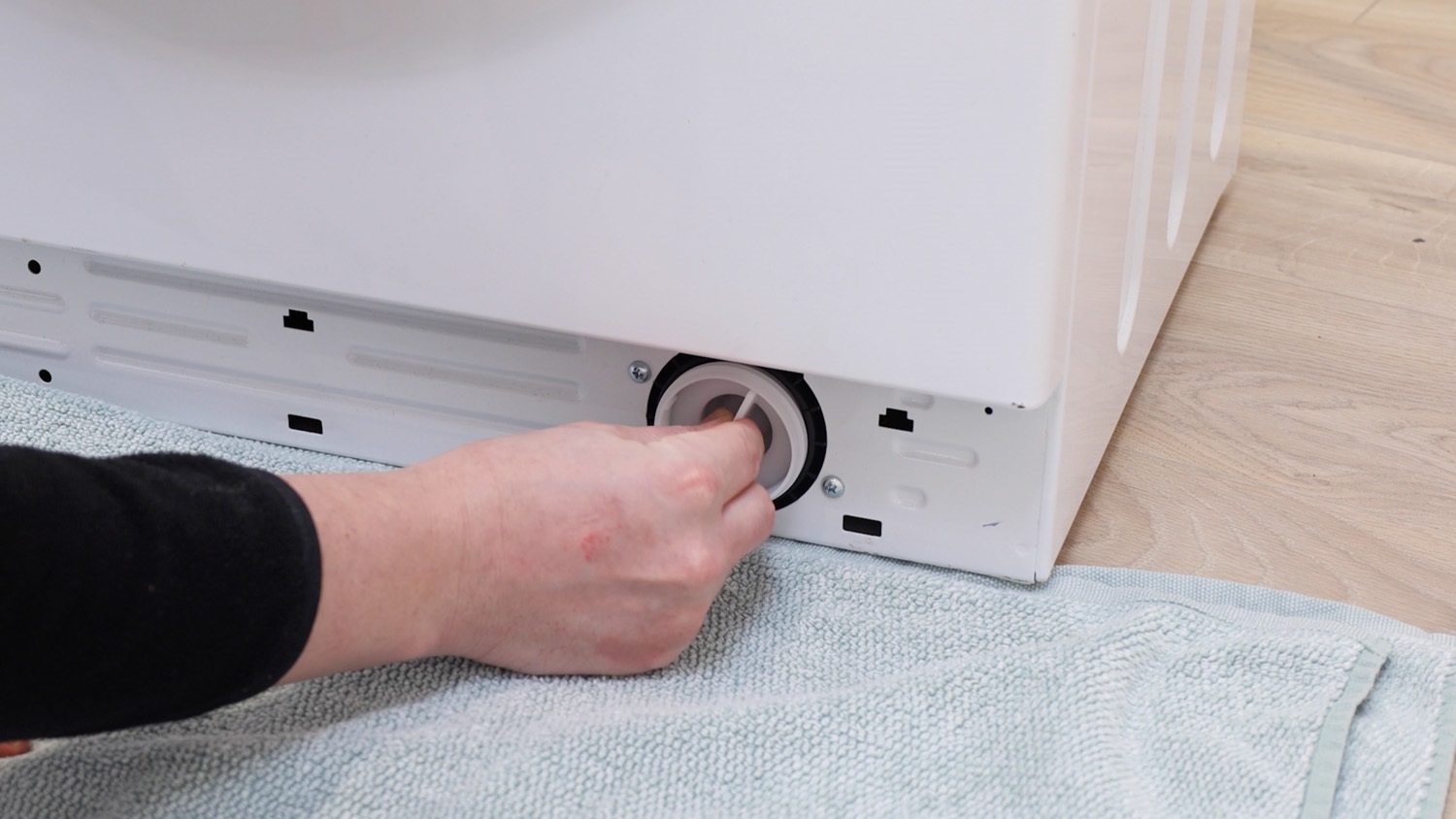
5. Re-attach plinth/kick plate
Line up the clips on your plinth with the slots in the bottom of the washing machine.
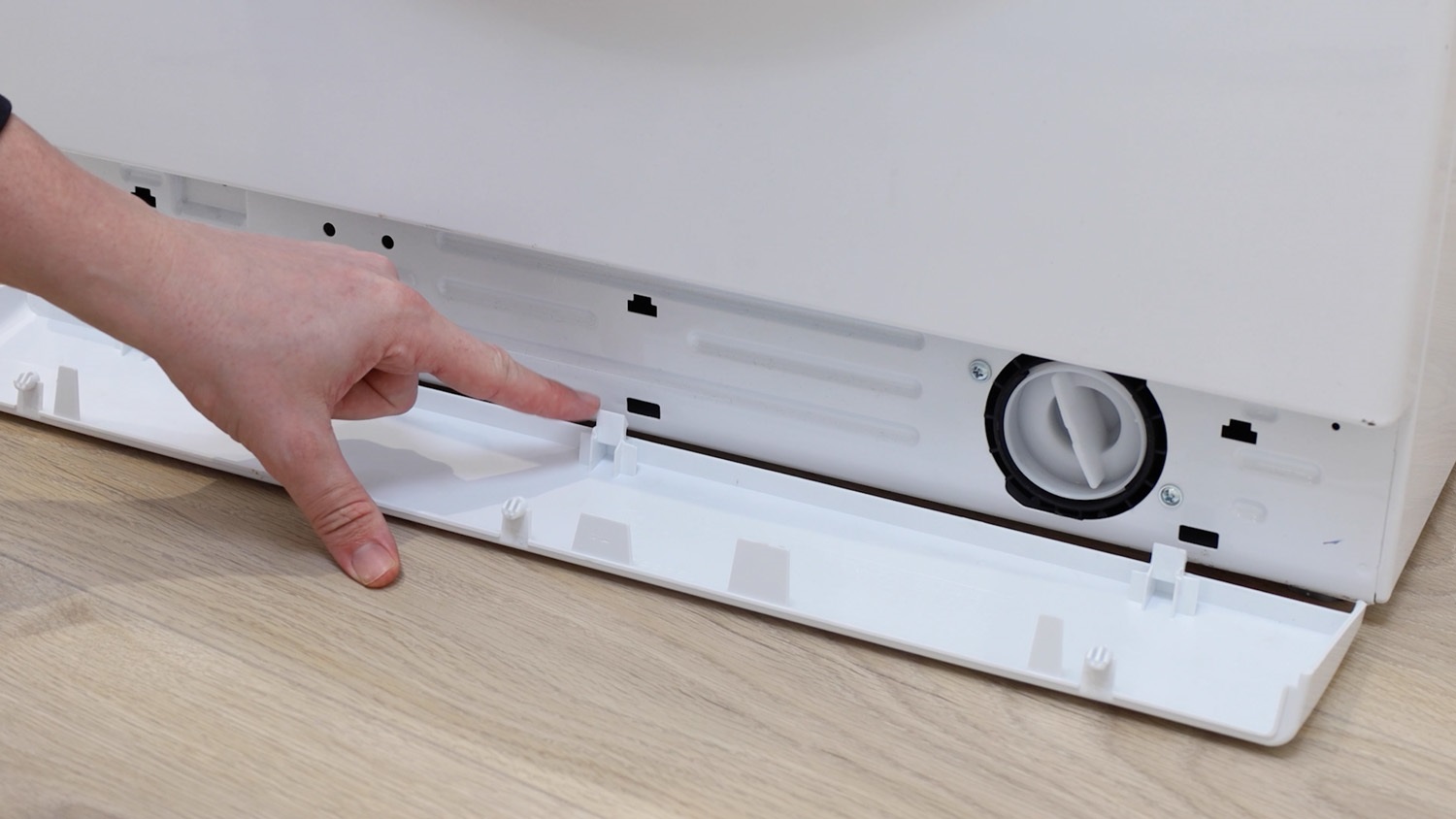
The plinth can then be pushed on and clicked into place.
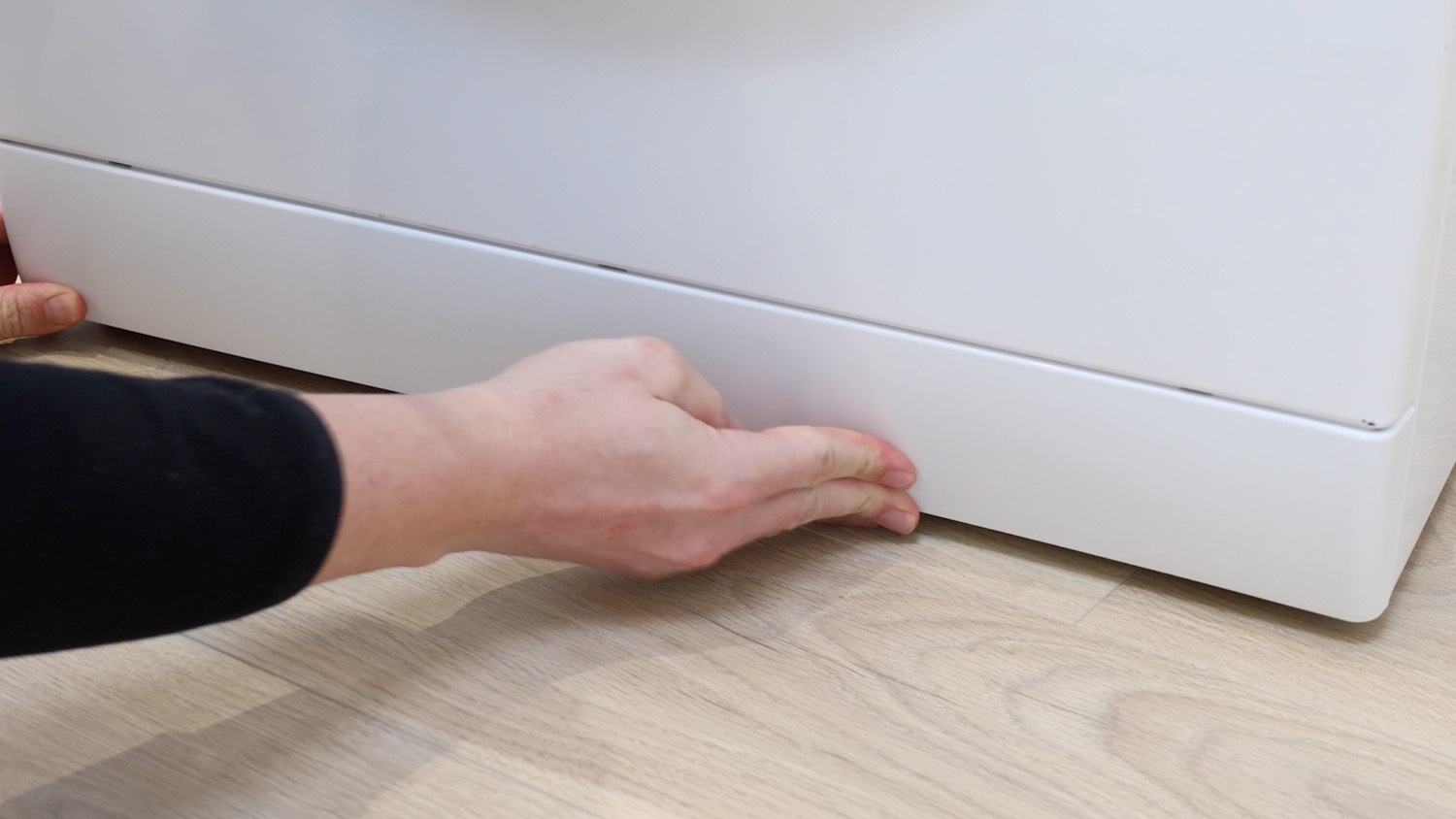
And that’s it, your new drain pump filter kit is all set to go!