Make and Model of Washing Machine Used in This Video
Hotpoint NSWM743UWUK (769991581901)
Hotpoint NSWM743UWUK (869991581900)
Hotpoint NSWM743UWUKN (769991637831)
Part Used in This Video
Hotpoint Washing Machine Belt 1208 J5
1. Remove rear panel
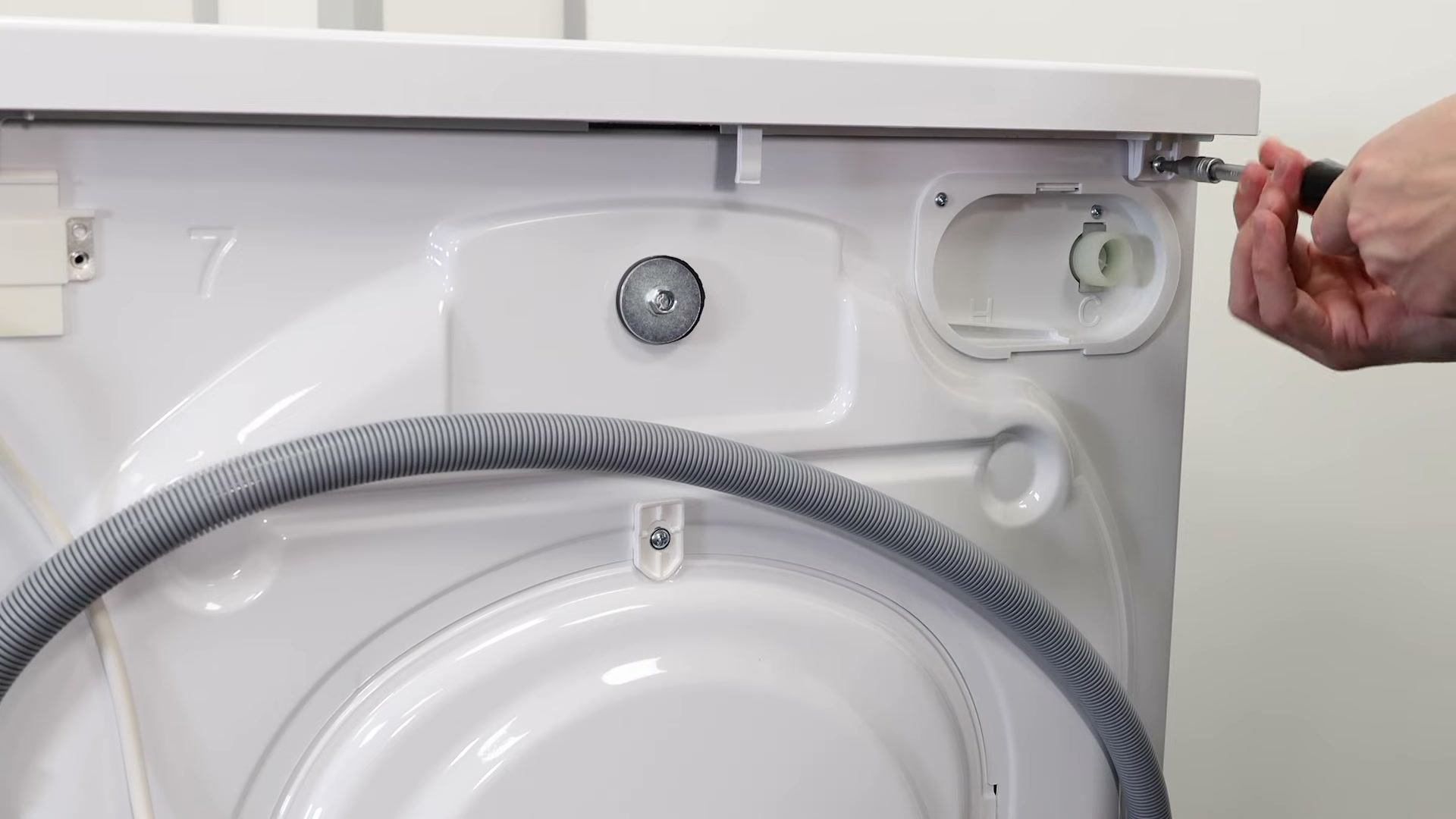
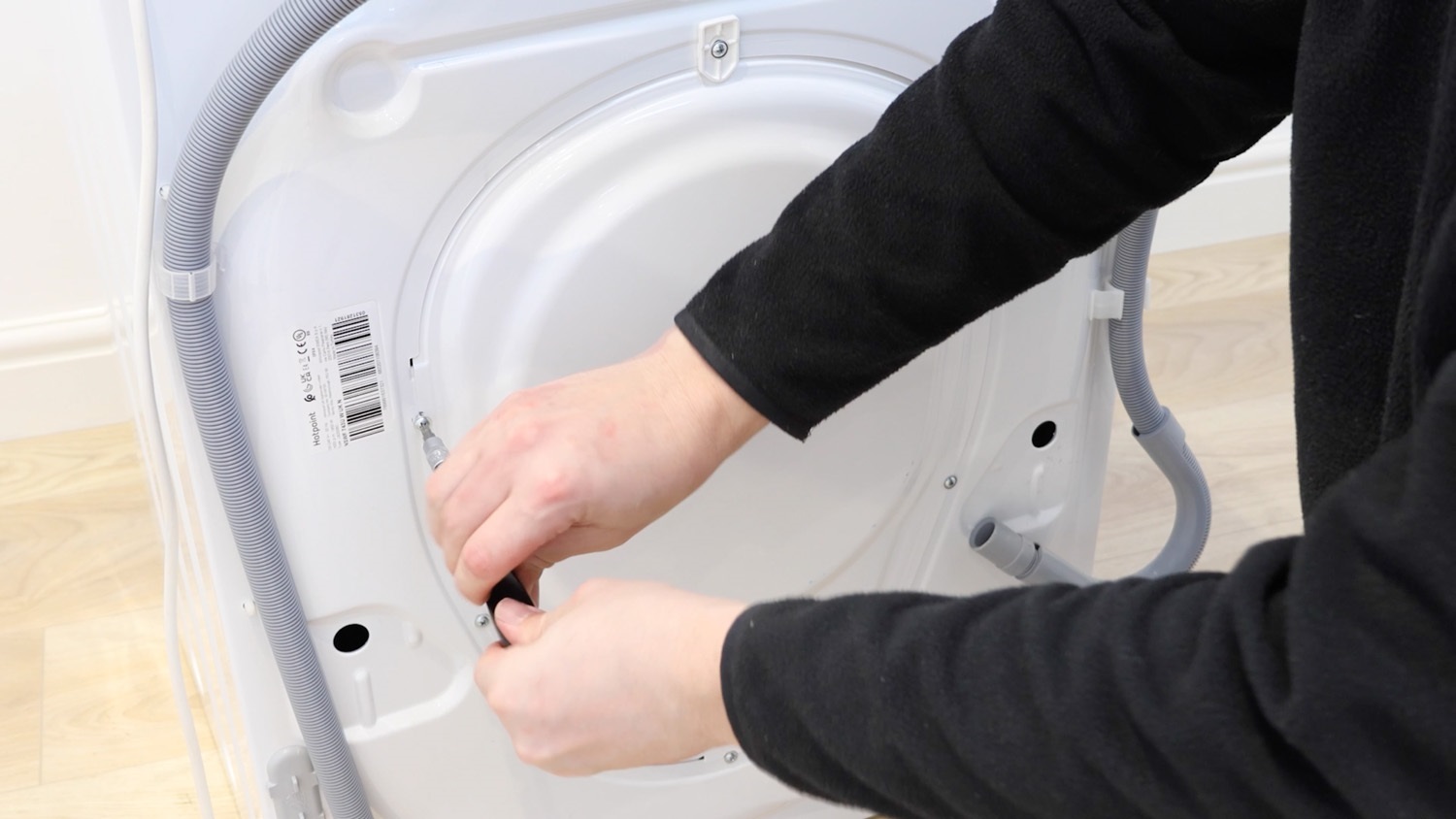
We need to gain access to the rear of the washing machine. Remove the screws holding the rear panel in place. On this Hotpoint model, there are six screws to remove.
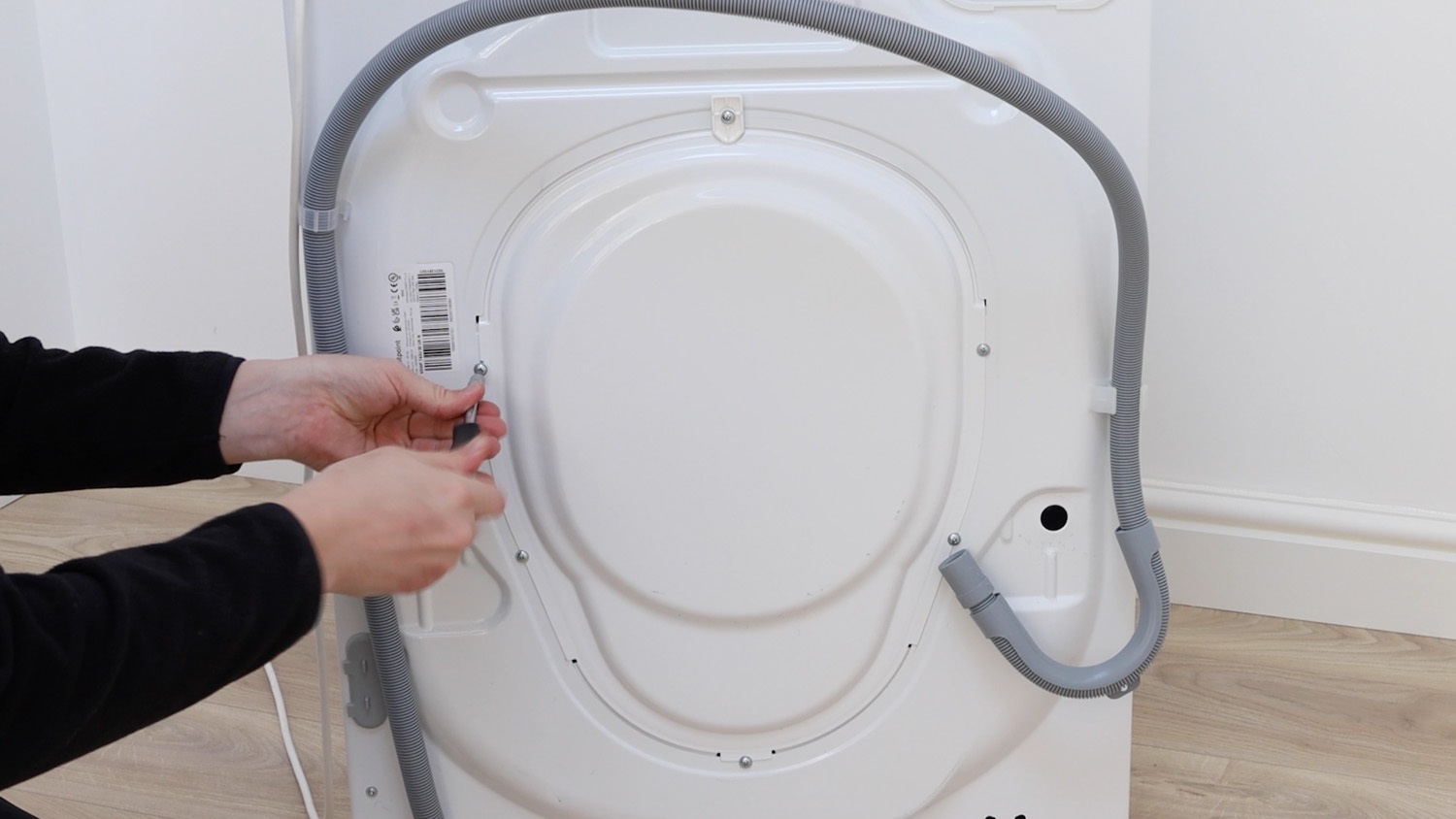
The rear panel can then be removed and placed to one side.
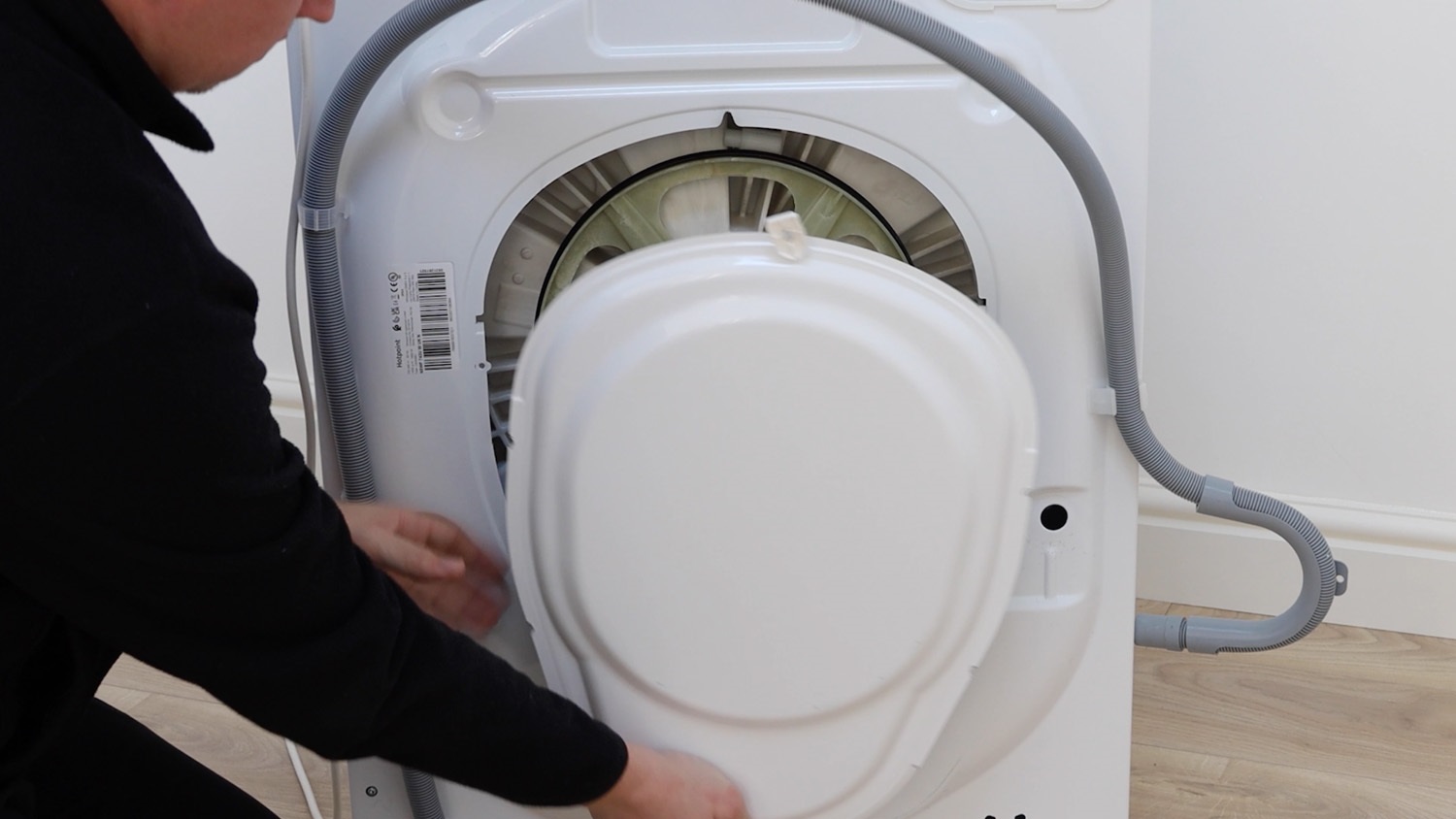
2. Remove old belt
Now is a good time to pop a pair of work gloves on if you have some.
To remove the old washing machine belt, simply pull the belt towards you whilst spinning the pulley.
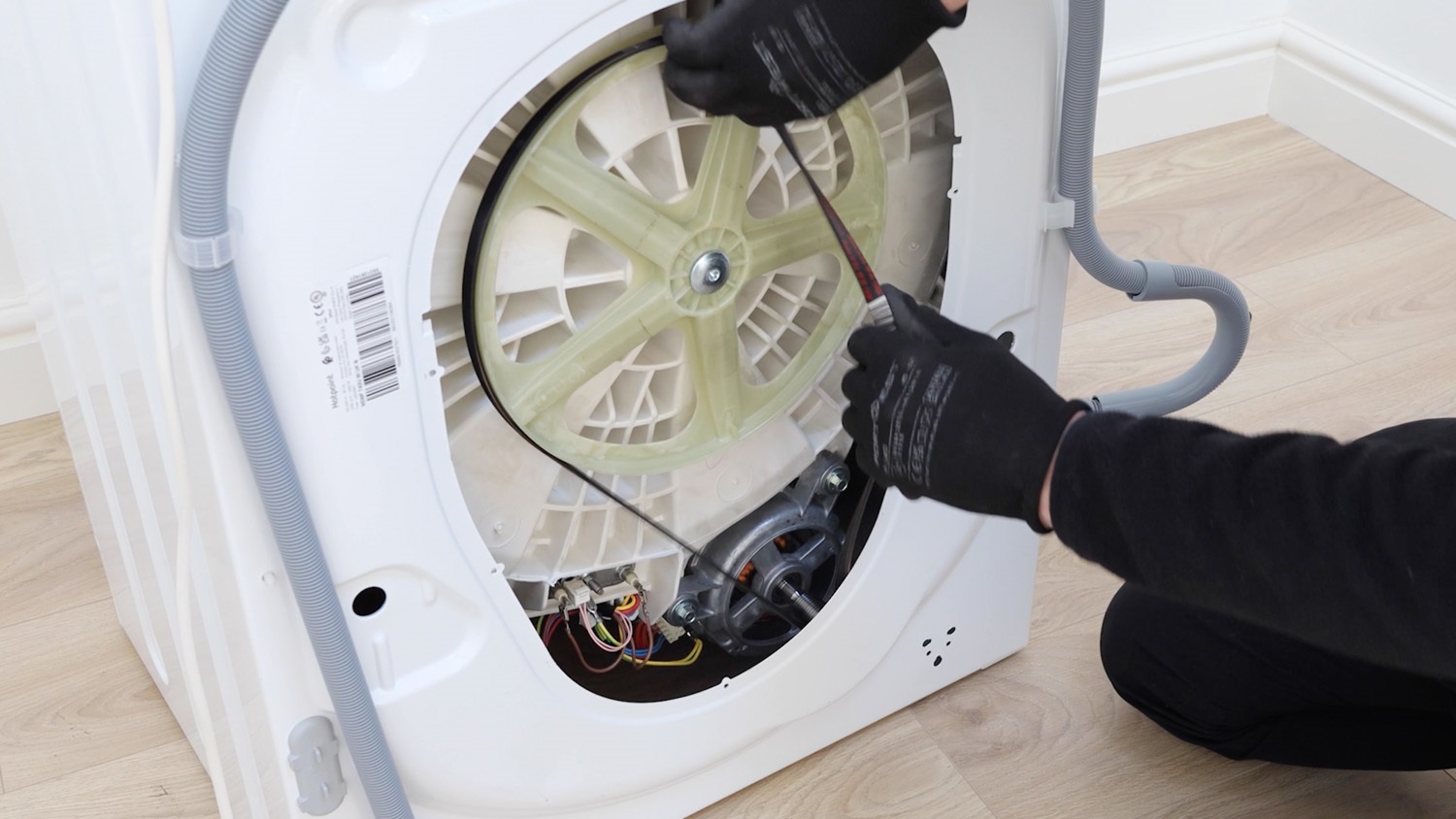
The old belt will come away from the drum pulley.
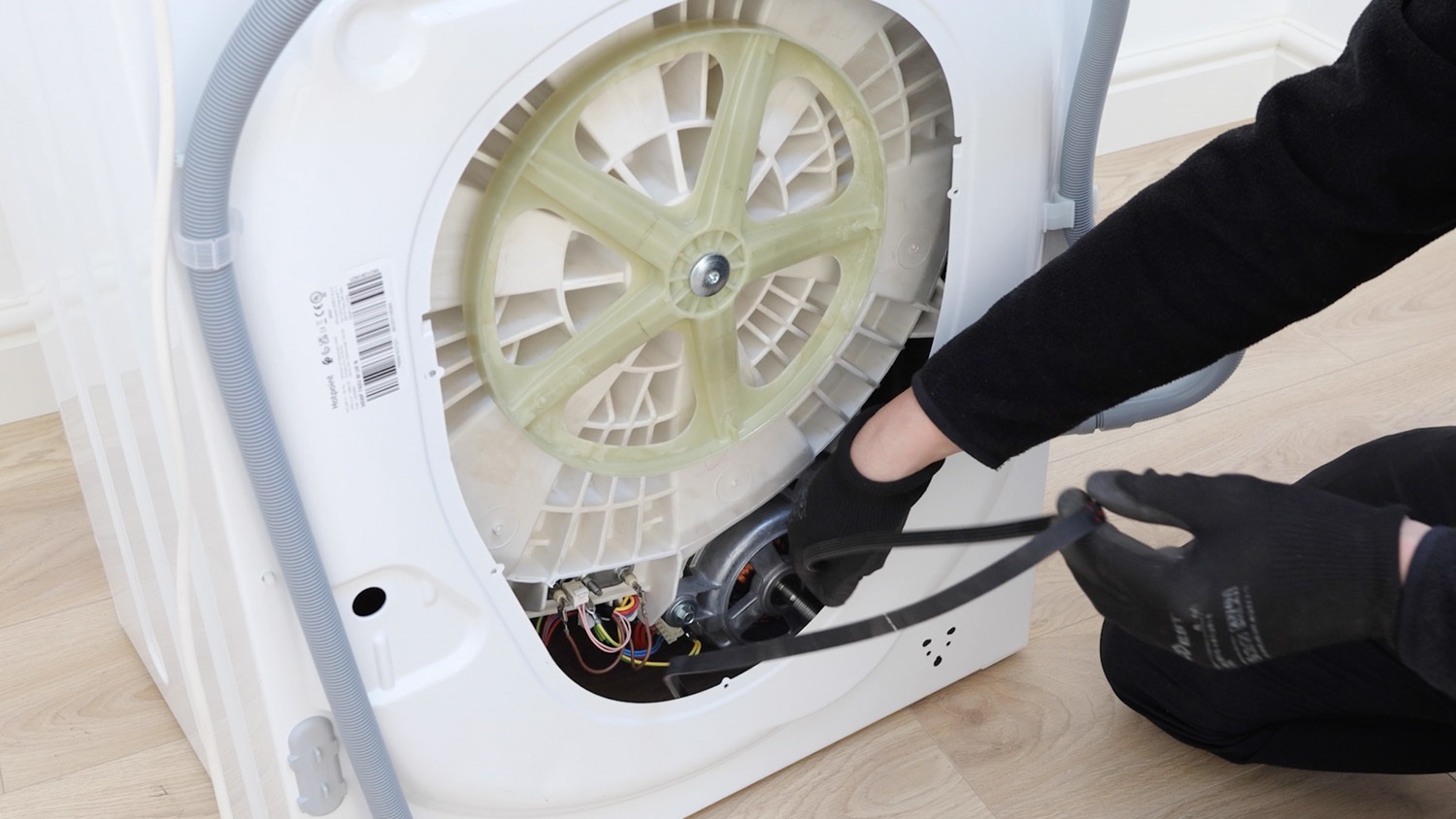
3. Install new belt
To install your new belt, attach it to the motor spindle with the ridge side facing up.
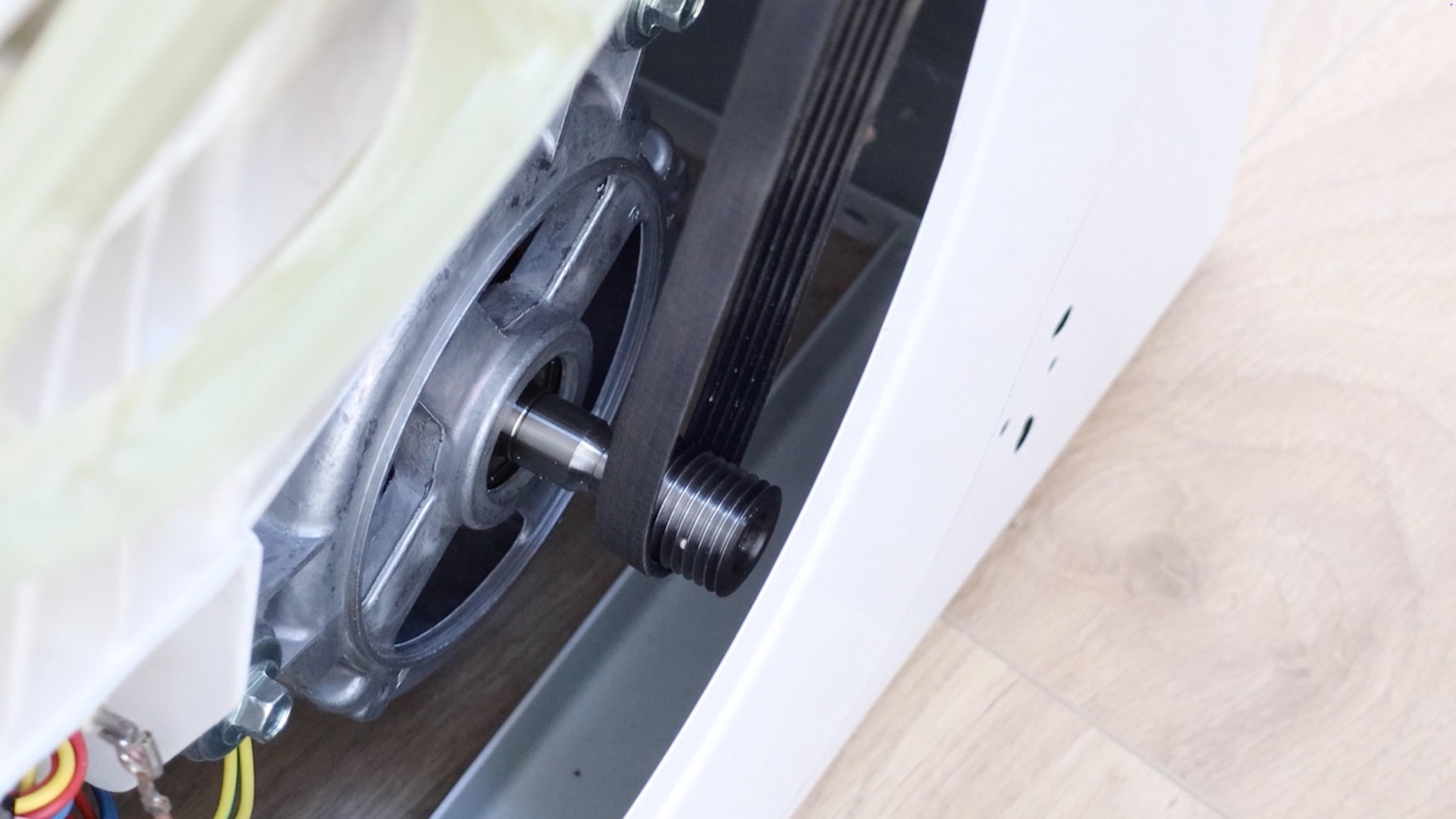
Start off by attaching the belt to the pulley on the side where the motor spindle is. Here, it’s the right side.
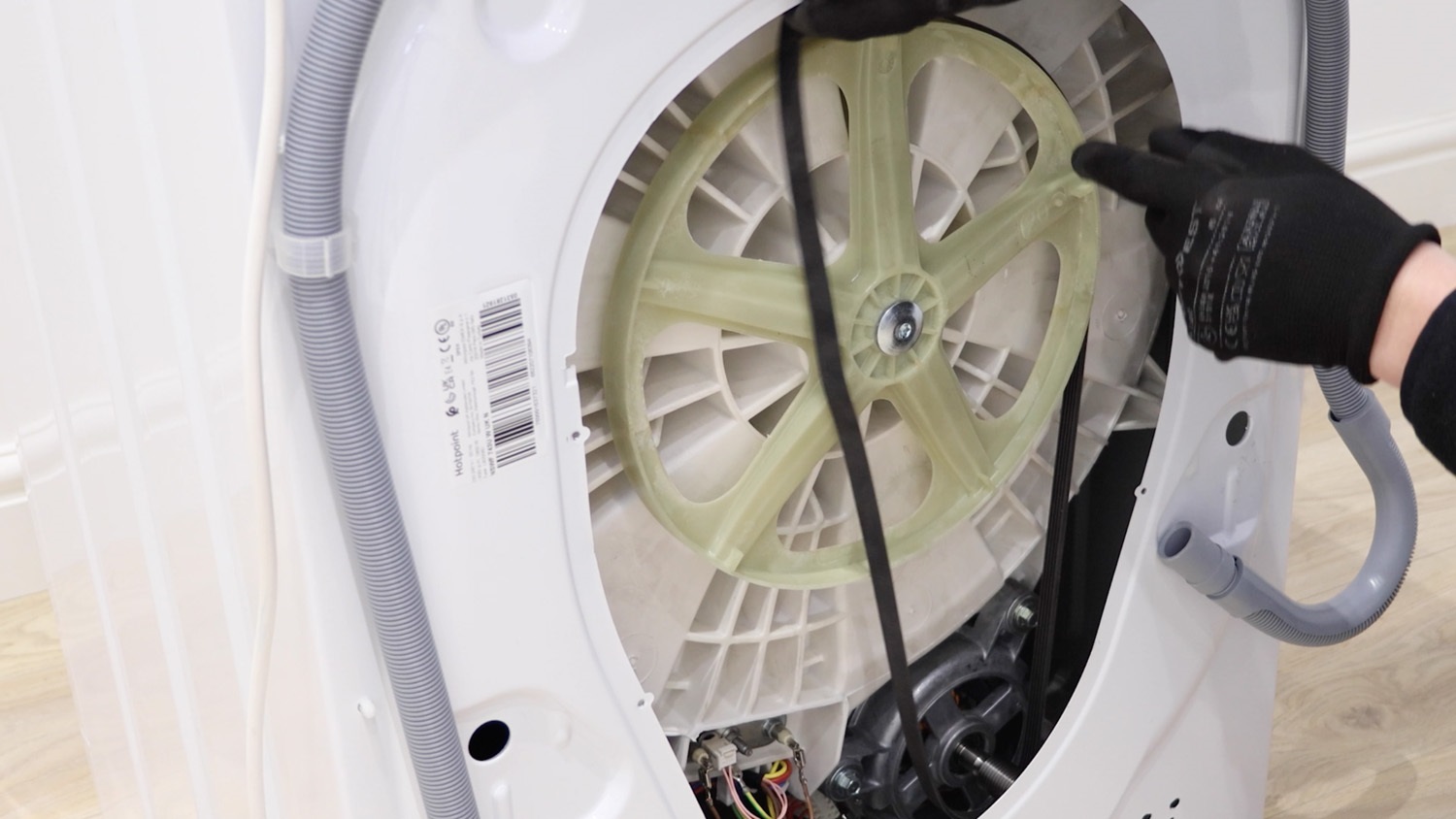
Then, begin to turn the pulley and feed the belt on.
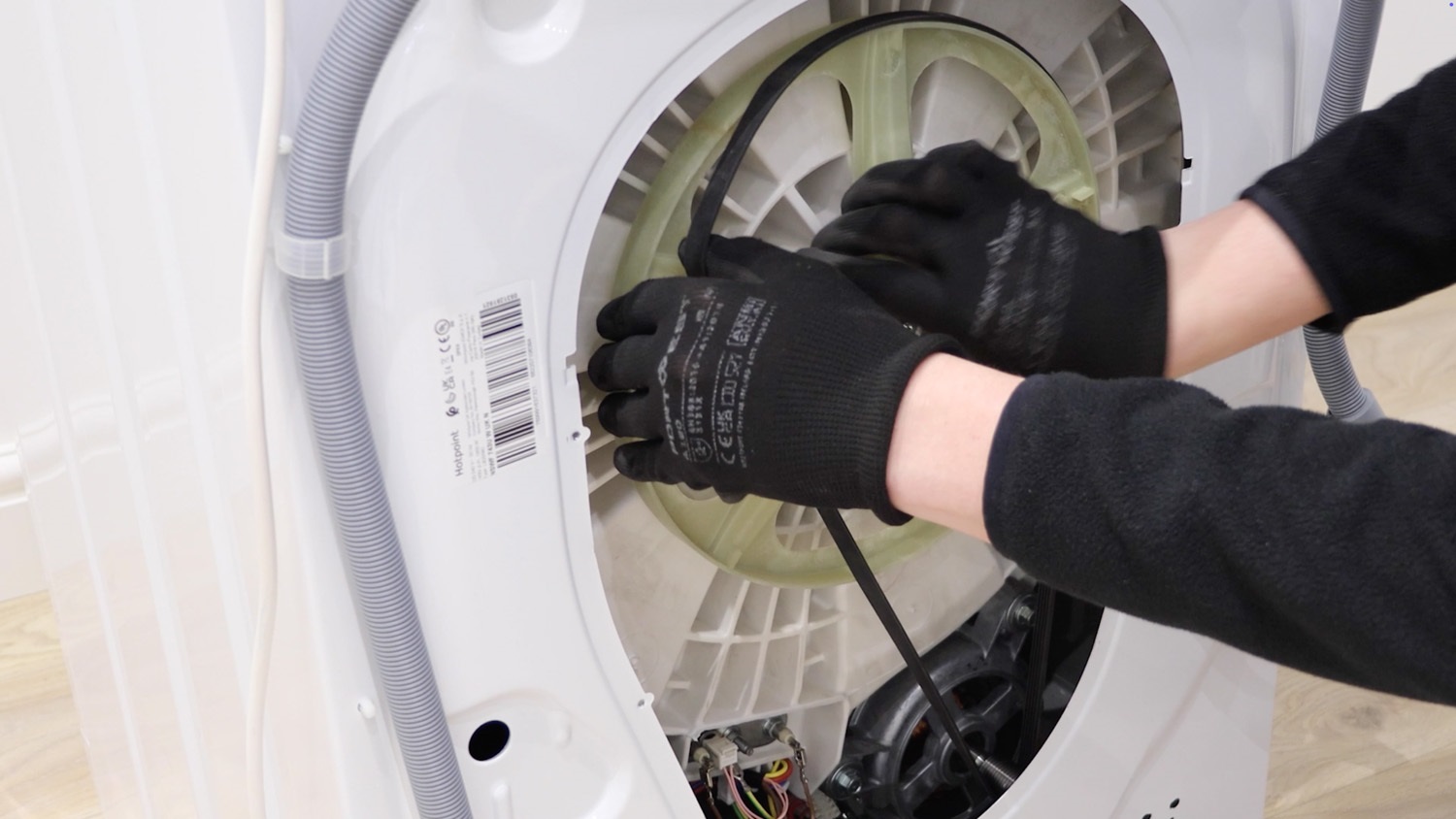
Spin the pulley to make sure the new belt is on correctly.
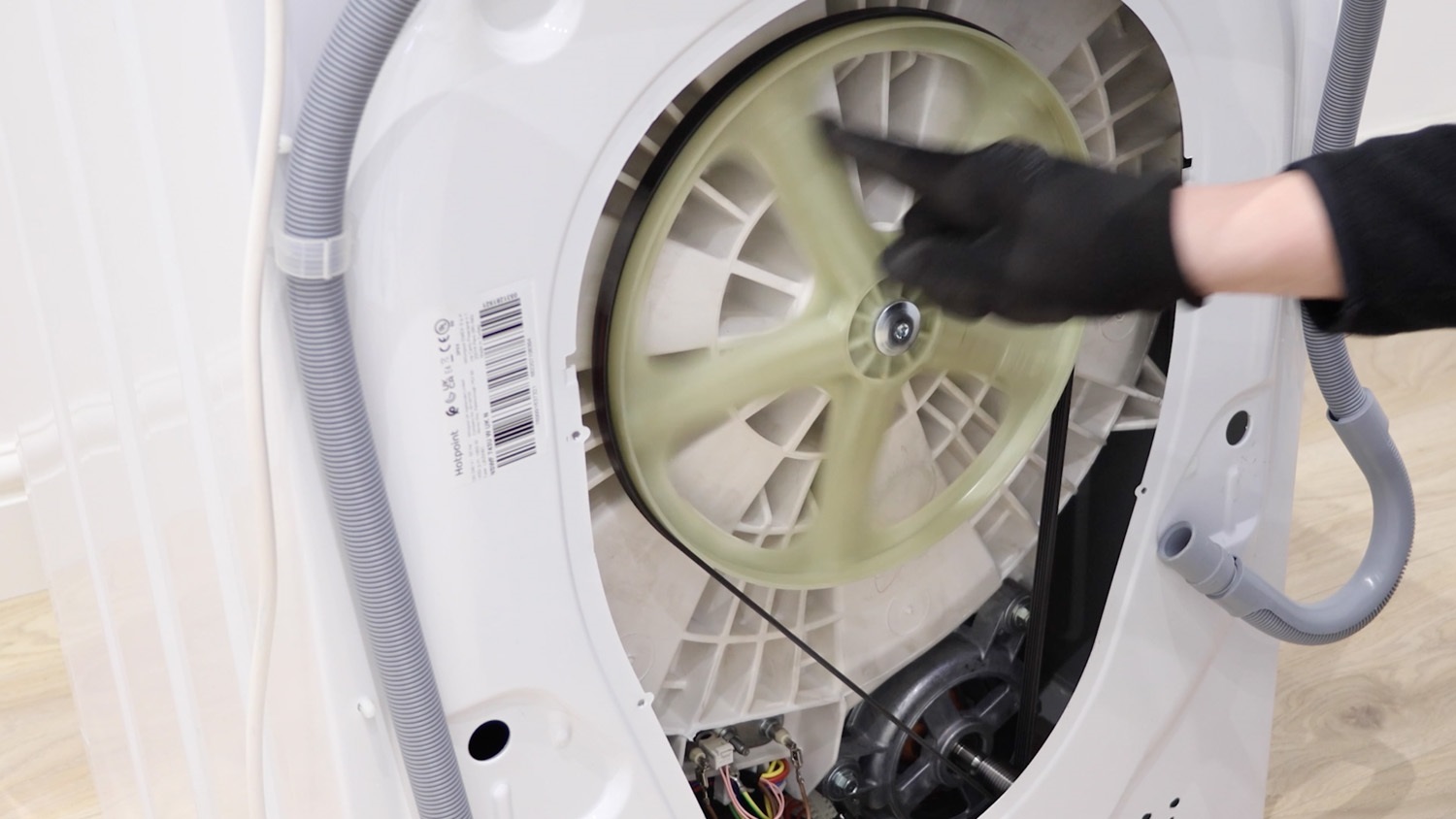
4. Re-attach rear panel
Place your rear panel back on the washing machine.
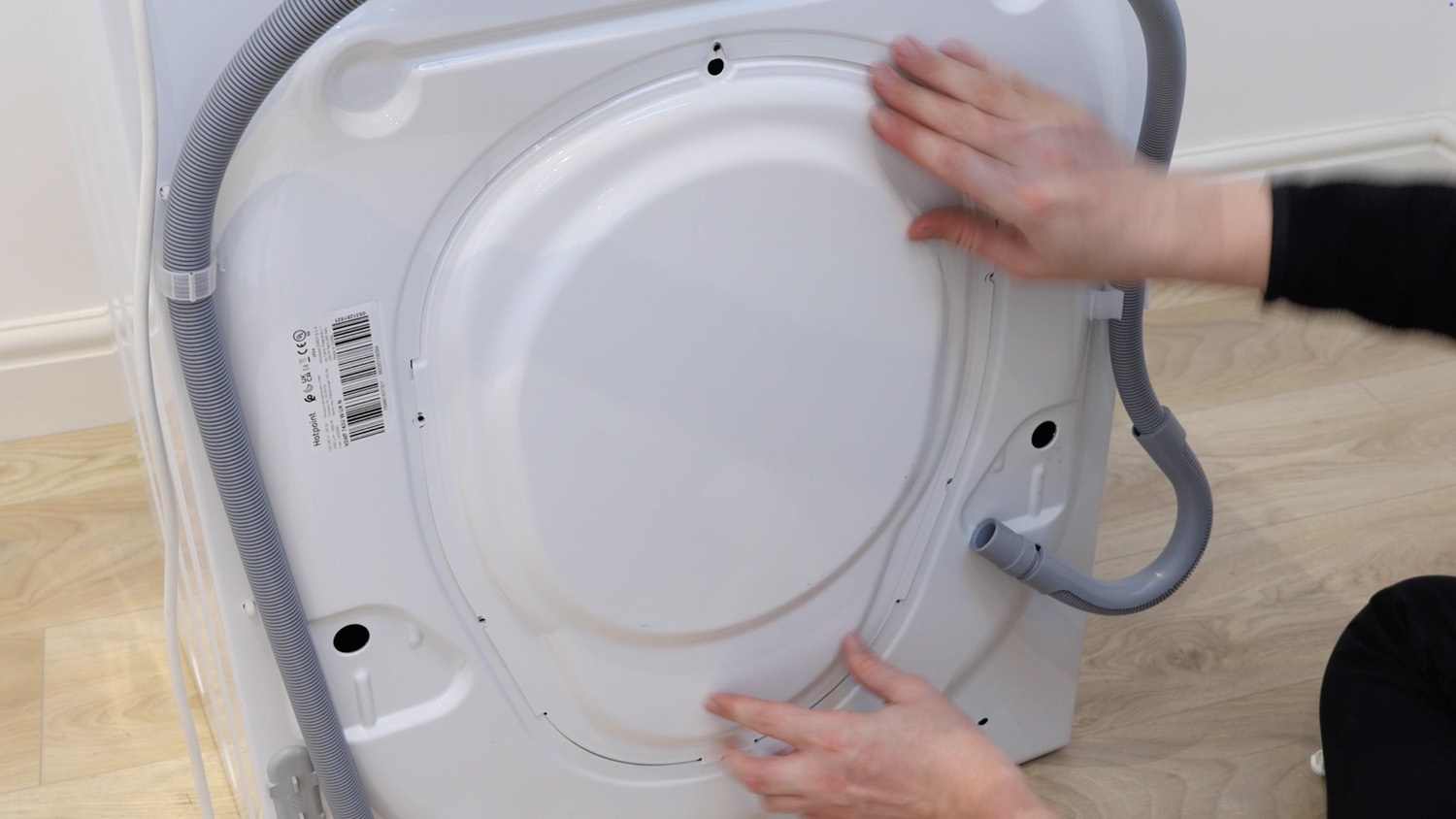
Re-screw all of the screws back in place.
And that’s it, your new washing machine belt is all set to go!