Make and Model of Fridge Freezer Used in This Video
Indesit IBD5515S1 (769991603461)
Indesit IBD5515S1 (869991603460)
Part Used in This Video
Fridge and Freezer Light Push Button Switch
1. Remove thermostat housing and parts
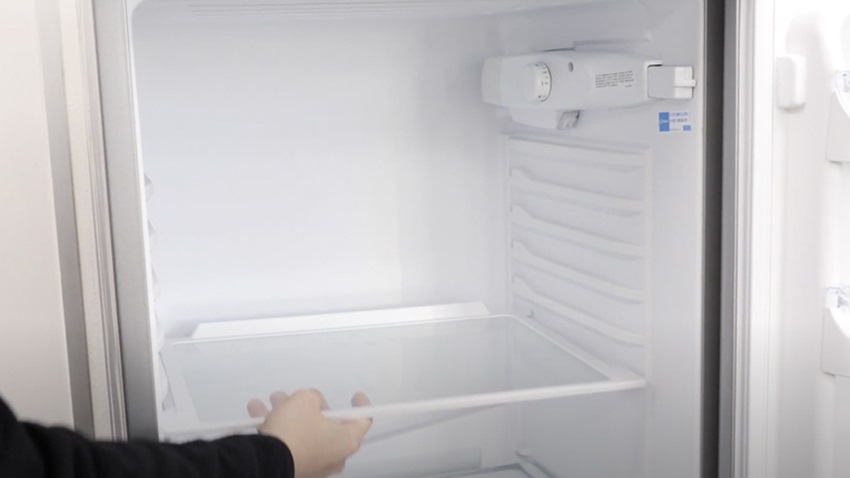
Remove any items and the shelves to make things easier and for us to access the thermostat unit.
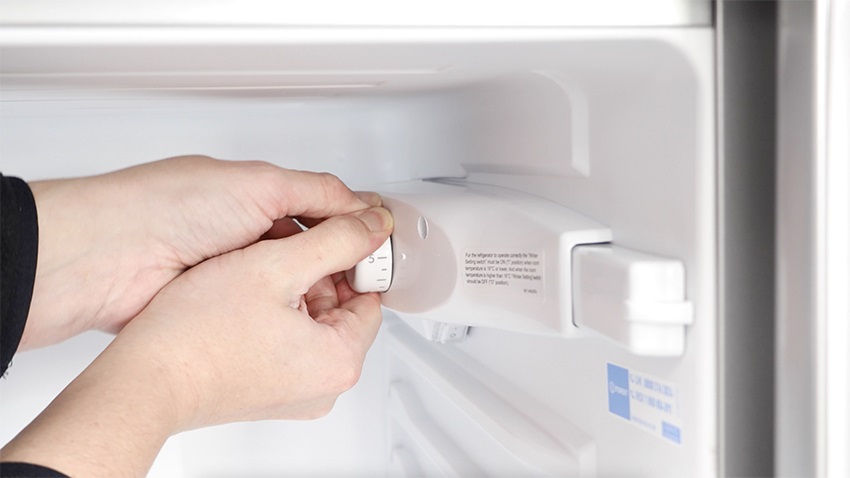
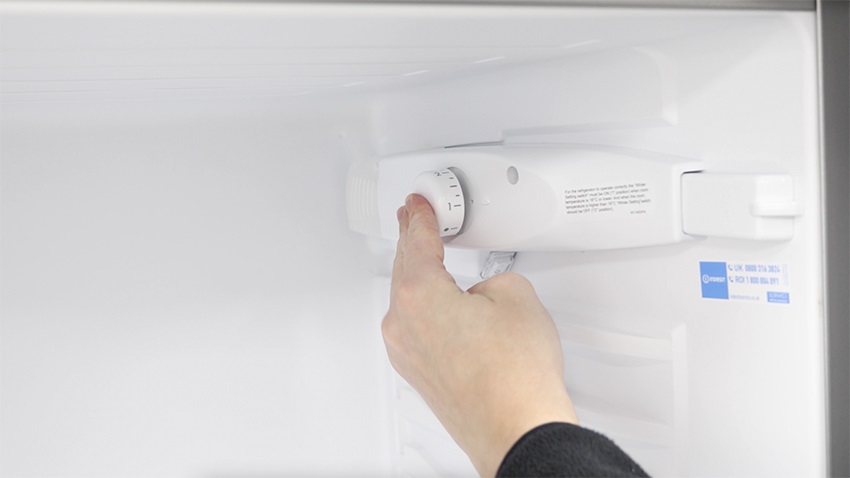
Then, remove the temperature dial.
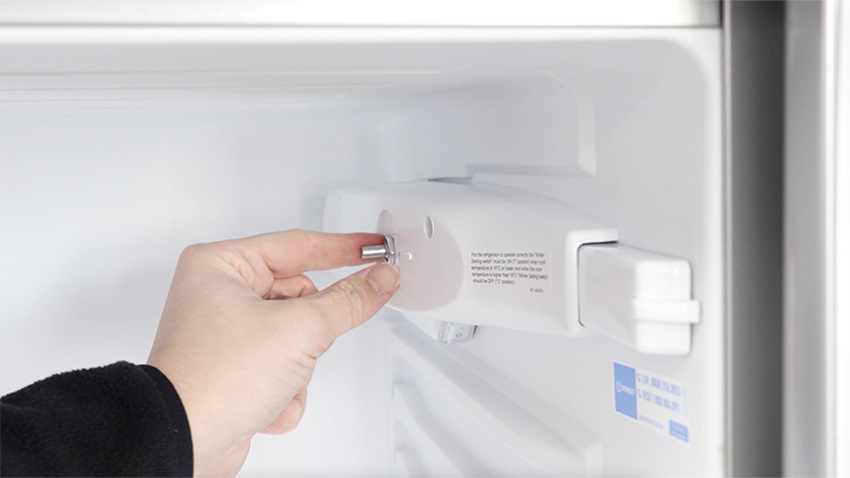
You'll find a nut that can be removed with the 14mm socket or a pair of long-nose pliers to loosen it and unscrew it.
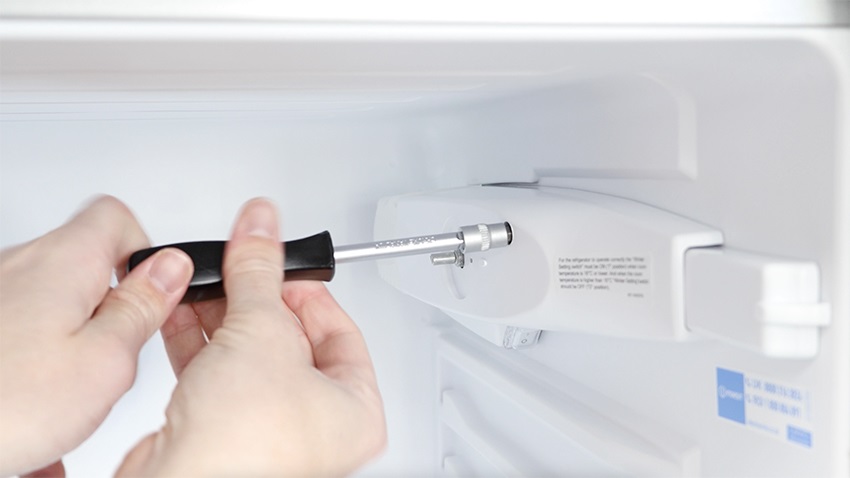
With your Phillips screwdriver, unscrew the long screw holding the thermostat unit in place.
Remove the plastic pusher by pressing it forward against the switch and then removing it.
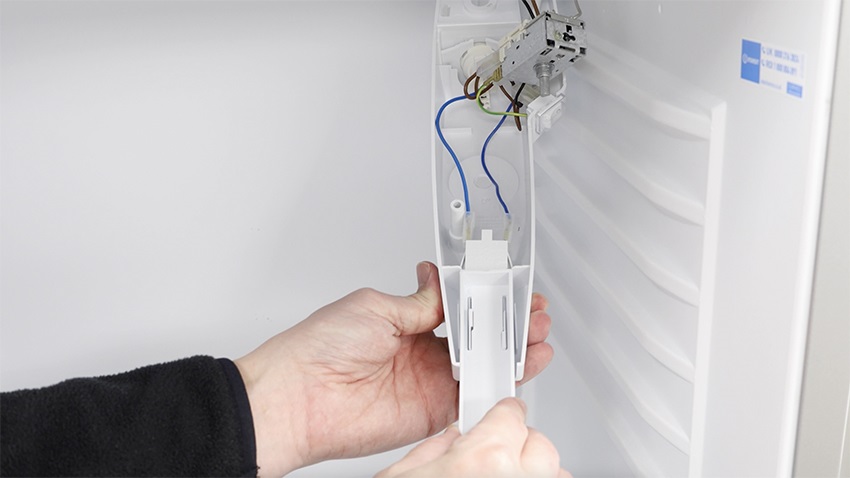
Now remove the two blue wires with your long nose pliers, or by hand.
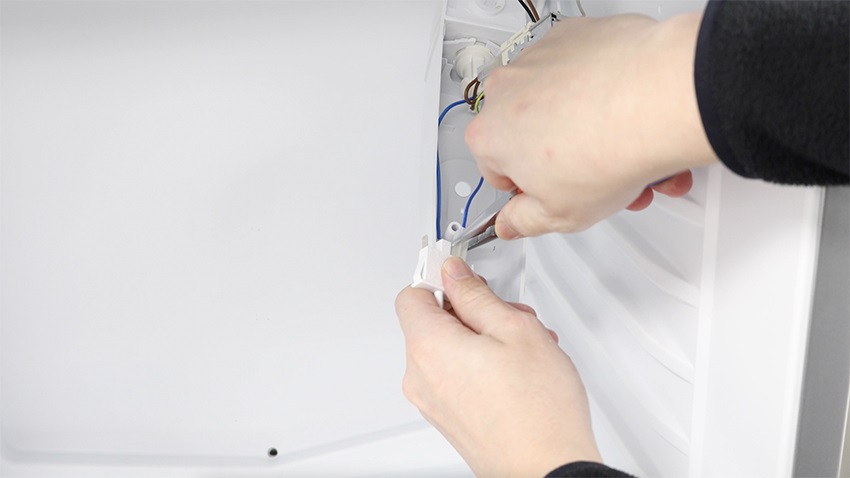
2. Install new light push button switch
With your new light push button switch, re-connect the blue neutral wires to either side of the switch. Then attach the new light push button switch to the housing and re-attach your plastic pusher.
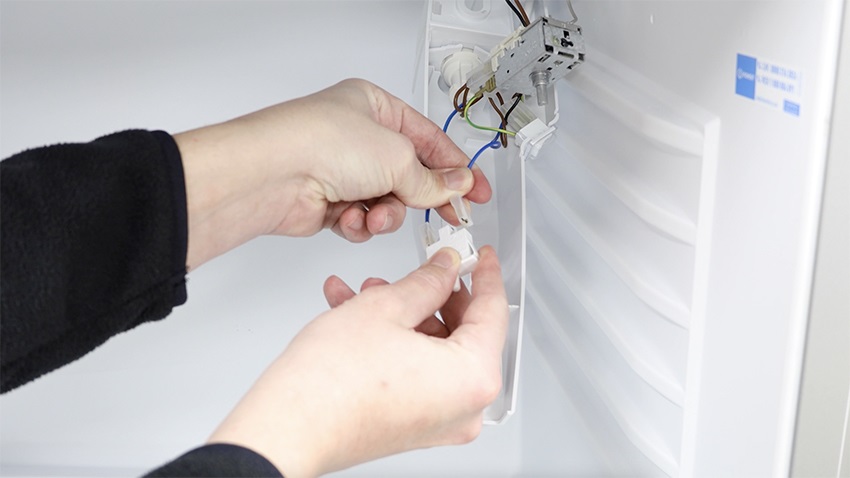
3. Re-attach thermostat housing and parts
Put the thermostat unit back in place. To make this easier, firstly thread the metal piece (circled in orange) from the thermostat through the other side. Then, re-screw the nut back on.
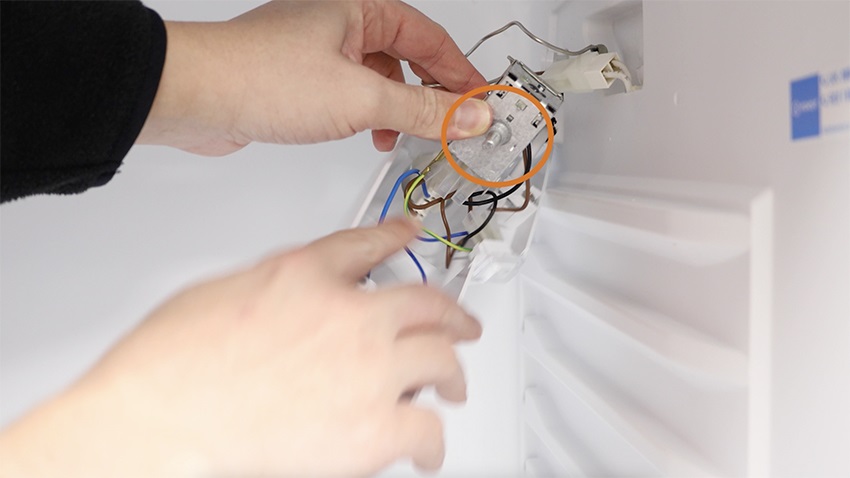
Now, clip the back of the thermostat unit to the fridge. Then line up the hole and re-screw the long screw removed earlier.
Re-attach the temperature dial.
Then, re-install the shelves and any items you removed.

And that’s it, your new light push button switch is all set to go!