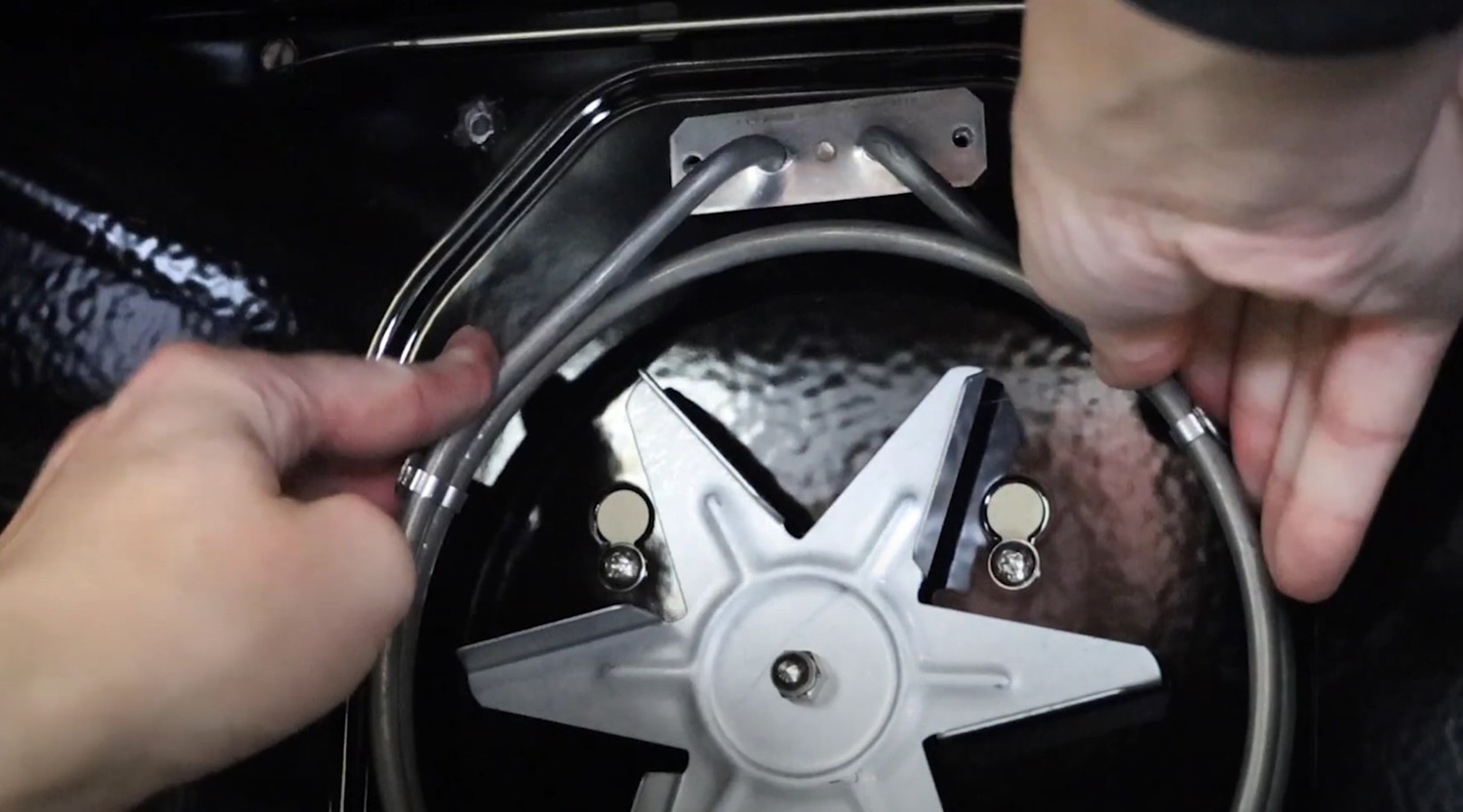
In this video article we demonstrate the replacement of the fan oven element in an Indesit oven.
1. Isolate the power
Always make sure the power is isolated to the oven before carrying out any repairs.
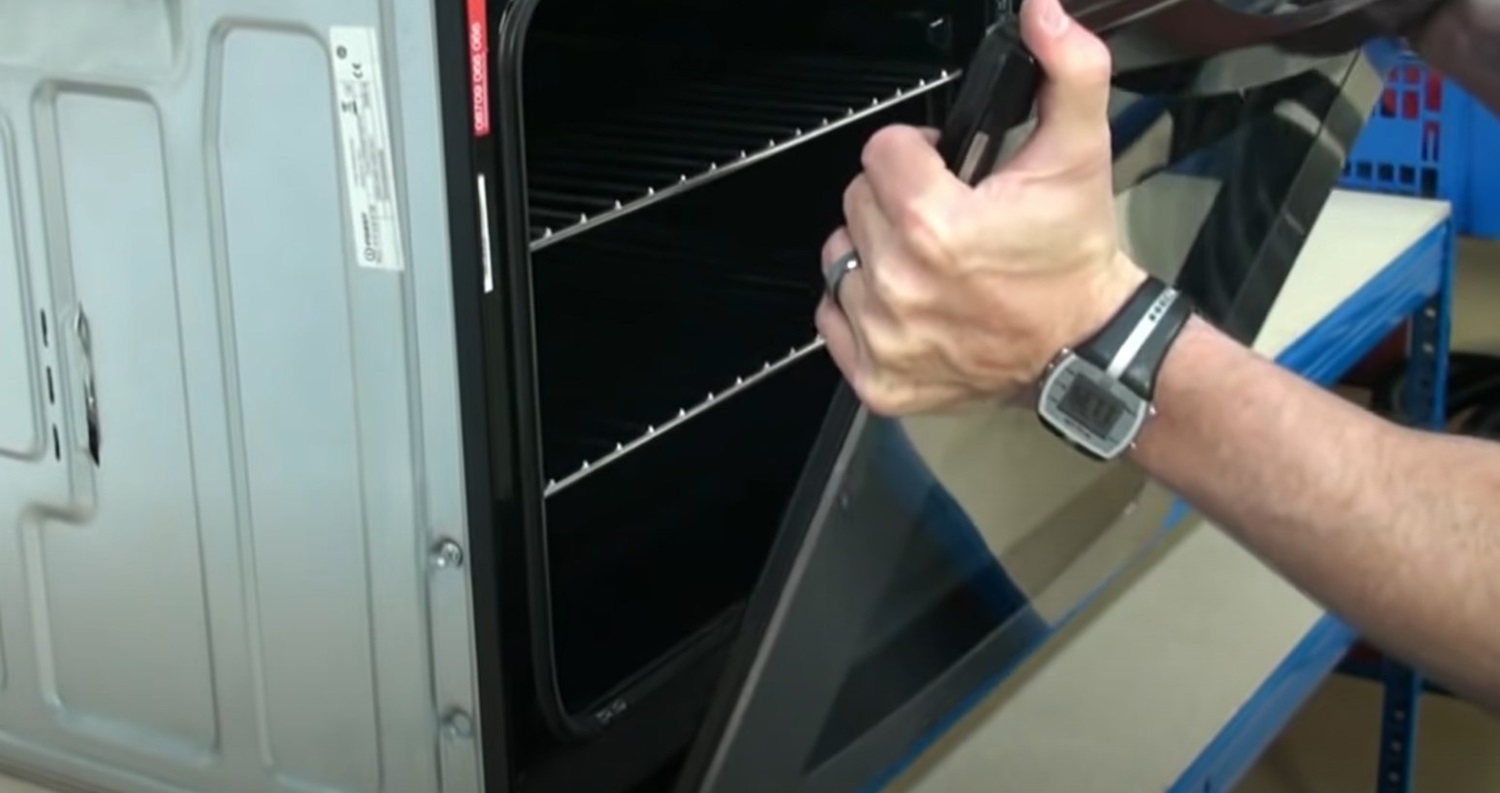
2. Remove the oven door
This isn't a necessary step but removing the oven door gives you easier access to the back of the oven cavity.
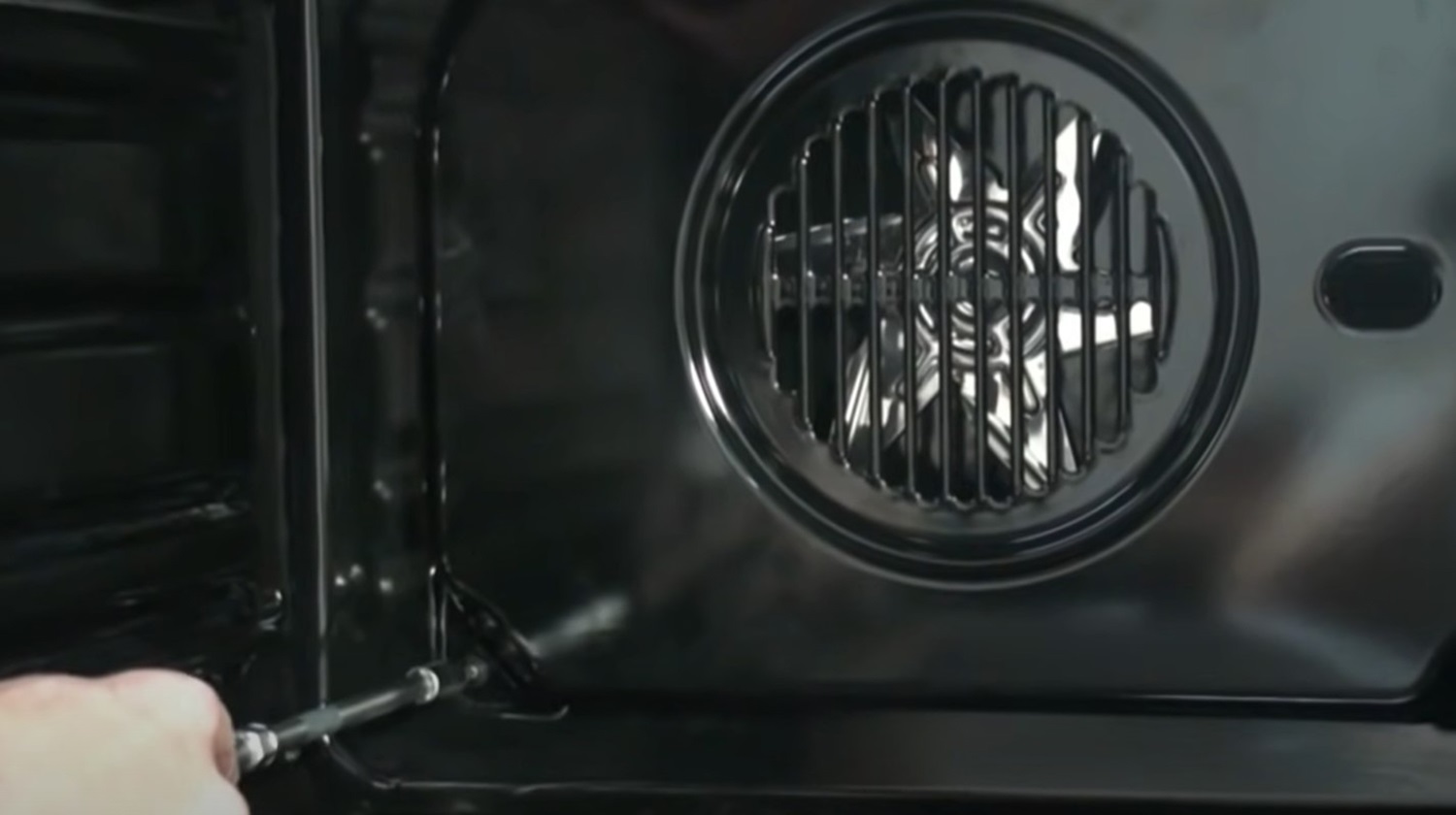
3. Remove the back plate
Now remove the screws that are securing the back plate and remove the back plate from the oven.
4. Remove the oven element
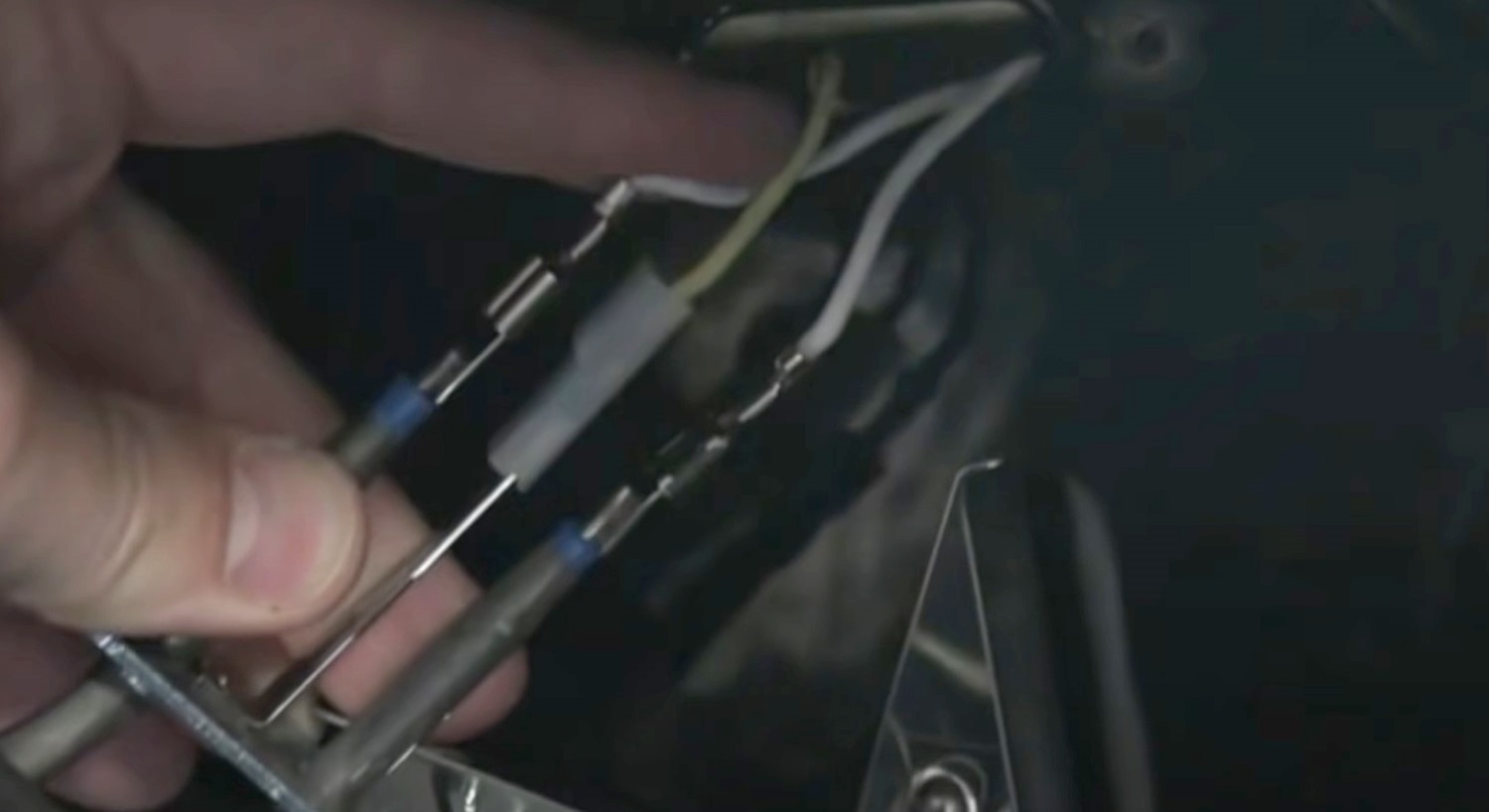
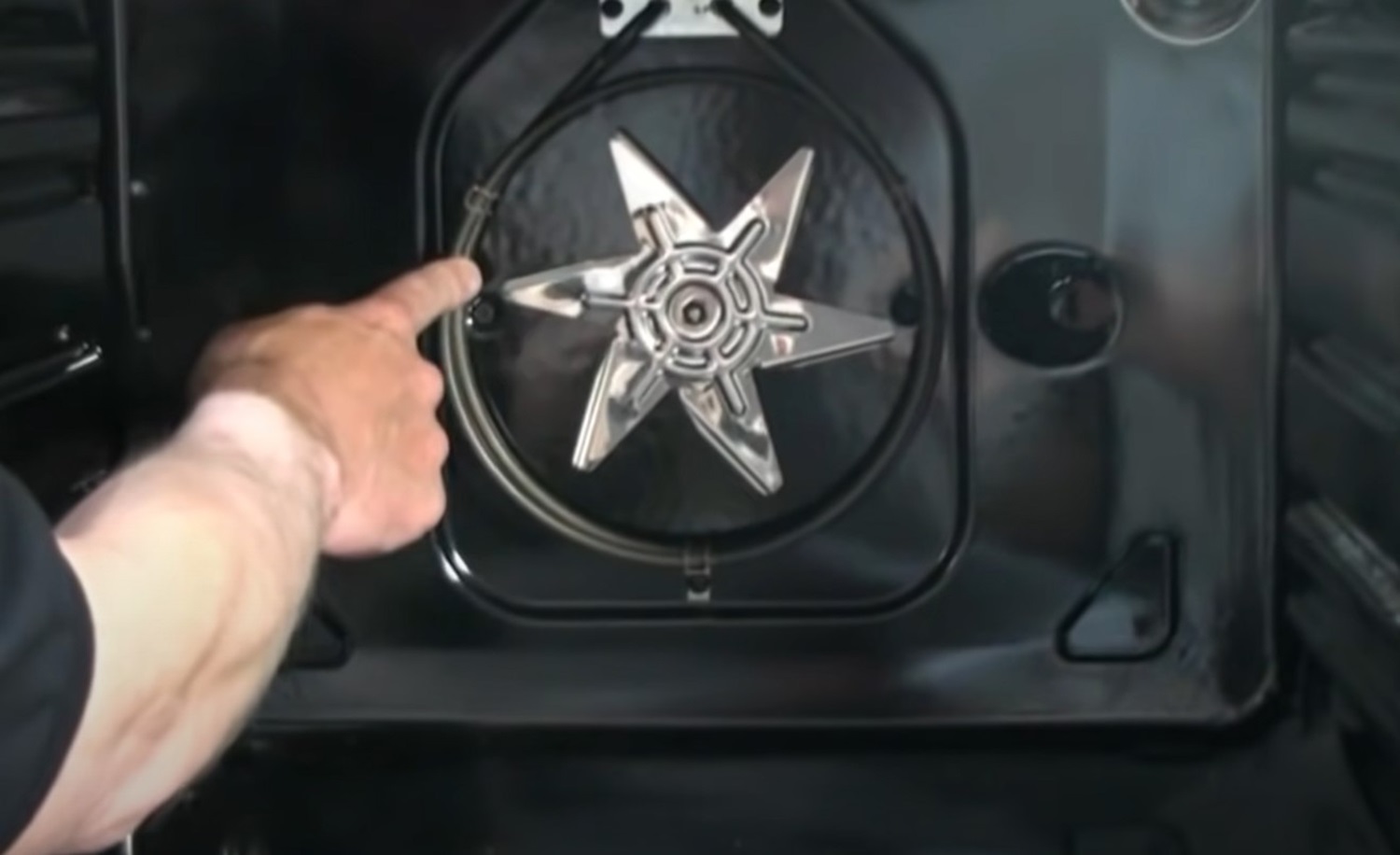
Now remove the screws that are securing the oven element in place and carefully remove the element from its position. Be careful that the electrical connections don't come away from the element as you move it.
5. Remove the electrical connections
Next make a note of the electrical connection configuration and remove the wires and replace the element.