Make and Model of Oven Used in This Video
Hotpoint DU2540WH (61022940000)
Hotpoint DU2540WH (769991022942)
Part Used in This Video
Hotpoint Oven Twin Circuit Energy Regulator Switch
1. Accessing the regulator switch
If your oven is in a unit, you’ll need to take it out by removing the two screws. Ask for help if needed.
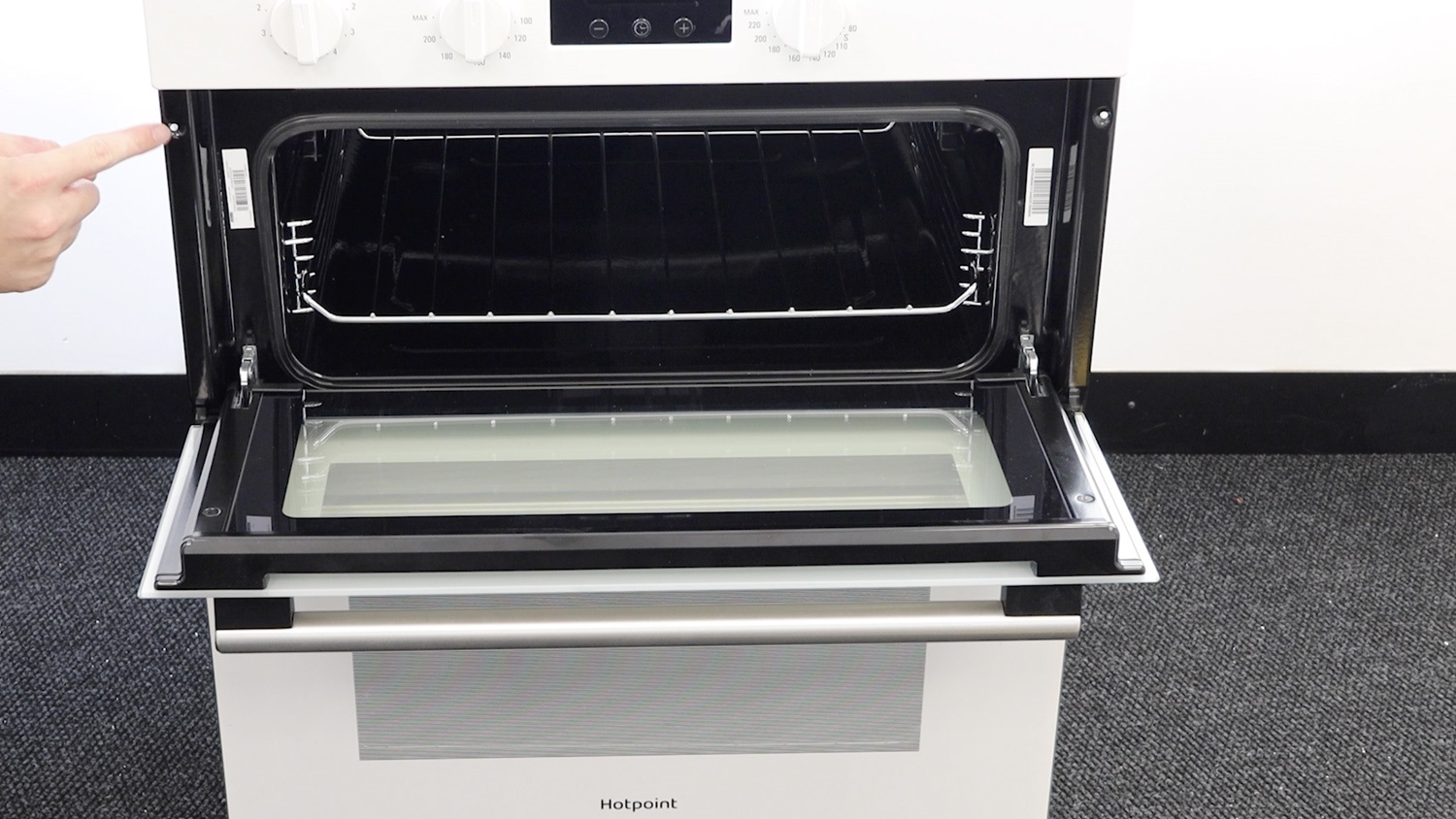
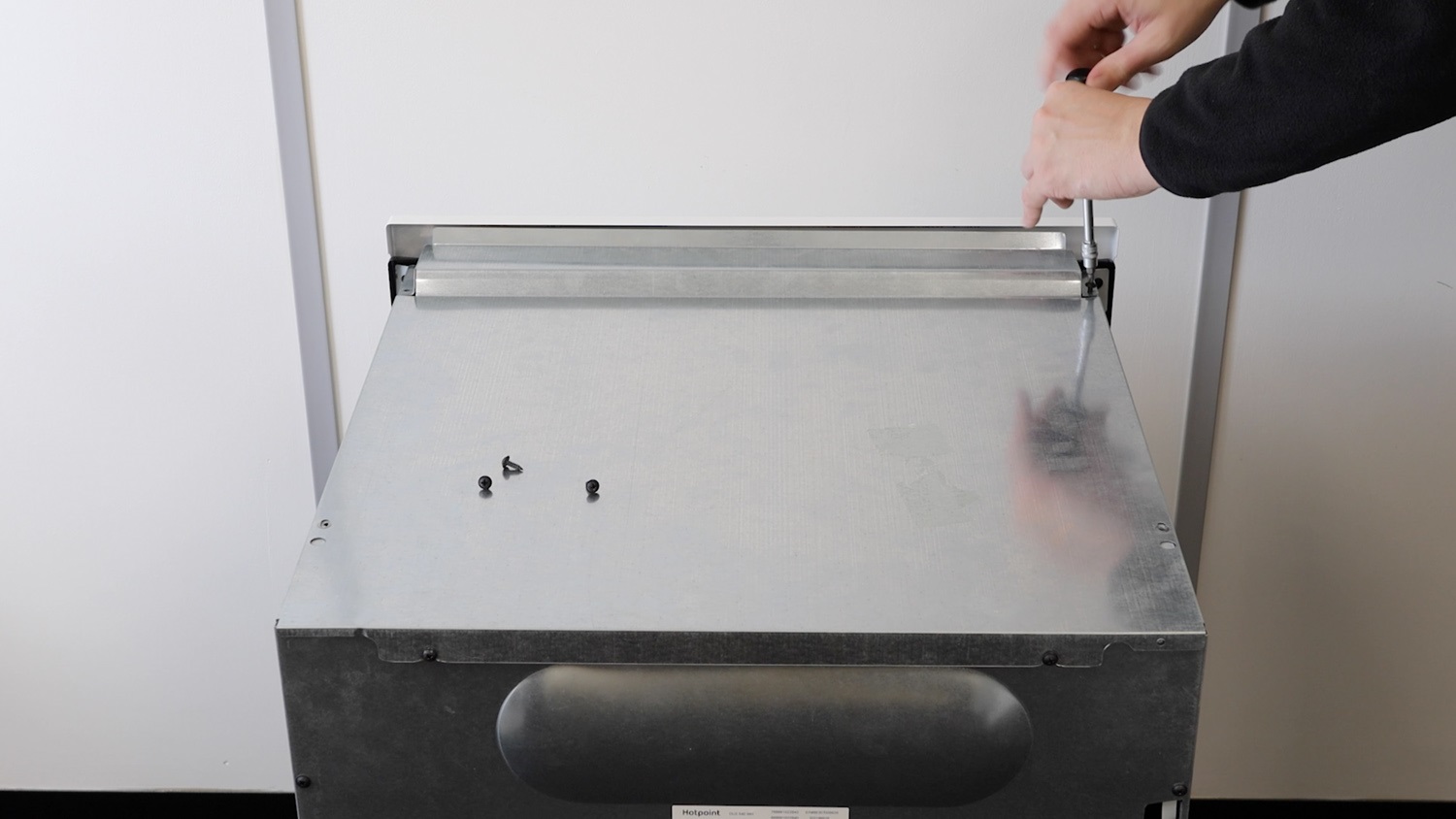
Remove top screws
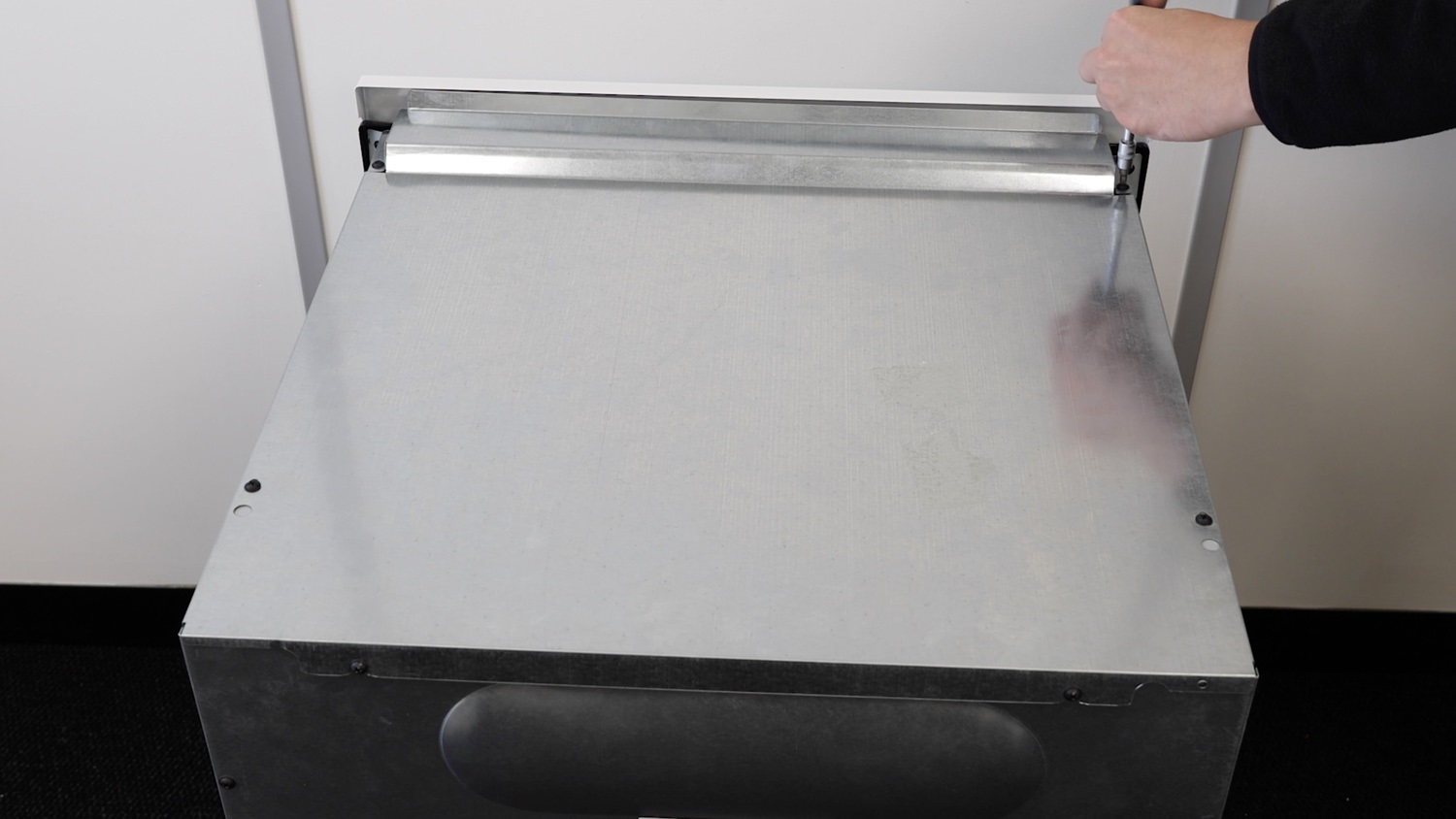
Remove the screws from the top panel of your oven and place these to one side.
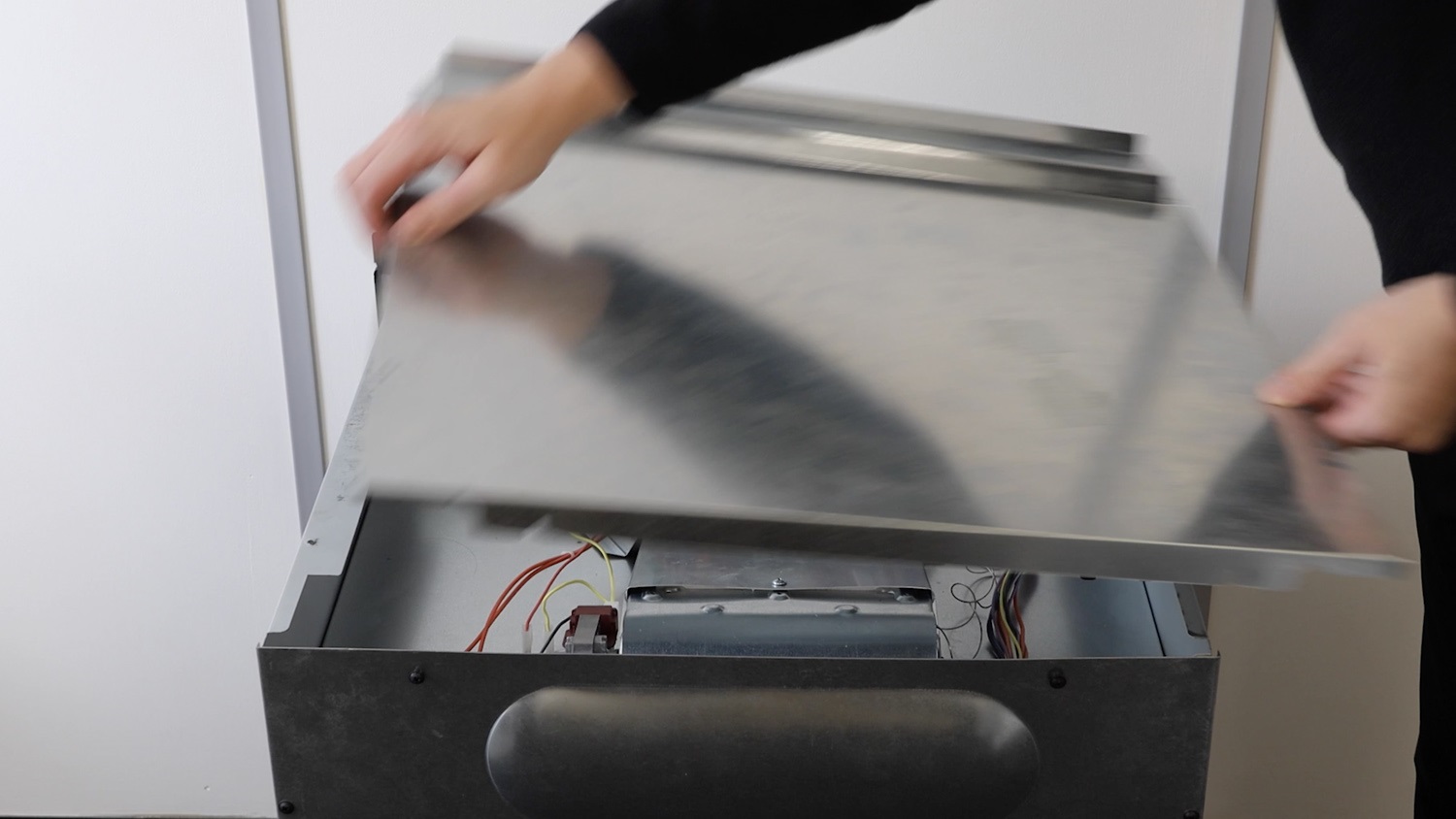
Remove top panel
Remove the top panel. Be careful as they can be sharp.
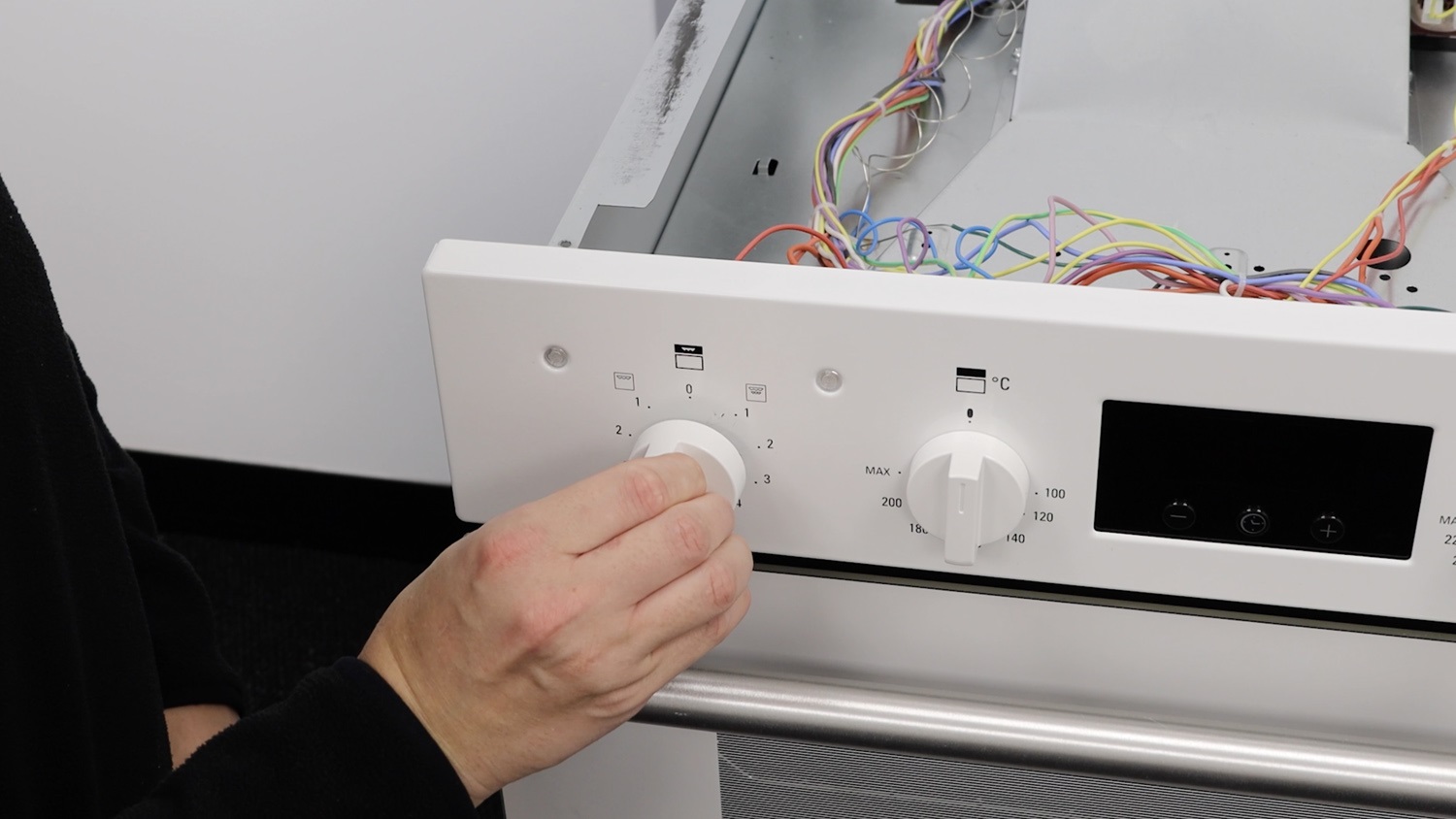
Remove control knob
The oven energy regulator switch is behind the grill setting control knob. Slide off the control knob.
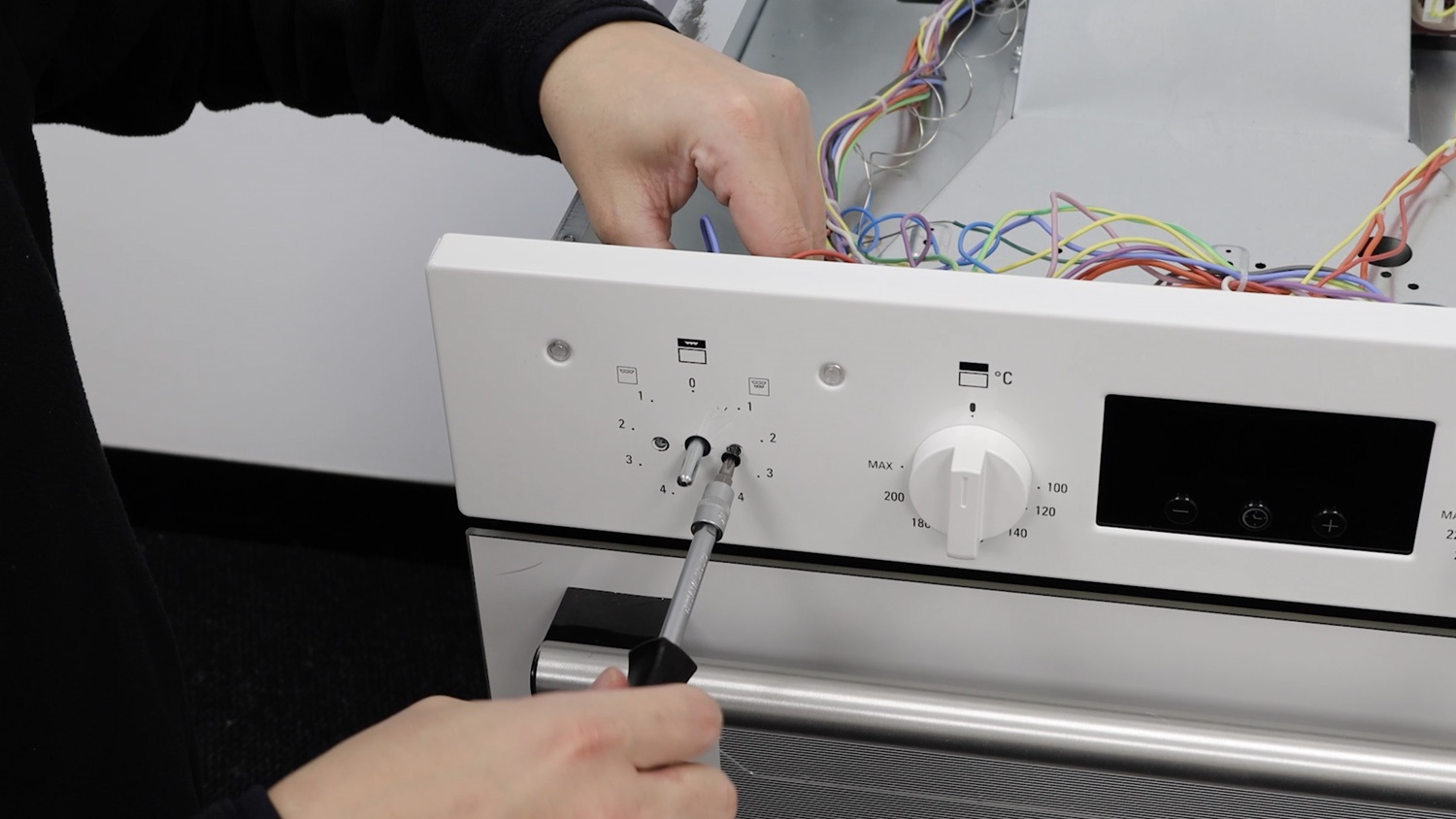
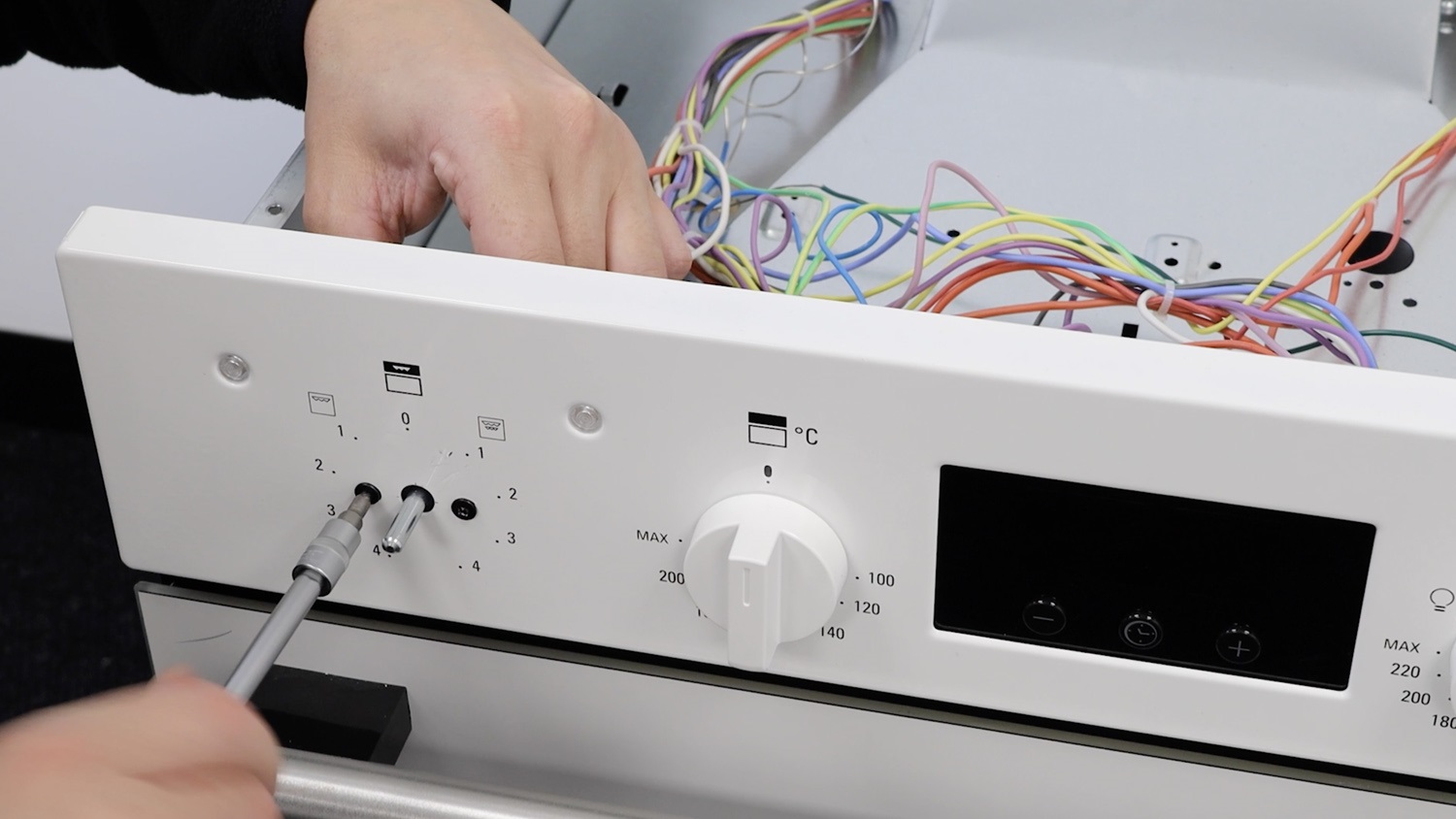
Remove screws
Then remove the two screws.
2. Remove old oven energy regulator switch
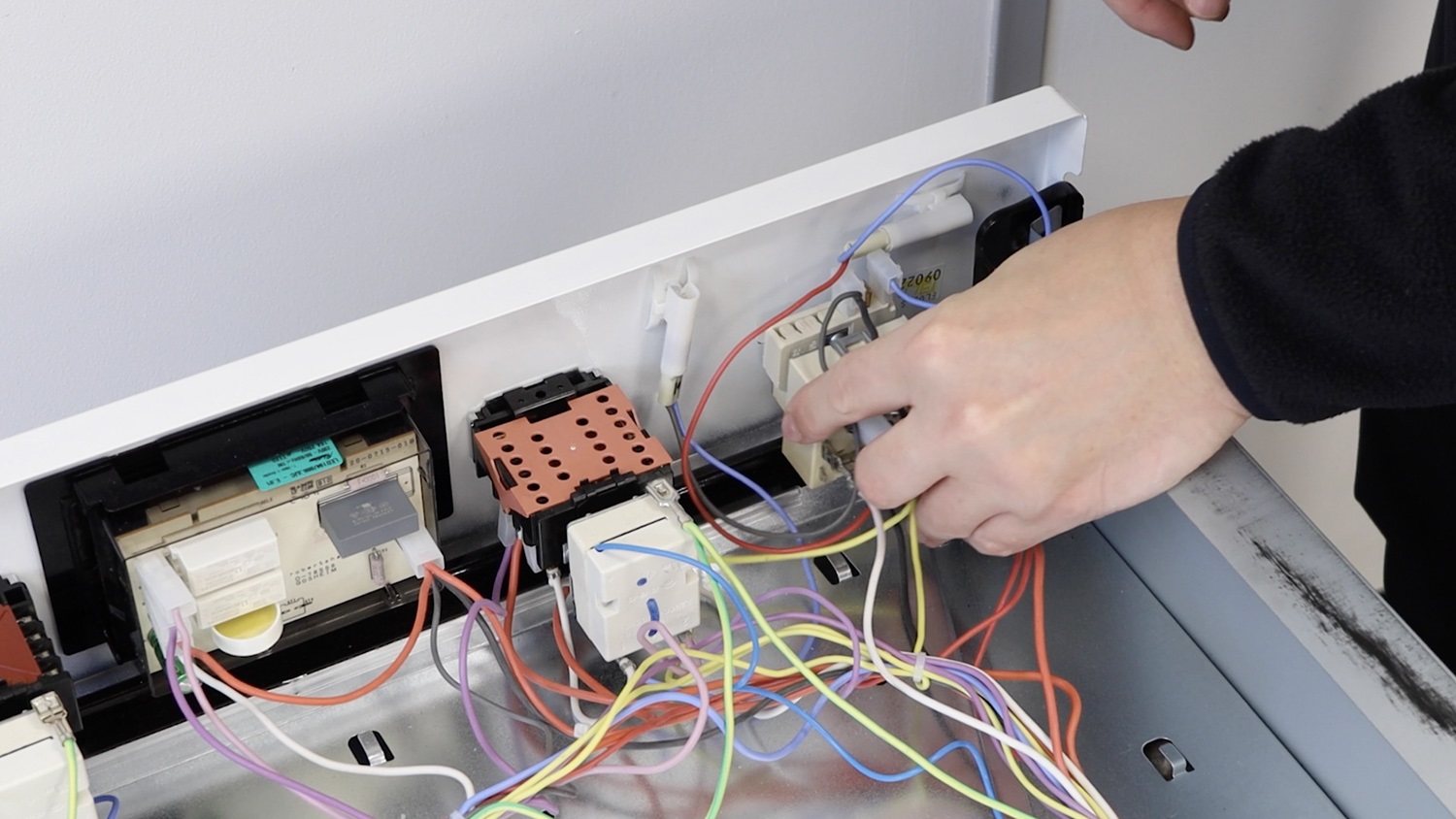
Important and before going any further, take photos or a video of the existing wiring layout before removing any connectors from the oven energy regulator switch.
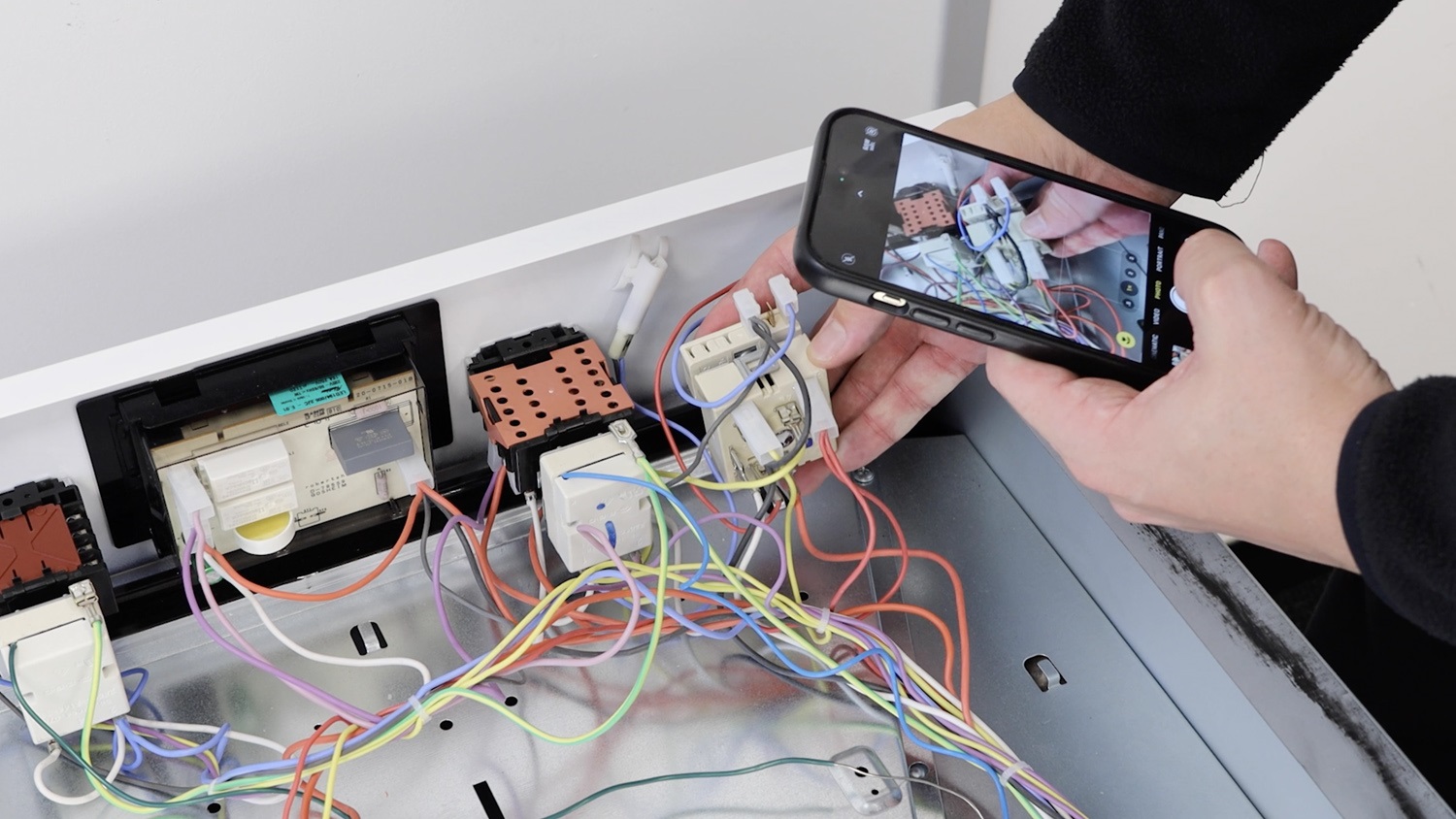
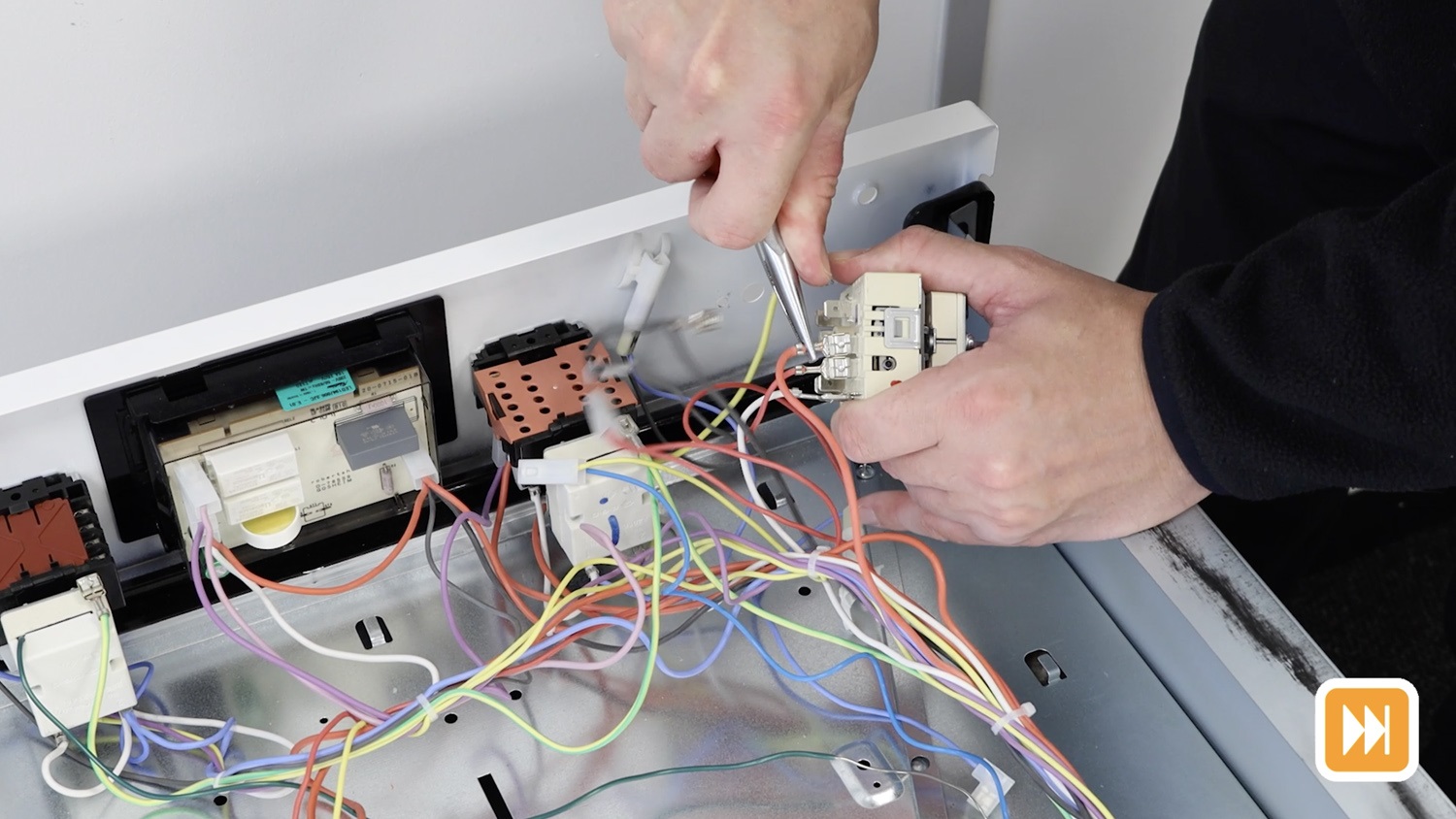
Remove the connectors. Some you’ll be able to do by hand, others may need some pliers if they’re tight.
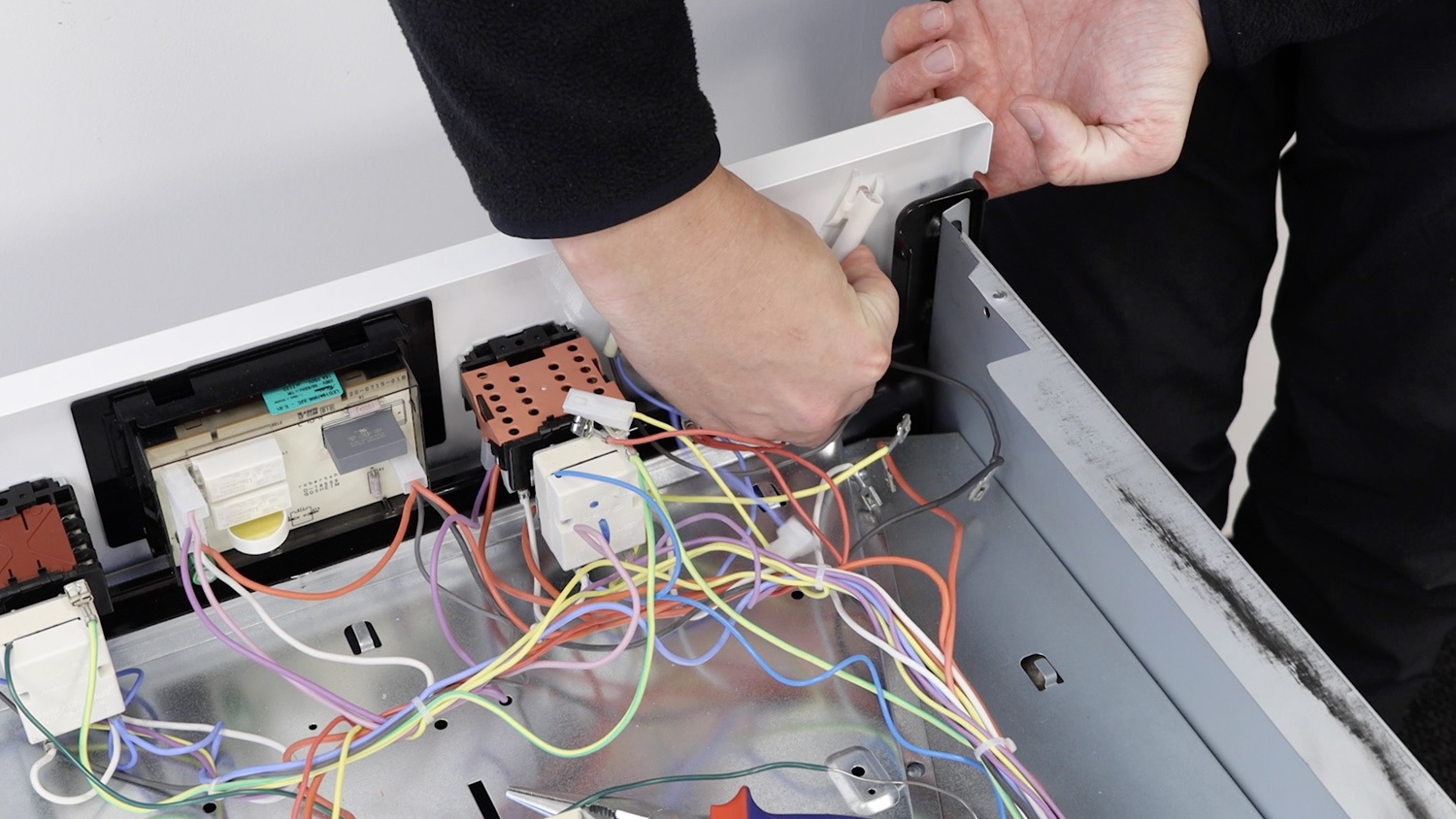
If the lamp lens clear cover comes out from the oven front panel when removing any connectors and wiring, simply place it back in and connect the pilot lamp wiring as shown.
3. Install new oven energy regulator switch
Now with your new oven energy regulator switch re-connect the wiring and connectors. Referring to the photo and or video you took earlier. Ensure they’re all on nice and tightly.
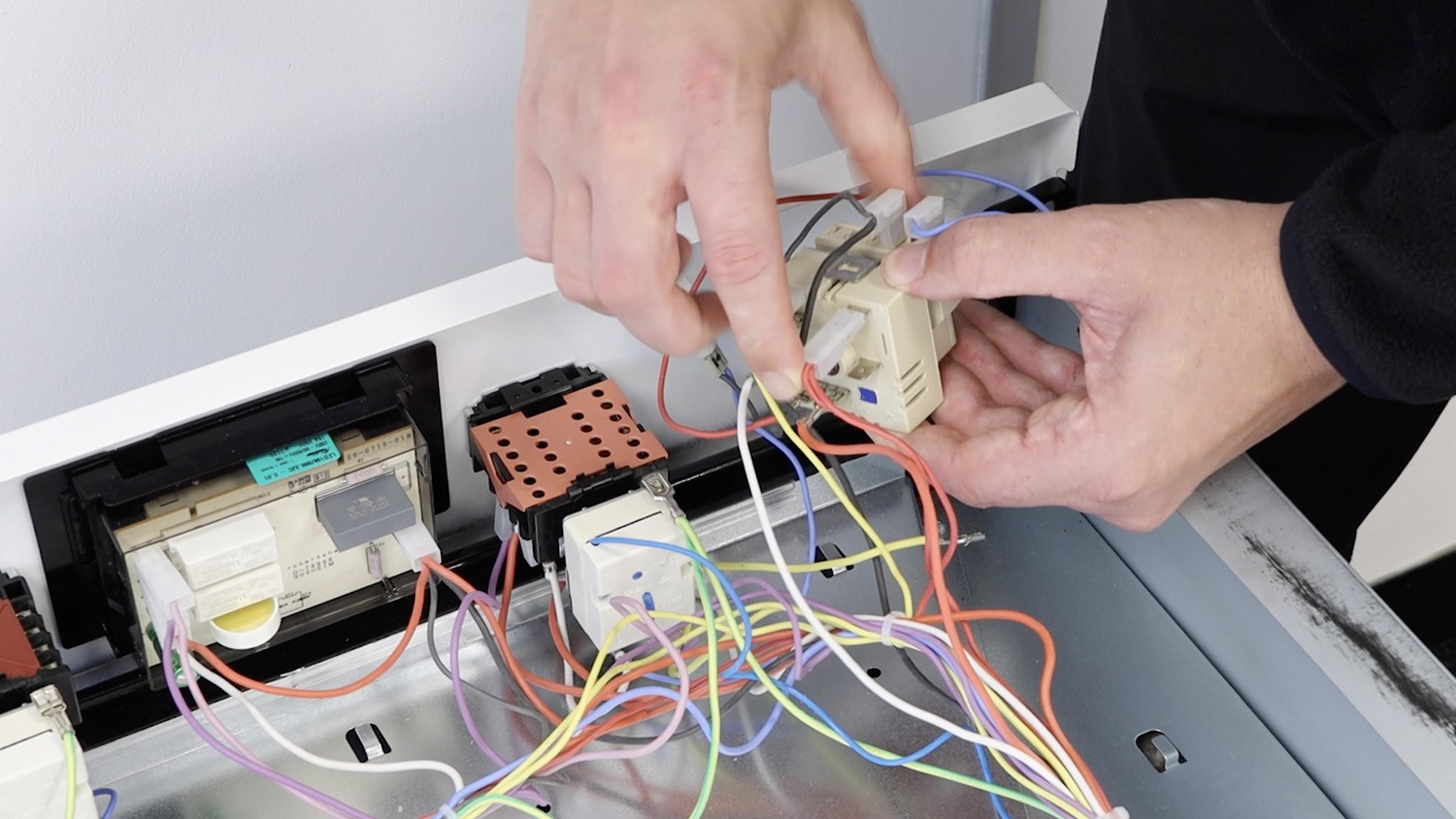
Then, attach the new oven energy regulator switch to the rear of the oven front panel, ensuring it’s the correct way up.
4. Re-assemble oven
Re-screw the two screws back in place.
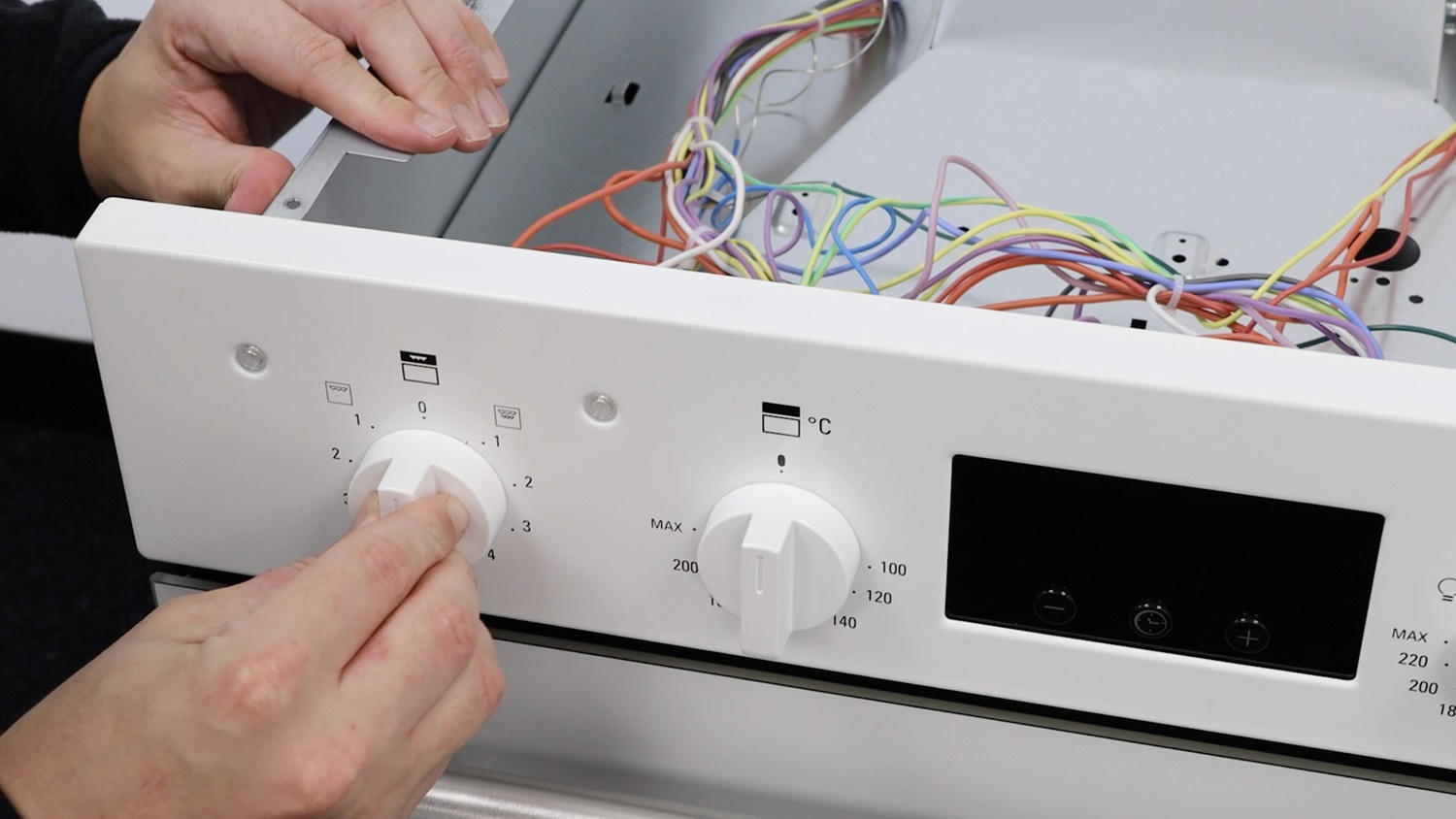
Re-attach control knob
Slide the control knob back onto the control panel.
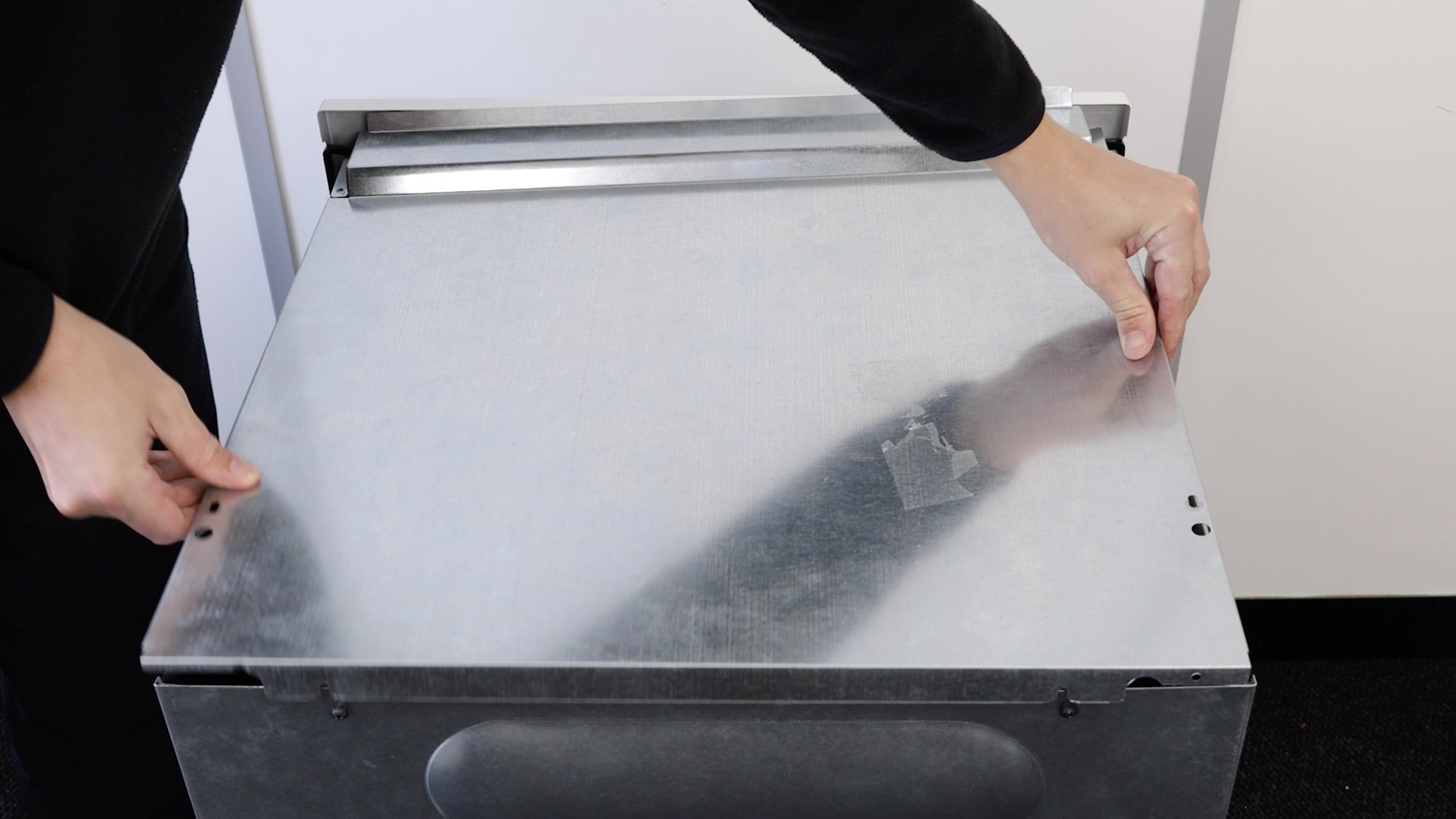
Re-attach top oven panel
Place the top oven panel back on.
Re-screw top screws
Re-screw all the screws back in place. Tighten up the two back ones if needed.
That’s it, your new oven energy regulator switch is all set to go!