Make and Model of Oven Used in This Video
Hotpoint DU2540WH (61022940000)
Hotpoint DU2540WH (769991022942)
Part Used in This Video
Indesit Oven Rear Back Panel Element Cover
1. Remove old rear back panel element cover
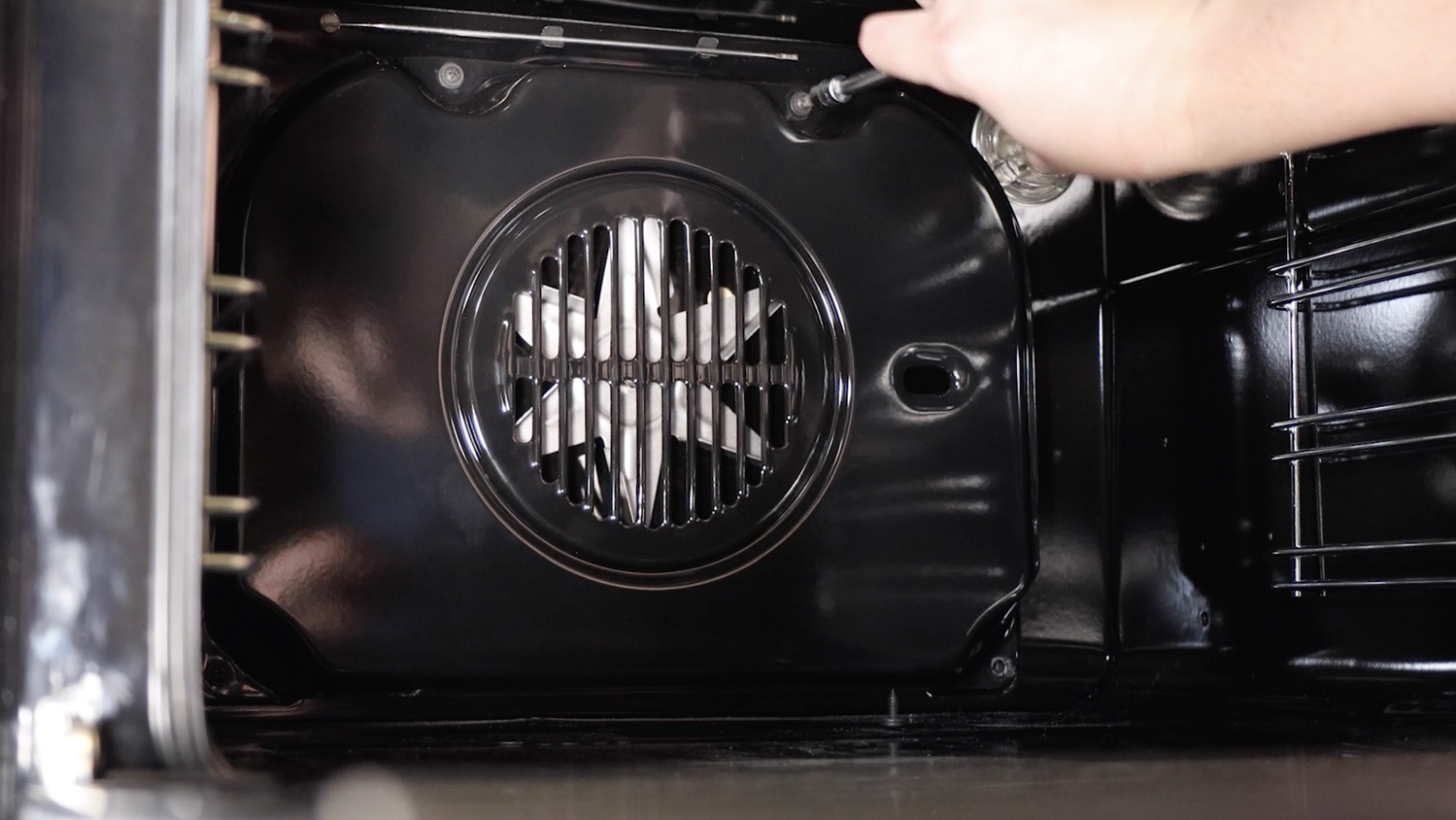
The rear back panel element cover on this model has four screws. Remove these and place them to one side.
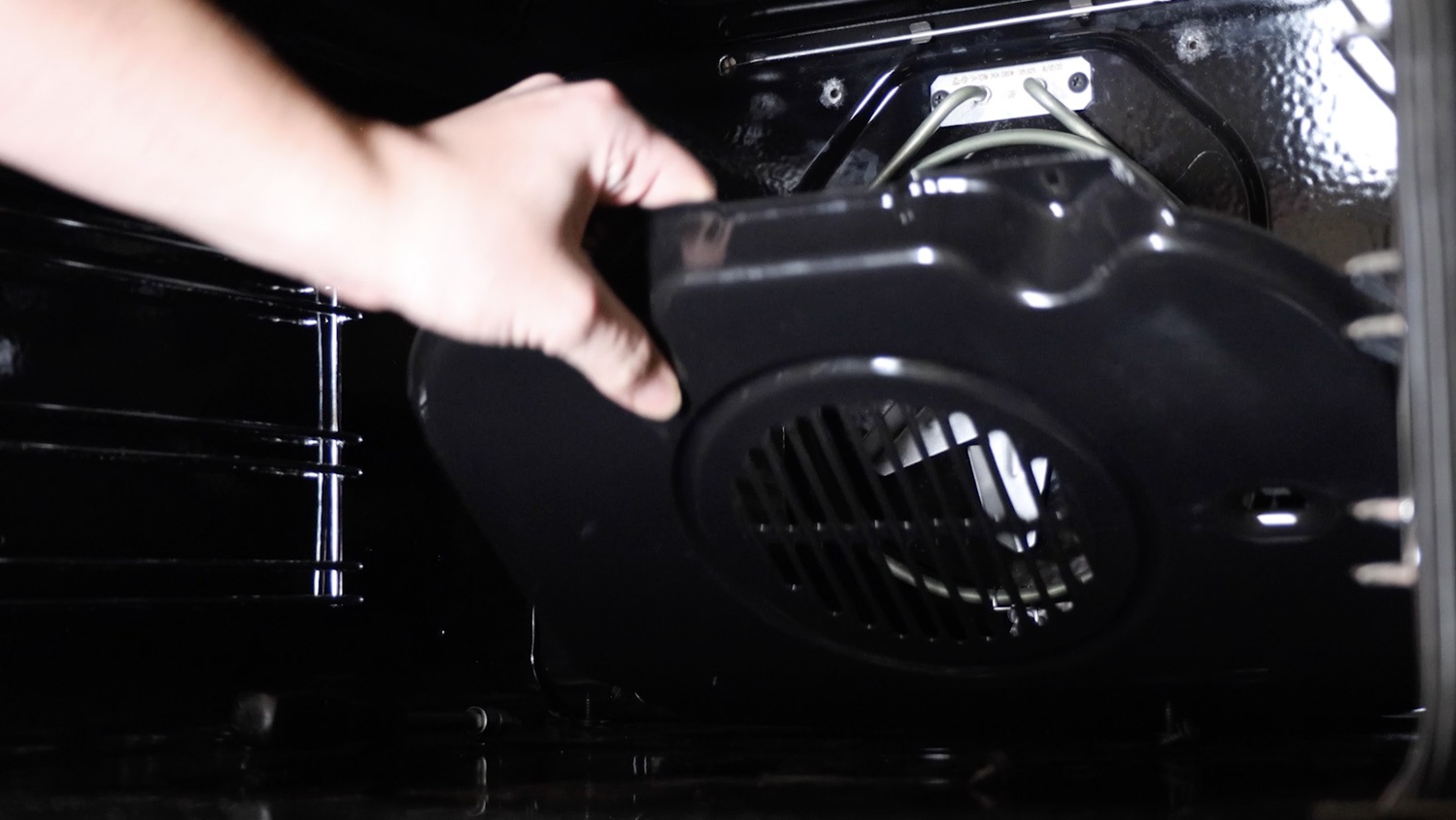
The rear panel element cover can then be removed from the oven.
2. Install new rear back panel element cover
With your new rear back panel element cover and one of the screws ready to go, attach the back panel to the oven and start to thread the screw in by hand.
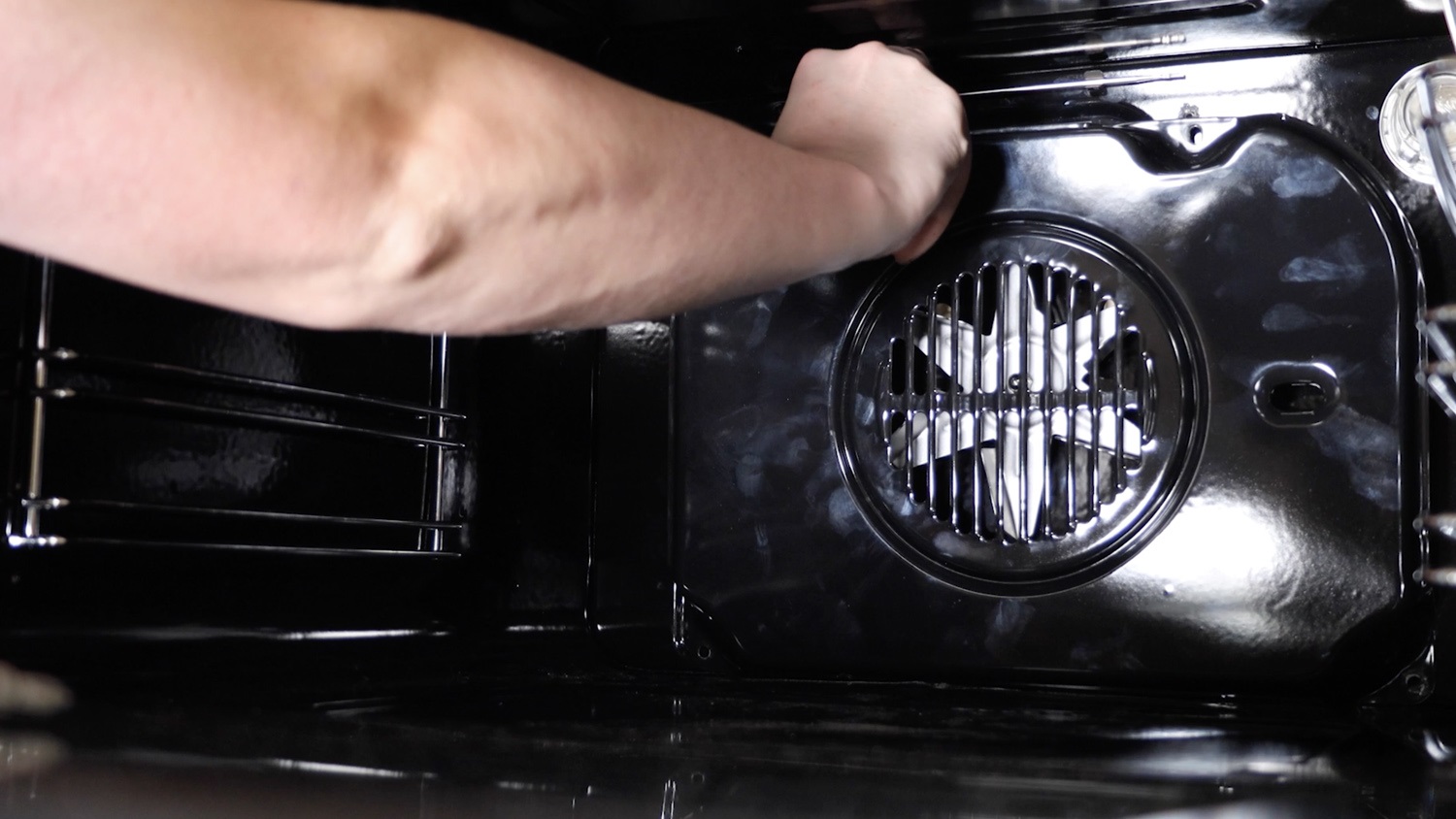
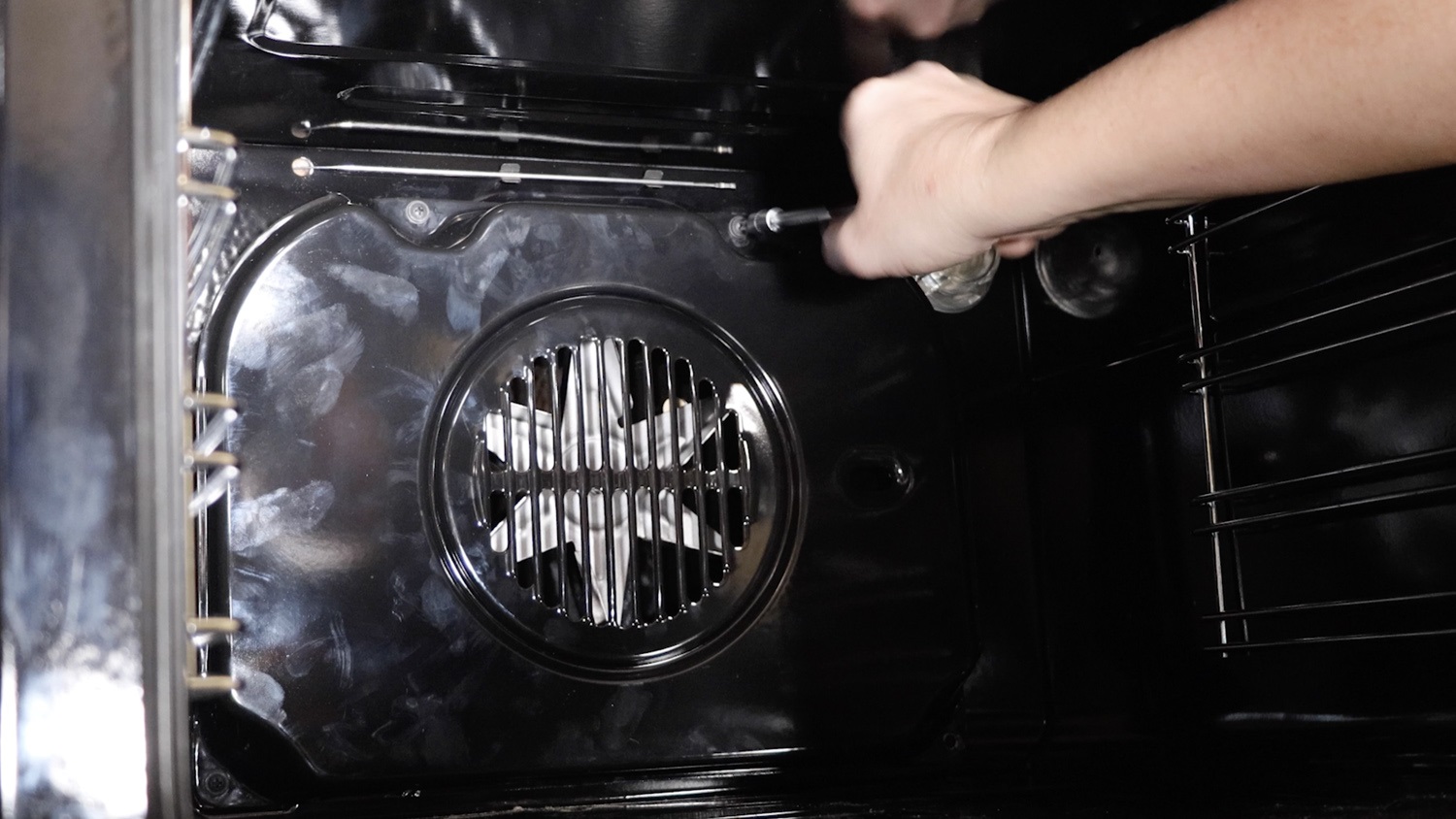
Then tighten it all the way with the screwdriver. Re-screw the three remaining screws in.
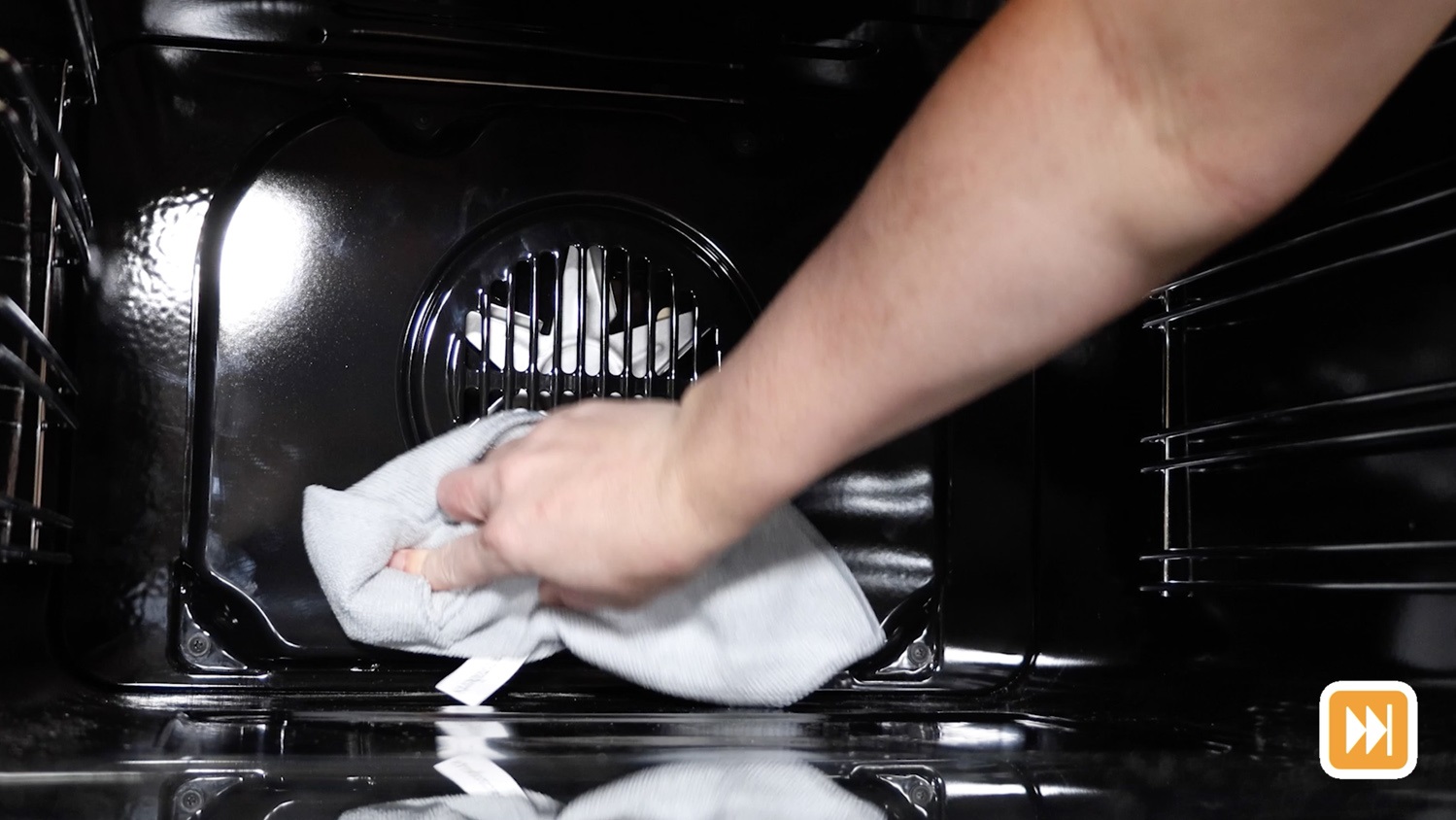
Give the new rear back panel a clean with a microfiber cloth to remove the fingerprints.
Re-insert any racks and trays.
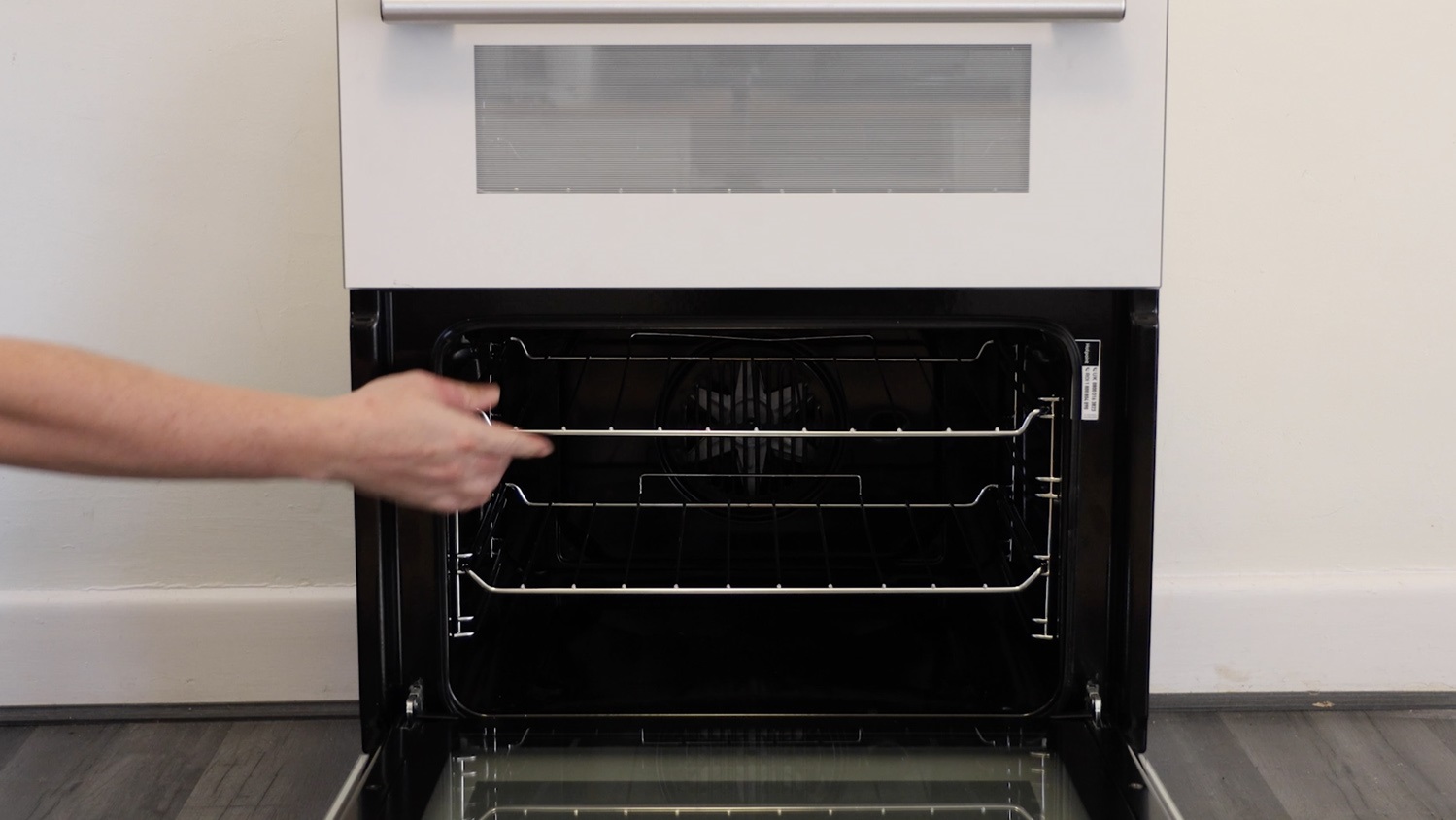
And that’s it, your new rear back panel element cover is all set to go!