Make and Model of Oven Used in This Video
Hotpoint DU2540WH (61022940000)
Hotpoint DU2540WH (769991022942)
Part Used in This Video
Hotpoint Oven Door Handle, Silver & Black
1. Access old door handle
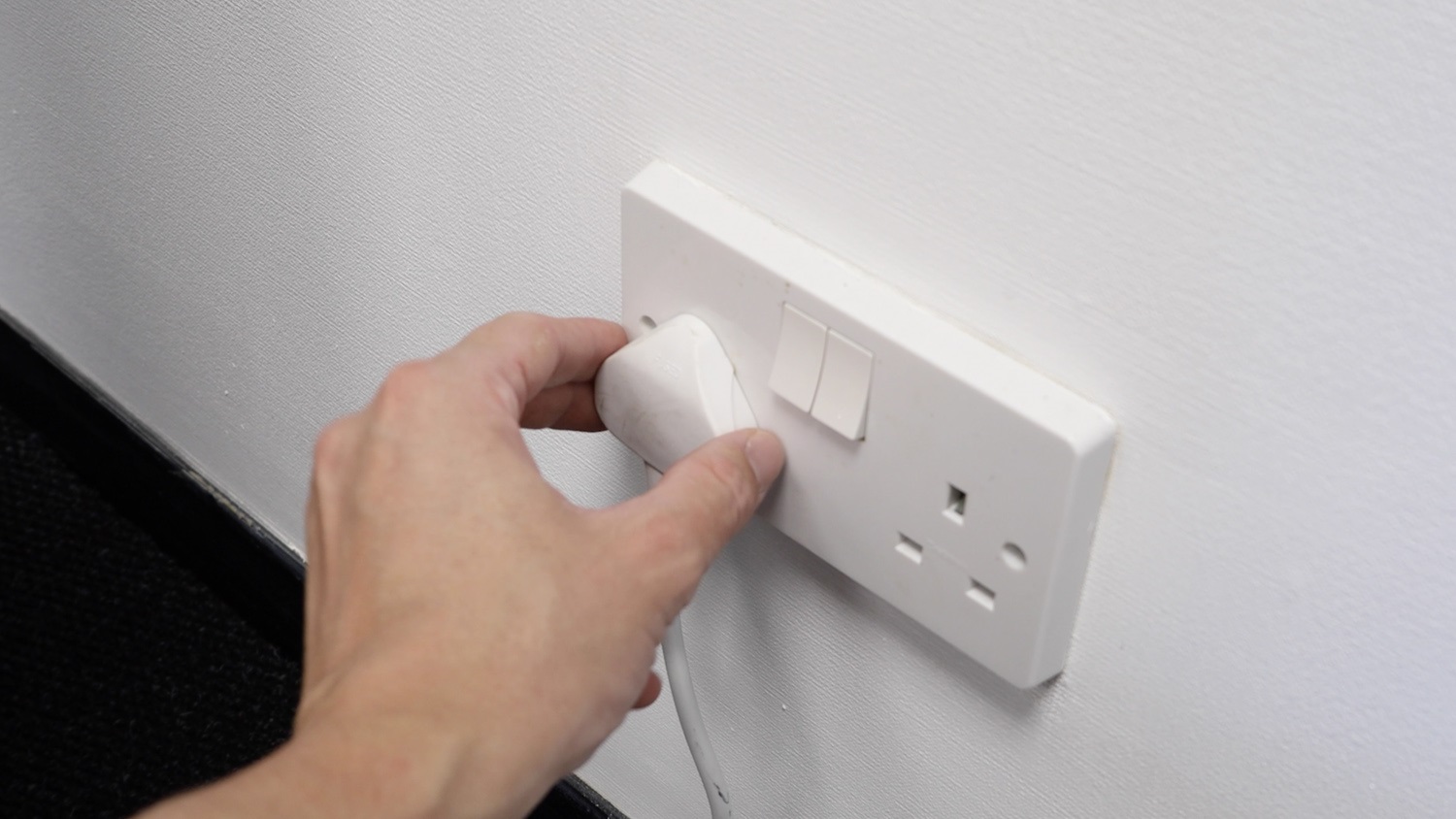
Before carrying out any work, always turn off and eliminate power to your oven.
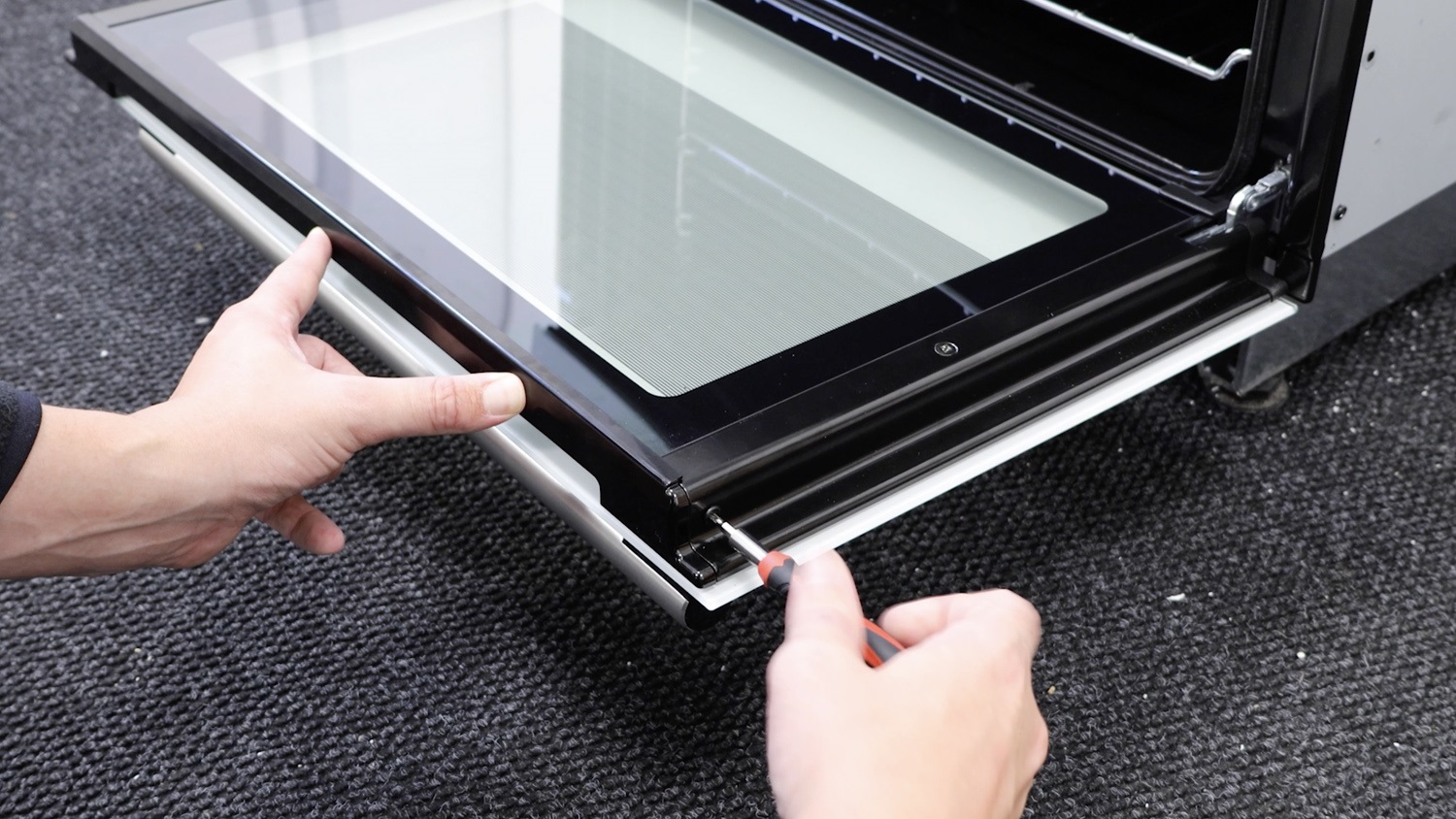
Remove screws on side of door
Remove the screw on the side of the oven door.
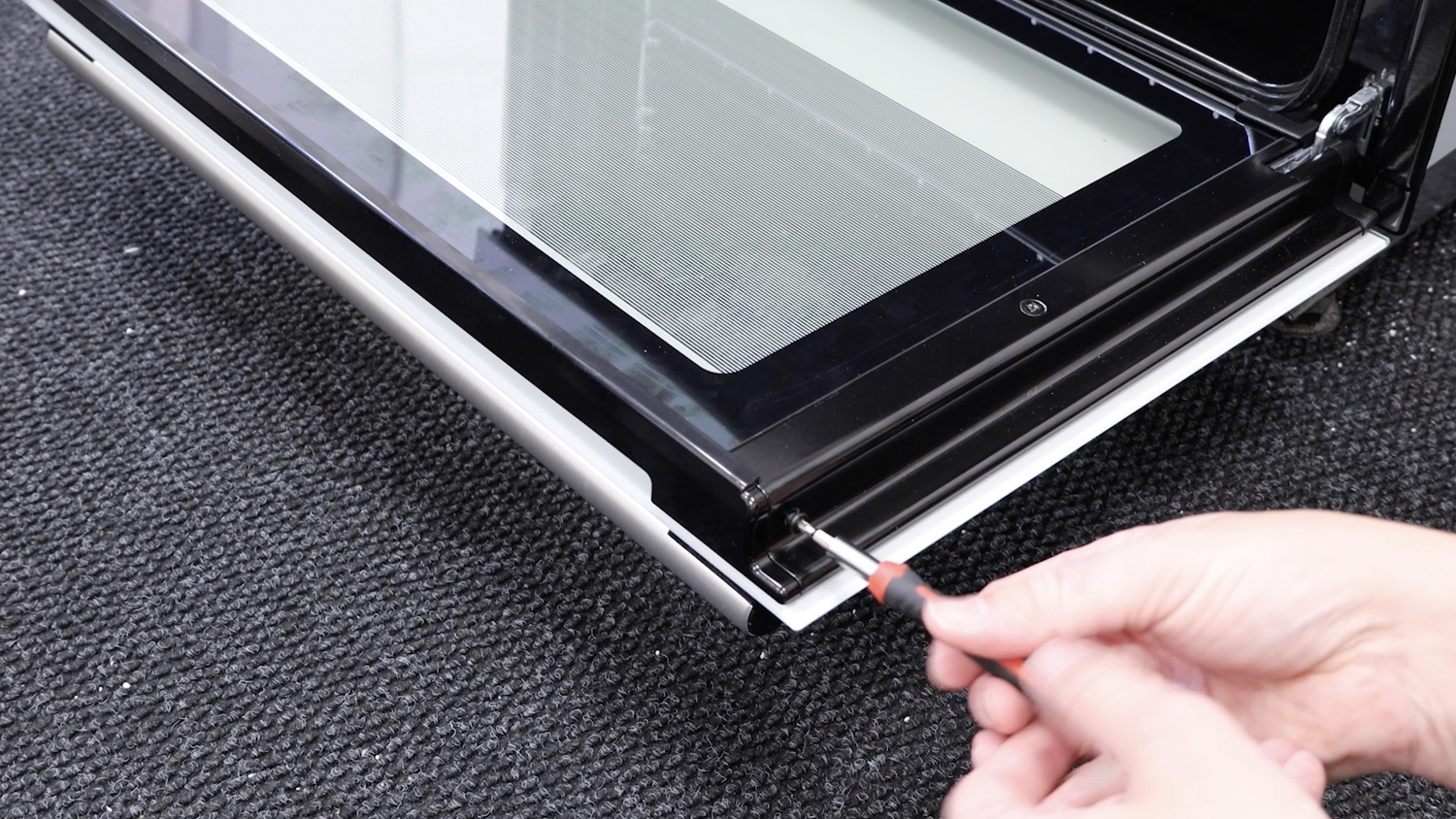
Repeat the process for the screw on the other side. Place the screws to one side.
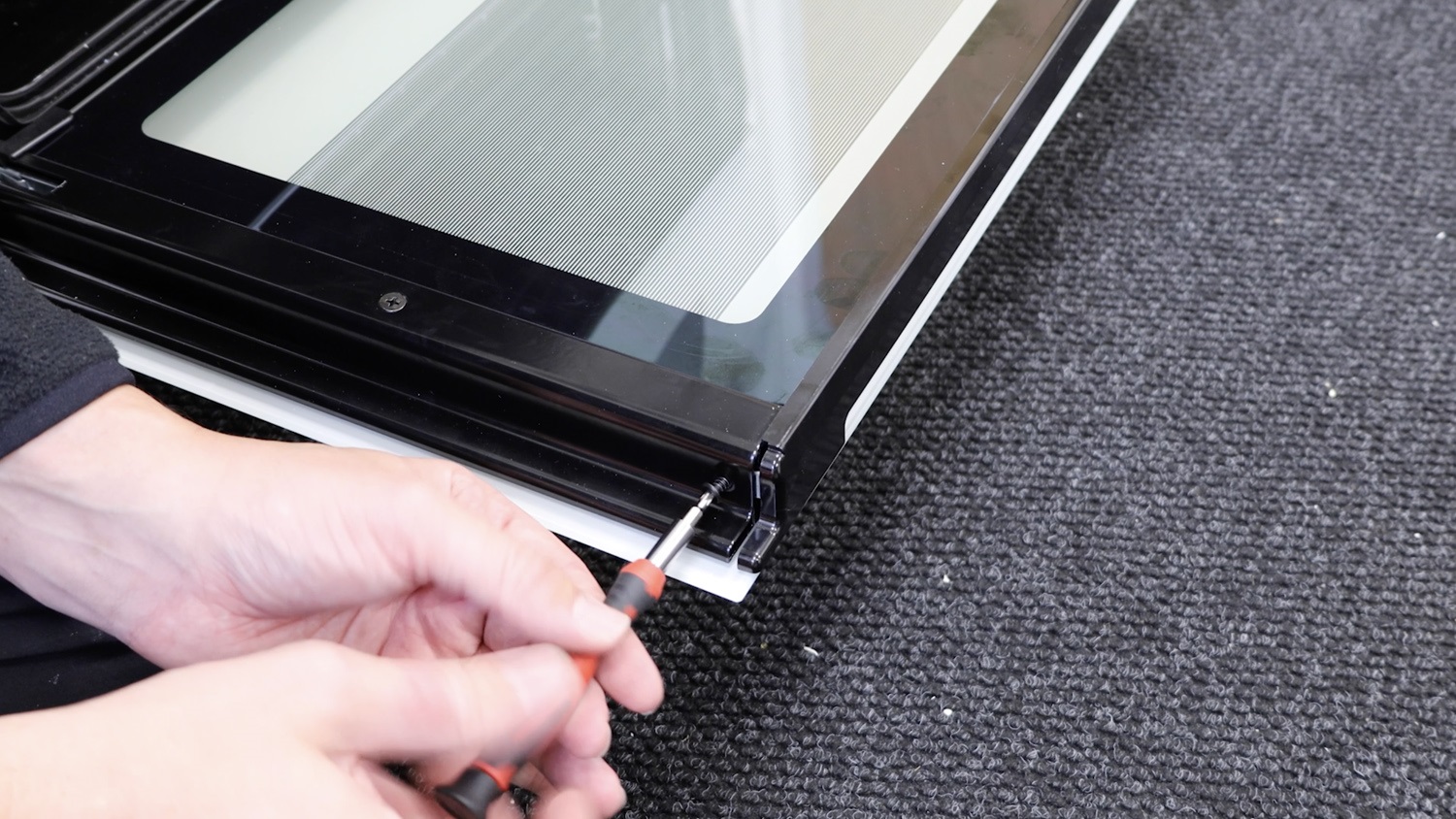
Remove plastic top trim
Remove the top plastic trim to access the bottom door inner glass.
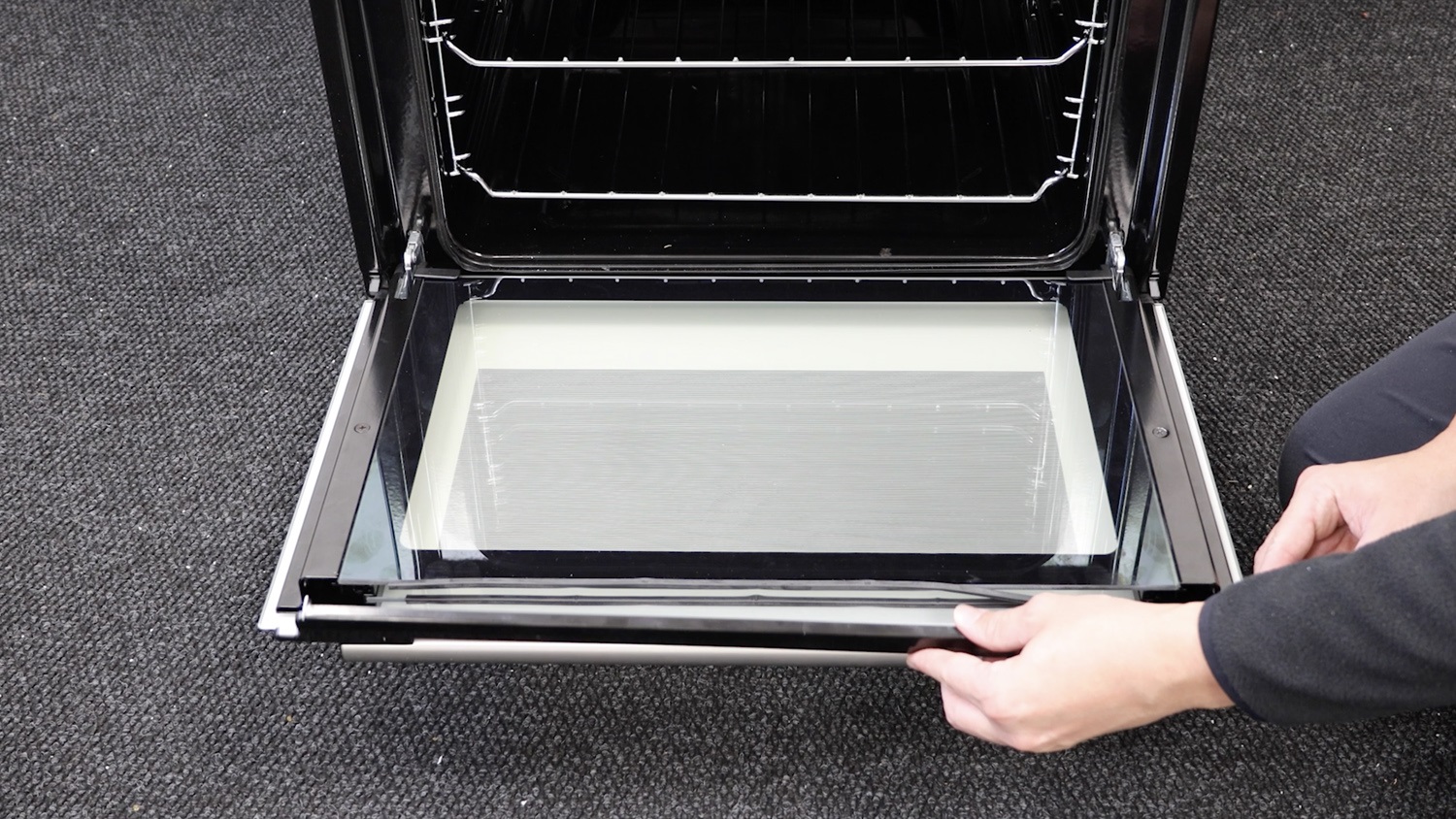
Remove inner glass
Carefully remove the inner glass from the bottom door. A warning, the door may begin to close due to the weight reduction.
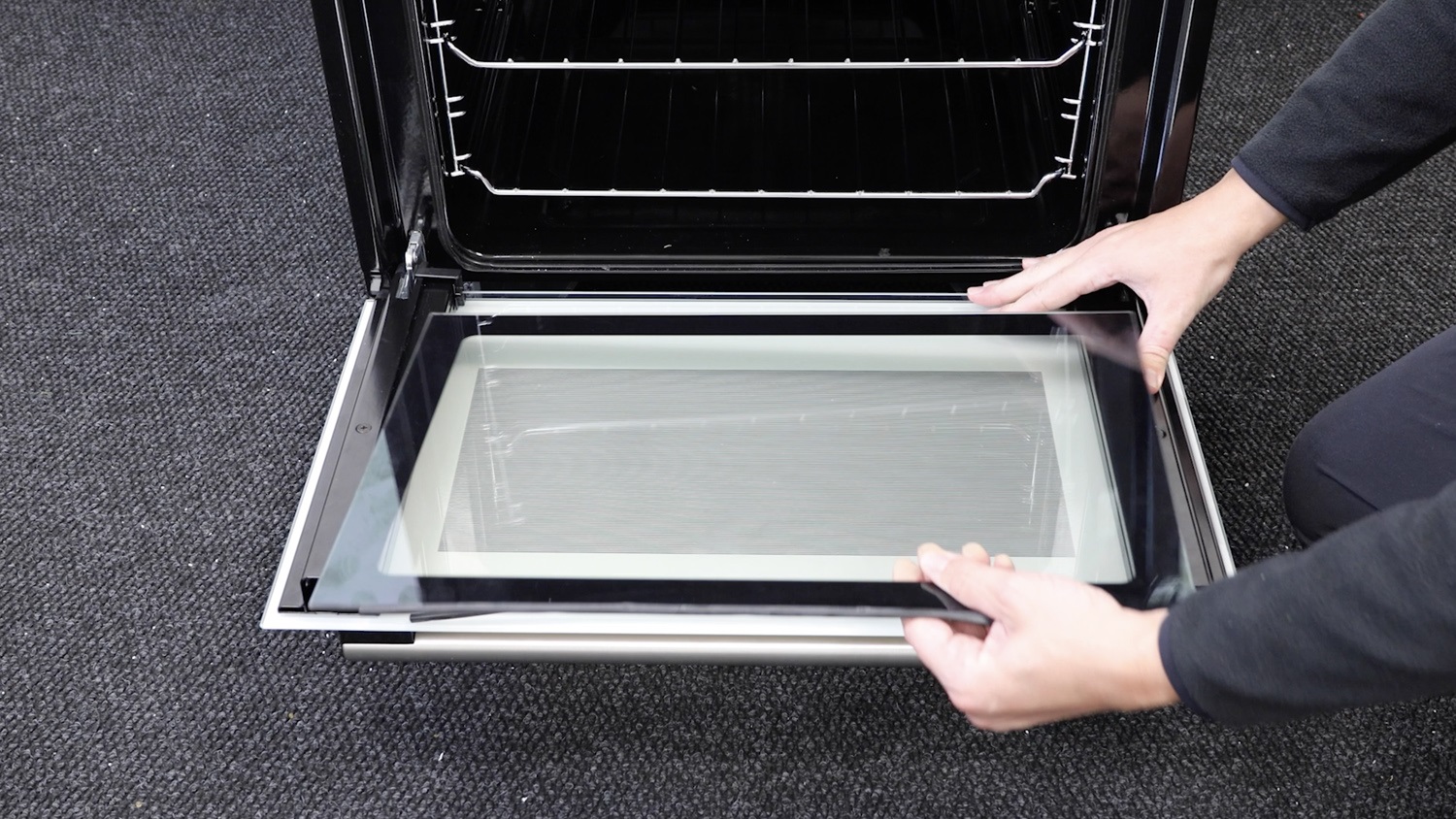
2. Remove old door handle
Remove the screw which holds the front oven door handle in place.
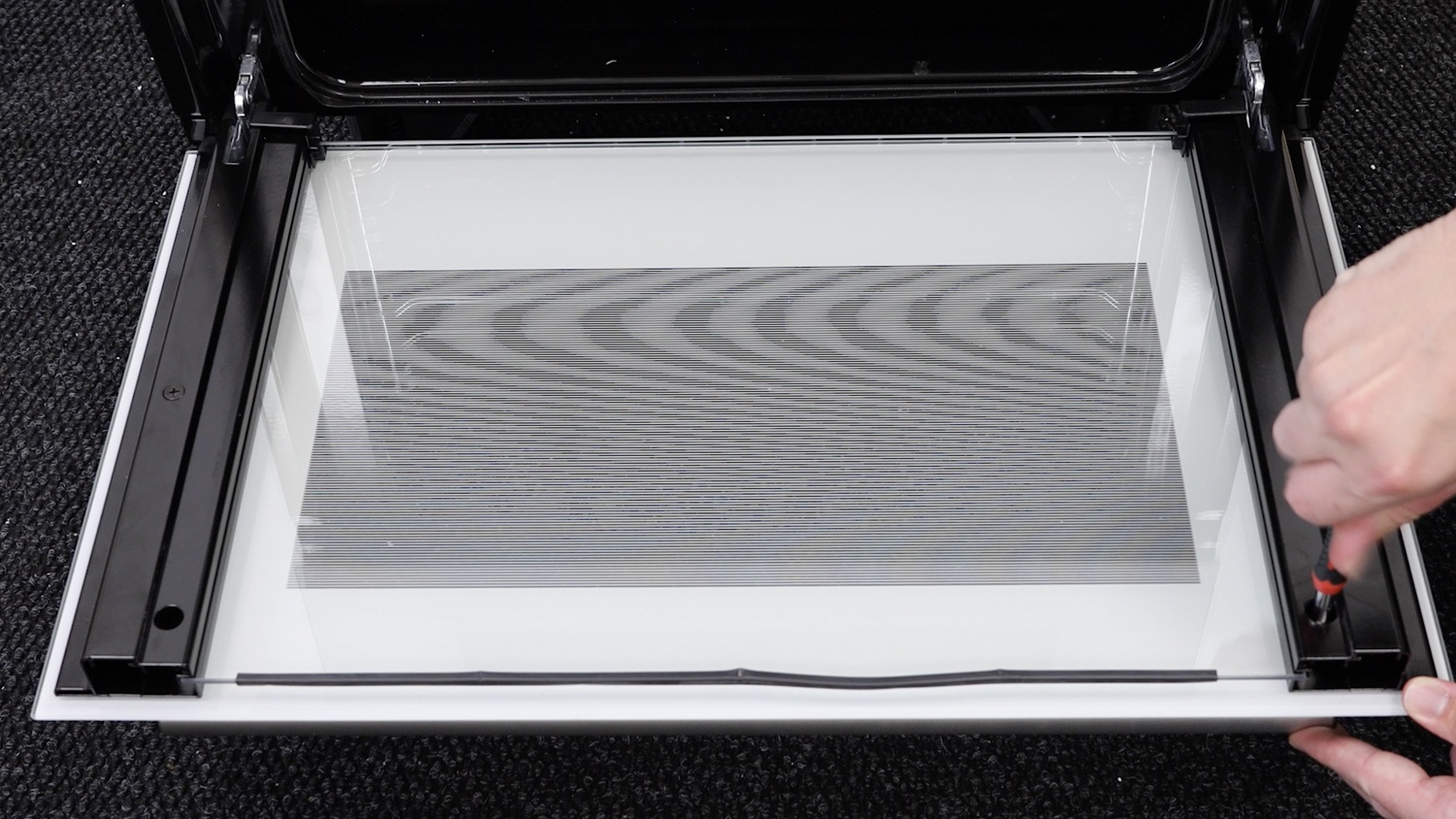
Repeat on the other side and remove the handle.
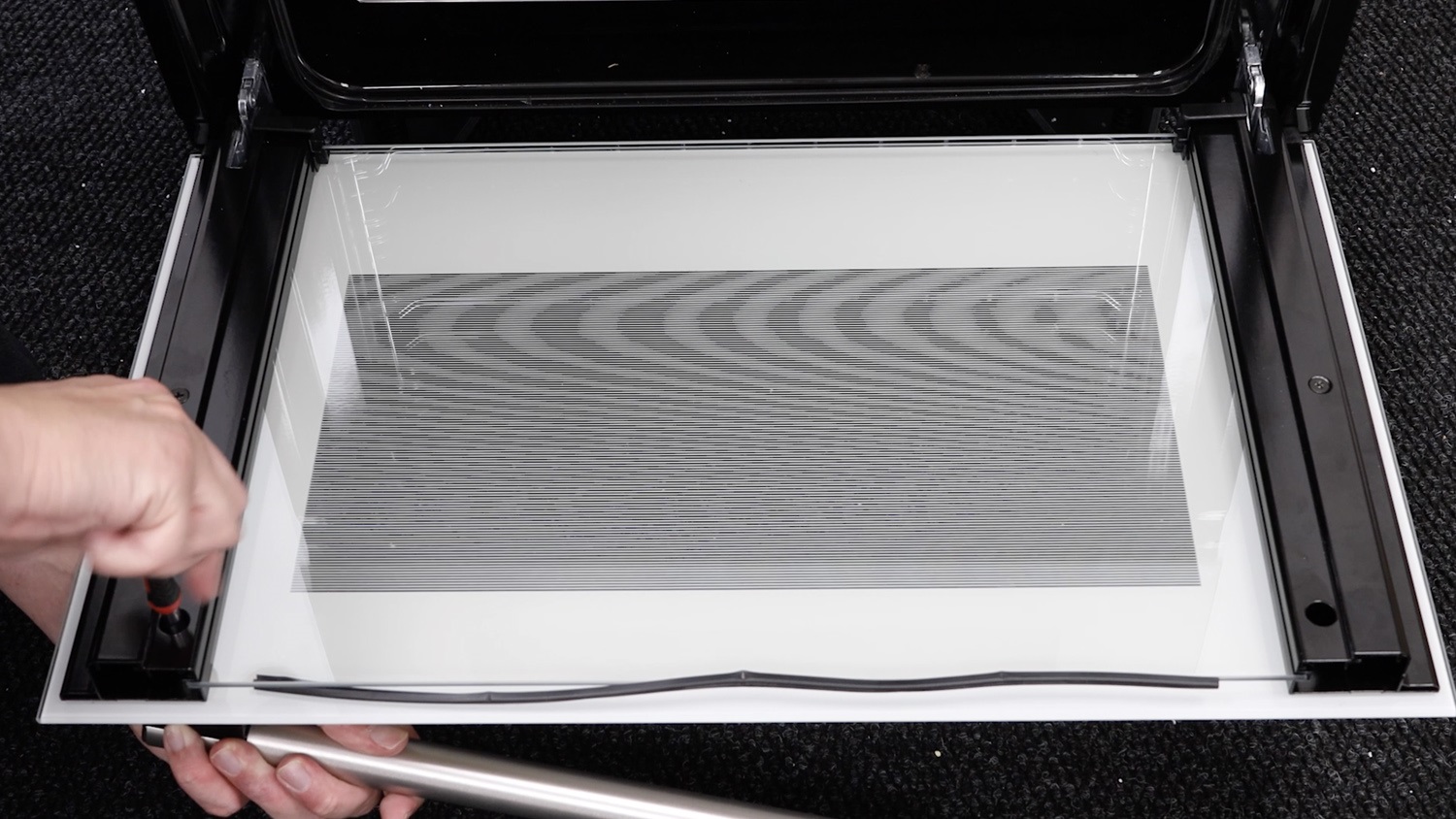
3. Attach new door handle
With your new oven door handle, attach it to the front panel and re-screw one of the screws.
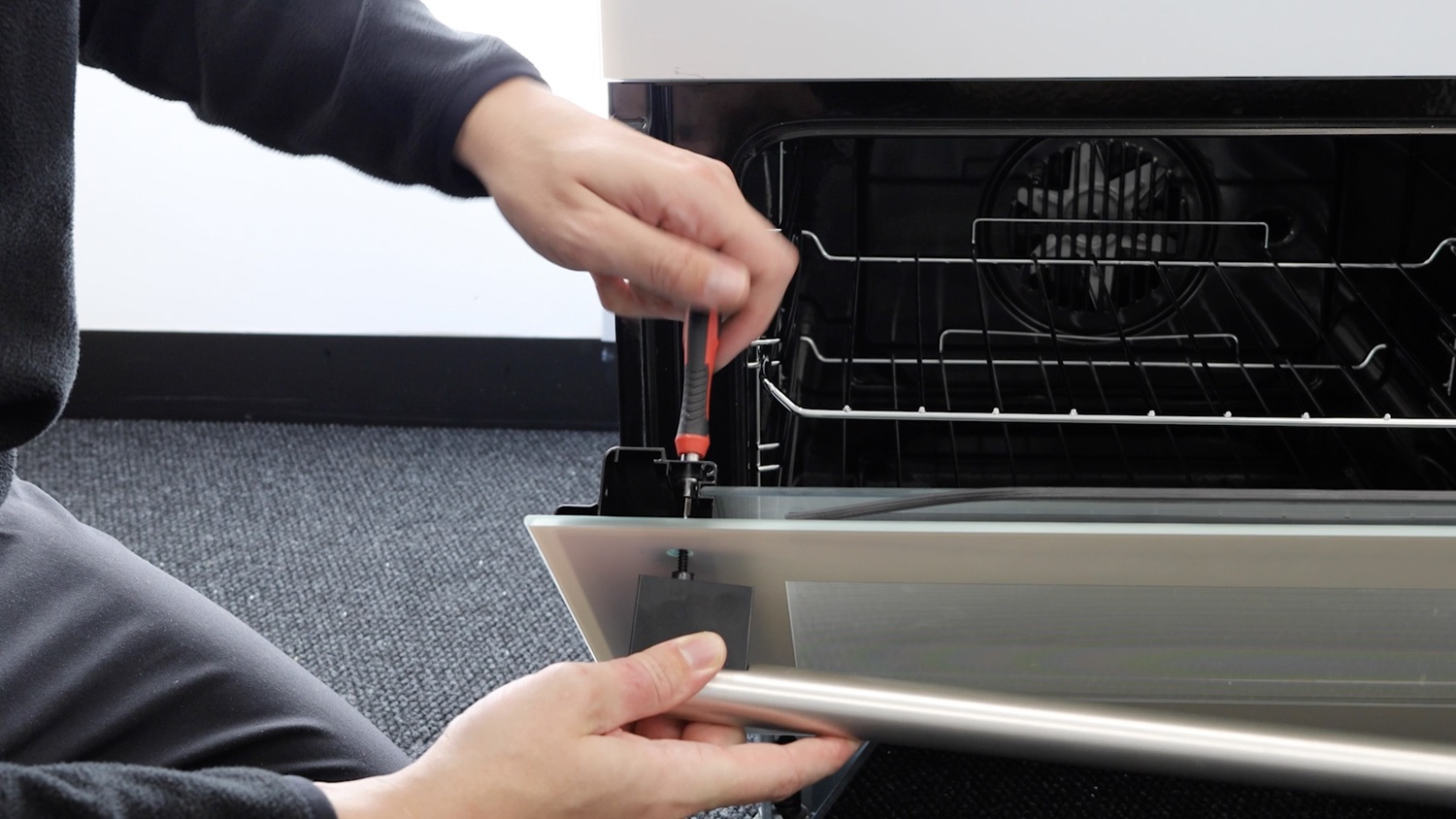
Repeat the process on the other side.
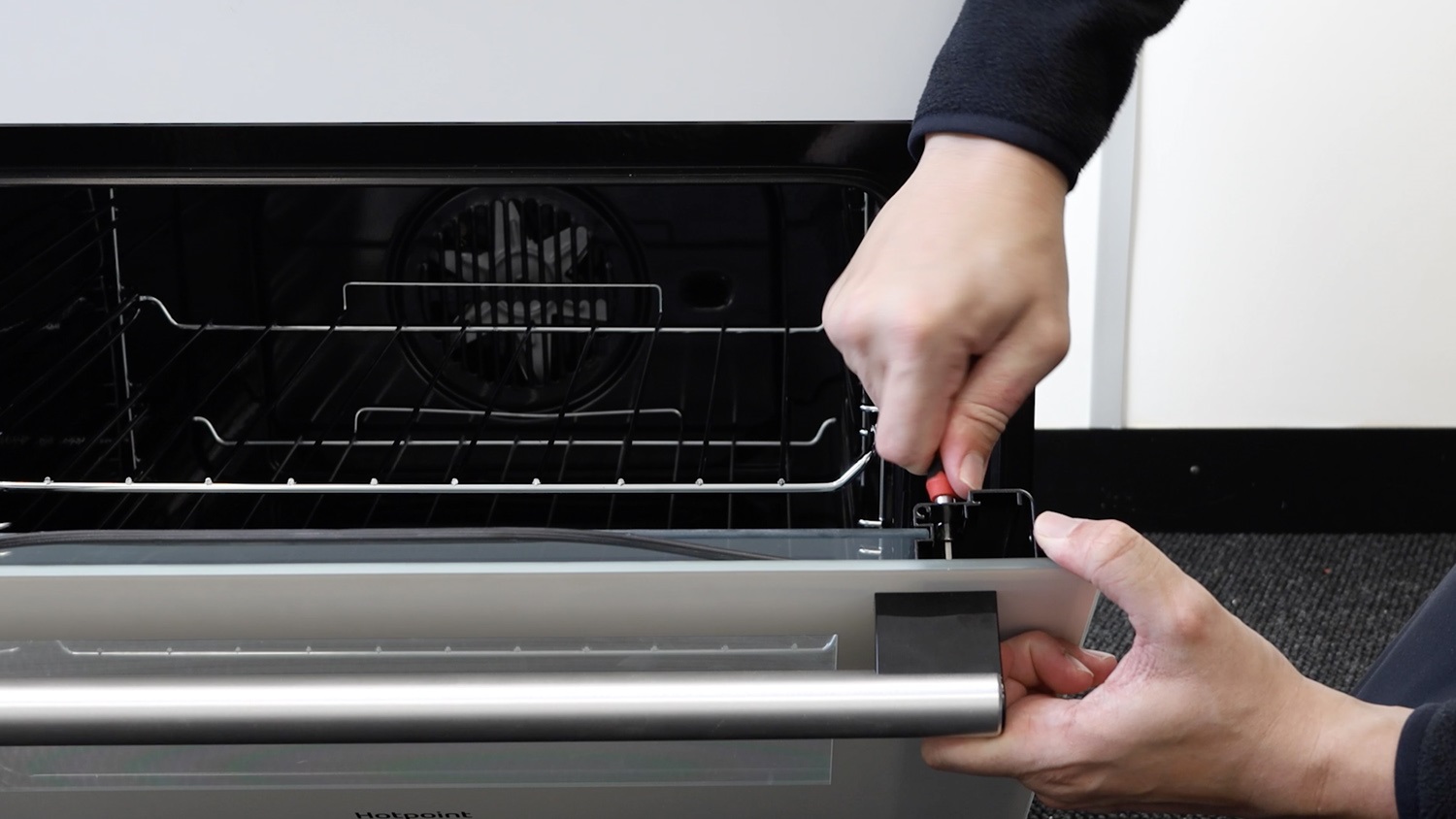
4. Re-assemble oven
Re-attach the top rubber seal to the oven glass pane if it’s fallen off. Then, gently slide the glass pane into the oven door. Making sure it’s all the way in.
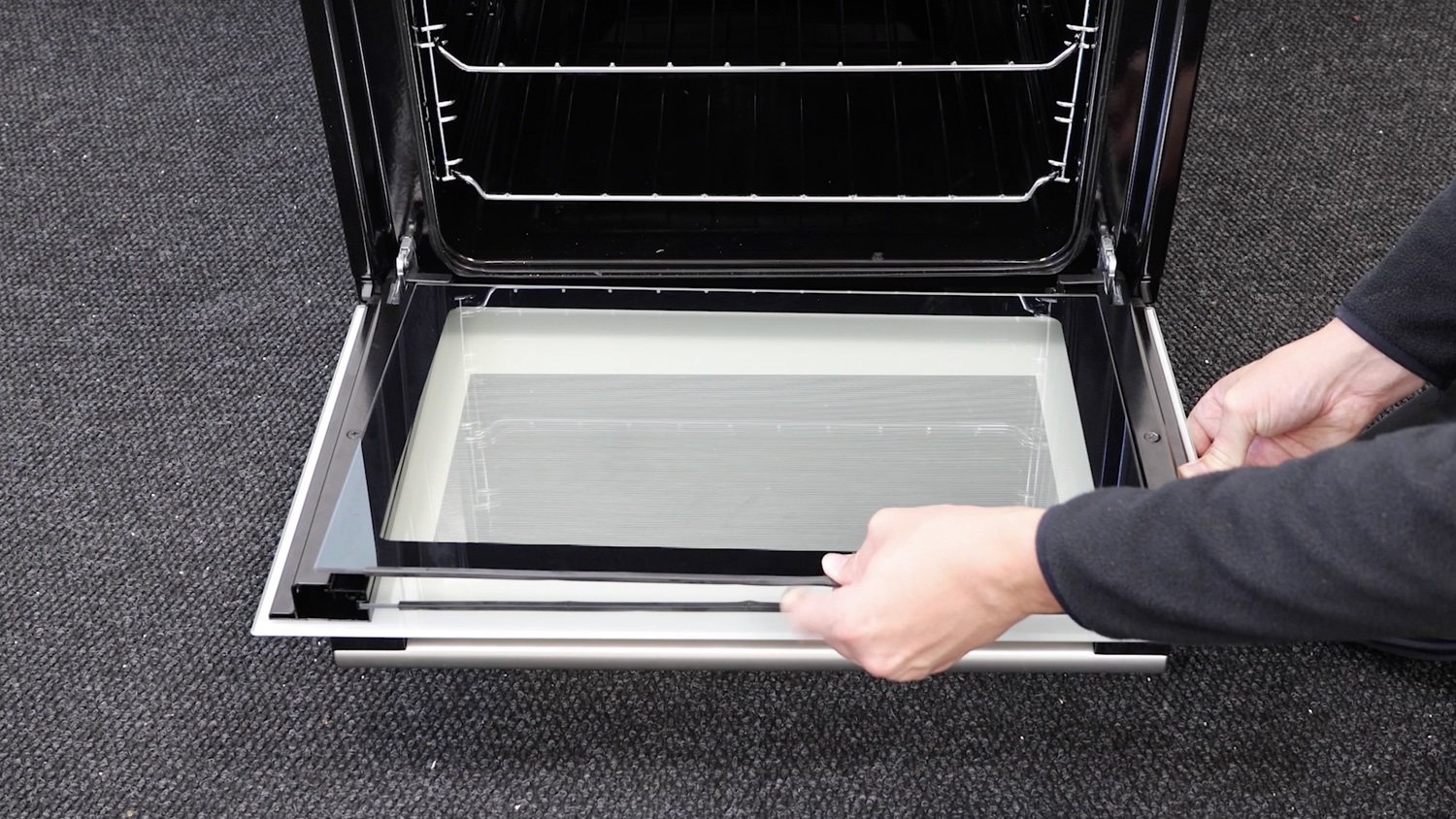
Re-attach top trim fixing bracket
When re-attaching the plastic trim, ensure the seal is correctly on both panes of glass. Make sure the fixing brackets are the correct way around for the screws. The hole that goes into the plastic trim, doesn’t have any thread. The hole that’s left for the screw, does.
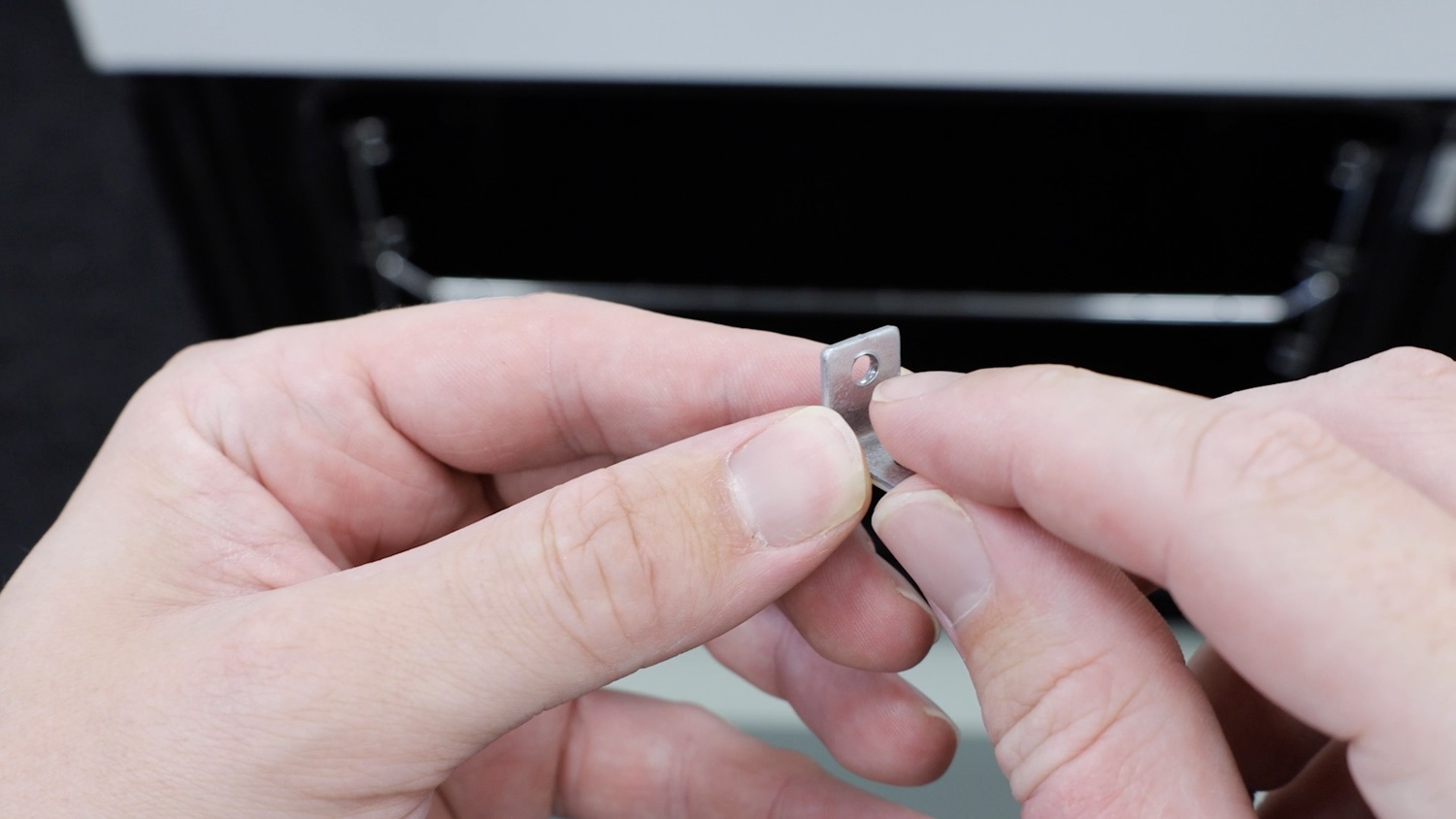
Re-attach the fixing bracket to the top plastic trim.
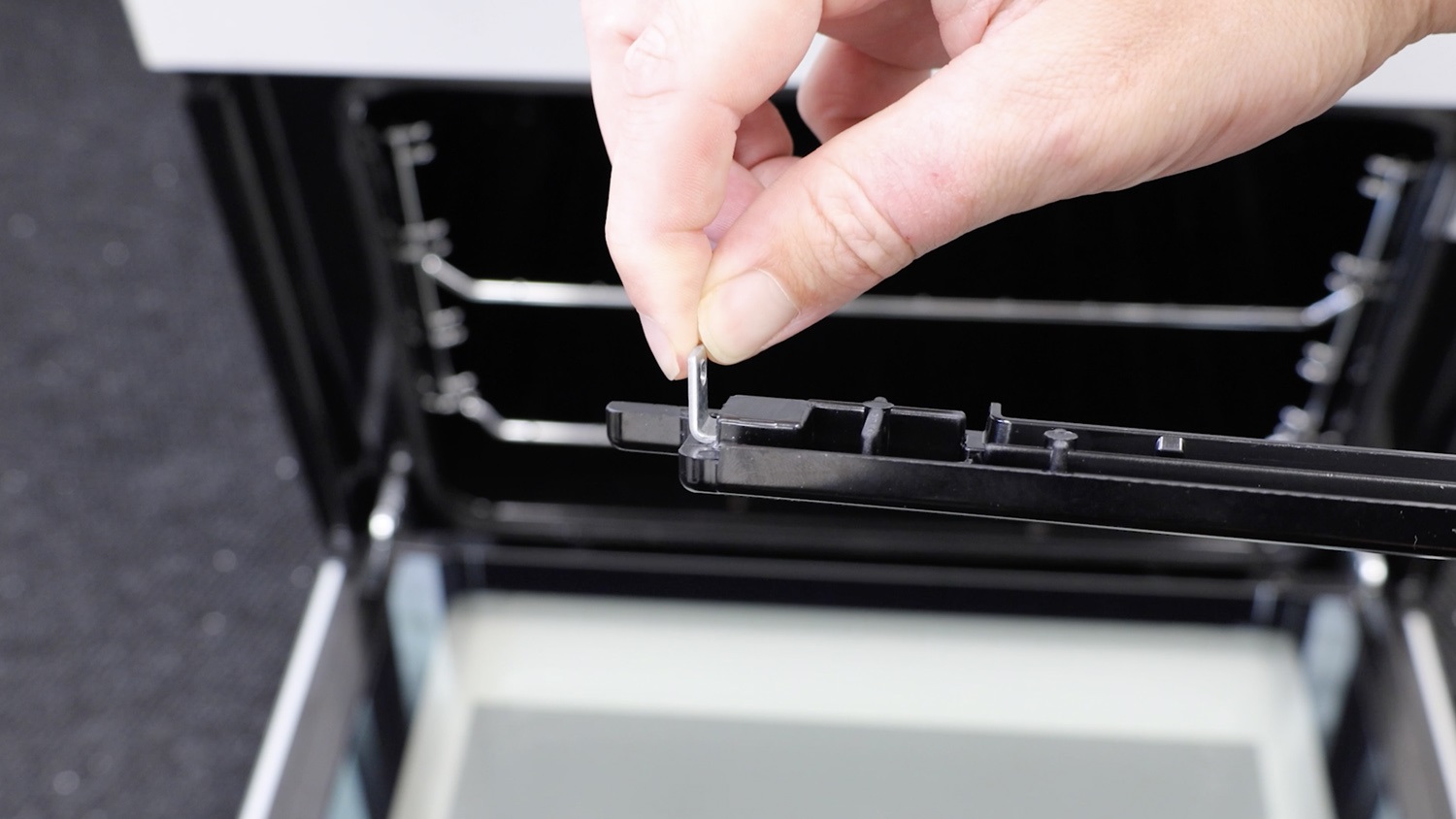
Re-attach top plastic trim
Re-attach the top plastic trim to the oven door.
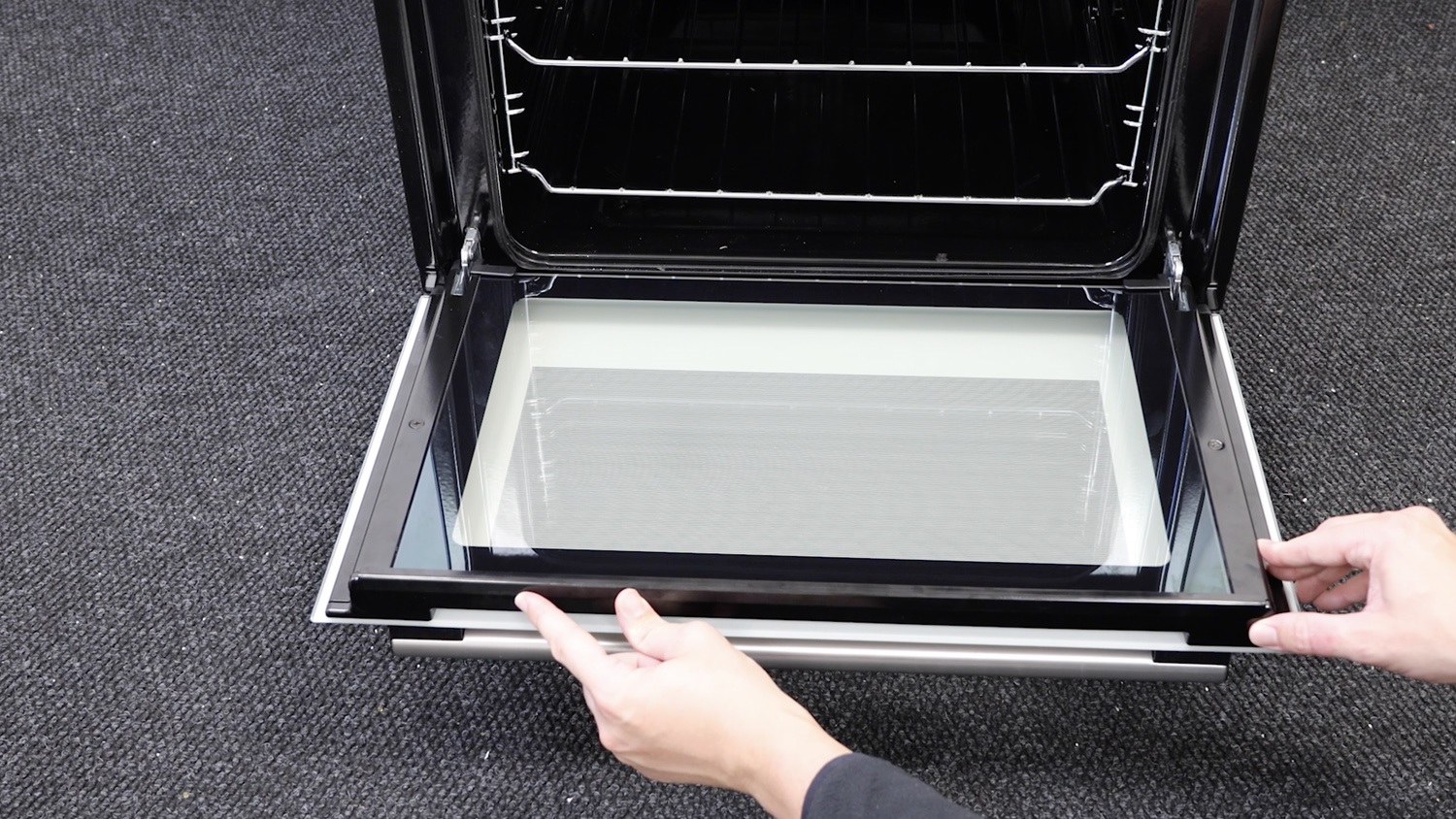
Re-screw screws
Re-screw the screw on either side of the door.
And that’s it, your new oven door handle is all set to go.