Make and Model of Oven Used in This Video
Hotpoint DU2540WH (61022940000)
Hotpoint DU2540WH (769991022942)
Part Used in This Video
Hotpoint Oven Cooling Fan Motor
1. Accessing old cooling fan motor
Remove the screws holding the top oven panel in place.
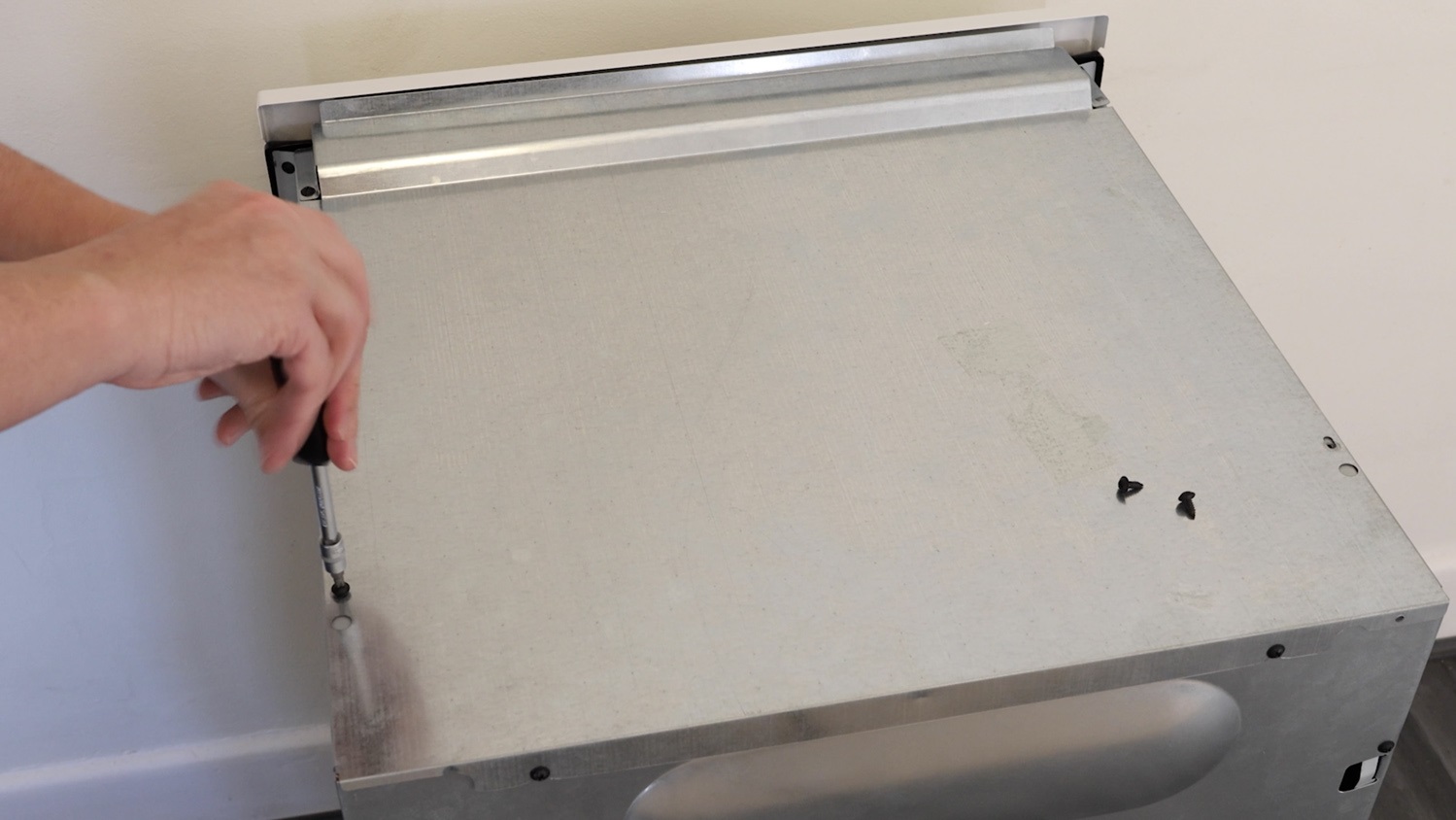
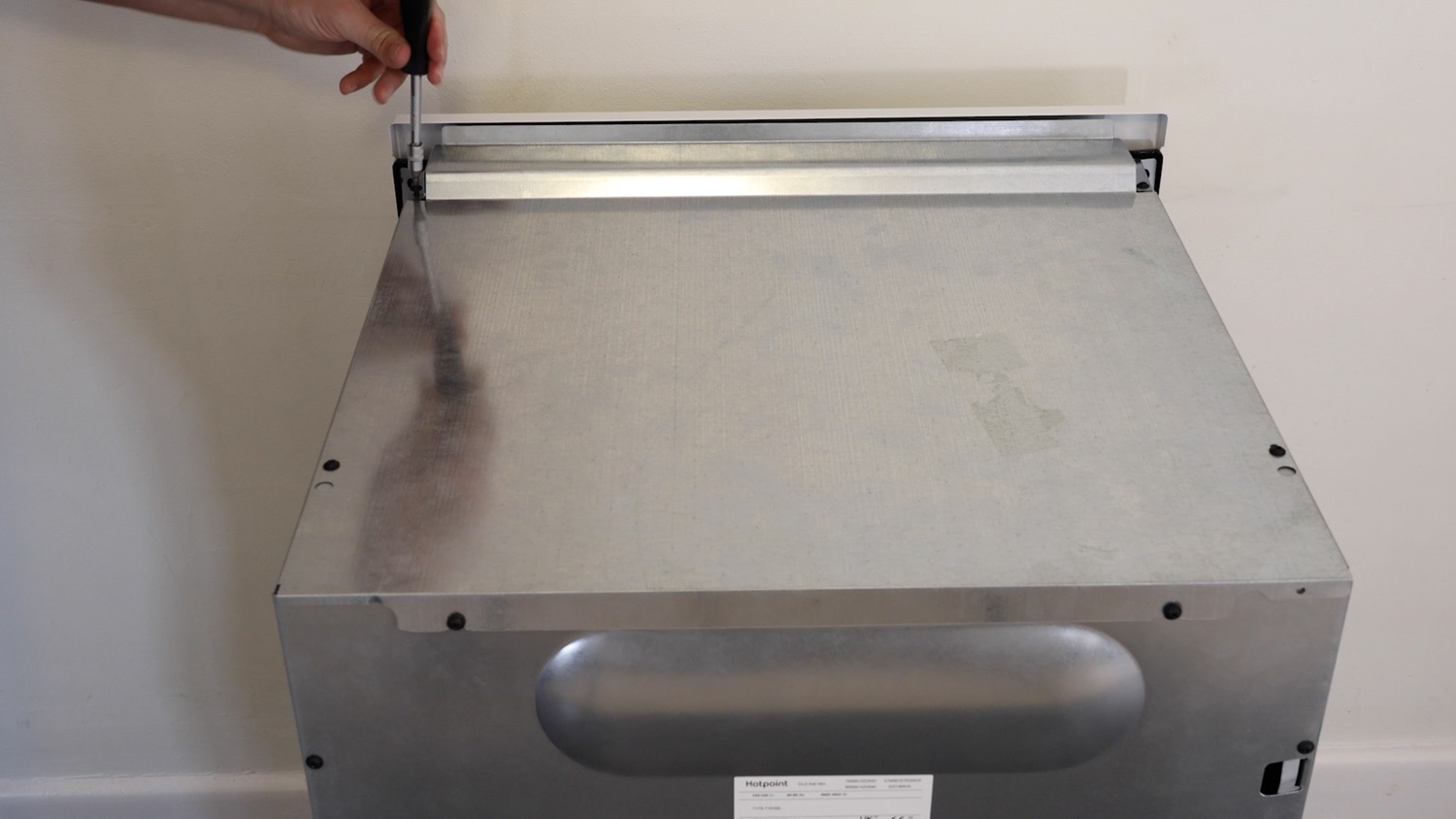
And slightly unscrew the top two screws on the rear panel.
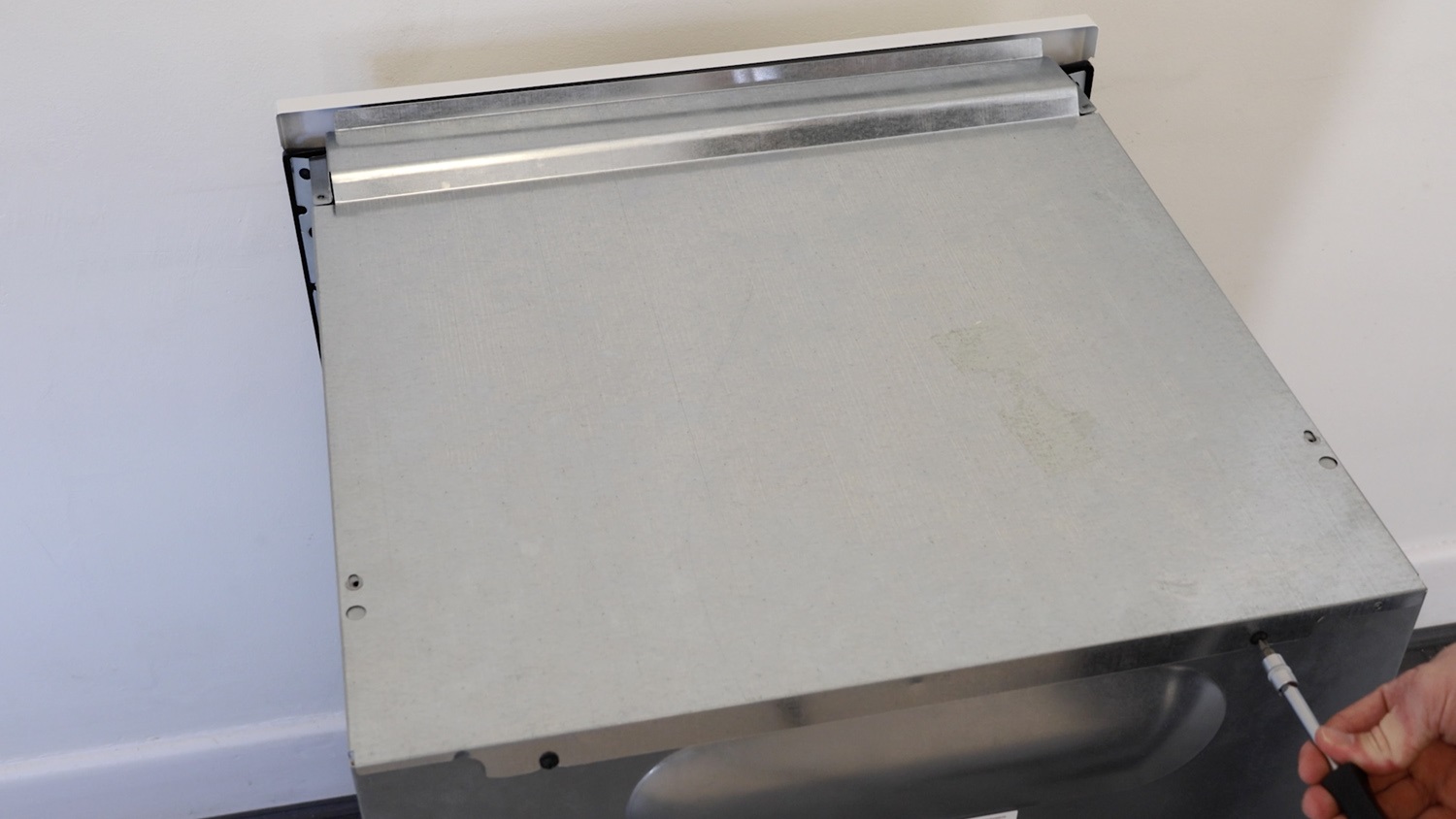
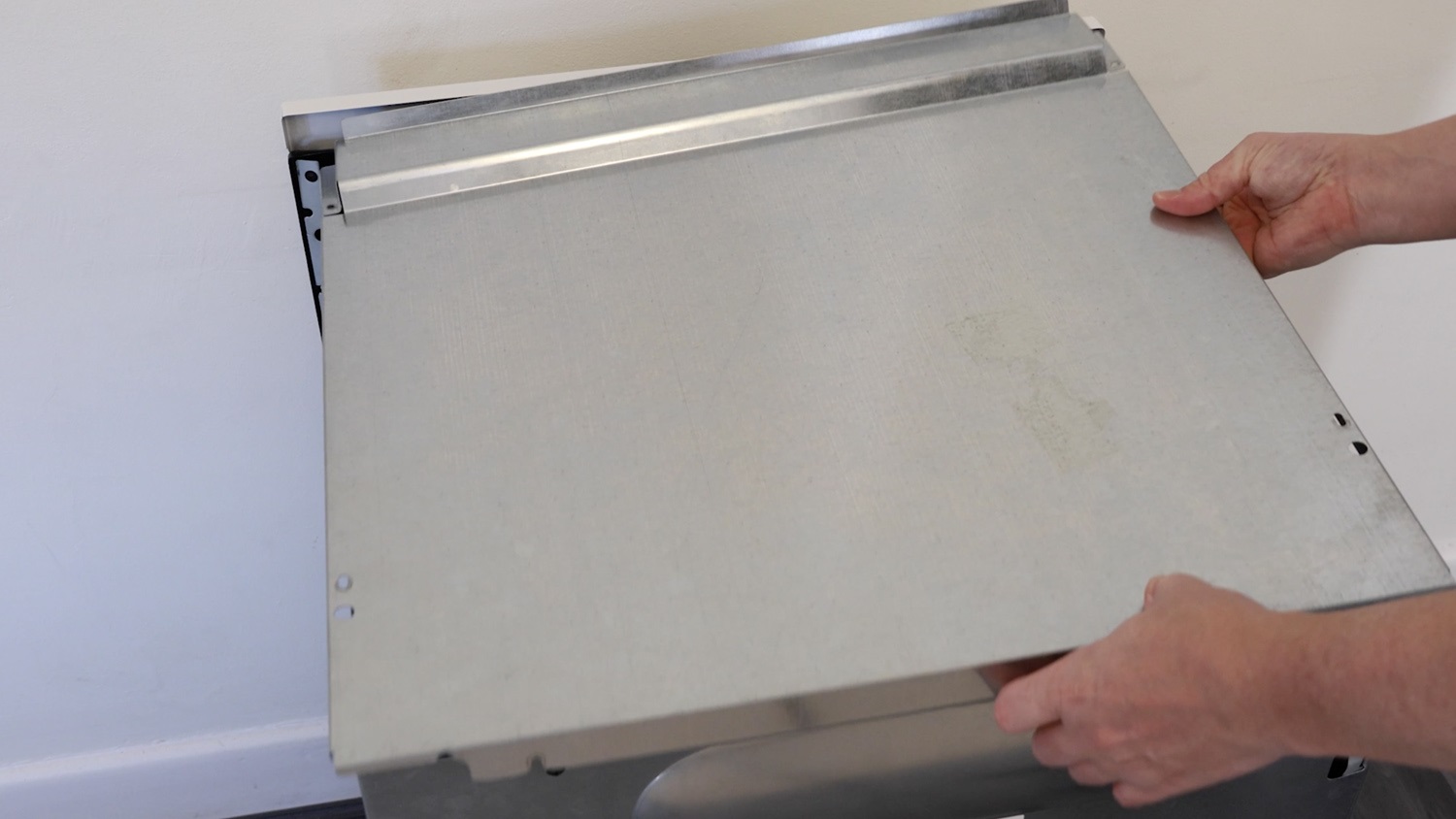
Remove the lid. Be careful of any sharp edges and corners.
Then remove the remaining screws holding the rear panel in place.
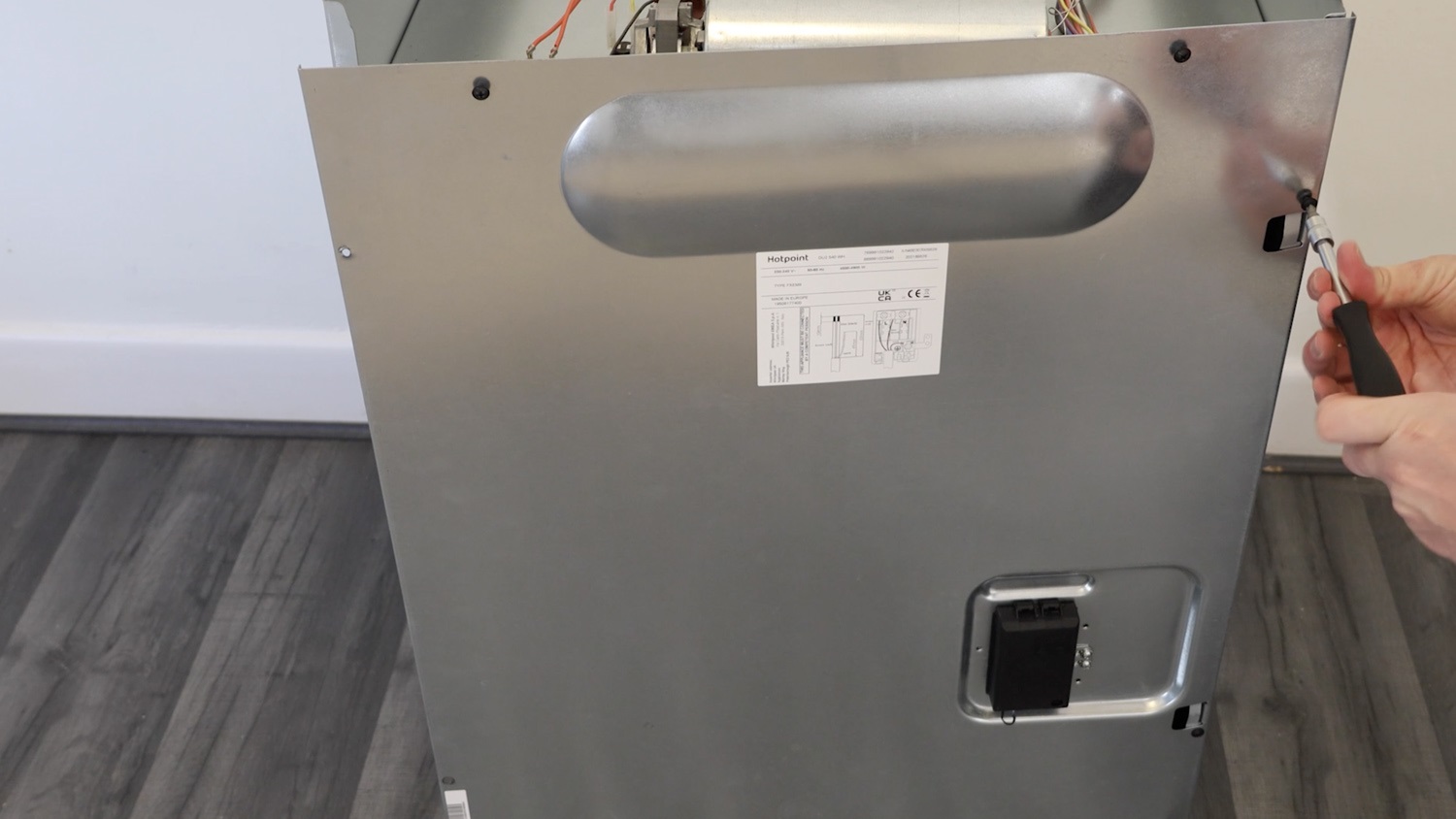
2. Remove old cooling fan motor
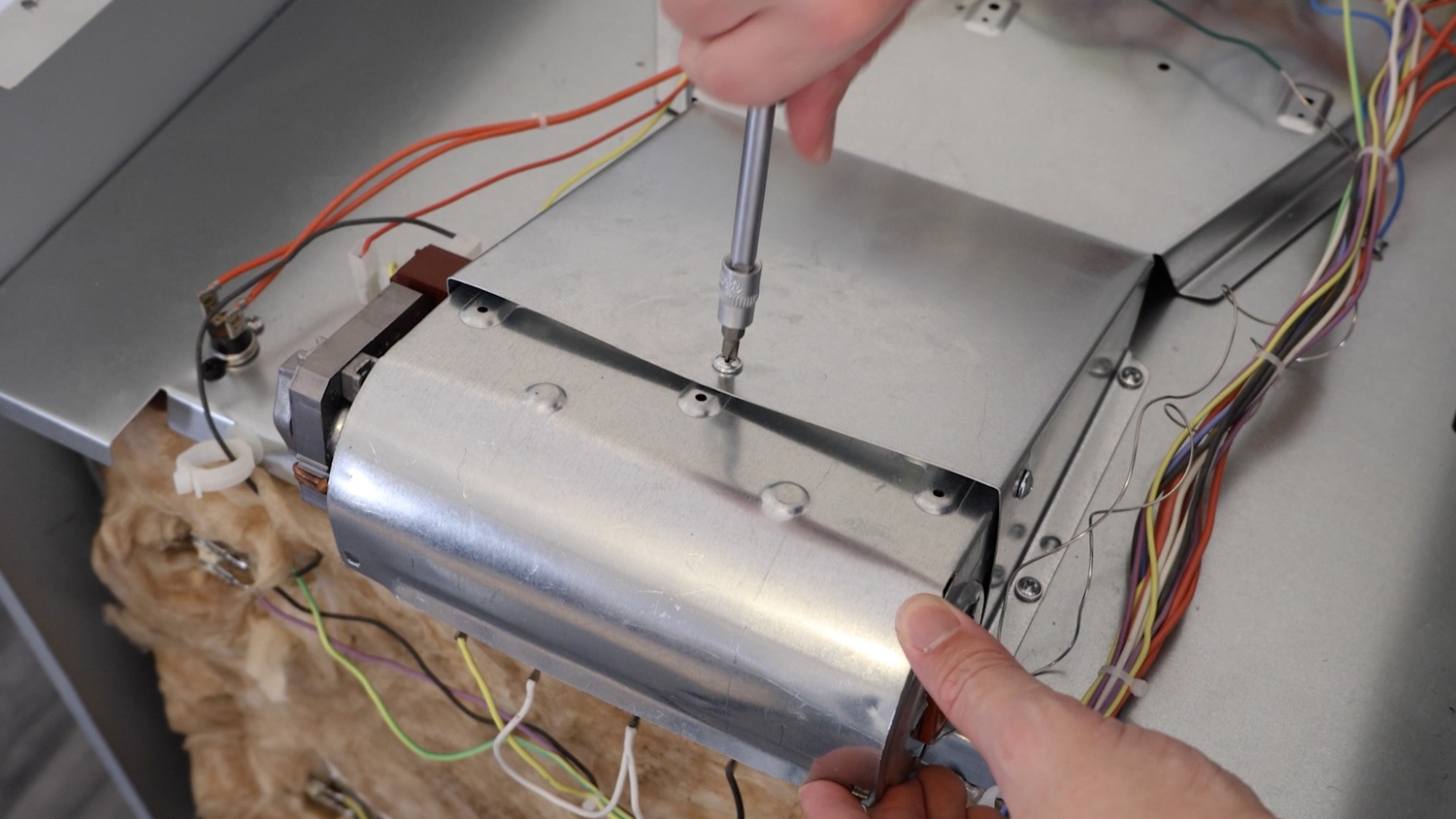
To remove the existing cooling fan motor, remove the top screw.
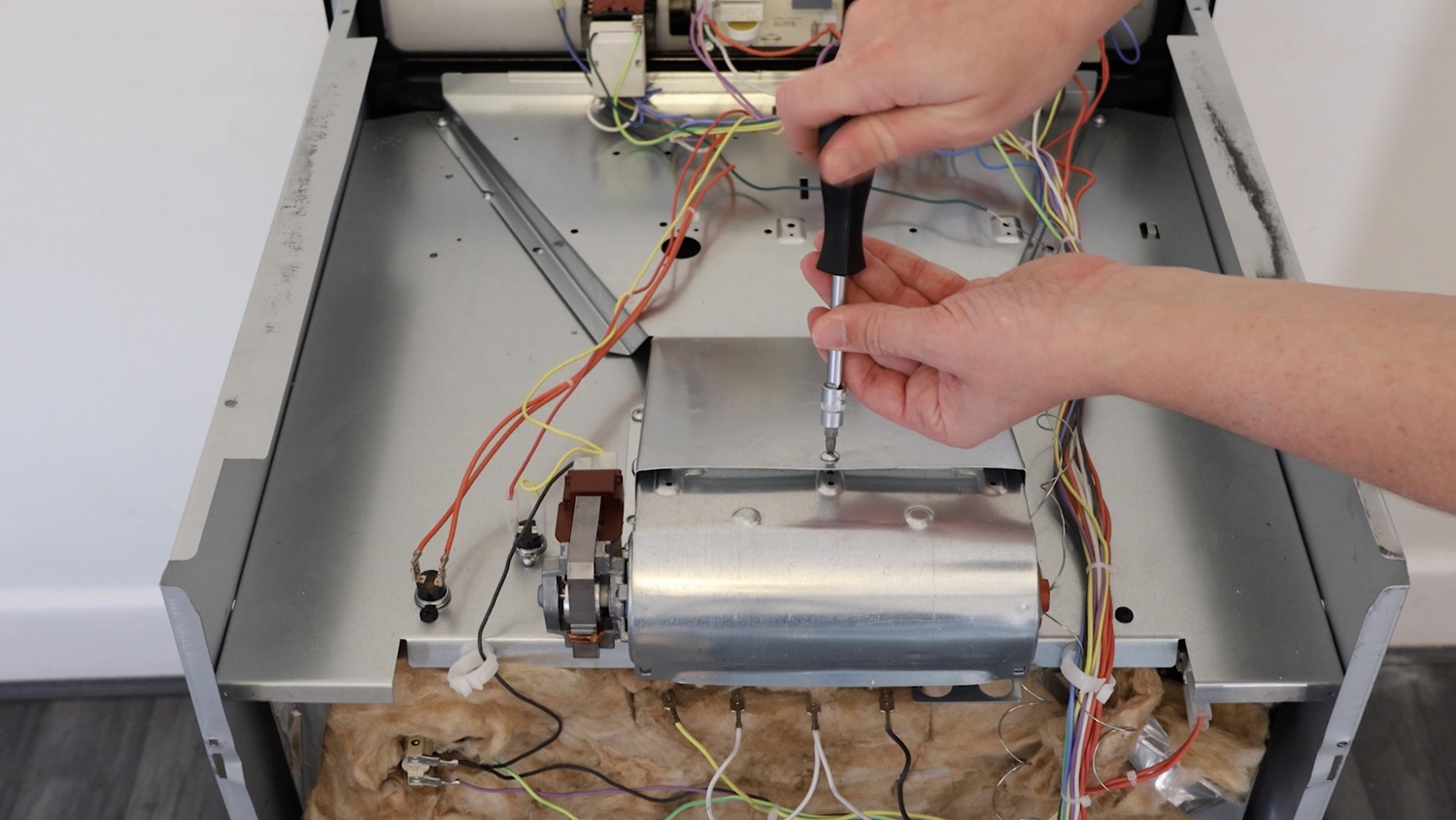
Then remove the screw on one side.
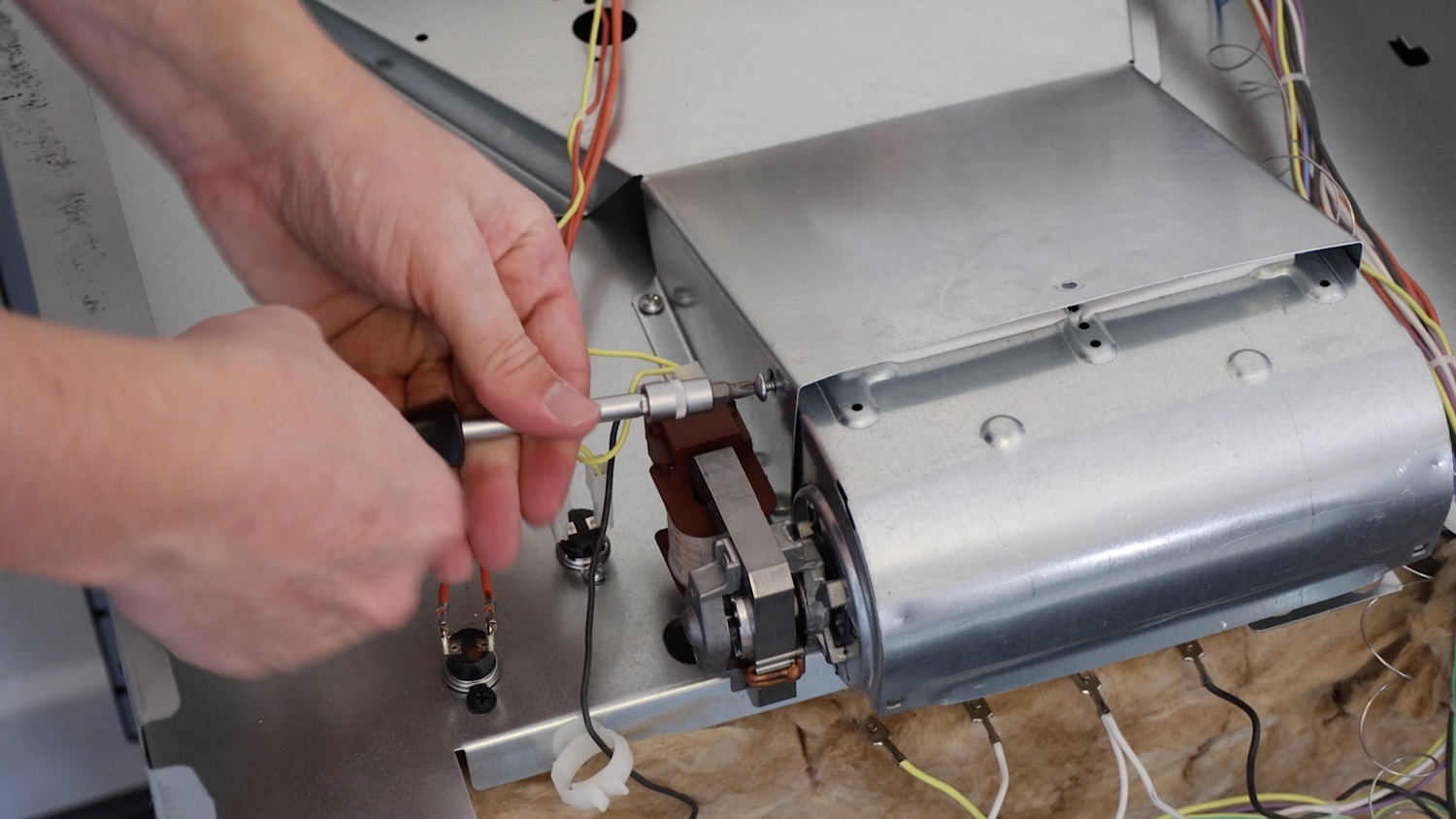
One the other side, there may be less room to manoeuvre, so switch to a smaller screwdriver or if needed, remove the side panel by unscrewing the screws, similar to how the rear and top panels were removed.
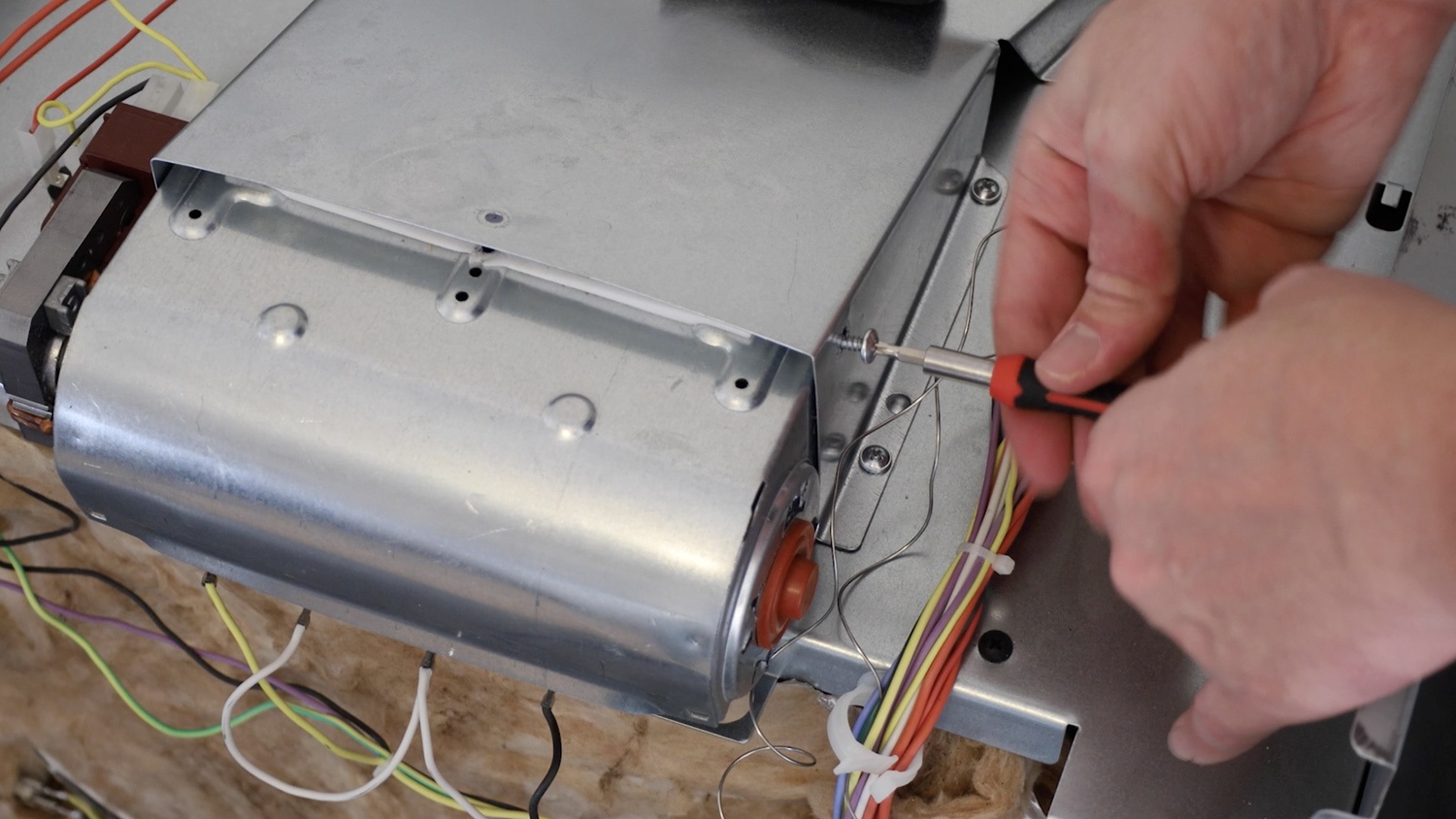
Slide the cooling fan motor out of the oven.
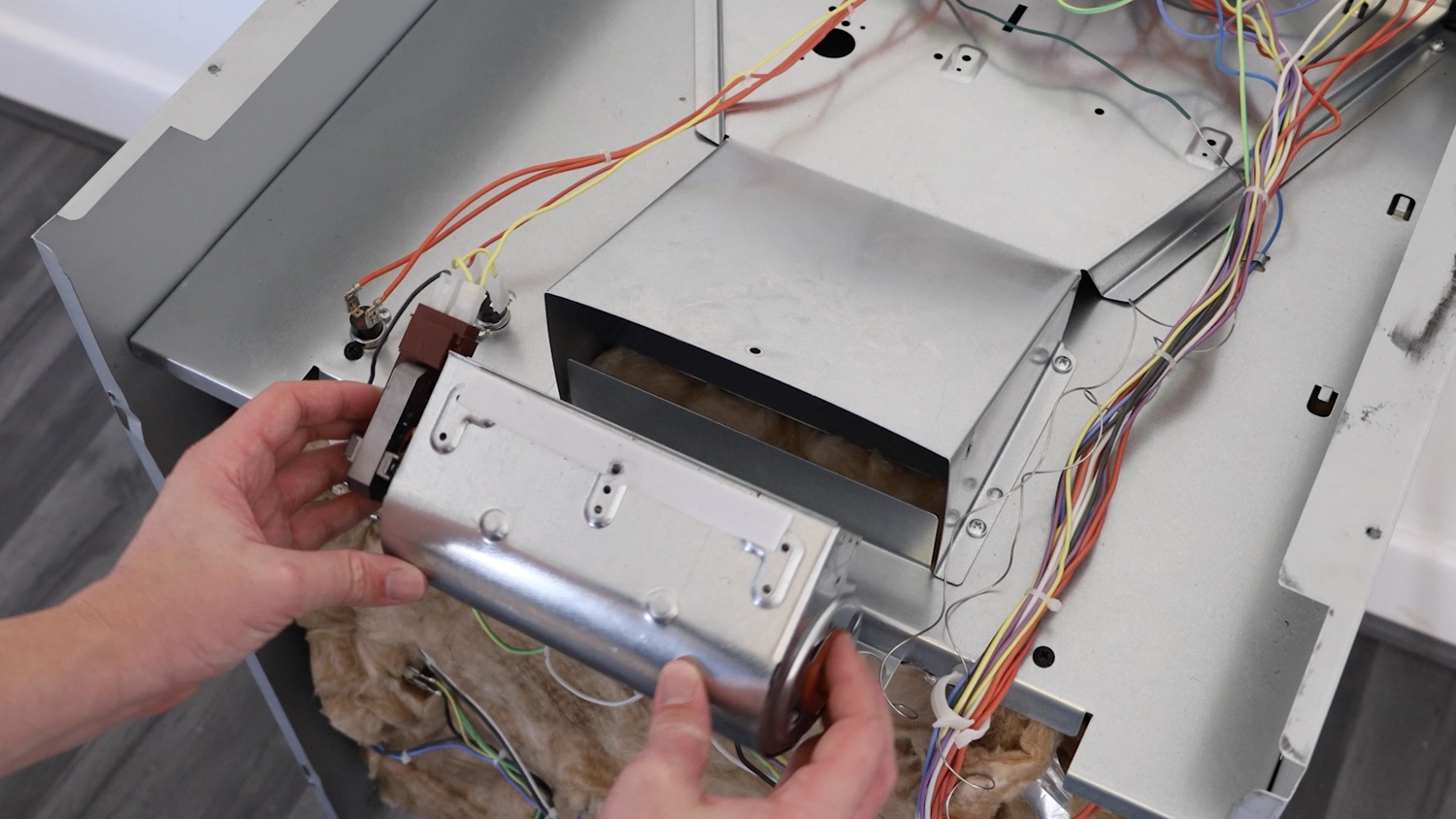
Remove the two wiring connectors.
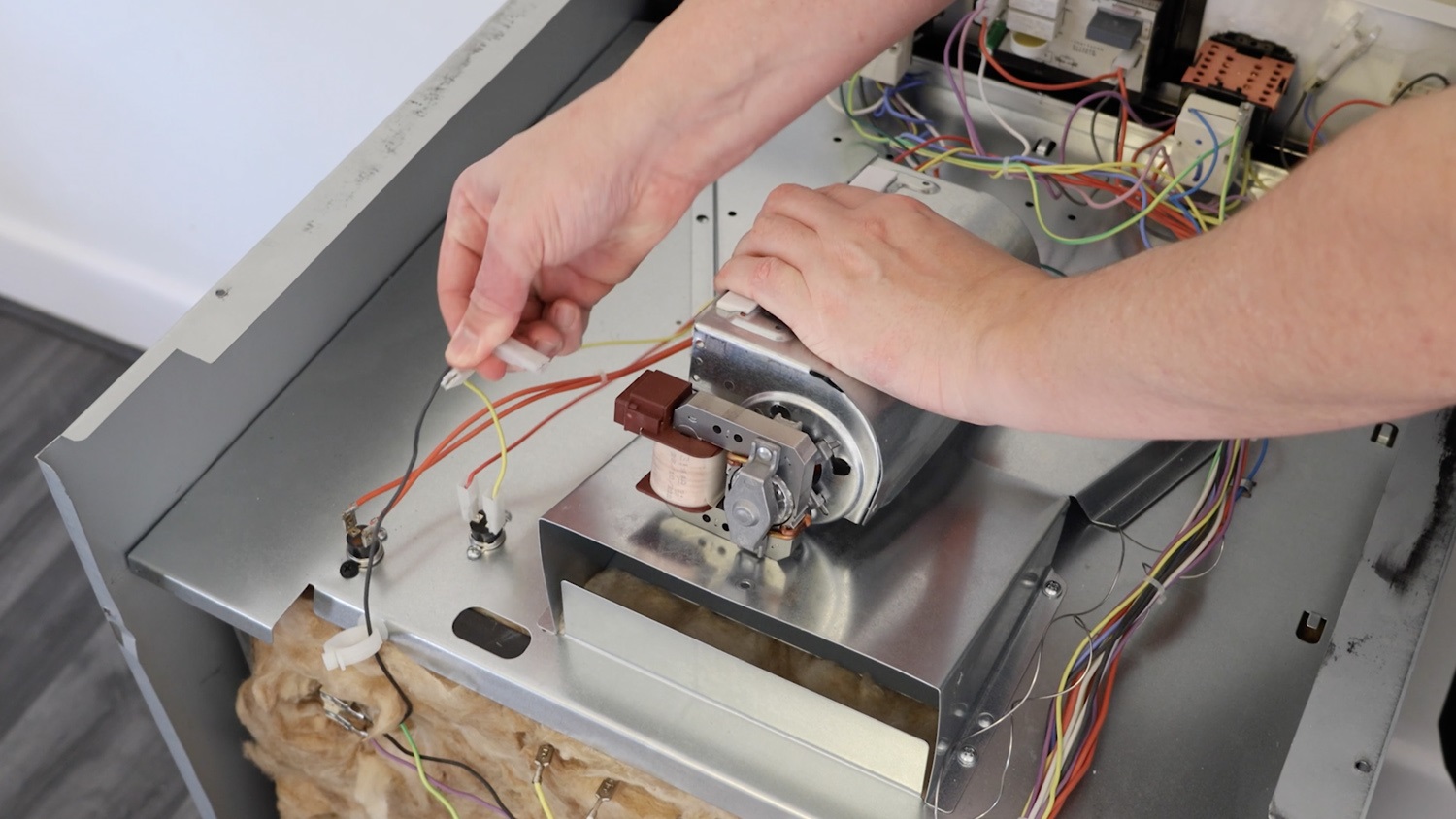
3. Install new cooling fan motor
Unpackage your new cooling fan motor and connect the two wiring connectors as shown to your new cooling fan motor.
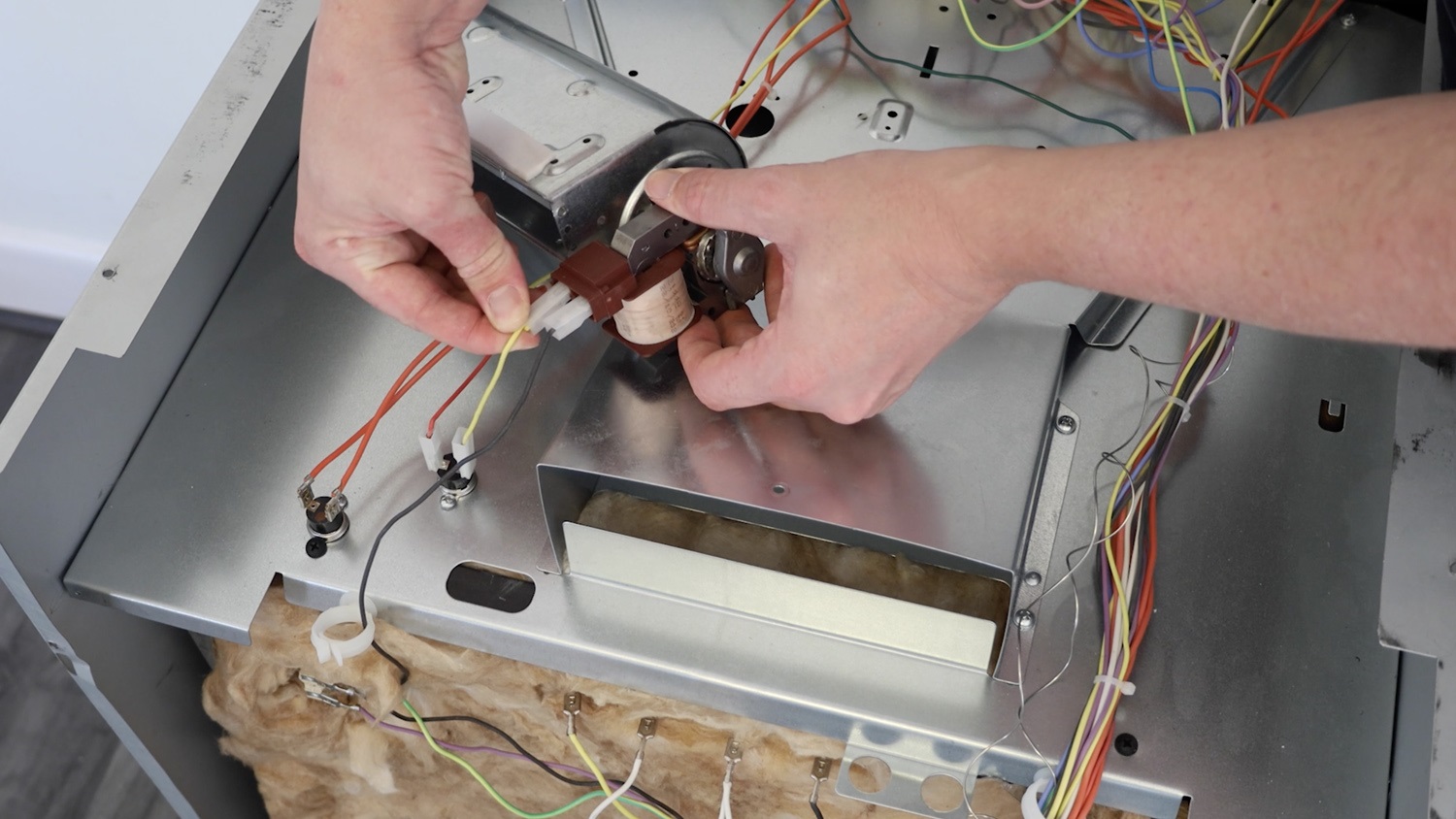
Gently insert the new cooling fan motor.
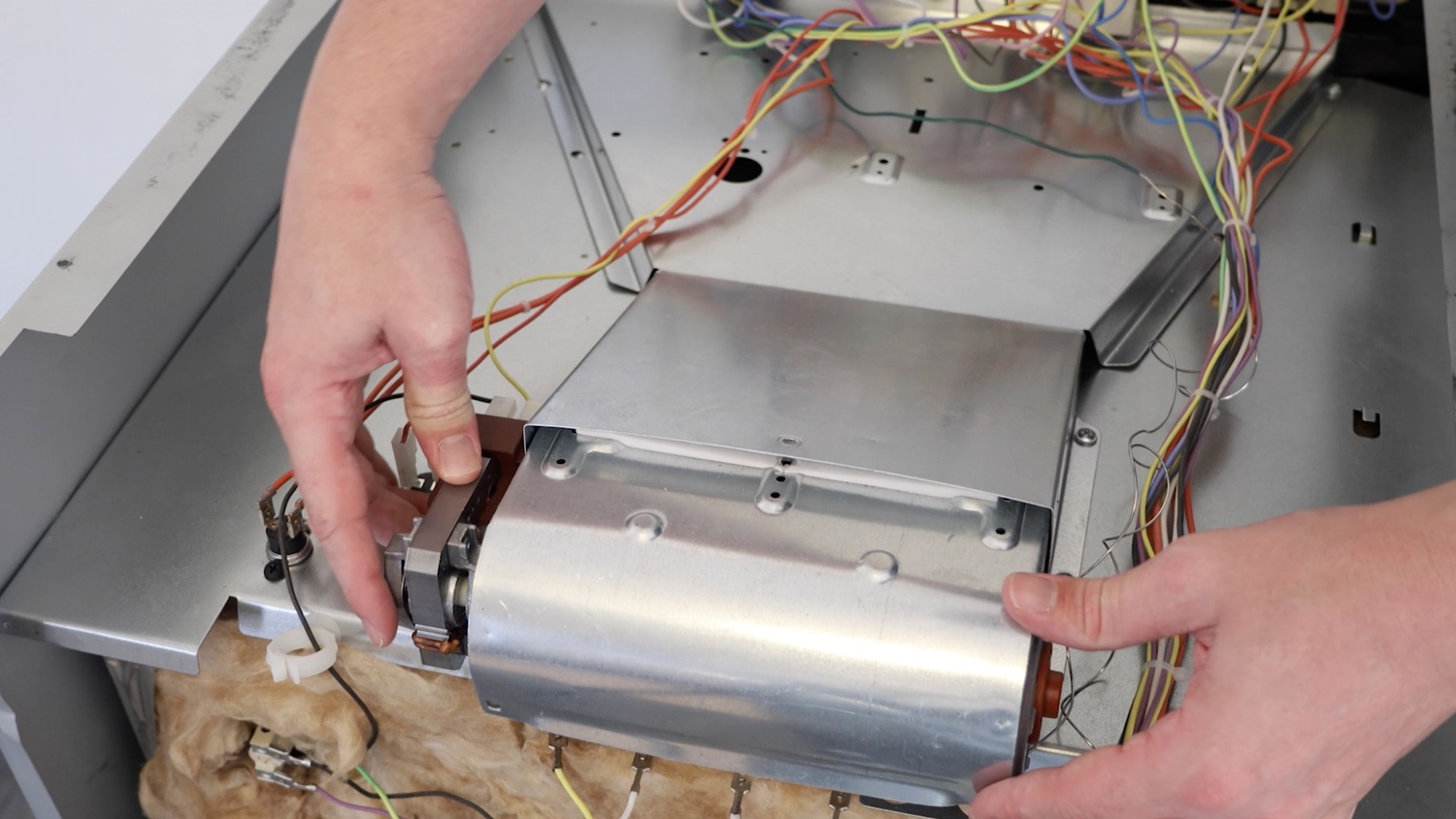
Re-screw the screws on one side.
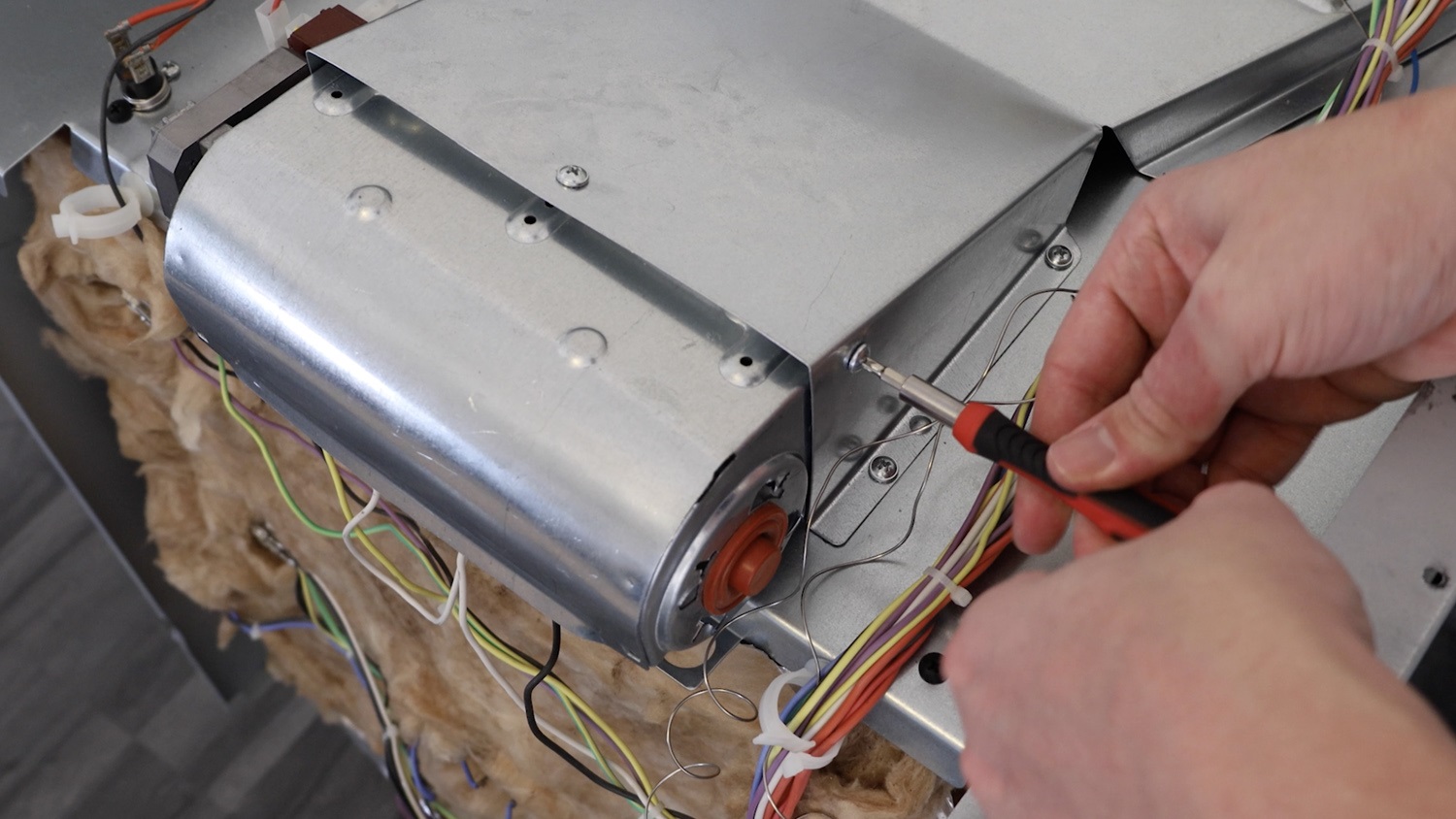
Then re-screw the screw on the other side.
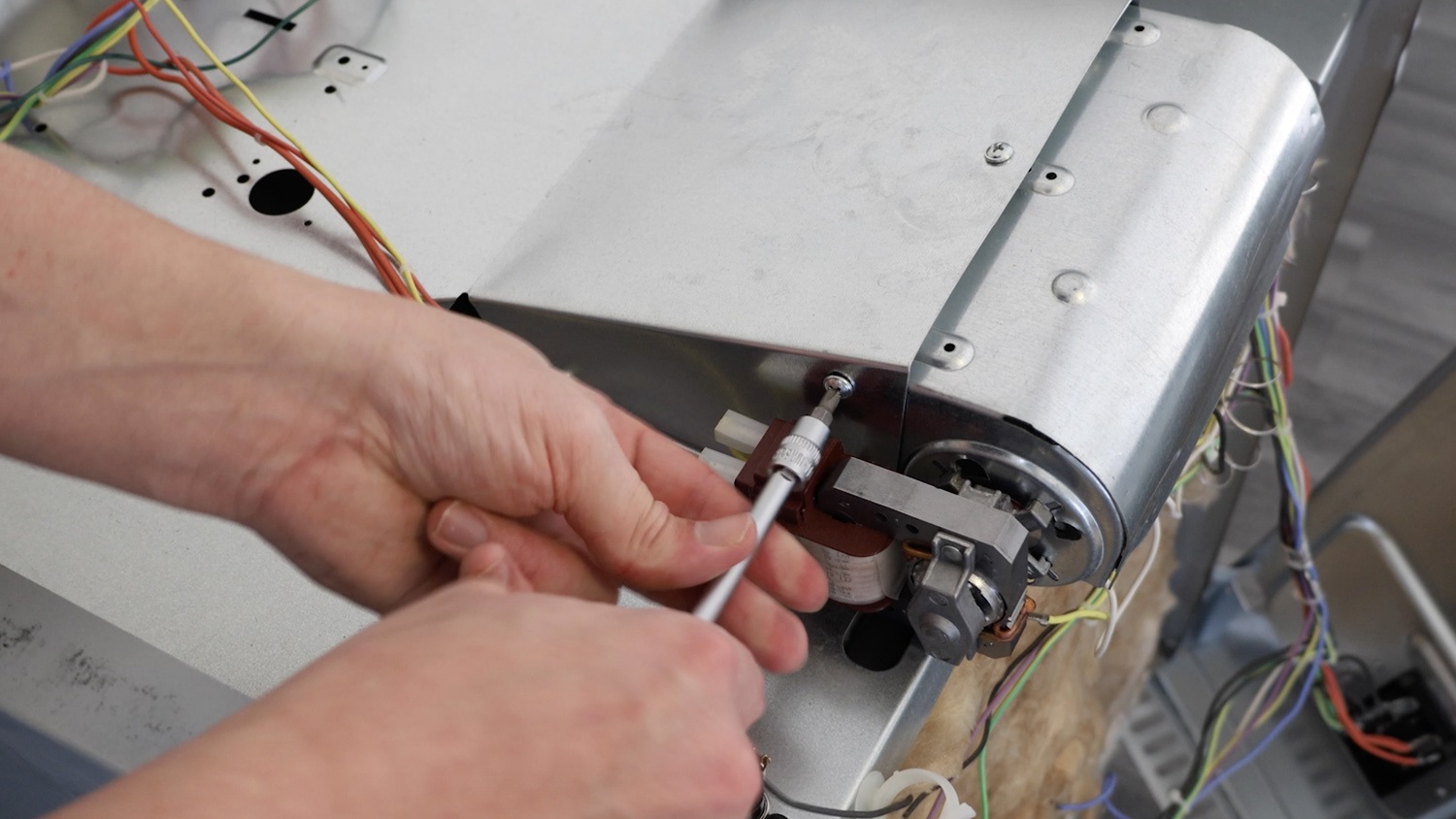
Re-screw the single screw on top and ensure the new cooling fan motor is tightly secured.
4. Re-assemble oven panels
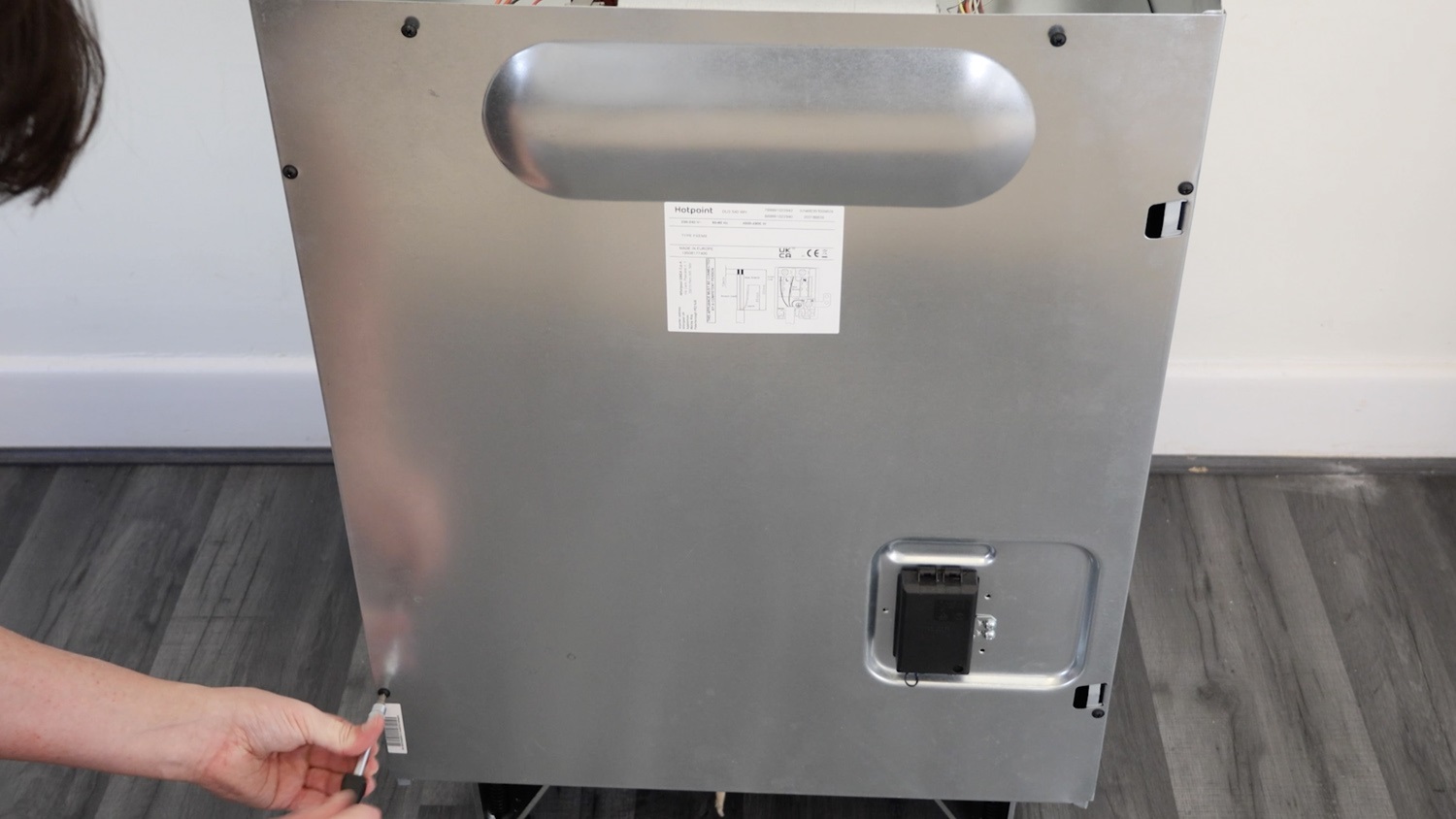
Re-attach the rear oven panel and re-screw all the screws in.
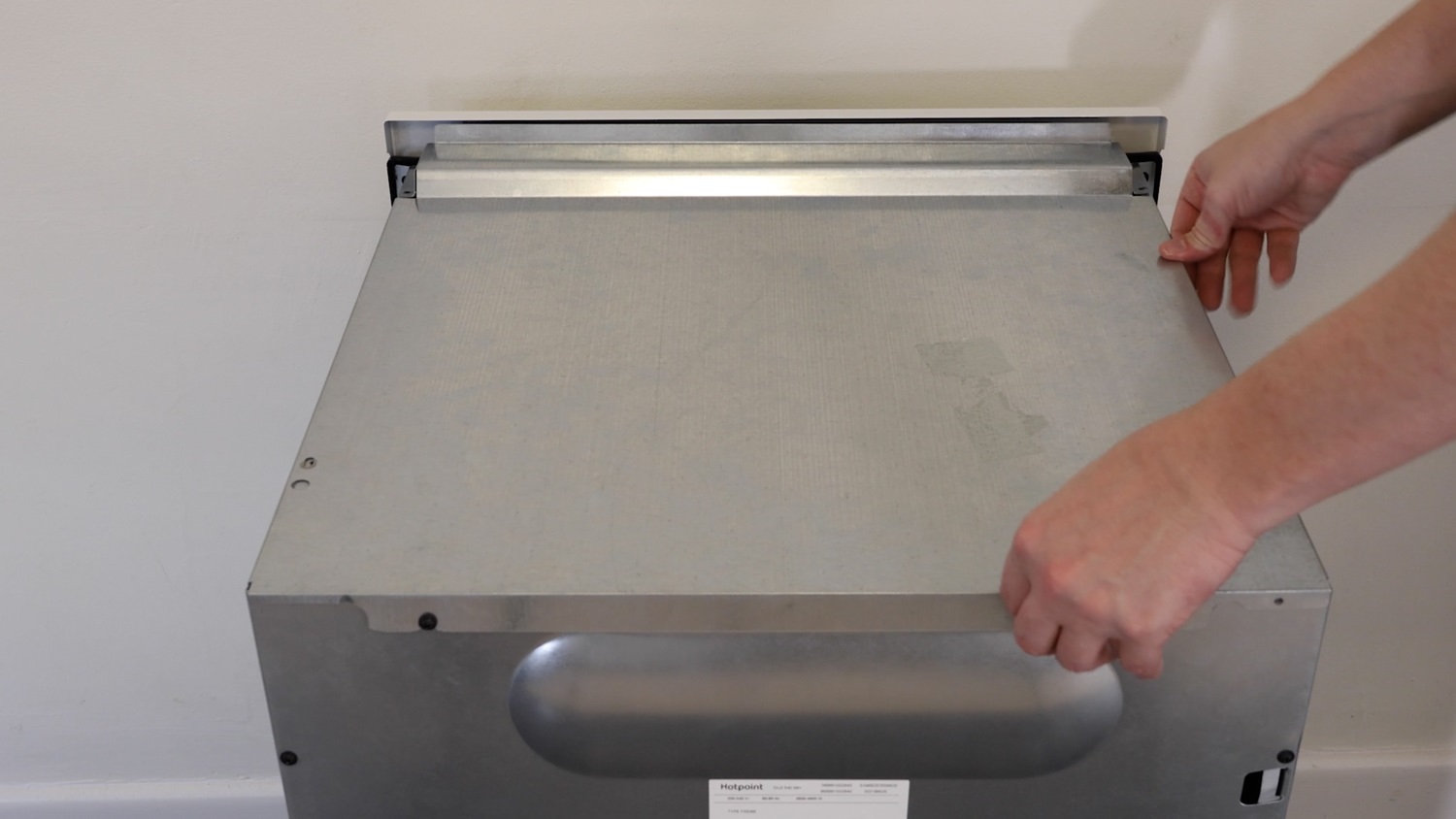
Re-attach the top oven panel.
Re-screw the screws on the rear panel.
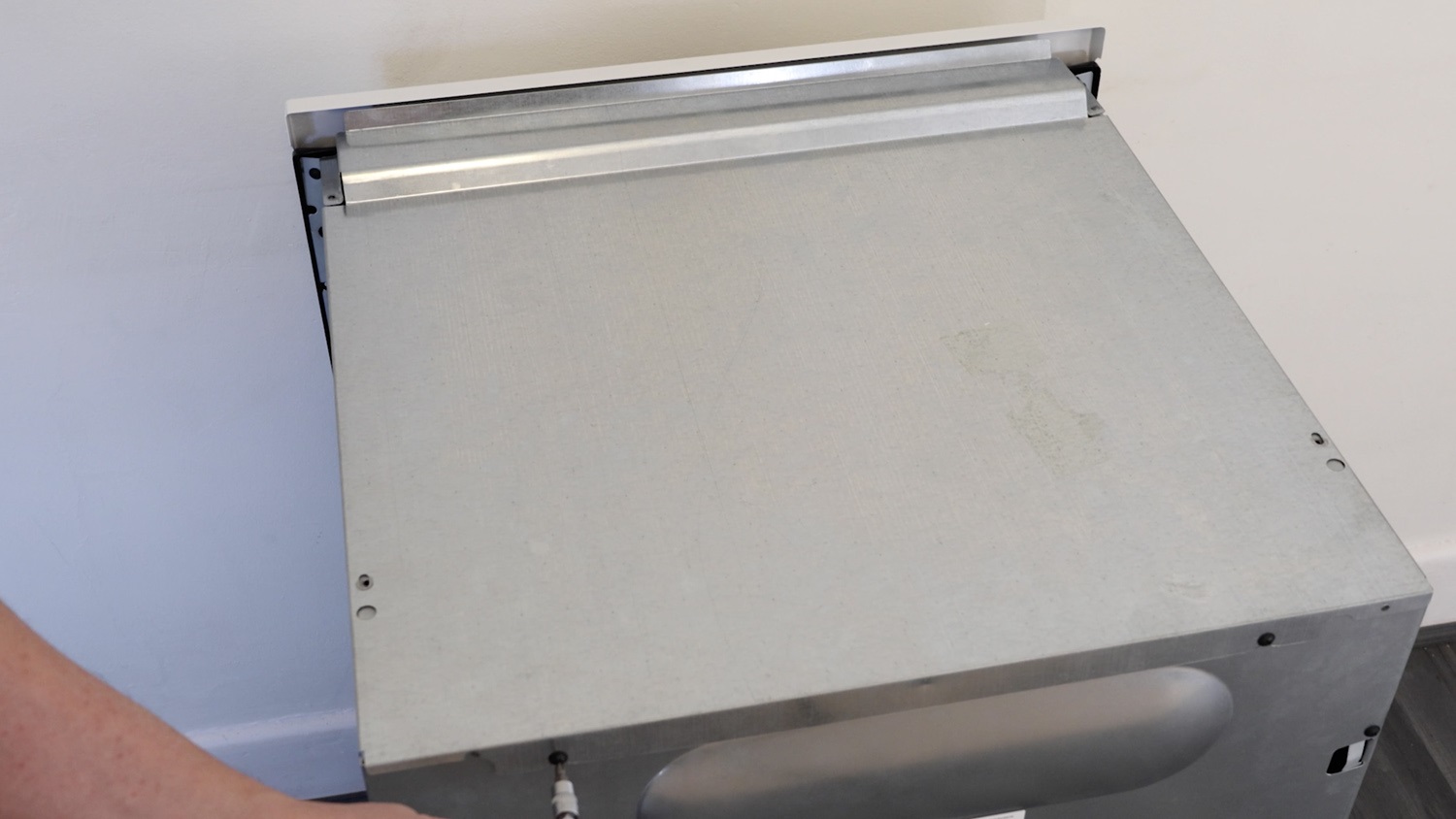
Re-screw the screws on the top pane.
That's it, your new oven cooling fan motor is all set to go!