Make and Model of Oven Used in This Video
Hotpoint DU2540WH (61022940000)
Hotpoint DU2540WH (769991022942)
Part Used in This Video
Hotpoint Oven Top Oven Function Selector Switch
1. Access old selector switch
Remove the screws holding the top oven panel in place.
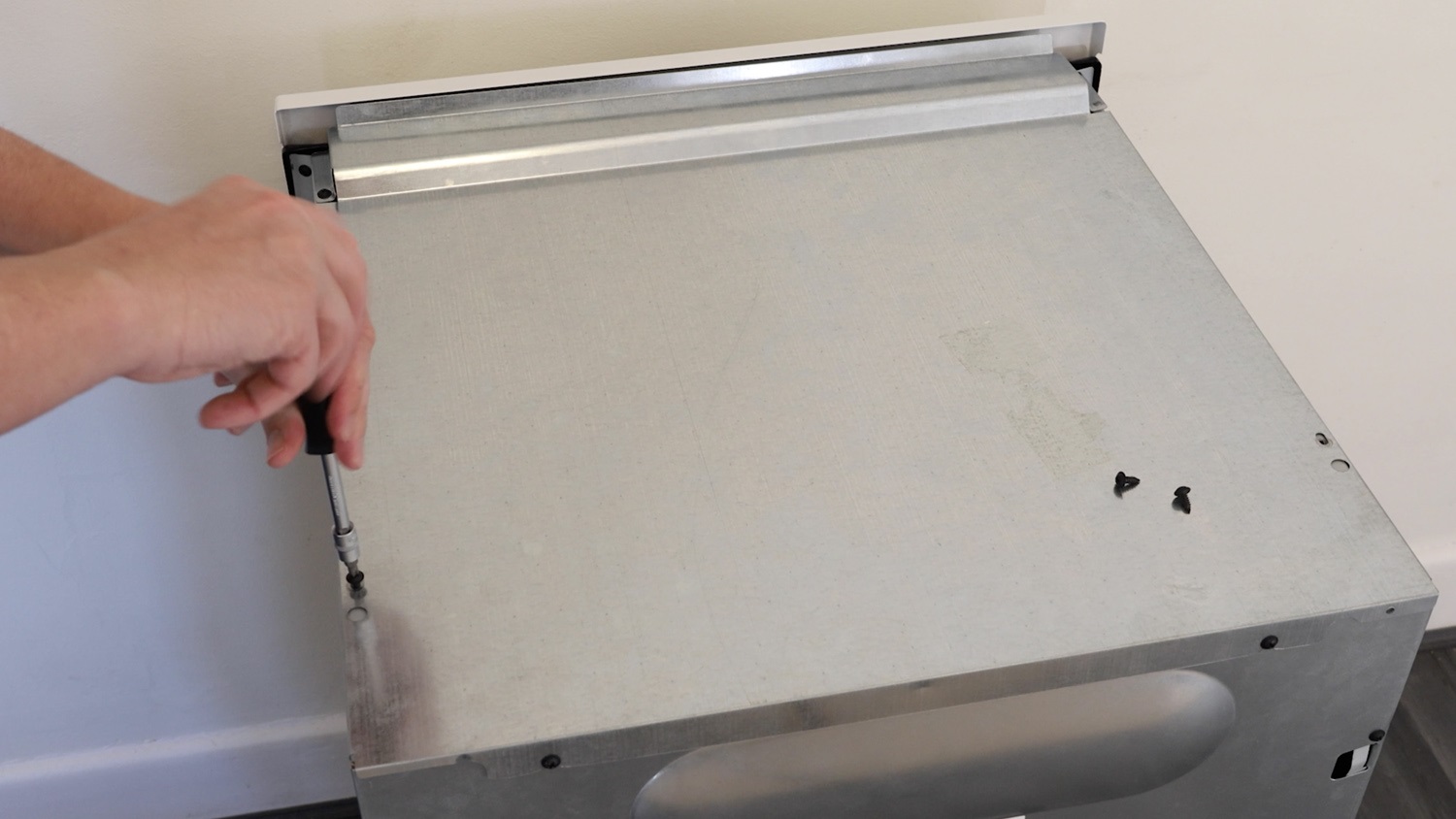
Slightly unscrew the top two screws on the rear panel.
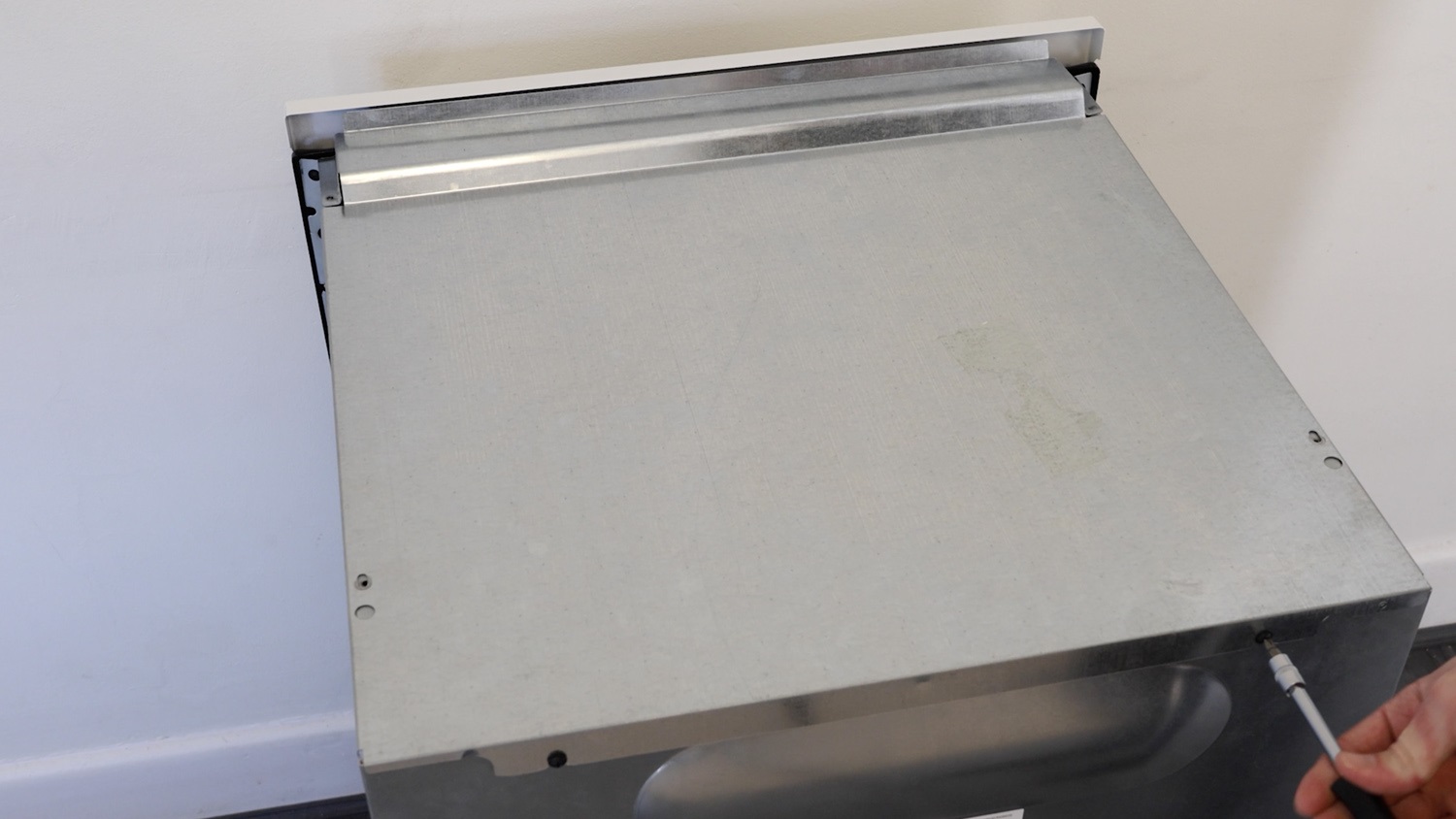
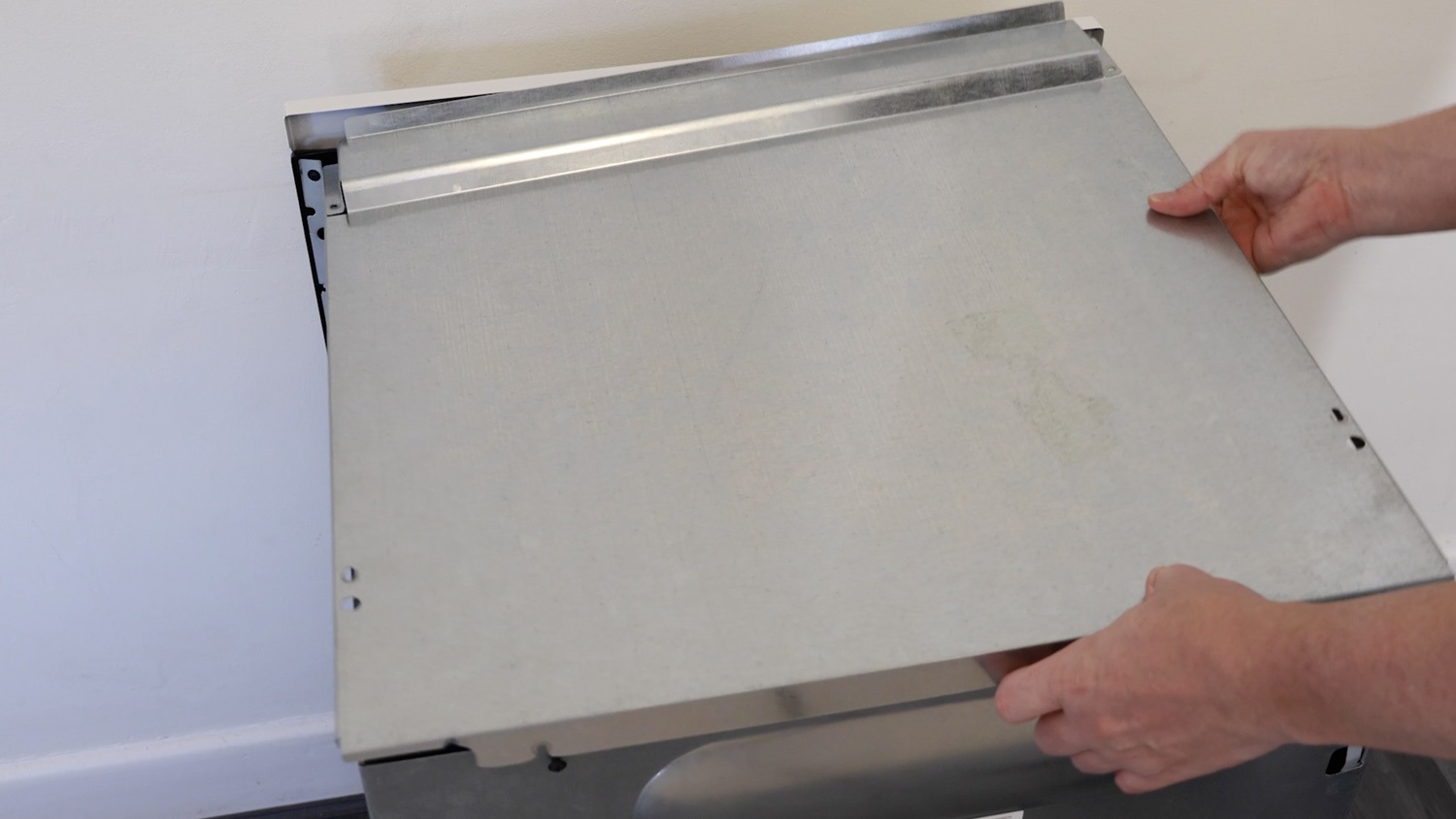
Remove the lid. Be careful of any sharp edges and corners.
Ensure the selector switch correlating to the correct oven section is being replaced.
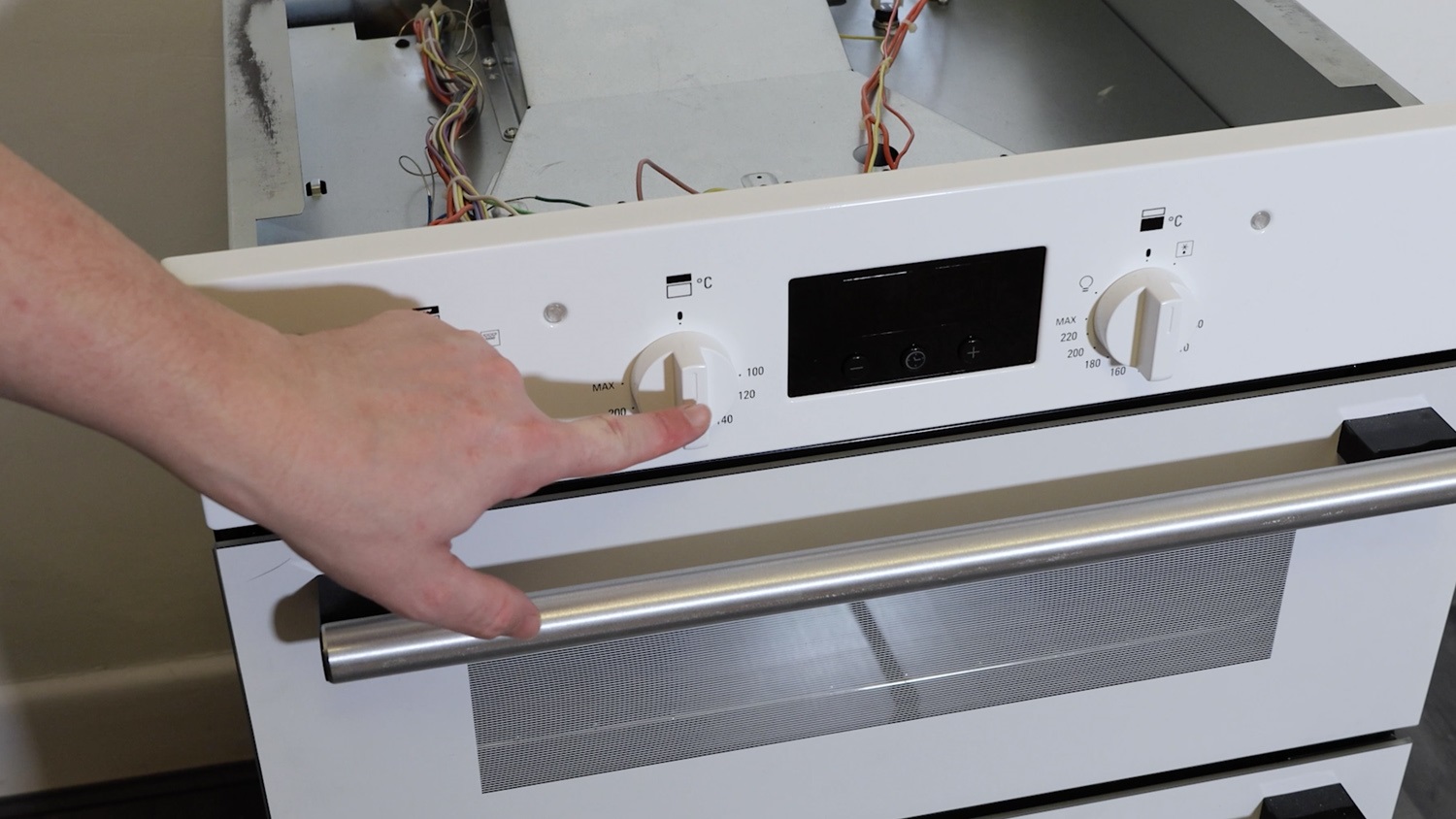
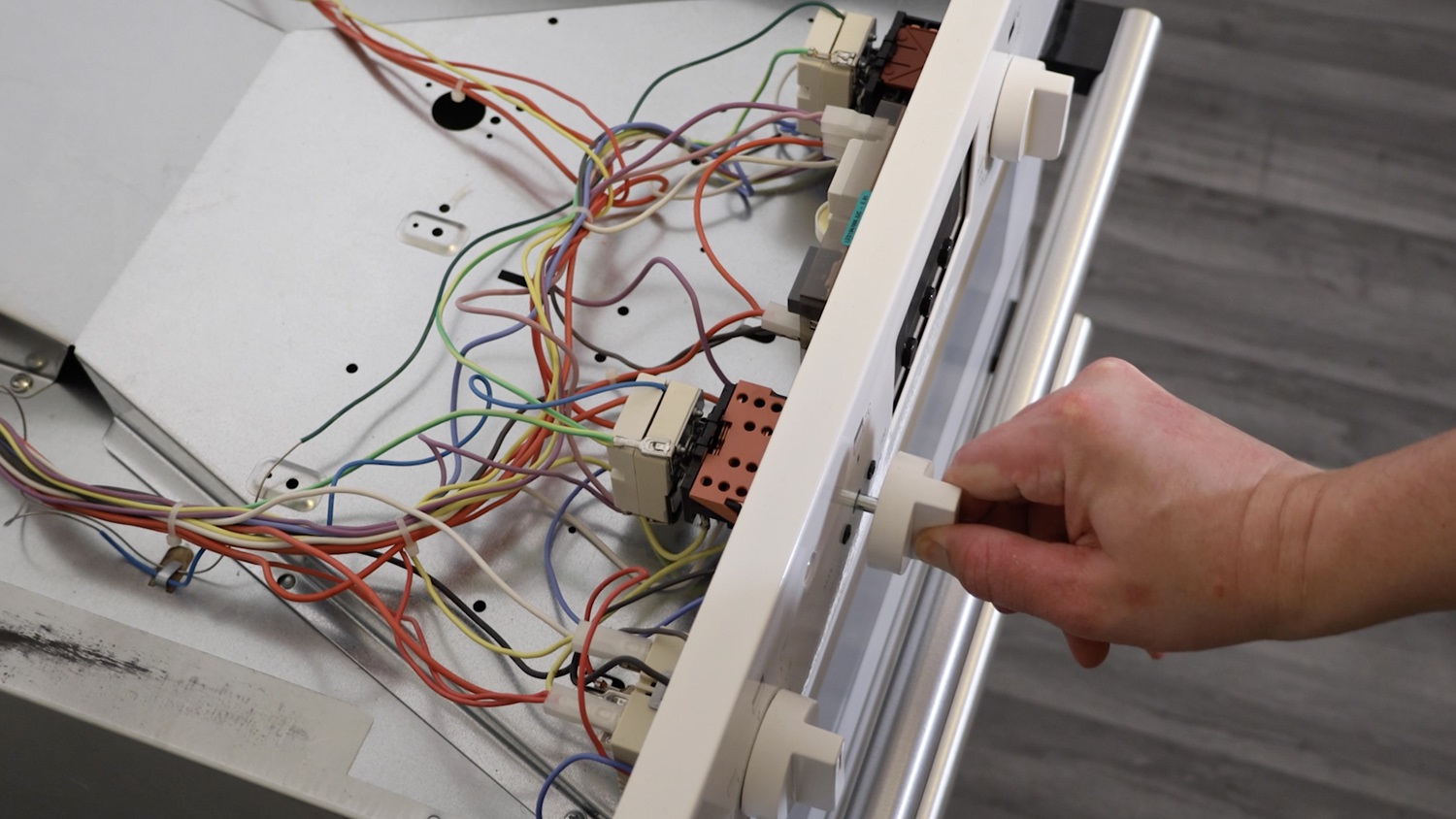
Remove the oven knob by sliding it off.
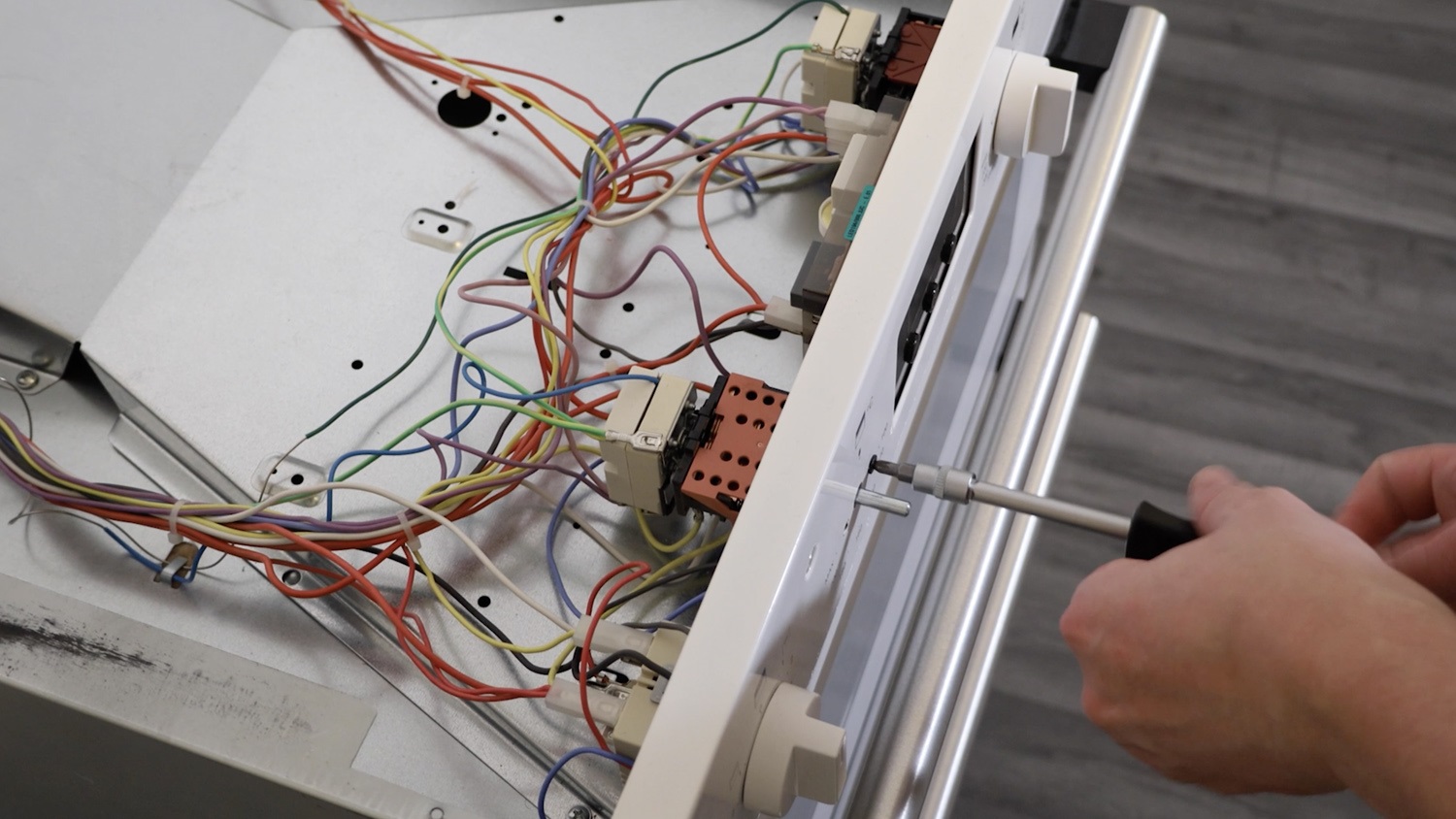
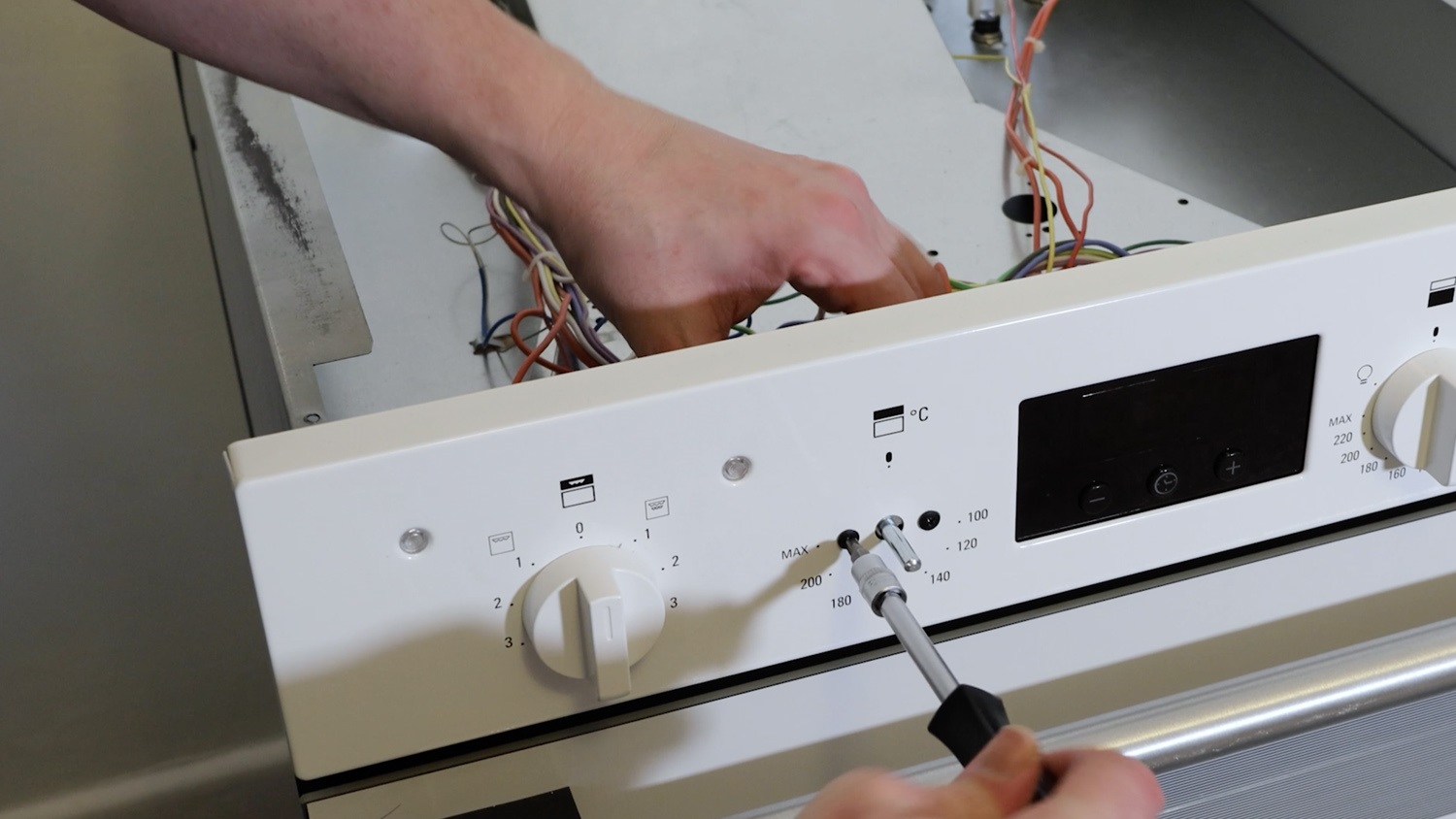
Remove the two screws holding the selector switch in place.
2. Remove old select switch
Before removing any wires from the old selector switch, take a couple of photos so you have a reference for where the wires are supposed to go.
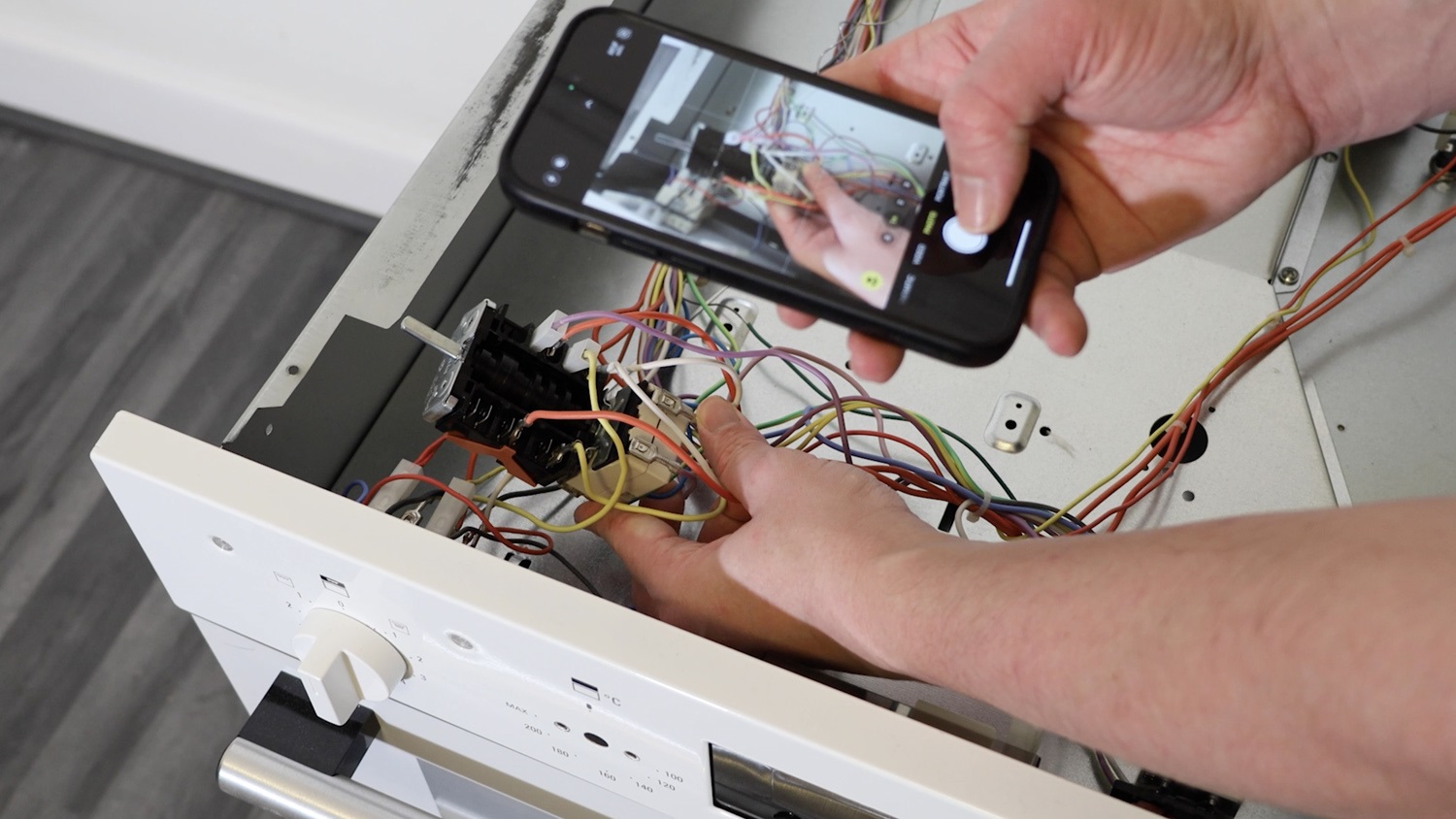
The connectors can then be removed by hand, or if needed, with a pair of long-nose pliers.
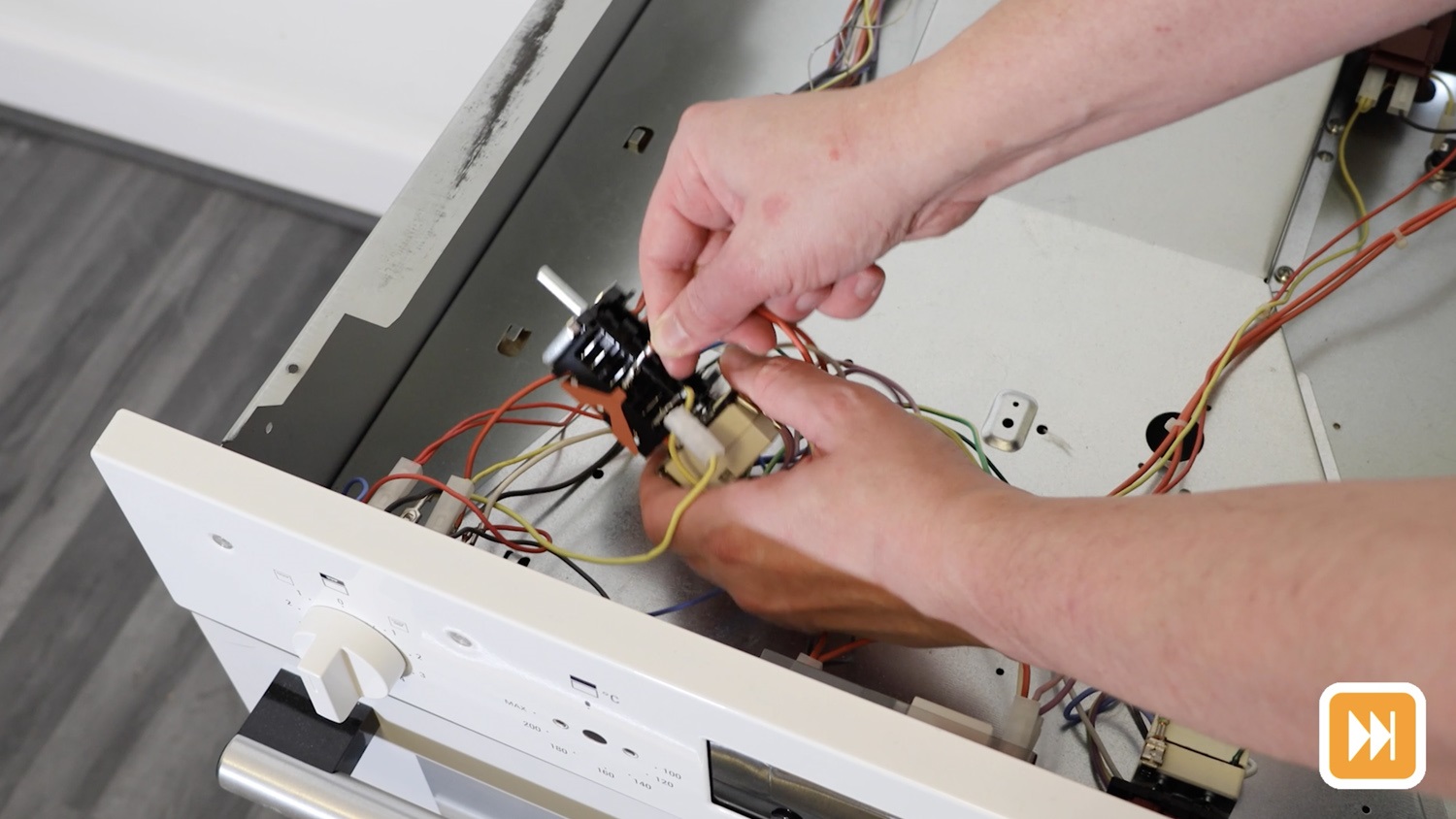
Gently pull the old selector switch away from the thermostat.
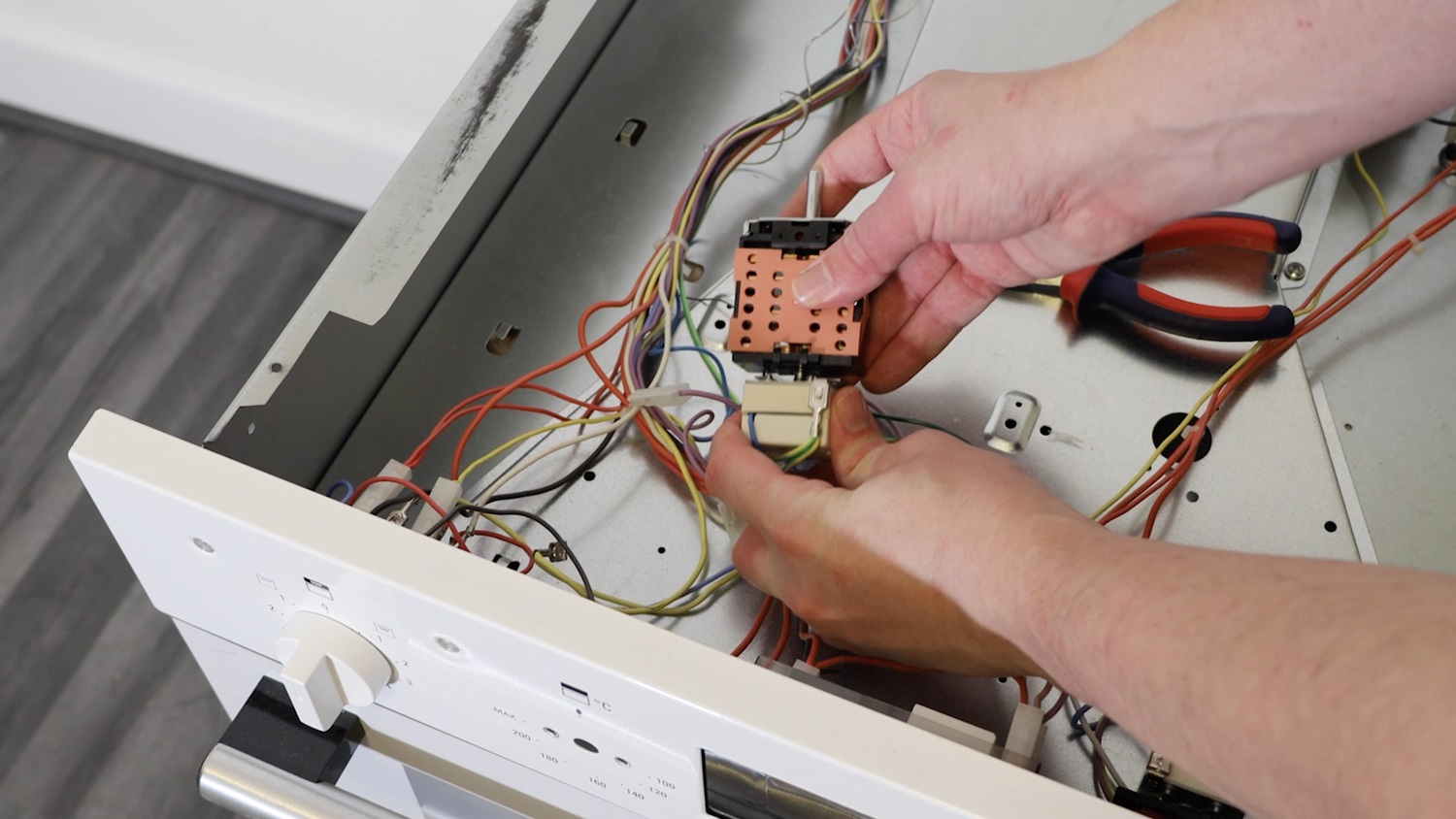
3. Install new top oven selector switch
Attach your new selector switch to the top oven thermostat.
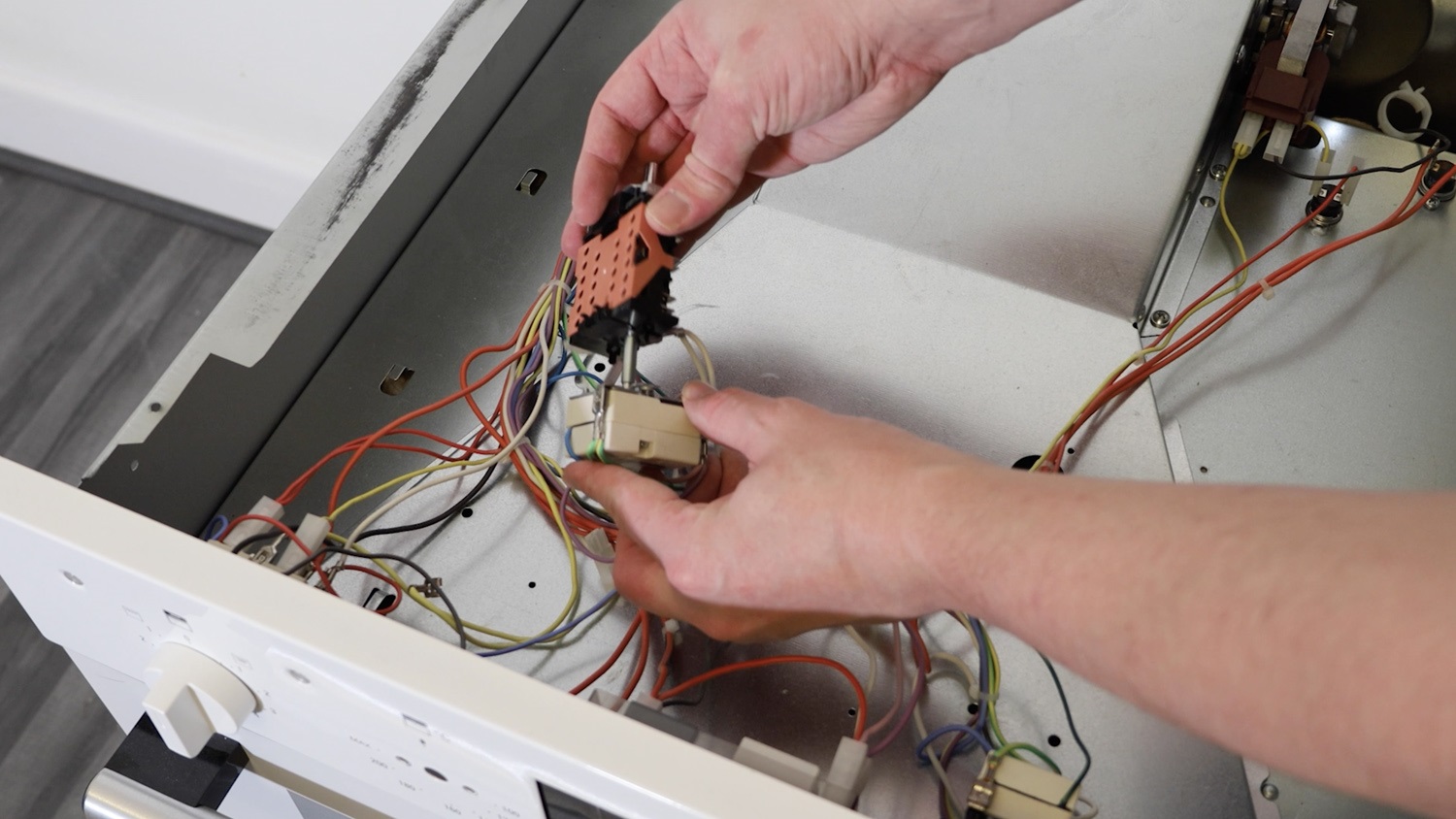
Then using the photo taken earlier as a reference, connect the wiring in the exact spot as before.
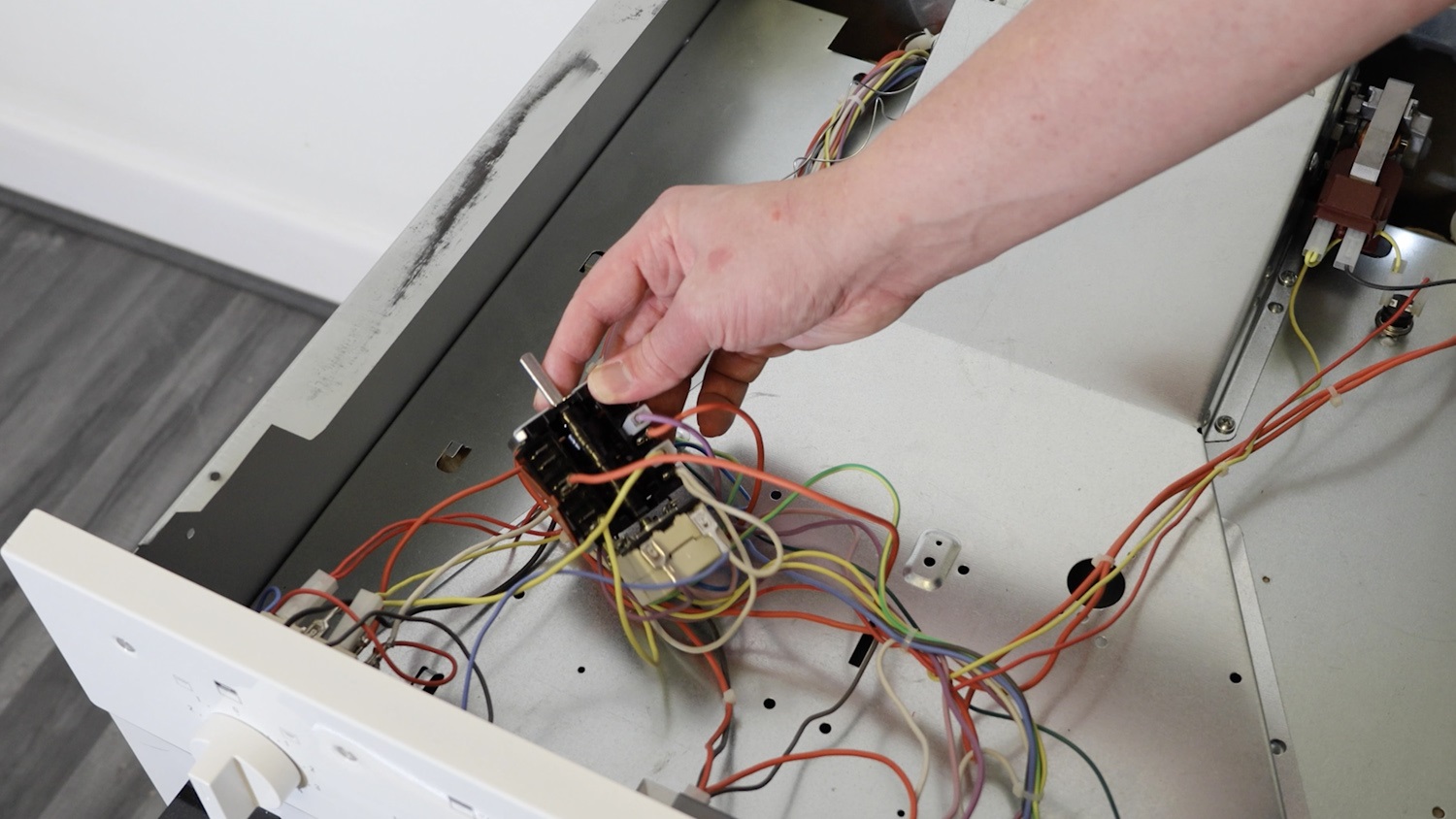
Place the newly fitted selector switch in the hole on the oven control panel.
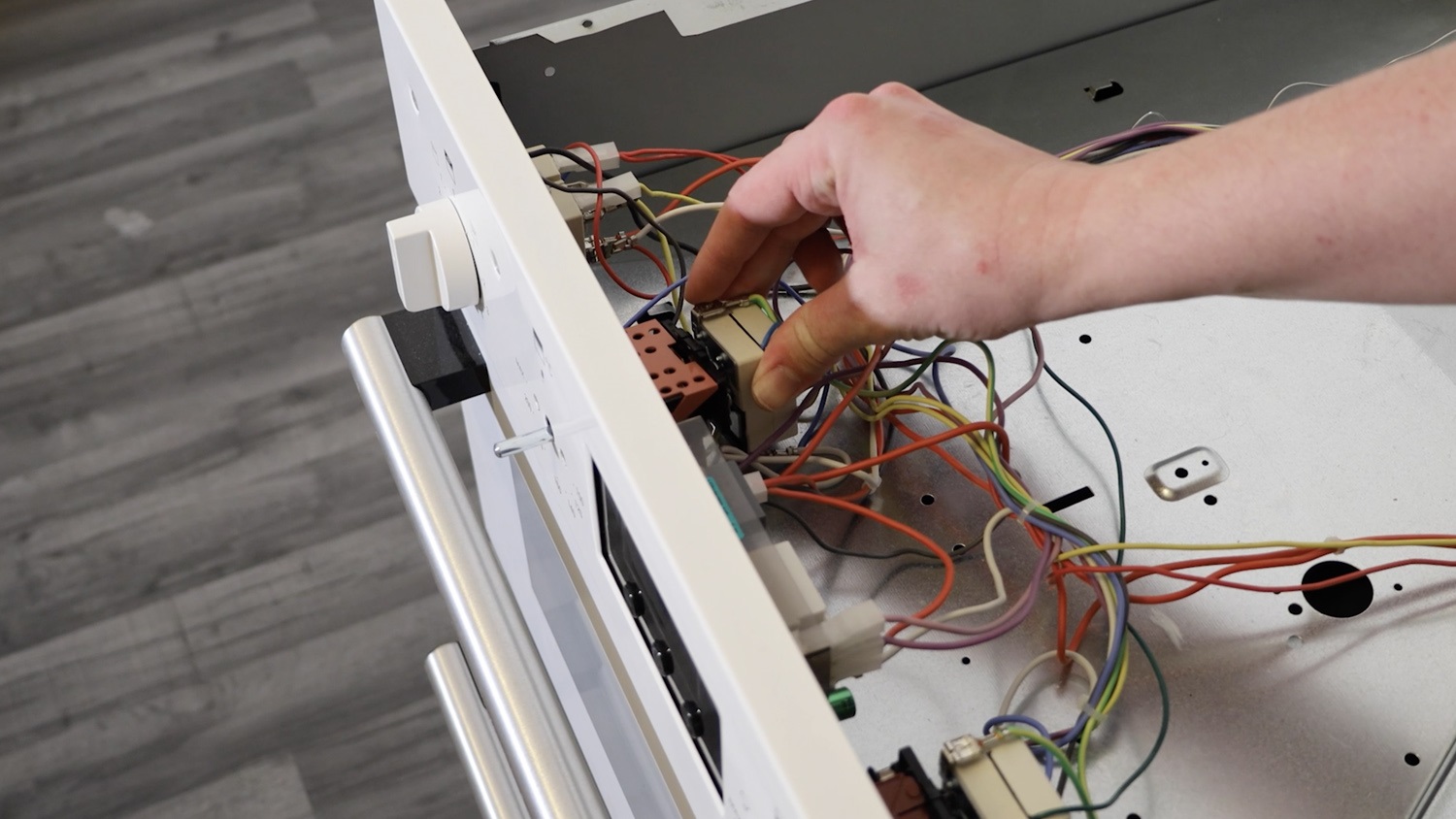
Re-screw the two screws back in place.
4. Re-assemble oven
Re-attach the control knob.
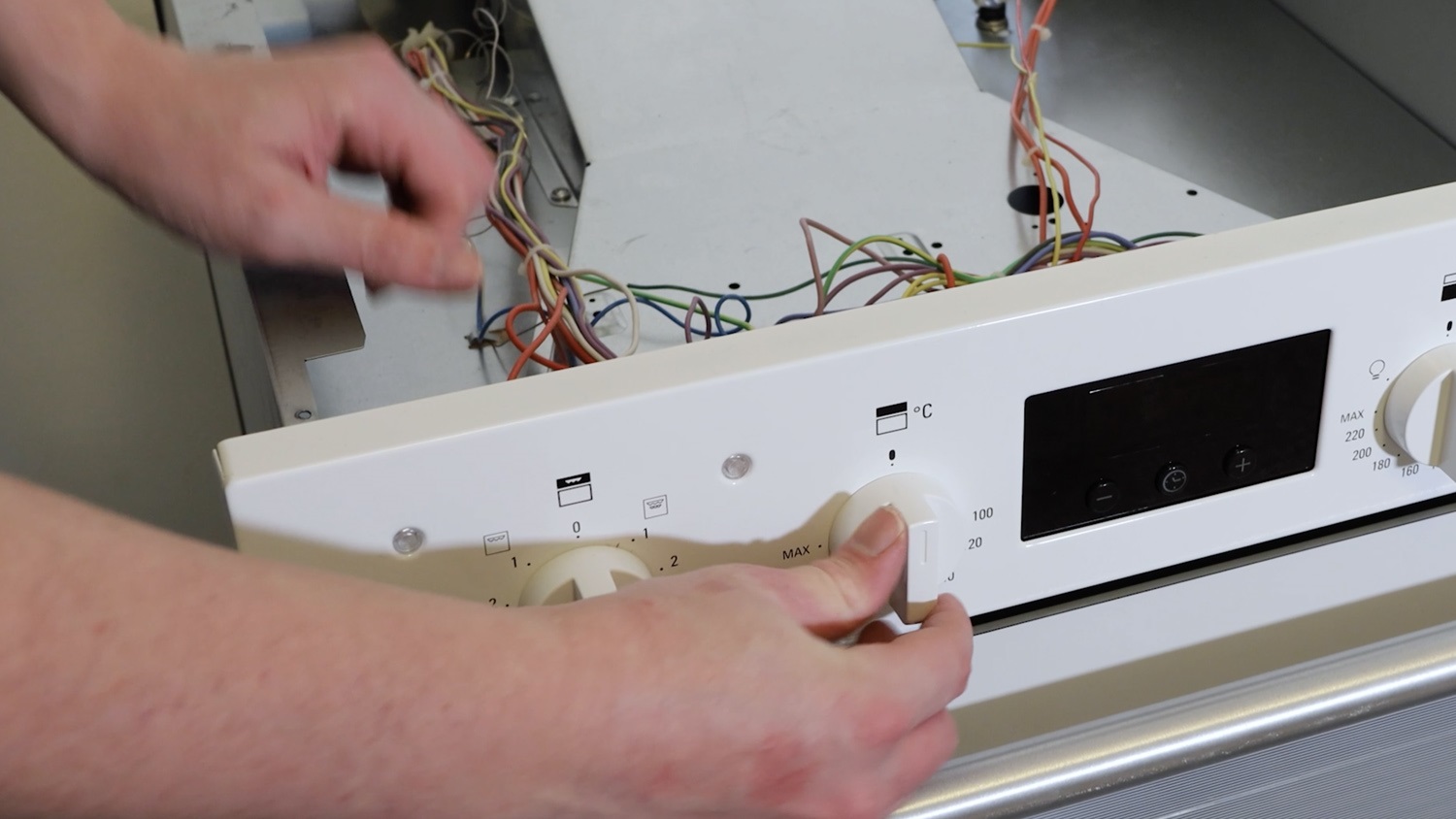
Re-attach the top oven panel.
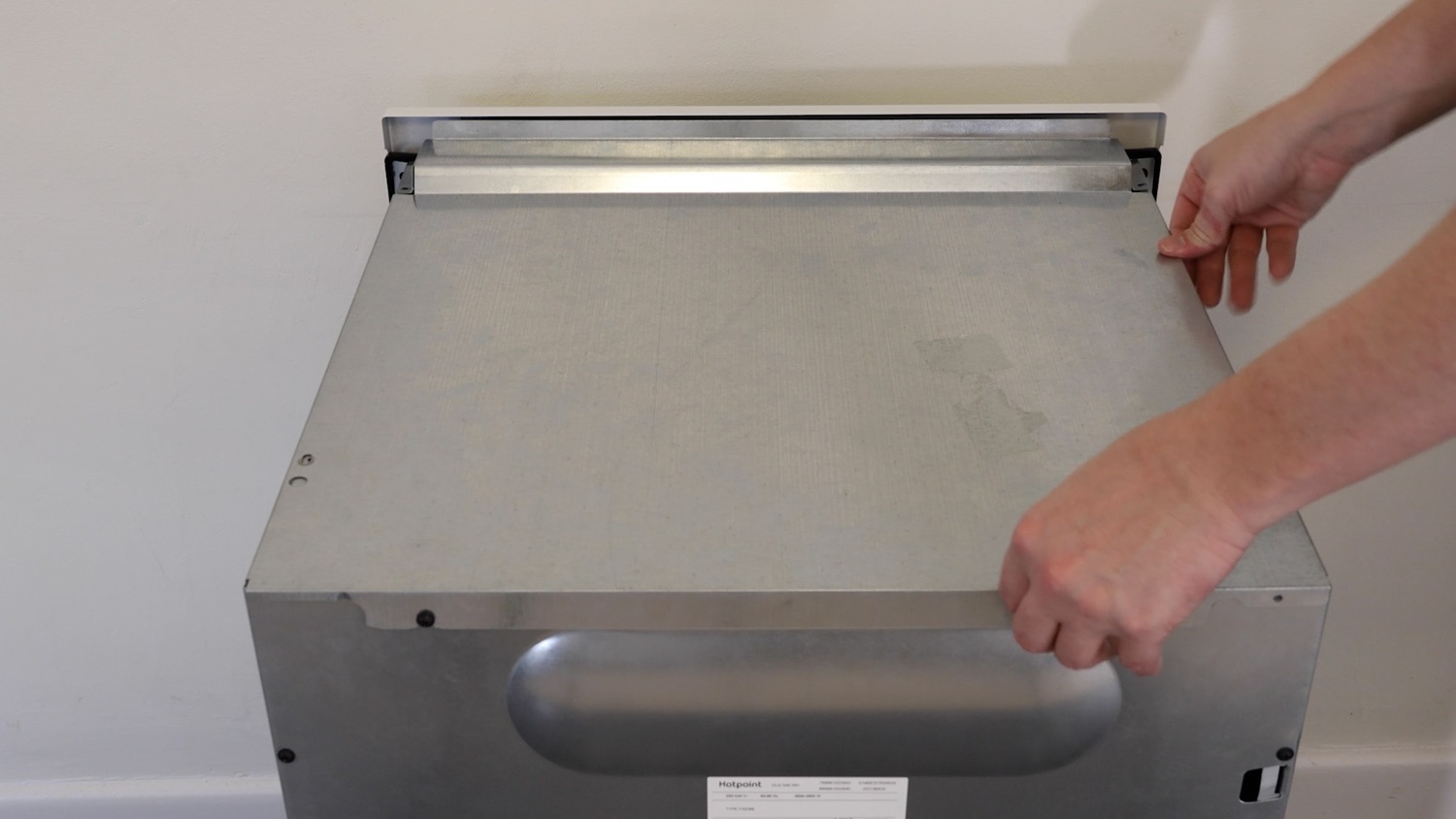
Tighten the two rear screws if they were loosened.
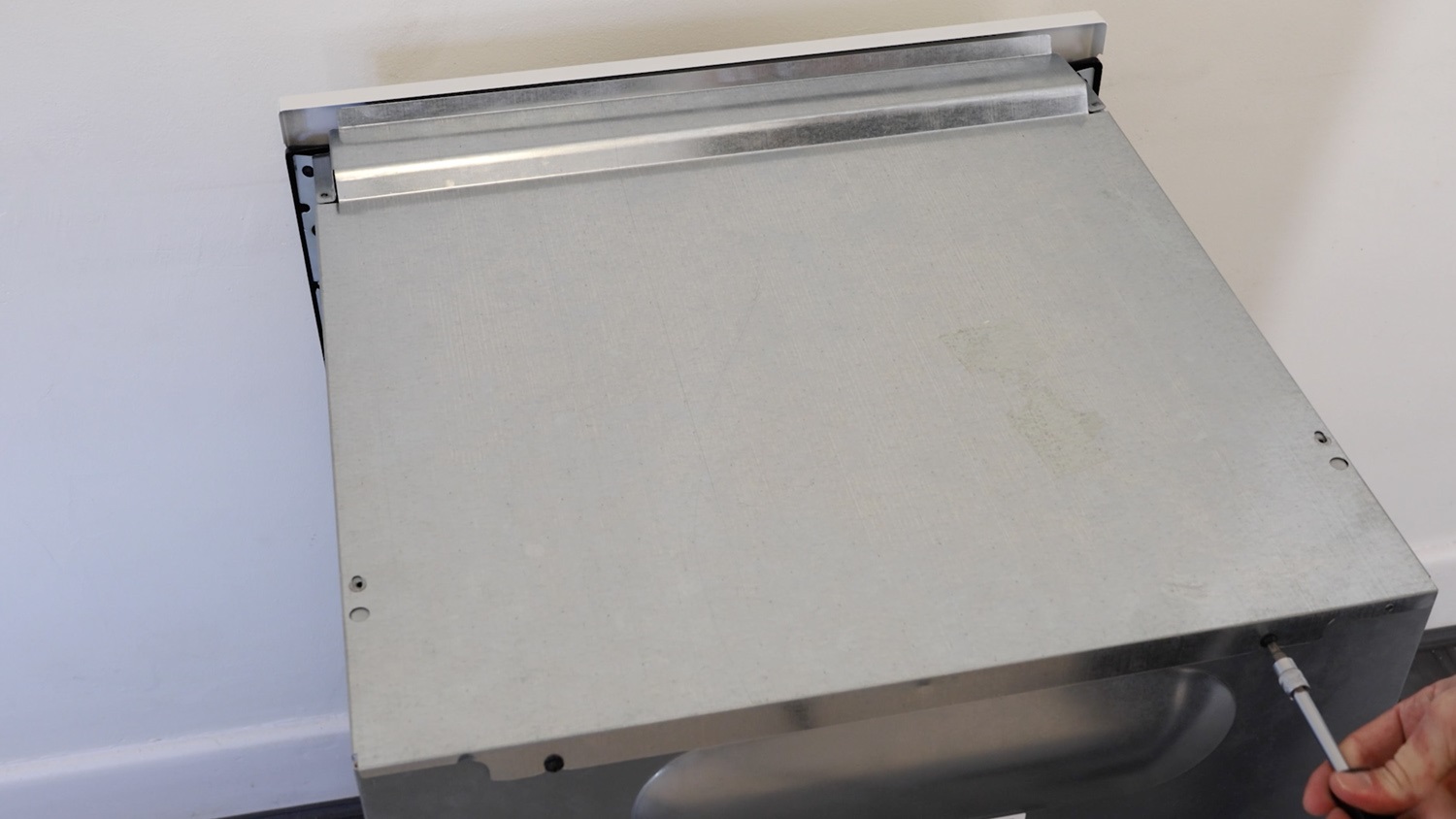
Re-screw all the screws on the top oven panel.
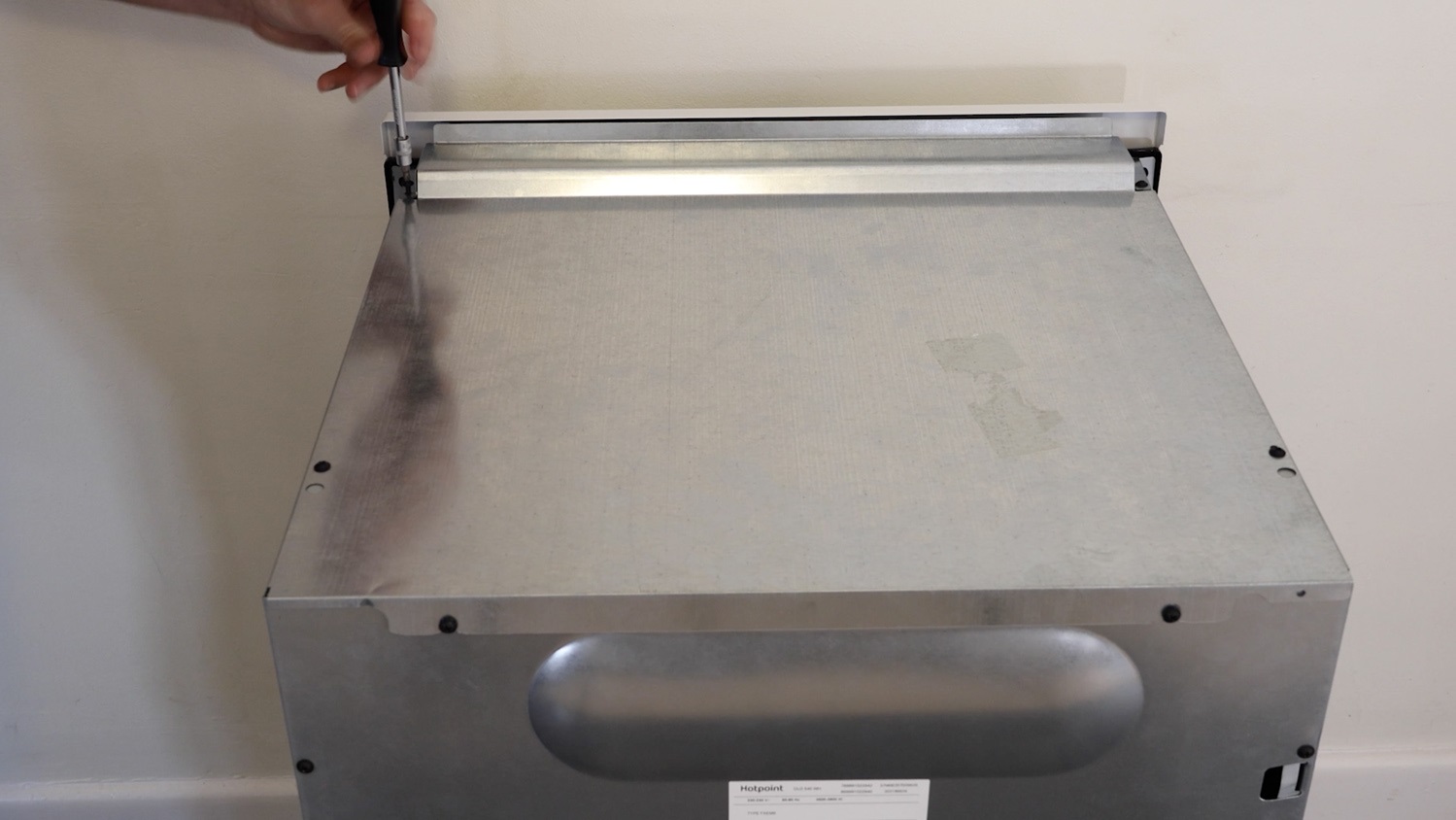
And that’s it, your new oven select switch is all set to go!