Make and Model of Oven Used in This Video
Hotpoint DU2540WH (61022940000)
Hotpoint DU2540WH (769991022942)
Part Used in This Video
15W Universal Oven & Microwave Light Bulb
1. Remove old bulb
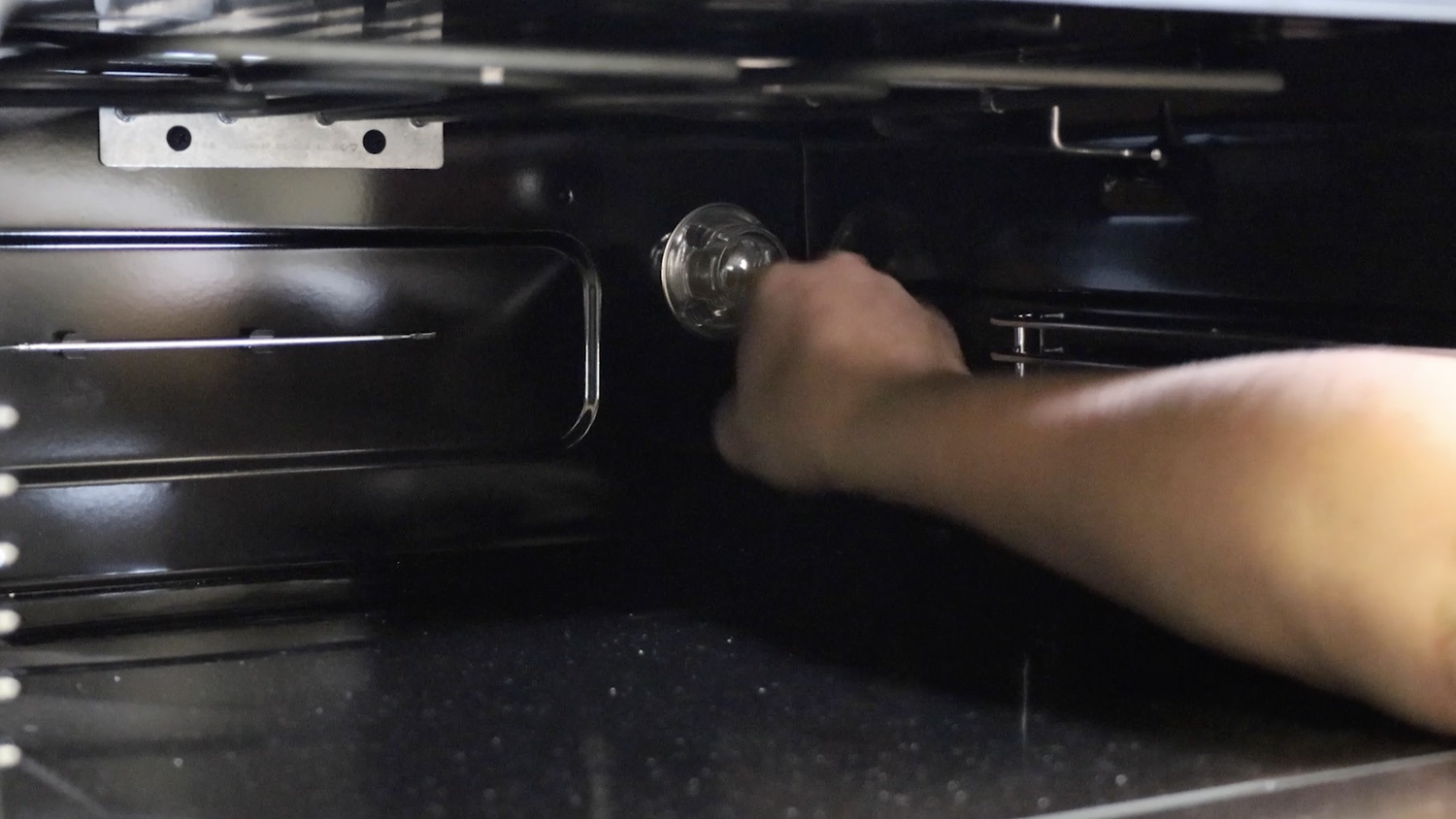
Unscrew and remove the glass lens cover.
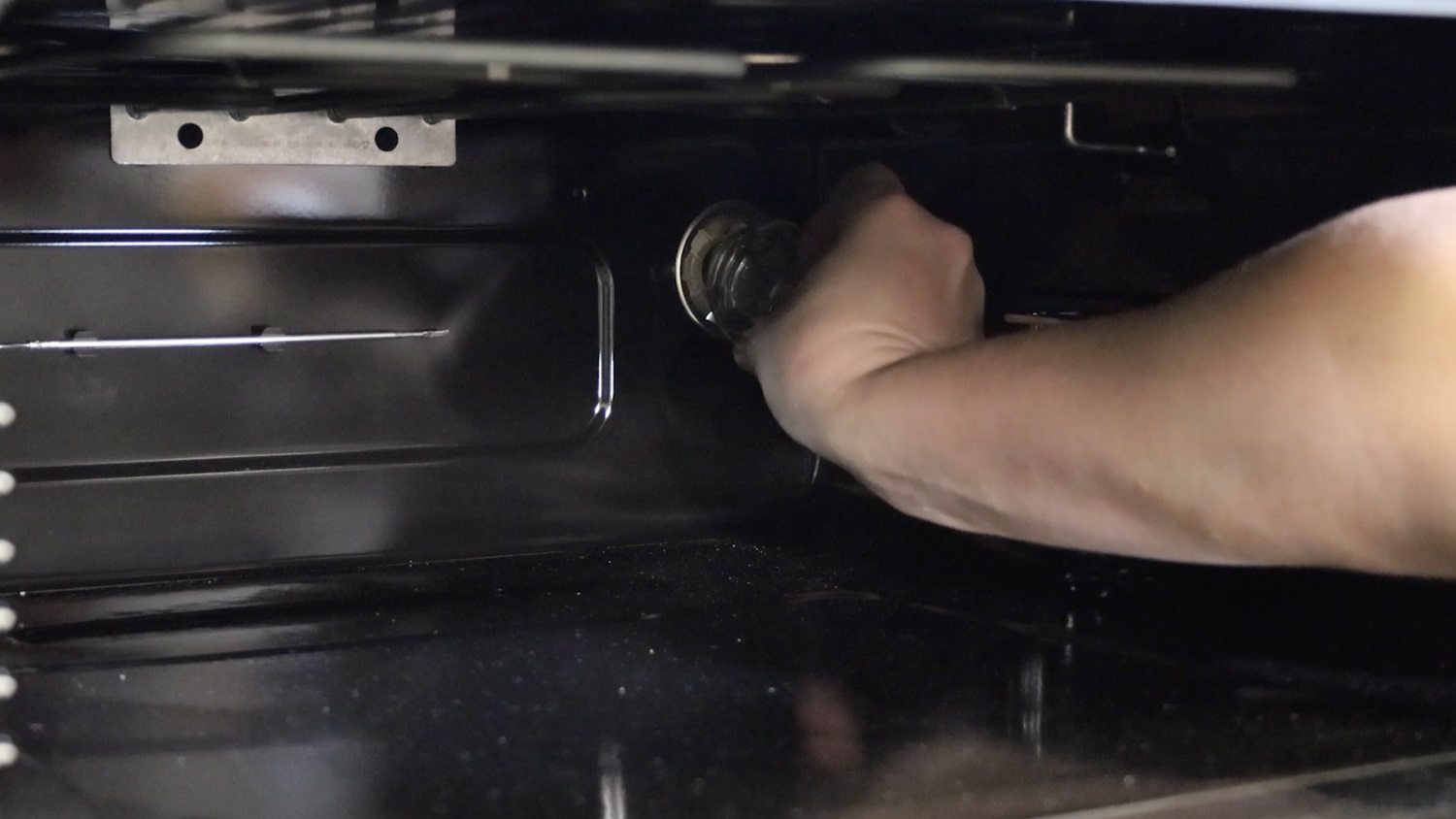
Then, gently unscrew and remove the old bulb.
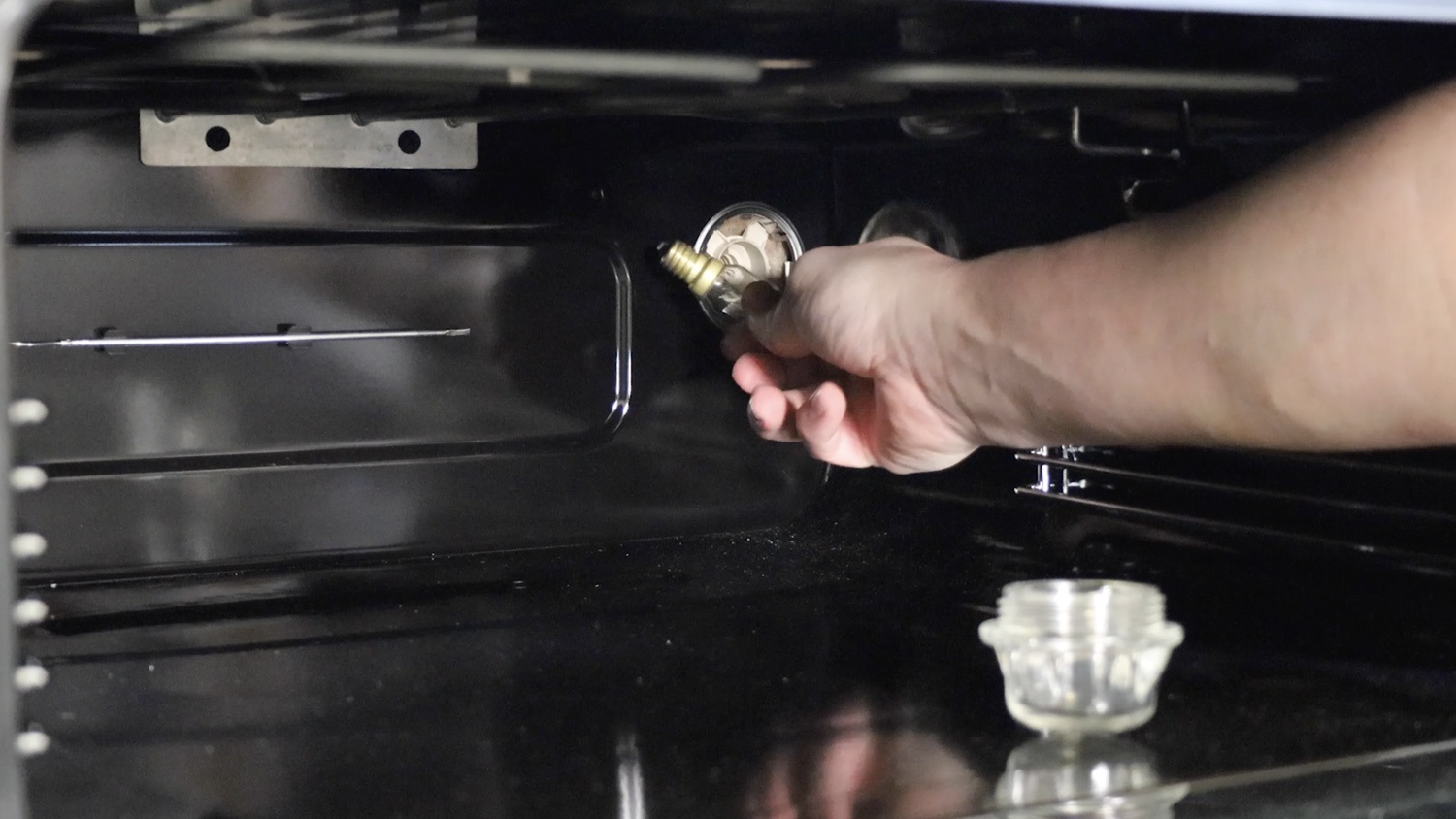
2. Install new bulb
The wattage, thread size and maximum temperature will be shown on the box of your new bulb and should also be on the bulb itself. Make sure this matches the bulb you’re replacing.
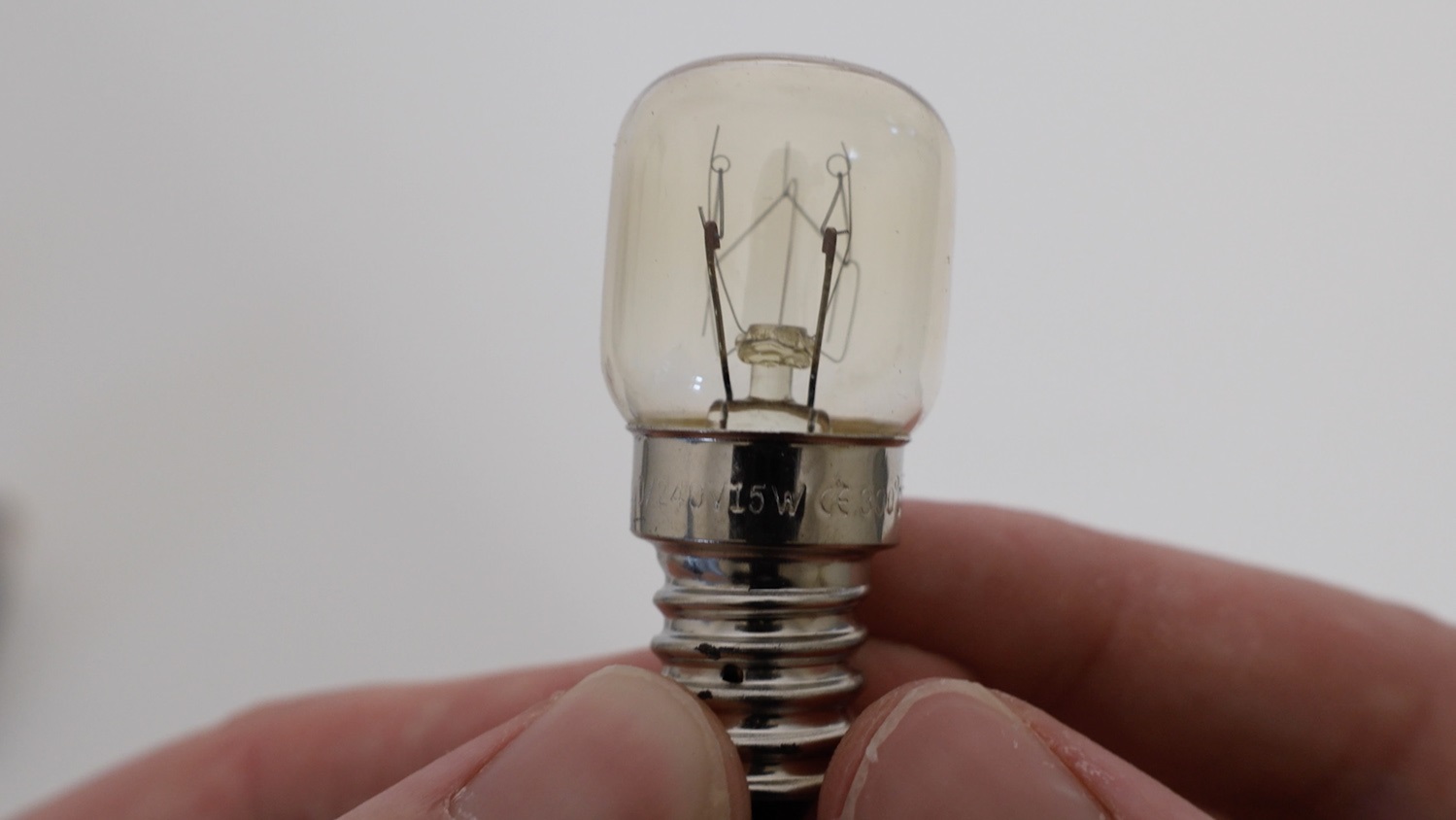
Gently screw the new bulb into the oven.
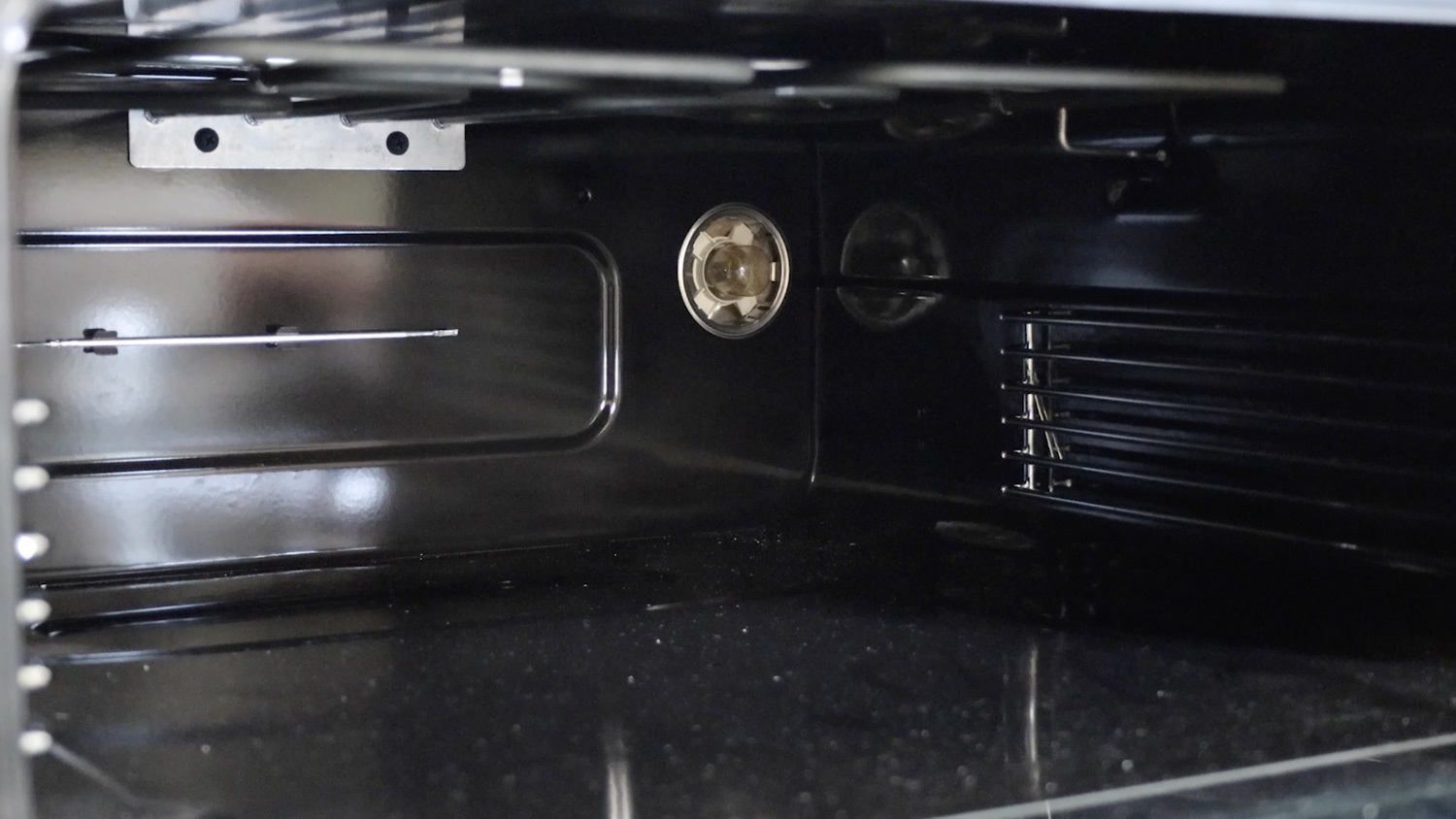
Then re-screw the glass lens cover back on.
Replace any racks and trays.
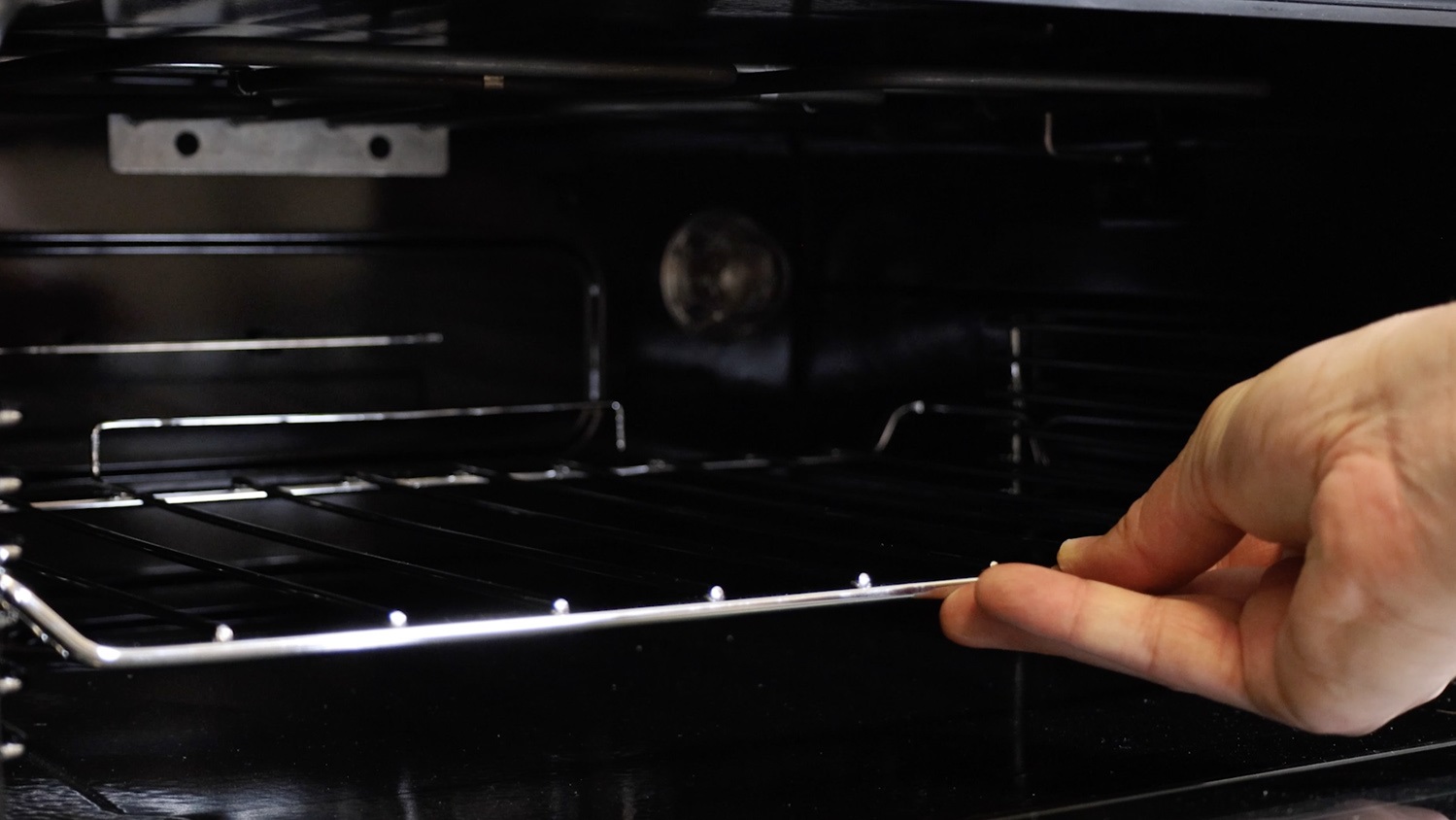
And that’s it, your new 15W E14 oven and microwave bulb is all set to go!